FlexTRAK OH Material Handler Manual.pdf - 第106页
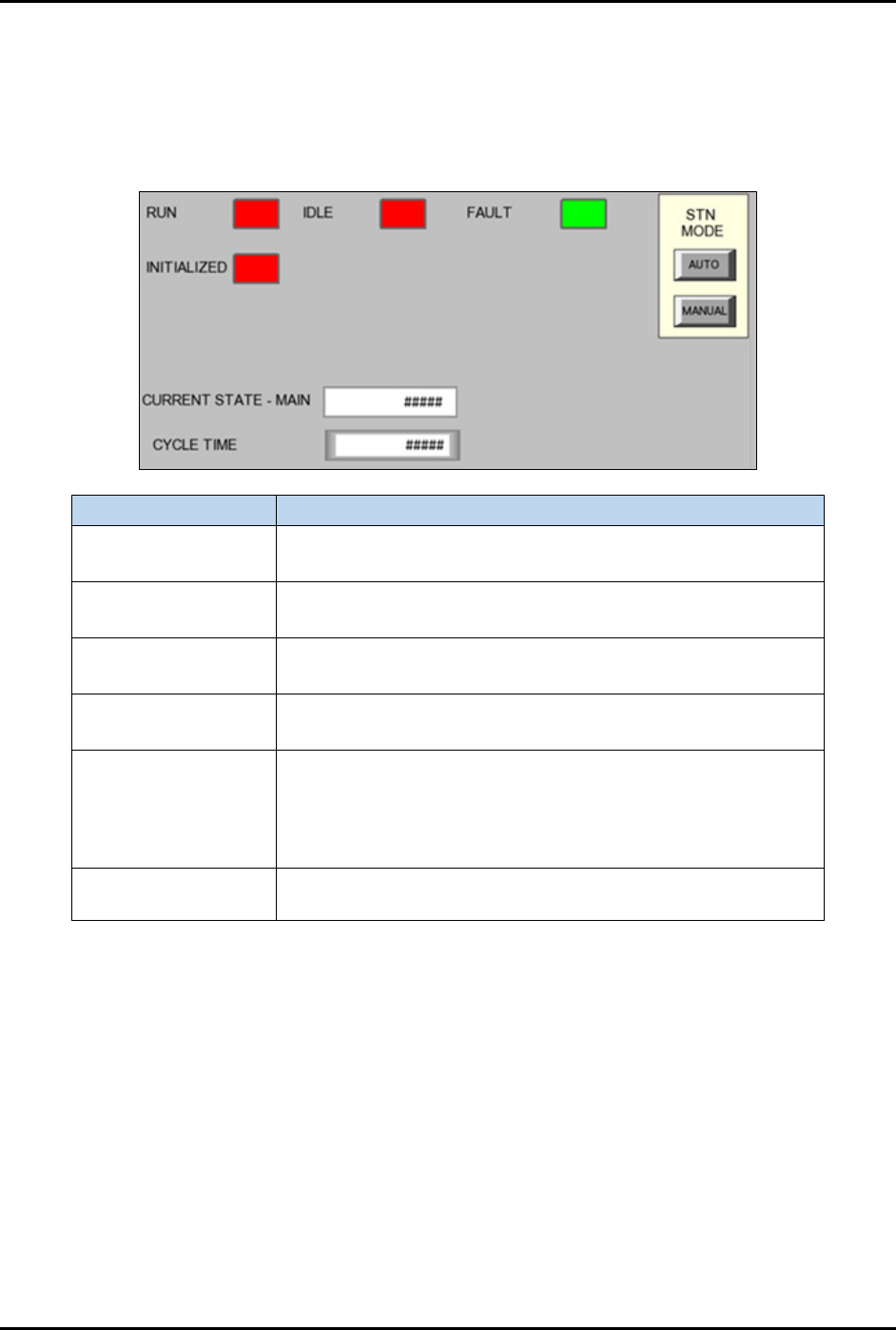
FlexTRAK-OH Material Handli ng System IOM Manual Material Handler Operation 4-18 © 2023 Nordson C orporation 4.10.4 Base Out put 2 Figure 4- 22 Base Output 2
FlexTRAK-OH Material Handling System IOM Manual Material Handler Operation
© 2023 Nordson Corporation 4-17
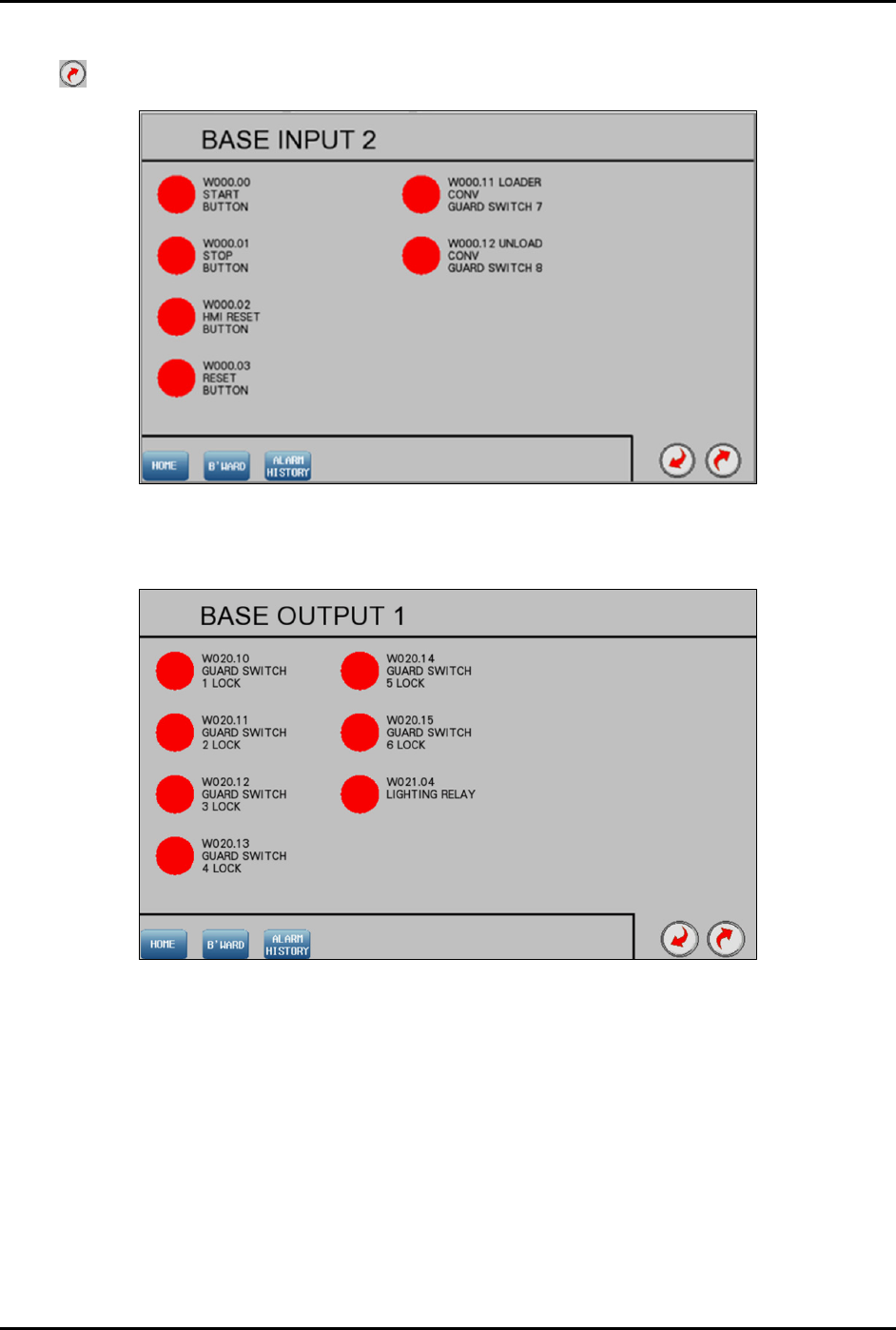
4.10.2 Base Input 2
Select on the Base Input 1 screen to access the Base Input 2 screen (Figure 4-20).
Figure 4-20 Base Input 2
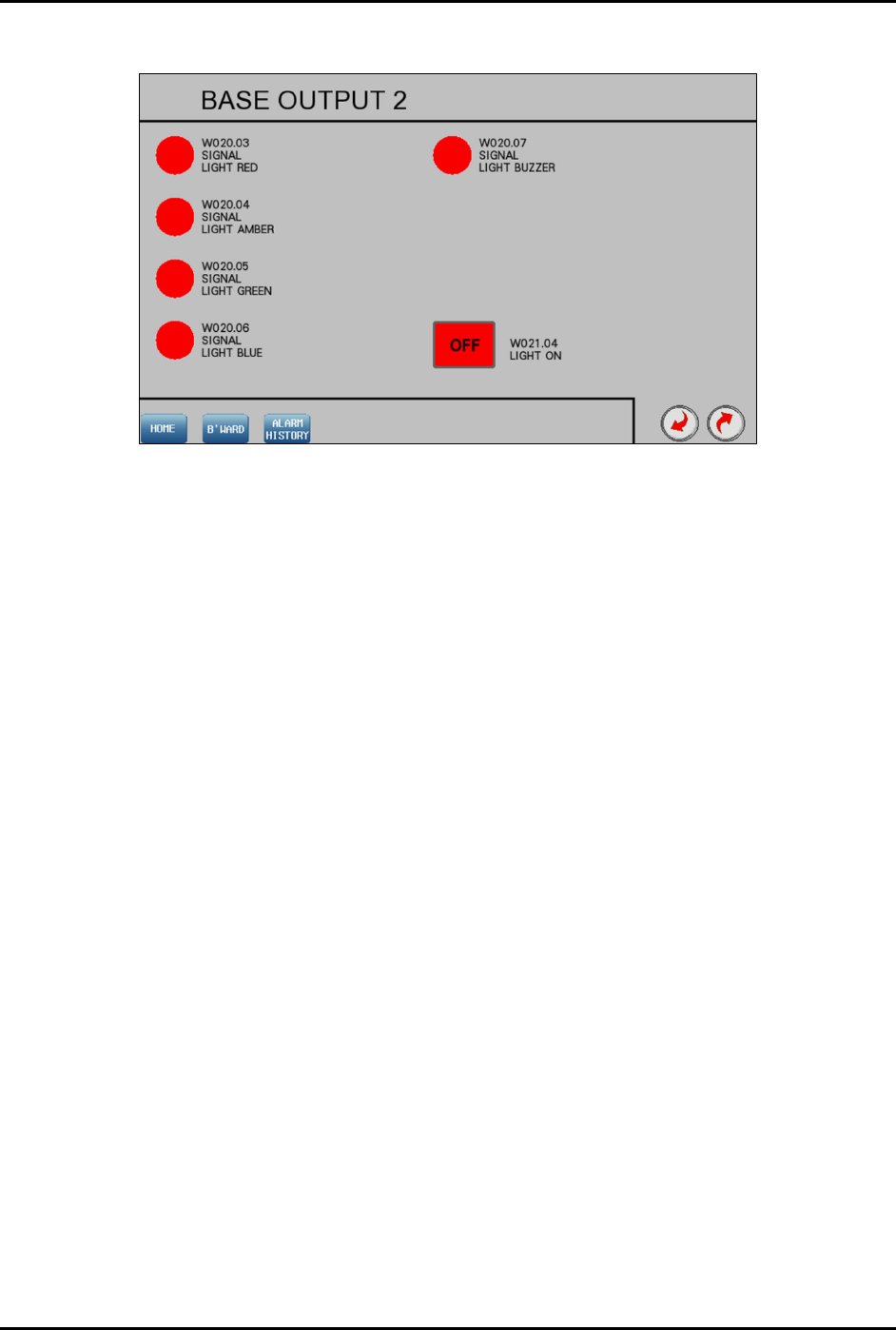
4.10.3 Base Output 1
Figure 4-21 Base Output 1
FlexTRAK-OH Material Handling System IOM Manual Material Handler Operation
4-18 © 2023 Nordson Corporation
4.10.4 Base Output 2
Figure 4-22 Base Output 2
FlexTRAK-OH Material Handling System IOM Manual Material Handler Operation
© 2023 Nordson Corporation 4-19
4.11 Station Main Menu Layout
This Station Main Menu screen displays the status of specific station number (#) I/O and device controller
for the Material Handler PLC. The indicators beside each label that turn green or red when that device is
ON/OFF respectively. This screen is also useful during troubleshooting to check if the station device and
sensors are in good or bad working condition.
Label
Description
Run
Red – Station sequence not running.
Green – Station sequence is running.
Idle
Red – Station is not ready to initialize.
Green – Station is ready to initialize.
Fault
Red – Station mechanism has an error.
Green – Station mechanism is good.
Initialized
Red – Station components not initialized.
Green – Station components are initialized.
Current State - Main
Indicates the machine PLC program sequence number been
executed in the current machine station mechanism. This
number value will help the PLC programmer or PLC
administrator during machine or PLC program troubleshooting
task.
Cycle time
Indicates cycle time calculation result for each station to
complete the mechanism sequence.
Figure 4-23 Station Main Menu