1OM-1064-002.pdf - 第124页
3. Confirmation and Procedure of Power Supply 9910-001 2-26 Tg0246-PM-OP • When an error is found in the memory or the current version is changed to an old one, the following messages appear after No. 8. T able 2.5 No. M…
3. Confirmation and Procedure of Power Supply
Process Messages at Power ON
The following messages appear and scroll up in the described order in Table
2.3.
Table 2.3
9910-001 2-25 Tg0246-PM-OP
No. Messages
1 CPU BOARD (1) INITIALIZING
2 SERIAL BOARD (1-1) INITIALIZING
3 CPU SYNCHRONOUS PROCESSING (1)
4 SDS BOARD INITIALIZING
5 MOTOR CONTROL BOARD (3-1) INITIALIZING
6 MOTOR CONTROL BOARD (3-2) INITIALIZING
7 MOTOR CONTROL BOARD (3-3) INITIALIZING
8 MEMORY BOARD INITIALIZING
9 TOUCH SCREEN INITIALIZING
10 DATA INITIALIZING
11 CPU SYNCHRONOUS PROCESSING (2)
12 CPU BOARD (2) INITIALIZING
13 I/O BOARD (2-1) INITIALIZING
14 INTERLOCK BOARD INITIALIZING
15 D.D. MOTOR CONTROL BOARD (1) INITIALIZING
16 D.D. MOTOR CONTROL BOARD (2) INITIALIZING
17 D.D. MOTOR CONTROL BOARD (3) INITIALIZING
18 D.D. MOTOR CONTROL BOARD (4) INITIALIZING
19 SYSTEM CLEAR PROCESSING
20 CPU SYNCHRONOUS PROCESSING (3)
21 MOTOR CONTROL BOARD (5) INITIALIZING
22 CPU SYNCHRONOUS PROCESSING (4)
23
RECOGNITION BOARD INITIALIZING
0
%|----+---
20
%---+---
40
%---+---
60
%---+---
80
%---+---|
100
%
********************************
XXXX
KBytes
written
24 CPU SYNCHRONOUS PROCESSING (5)
• When a different memory version is used (when the version is updated to a
new one), the following message appears after No. 8.
Table 2.4
After the memory is converted, processing continues with No. 9.
No. Message
8-1
MEMORY CONVERT PROCESSING
(PLEASE WAIT A MINUTE)

3. Confirmation and Procedure of Power Supply
9910-001 2-26 Tg0246-PM-OP
• When an error is found in the memory or the current version is changed to
an old one, the following messages appear after No. 8.
Table 2.5
No. Messages
8-1
CORRUPT DATA IN MEMORY.
DATA IN MEMORY WILL BE CLEARED.
PLEASE PRESS [SYSTEM CLEAR] BUTTON.
8-2 MEMORY CLEAR PROCESSING
After the memory is cleared, processing continues with No. 9.
Note: When the [SYS CLR] button is pressed, all memory is cleared.
When the above messages are issued, contact our sales personnel.
4. Thorough Procedures (from starting through ending operations including preparation)....
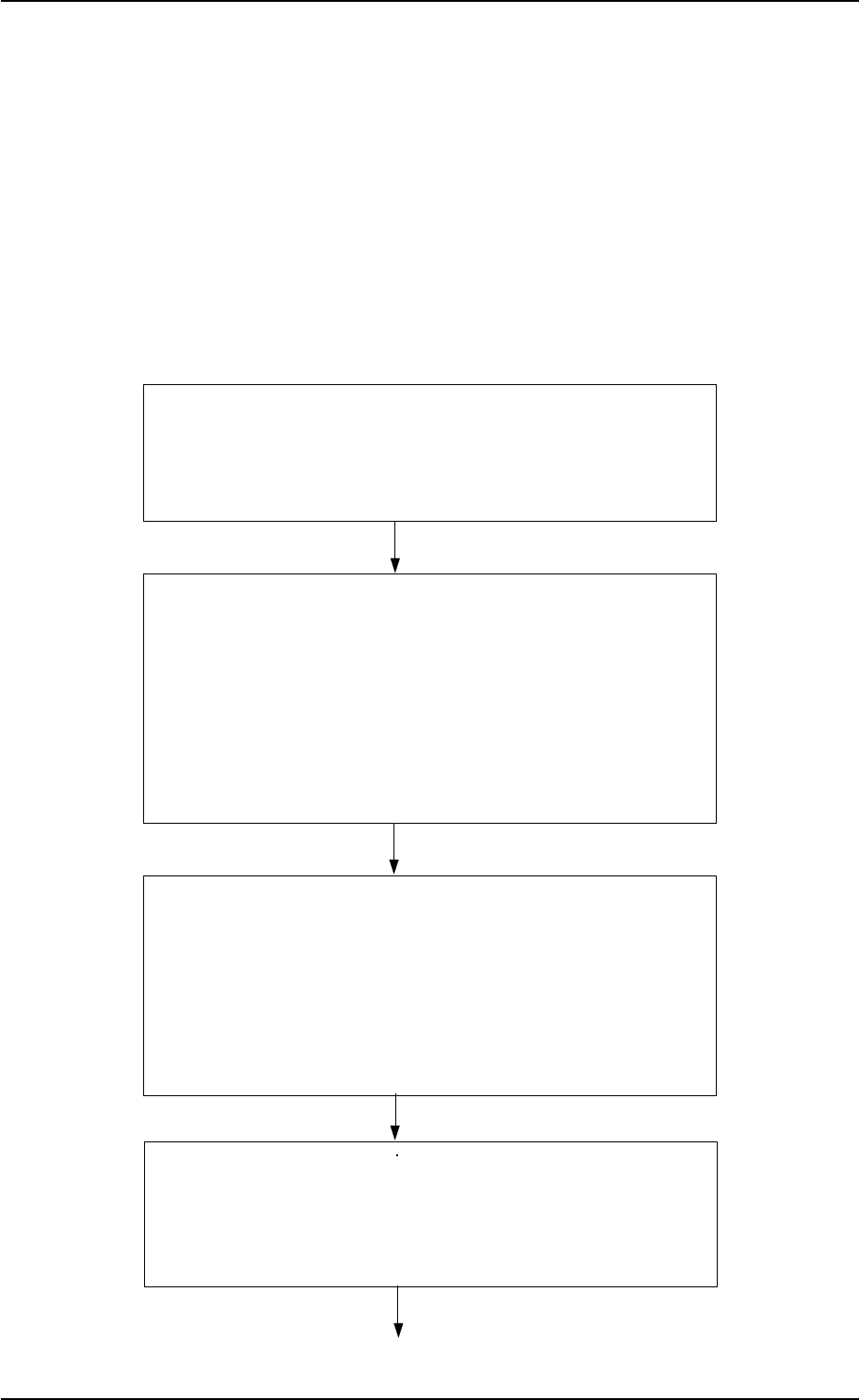
Section 2 5.1 Preparation of Pattern Program
5.1.1 Preparation of Component Library
5.1.2 Creation of Pattern Program for Production Model
5.1.3 Registration (Storage in Memory) of Pattern Program
for Production Model
Section 2 5.2 Program Change Operation
5.2.1 Selection of Current Pattern Program (Program Change)
5.2.2 Adjustment of P.C.B. Positioning Section
5.2.3 Preparation of Nozzle Stocker Section
5.2.4 Preparation of Feeders
Tape Feeders
Vibratory Stick Feeders
Multi-Layer Tray Feeders (Option)
5.2.5 Feeder (B) Offset
Section 2 5.3 Pattern Program Checking for Production Model
5.3.1 Setting and Checking of P.C.B. Recognition
5.3.2 Confirmation of Placement Position
5.3.3 Confirmation of Components
Verification of Component Library Data
Confirmation of Pick-Up Position
5.3.4 Placement Verification
Section 2 5.4 Setting of Operation Mode
(1) Automatic Feeder Axis Adjustment Mode
(2) Overall Tact-Time Reduction
(3) Recognition Monitor Display Mode
(4) P.E.C. Manual Alignment Mode
4. Thorough Procedures (from starting through end-
ing operations including preparation) for Auto-
matic Operation (Component Placement)
4.1 Placement Mode
Follow the procedures (outline) below before actually producing P.C.B.’s.
Refer to “Items 5., 6., and 8. of Section 2” for details.
9910-001 2-27 Tg0246-PM-OP