1OM-1064-002.pdf - 第66页
Maintenance Cover (B) [READY] Button Safety Bar (B) Feeder Base Supply Cover (B) Maintenance Cover (A) Supply Cover (A) [READY] Button Safety Bar (A) Feeder Base 5.5 [READY] Button 5. Operation Panel (Names and Functions…
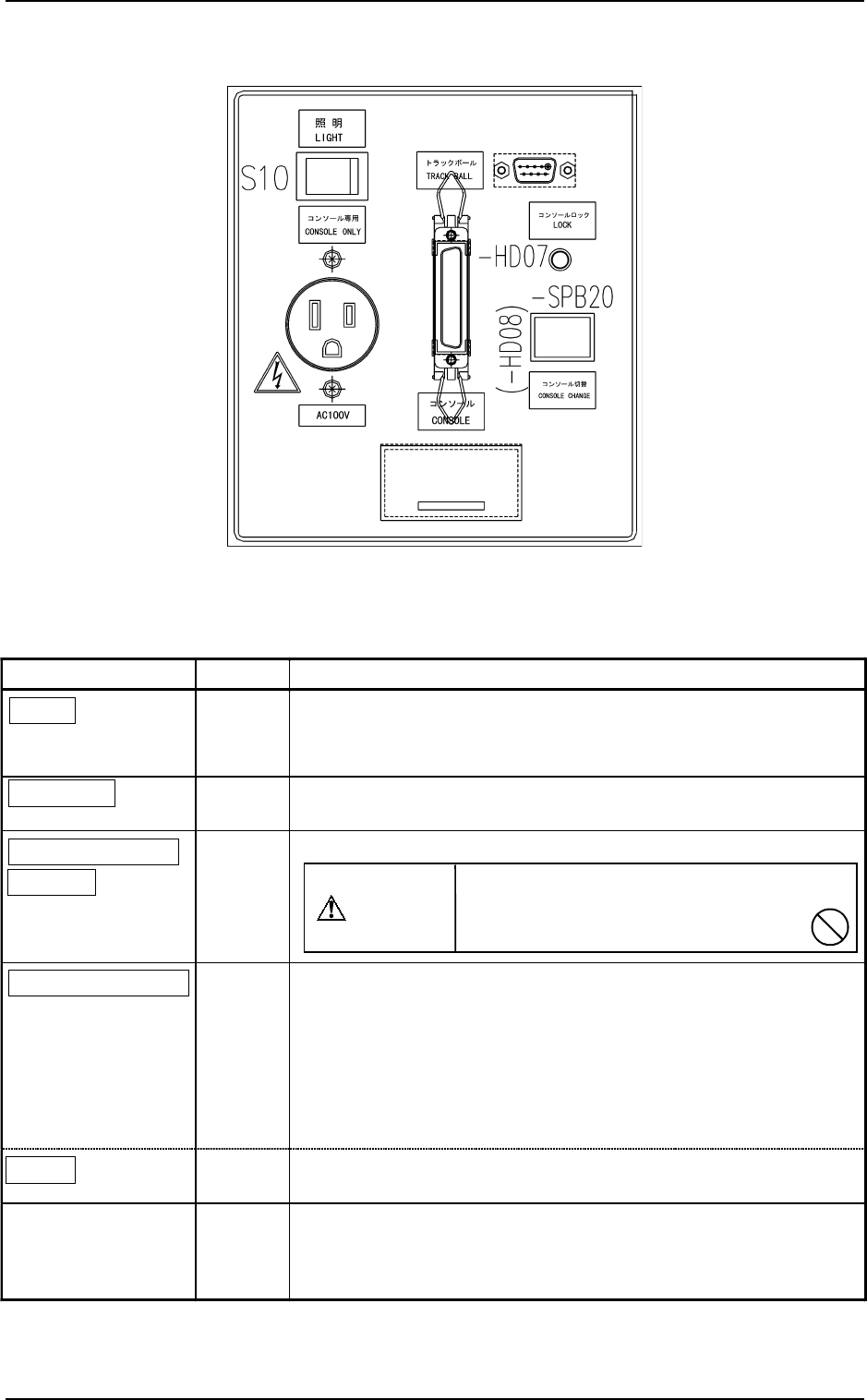
Name Symbol Function
LIGHT
S10
•
This switch is used to turn on or off the illuminating lamps for
the component placement section and a P.C.B.
•
Turns on or off the work lamp on Side A (rear side).
CONSOLE
X6
•
This connector is used to link a programming device (option) for
data communication.
CONSOLE ONLY
AC100V
X10
•
This outlet is used only for the programming device (option).
CONSOLE CHANGE
-SPB20
(-HD08)
• This button is used to select either the front or the rear serial port
for external communication of the console.
•
When the button is pressed while -HD08 is ON (console
activated), only the rear console becomes available (console
locked) and the LEDs (-HD07 on the front and rear sides)
illuminate.
• To cancel the locked console, press the button again.
LOCK
(-HD07)
•
While -HD07 is ON, it indicates that front and rear consoles are
locked.
TRACK BALL
XCN156
•
This port is used to connect a trackball for component library
teaching operation (option), etc.
(The track ball connection on the rear side is optional.)
Do not connect any other device except
the programming device (option)
to this outlet.
CAUTION
5. Operation Panel (Names and Functions)
0004-002 1-35 Tg0246-PM-OP
5.4 Rear Console Panel
Fig. 1.12
Table 1.4
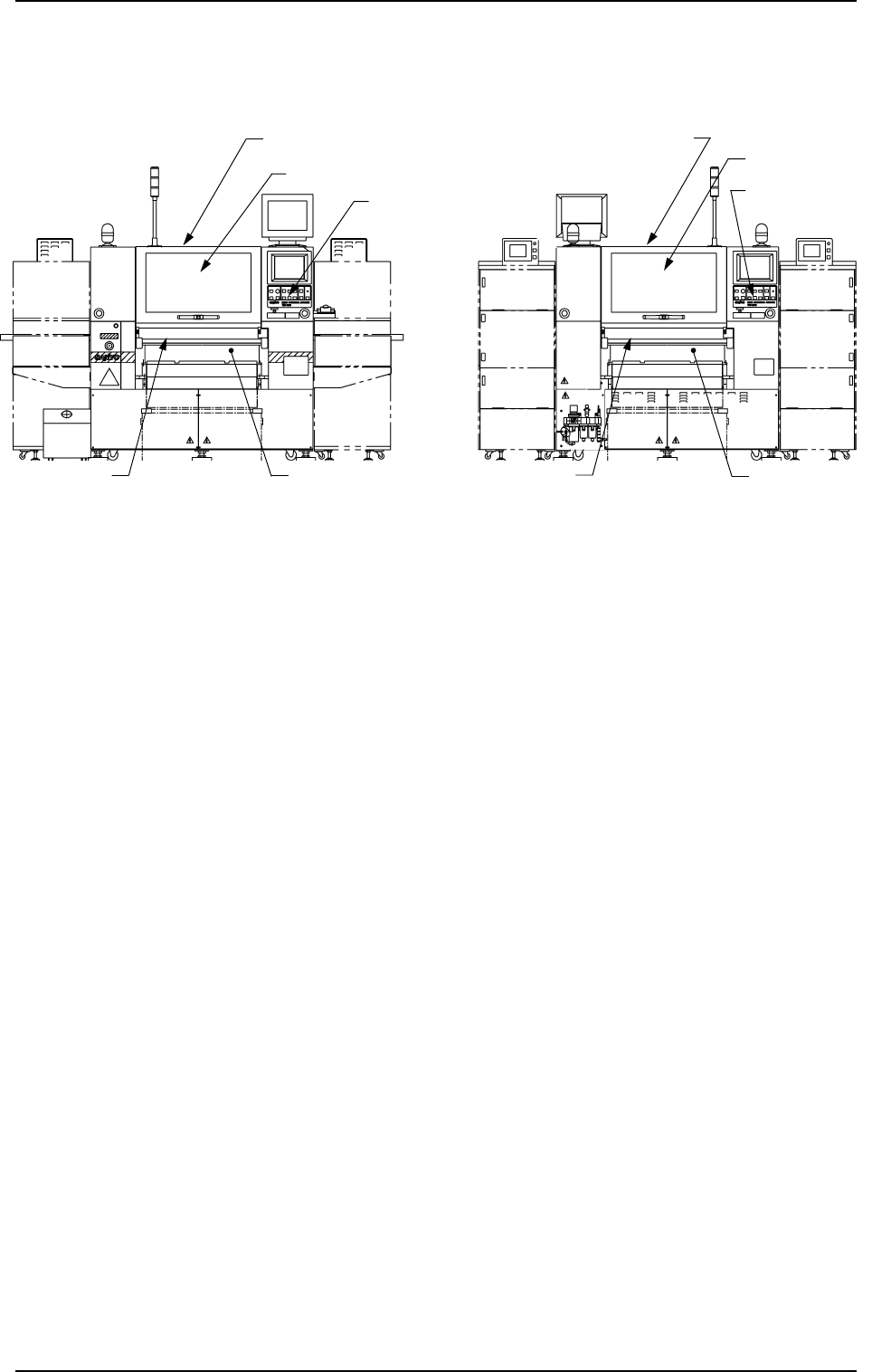
Maintenance Cover (B)
[READY] Button
Safety Bar (B)
Feeder Base
Supply Cover (B)
Maintenance Cover (A)
Supply Cover (A)
[READY] Button
Safety Bar (A)
Feeder Base
5.5 [READY] Button
5. Operation Panel (Names and Functions)
0004-002 1-36 Tg0246-PM-OP
• The [READY] button is used to tell the machine that the feeder on the feeder
base is set ready for replacement or component supply.
• When a component shortage error occurs during automatic operation, the
X/Y beam moves to its standby position and the LED (-HD09) of the
[READY] button (on the error-caused side) extinguishes.
At this time, the supply cover and the safety bar on the related side are
unlocked, making them accessible for feeder replacement and component
supply.
• When the [READY] button is pressed with the LED (-HD09) kept ON, the
X/Y beam on the related side moves to its standby position, the LED (-
HD09) of the [READY] button extinguishes, and the supply cover and the
safety bar on the related side are unlocked, making them accessible for feeder
replacement and component supply.
While the X/Y beam is moving to its standby position, the supply cover and
the safety bar on the related side are kept locked and the LED (-HD09) of
the [READY] button blinks.
• After feeder replacement or component supply work, close the supply cover
and the safety bar and then press the [READY] button to set the machine in
the “READY” mode.
(Front View) (Beam B Side) (Rear View) (Beam A Side)
Fig. 1.13
CAUTION
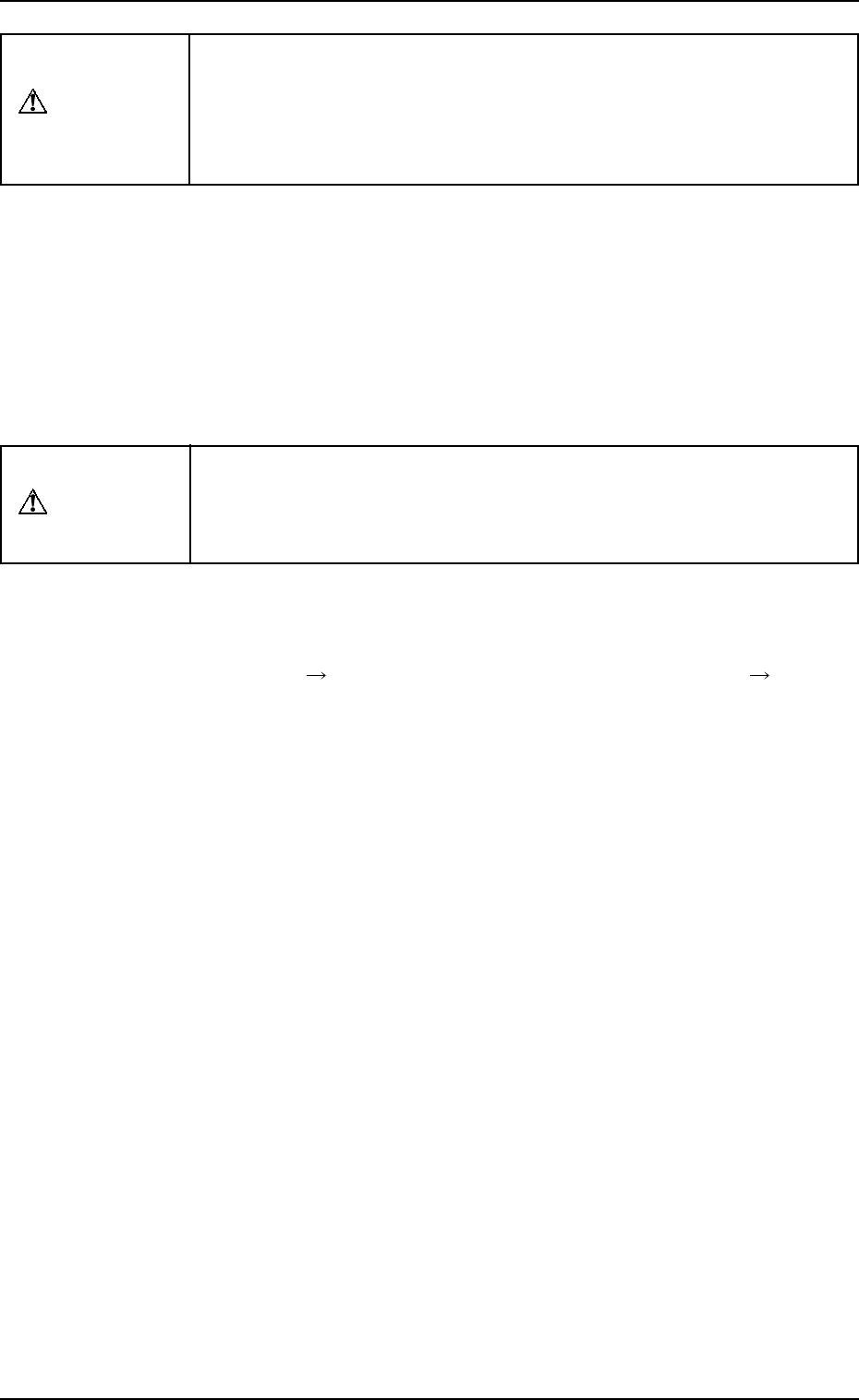
When the LED (-HD09) of the [READY] button is not ON, the machine
cannot start the automatic operation.
While the LED is ON or flickers, the supply cover and the safety bar are
locked and cannot be opened.
Do not try to open them forcibly to avoid any danger.
0004-002 1-37 Tg0246-PM-OP
5. Operation Panel (Names and Functions)
• When the [READY] button is pressed right after the supply cover and the
safety bar are closed, the LED (-HD09) of the button may not illuminate
immediately.
When the LED (-HD09) is not ON, confirm that the supply cover and the
safety bar are closed and press the [READY] button again.
• When the supply cover and the safety bar are opened with the LED OFF, the
load power for the servomotor driver on the related X/Y beam is shut off.
CAUTION
The X/Y beam on the other side is moving though the supply cover and
the safety bar are opened.
Rectify the operating range of the X/Y beam and pay special caution
while supplying components, etc.
• The keys having the same function as the [READY] button are provided at
the “AUTO OPN. SUB-MENU” display. (Hierarchical Sequence: “MAIN
MENU” Display
“AUTO OPN. MODE <PLACEMENT>” Display
“AUTO OPN. SUB-MENU” Display)
〈〈FEEDER CHANGE-OVER PREPARATION COMPLETE〉〉 [SIDE A],
[SIDE B]
Ready operation (operation to complete the preparation) is performed on
the selected side.
Press either the [SIDE A [MOVE]] or the [SIDE B [MOVE]] key and then
the [MOVE] button.