1OM-1064-002.pdf - 第13页
1.2 Precautions before Operation 9910-001 1 1 Tg0246-PM-OP 1.2 Precautions before Operation • Always check the machine before automatic operation. • Only a trained personnel should operate the machine. • Make certain tha…
1.1 Caution of Pre-Installation
0304-002 10 Tg0246-PM-OP
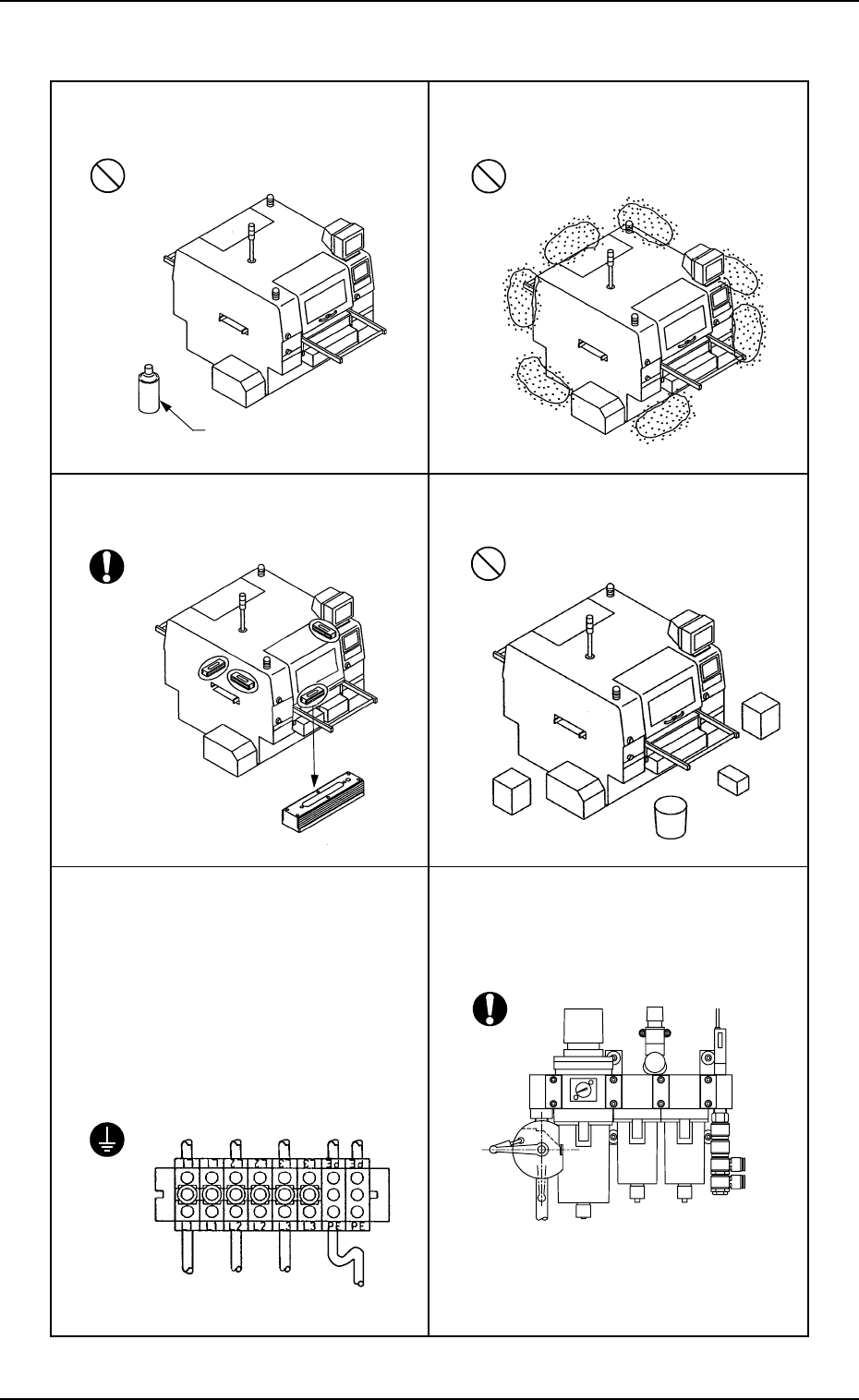
• Do not expose the machine to combustible
and corrosive gas.
• Select a place free from lamp soot and dust.
• Level the machine at the correct height,
using a level vial.
• The machine should be located at a place
free from obstacles for easy maintenance.
• Primary power supply must be connected
terminals “L1”, “L2”, and “L3” and the
ground wire to “PE”.
Voltage: 200 ± 20 V AC, 3-Phase
Maximum Power Consumption:
Approx. 7kVA
Note: Make the PE wire longer than the
others “L1 through L3 wires”,
giving some leeway.
Combustible and
Corrosive Gas
• Clean, dry, and non-lubricated air (air con-
taining no moisture, oil, and dust) must be
supplied at an air pressure of 0.49 to 0.69
MPa (5 to 7 kgf/cm
2
).
L2L1 PEL3
1.2 Precautions before Operation
9910-001 11 Tg0246-PM-OP
1.2 Precautions before Operation
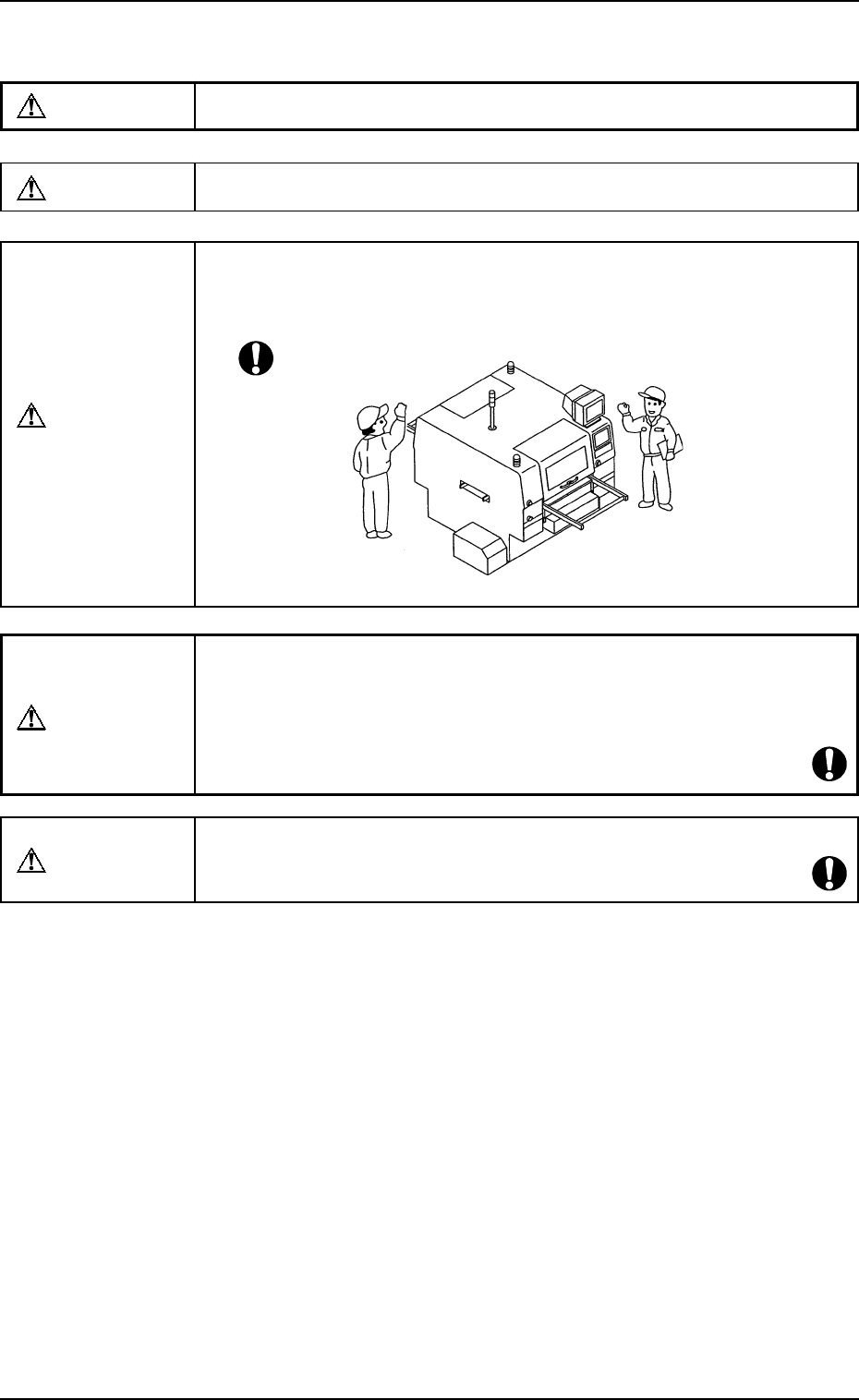
• Always check the machine before automatic operation.
• Only a trained personnel should operate the machine.
• Make certain that no one (including part of body and clothes) or foreign ob-
jects remain within the moving parts of the machine. Then, check safety and
power up the machine to start operation.
Do not start the machine unless those working in the immediate
area of the machine are aware of hazards from
• Make sure that only qualified personnel remain within the operation area of
the machine.
• In principle, the buttons on the operation panel and the keys on the touch
screen must be operated by only one person. If there are more than one, ensure
good communication by giving loud verbal instructions.
WARNING
CAUTION
CAUTION
WARNING
CAUTION
1.3 Precautions during Operation
0004-002 12 Tg0246-PM-OP
1.3 Precautions during Operation
• When the tower lamp (green) is ON, it shows that the static machine is in the
“automatic” mode (awaiting mode).
• When there is a problem with the machine, locate the cause and assess the
condition. After the problem has been rectified, turn off power supply (if re-
quired) and follow reset procedures.
• Ensure personnel (part of body and clothes) and foreign objects remain clear
of the moving parts of the machine.
• Keep one’s face and hands away from any moving part of the machine.
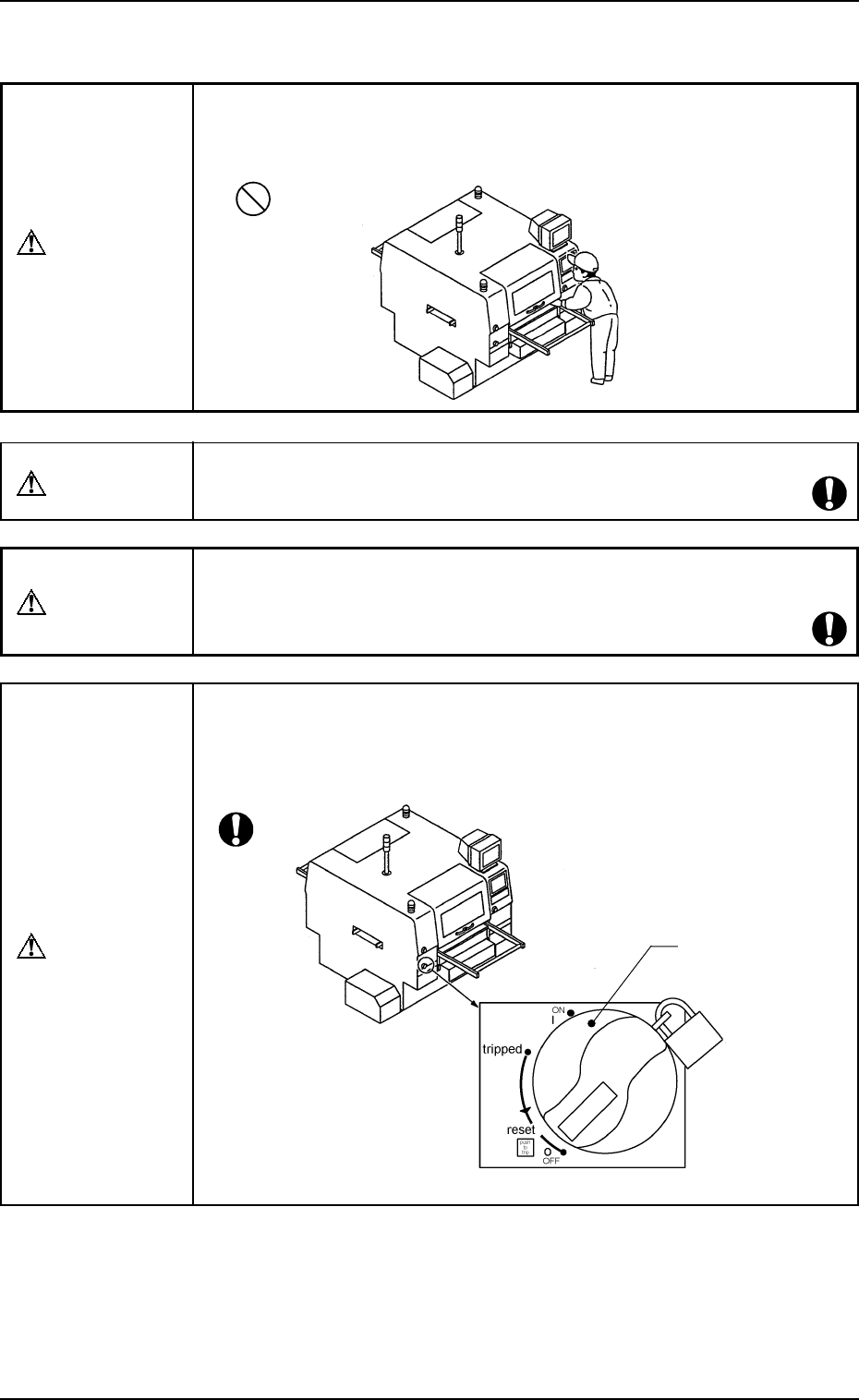
Power OFF Mode
• When the machine stops due to error during automatic operation, check the
cause of the error through the operation monitor and turn off the power. Keep
the power off until the cause is completely resolved.
(Refer to “Volume 3 : Troubleshooting” for details.)
WARNING
WARNING
CAUTION
CAUTION
Power Breaker