sh030051g.pdf - 第115页
4 - 8 4. STARTUP 4.5 Test operation mode CAUTION The test operation mode is designed for servo operation confirma tion and not for machine operation confirmation . Do not use this mode with the machine. Always use the se…
4 - 7
4. STARTUP
4.4 Test operation
Before starting actual operation, perform test operation to make sure that the machine operates normally.
Refer to section 4.2 for the power on and off methods of the servo amplifier.
POINT
If necessary, verify controller program by using motorless operation.
Refer to section 4.5.2 for the motorless operation.
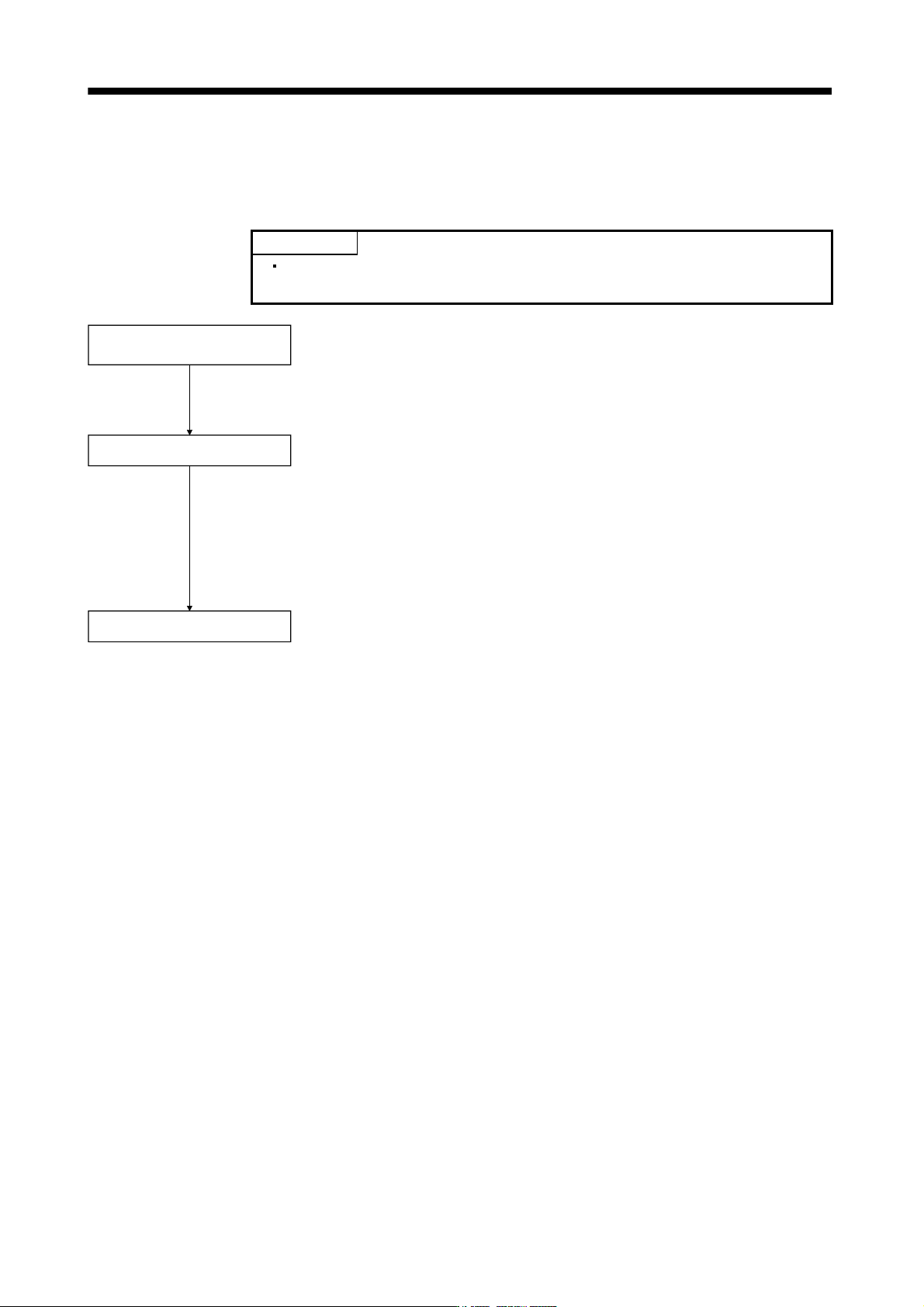
Test operation of servo motor
alone in JOG operation of test
operation mode
Test operation of servo motor
alone by commands
Test operation with servo motor
and machine connected
In this step, confirm that the servo amplifier and servo motor operate normally.
With the servo motor disconnected from the machine, use the test operation
mode and check whether the servo motor rotates correctly. Refer to section
4.5 for the test operation mode.
In this step, confirm that the servo motor rotates correctly under the
commands from the controller.
Make sure that the servo motor rotates in the following procedure.
Give a low speed command at first and check the rotation direction, etc. of the
servo motor.
If the servo motor does not operate in the intended direction, check the input
signal.
In this step, connect the servo motor with the machine and confirm that the
machine operates normally under the commands from the command device.
Make sure that the servo motor rotates in the following procedure.
Give a low speed command at first and check the operation direction, etc. o
f
the machine. If the machine does not operate in the intended direction, check
the input signal. In the status display, check for any problems of the servo
motor speed, command pulse frequency, load ratio, etc.
Then, check automatic operation with the program of the command device.
4 - 8
4. STARTUP
4.5 Test operation mode
CAUTION
The test operation mode is designed for servo operation confirmation and not for
machine operation confirmation. Do not use this mode with the machine. Always
use the servo motor alone.
If an operation fault occurred, use the forced stop (EM1) to make a stop.
POINT
The content described in this section indicates the environment that servo
amplifier and personal computer are directly connected.
By using a personal computer and the MR Configurator, you can execute jog operation, positioning operation,
DO forced output program operation without connecting the servo system controller.
4.5.1 Test operation mode in MR Configurator
(1) Test operation mode
(a) Jog operation
Jog operation can be performed without using the servo system controller. Use this operation with the
forced stop reset. This operation may be used independently of whether the servo is on or off and
whether the servo system controller is connected or not.
Exercise control on the jog operation screen of the MR Configurator.
1) Operation pattern
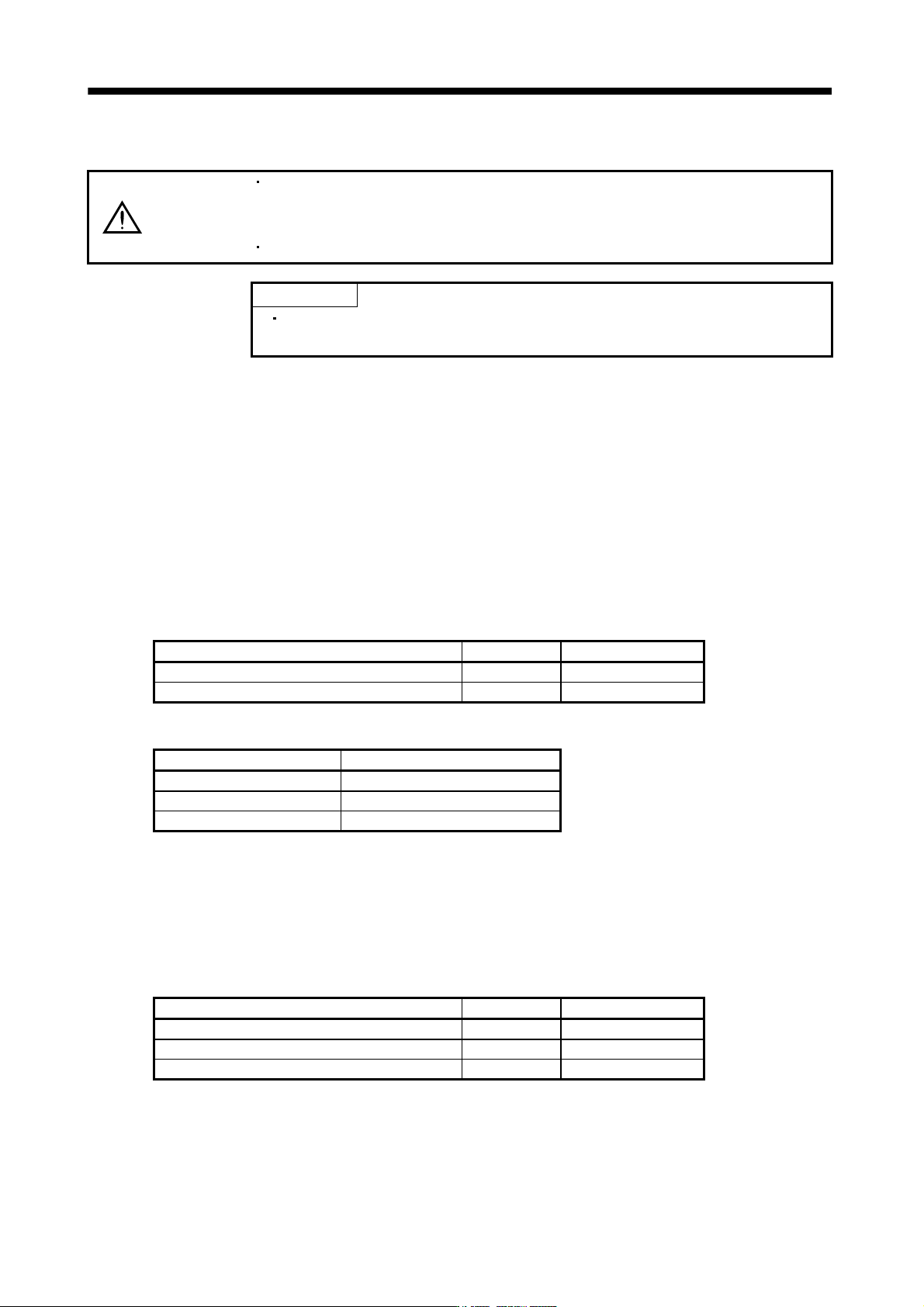
Item Initial value Setting range
Speed [r/min] 200 0 to max. speed
Acceleration/deceleration time constant [ms] 1000 0 to 50000
2) Operation method
Operation Screen control
Forward rotation start Click the "Forward" button.
Reverse rotation start Click the "Reverse" button.
Stop Click the "Stop" button.
(b) Positioning operation
Positioning operation can be performed without using the servo system controller. Use this operation
with the forced stop reset. This operation may be used independently of whether the servo is on or off
and whether the servo system controller is connected or not.
Exercise control on the positioning operation screen of the MR Configurator.
1) Operation pattern
Item Initial value Setting range
Travel [pulse] 4000 0 to 99999999
Speed [r/min] 200 0 to max. speed
Acceleration/deceleration time constant [ms] 1000 0 to 50000
4 - 9
4. STARTUP
2) Operation method
Operation Screen control
Forward rotation start Click the "Forward" button.
Reverse rotation start Click the "Reverse" button.
Pause Click the "Pause" button.
(c) Program operation
Positioning operation can be performed in two or more operation patterns combined, without using the
servo system controller. Use this operation with the forced stop reset. This operation may be used
independently of whether the servo is on or off and whether the servo system controller is connected or
not.
Exercise control on the programmed operation screen of the MR Configurator. For full information, refer
to the MR Configurator Installation Guide.
Operation Screen control
Start Click the "Start" button.
Stop Click the "Reset" button.
(d) Output signal (DO) forced output
Output signals can be switched on/off forcibly independently of the servo status. Use this function for
output signal wiring check, etc.
Exercise control on the DO forced output screen of the MR Configurator.
(2) Operation procedure
(a) Jog operation, positioning operation, program operation, DO forced output.
1) Switch power off.
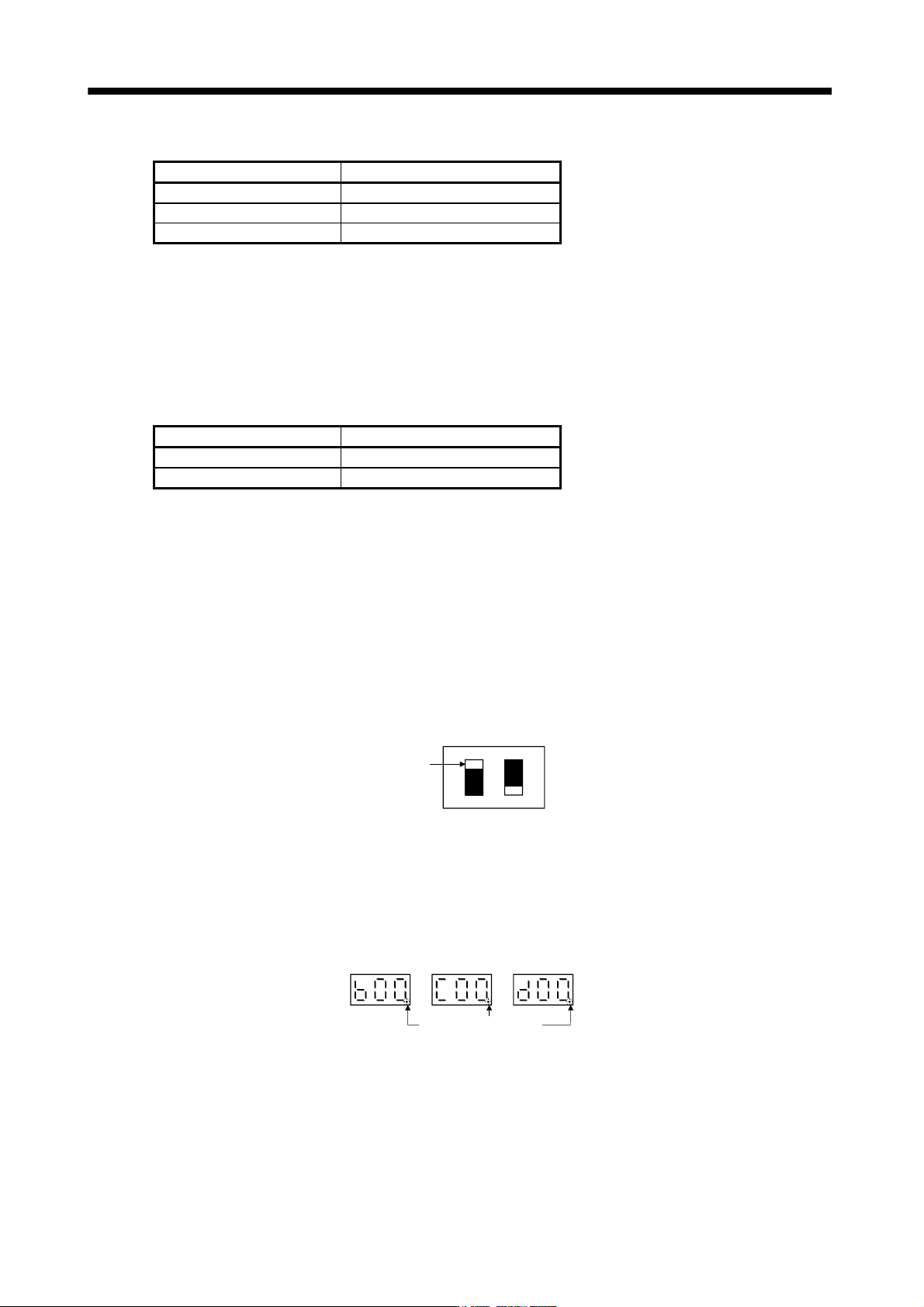
2) Set SW2-1 to "UP".
SW2
DOWN
UP
12
Set SW2-1 to "UP"
When SW1 and SW2-1 is set to the axis number and operation is performed by the servo system
controller, the test operation mode screen is displayed on the personal computer, but no function is
performed.
3) Switch servo amplifier power on.
When initialization is over, the display shows the following screen.
Decimal point flickers.
4) Perform operation with the personal computer.