SM482PLUS_Admin(Eng_Ver2.8).pdf - 第116页
5-2 Multi-Functional Placer SM482( L) PLUS Administrator’s Guide 5.2. About When the <About SM> submenu is selected, the following message box is displayed. Figure5.2 In formation on the present equipmen t 5.3. Hel…
5-1
Help Shortcut Menu
Chapter5. Help Shortcut Menu
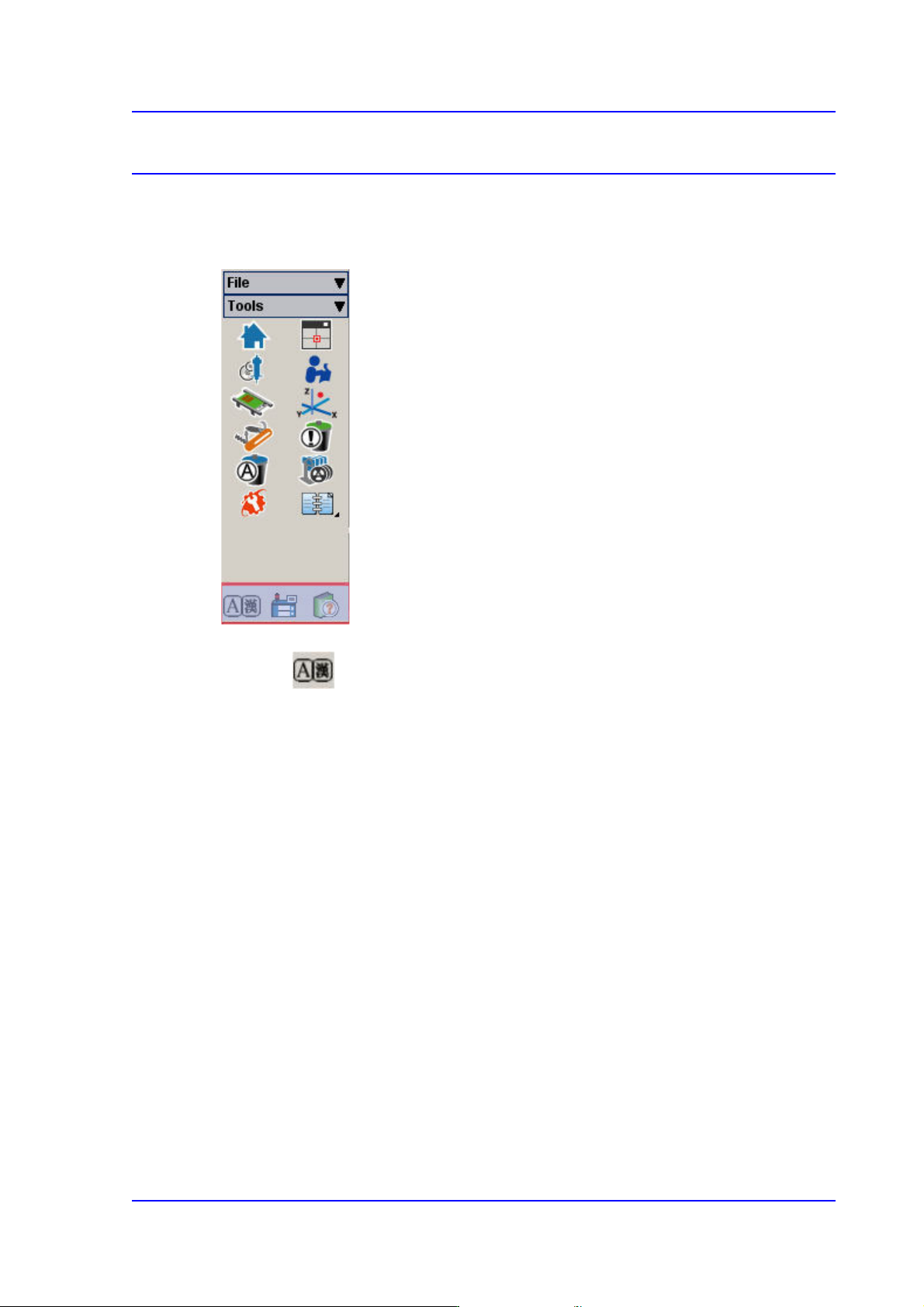
The <Help> menu has Language, Help and About command.
Figure5.1 Help Shortcut Menu
5.1. Language
Used to convert the language indicated on the MMI screen from the user defined language
to English and vice versa. (Ex. Chinese <-> English, German <-> English)
Language conversion can only be carried out when the machine is running and the
language is changed to the designated default language.
5-2
Multi-Functional Placer SM482(L) PLUS Administrator’s Guide
5.2. About
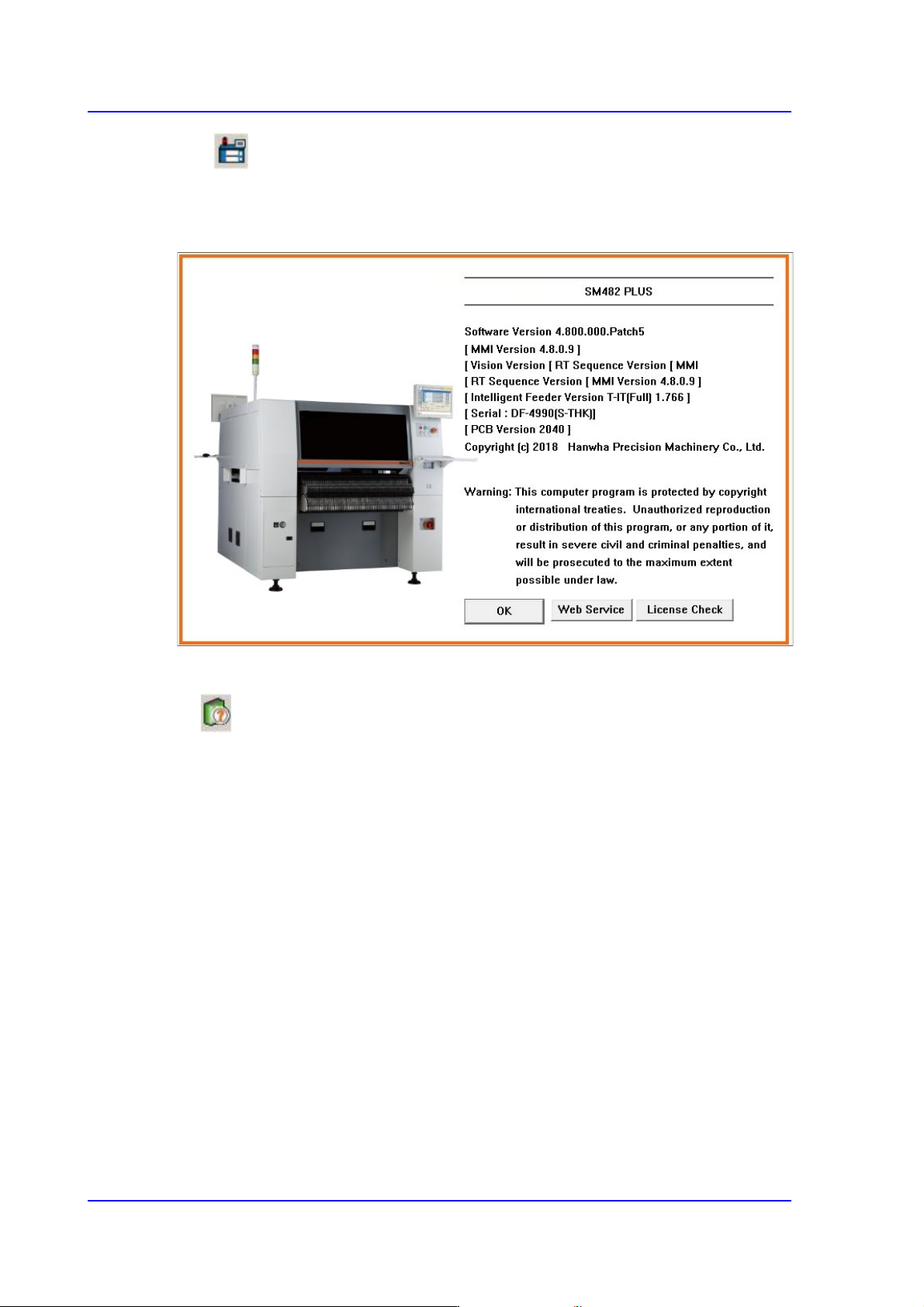
When the <About SM> submenu is selected, the following message box is displayed.
Figure5.2 Information on the present equipment
5.3. Help
If the <Help> menu is selected, help in HTML format is provided.

Programming
Reference