SM482PLUS_Admin(Eng_Ver2.8).pdf - 第234页
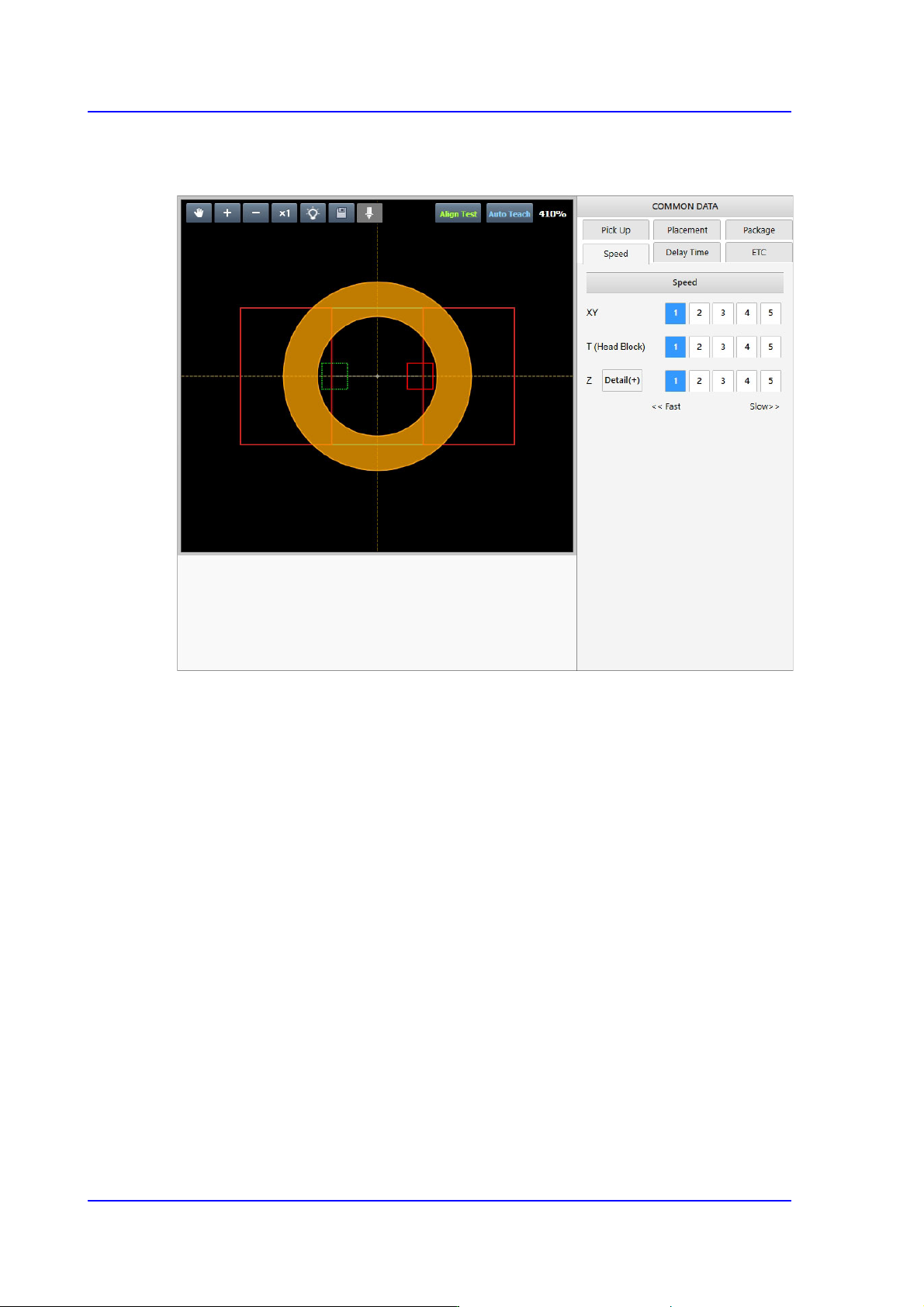
7-62 SM PLUS Administrator’s Guide 7.2.2.7. COMMON DATA Sets the handling parameters rela ted to part pickup and placement.

7-61
Part Registration
<Pin Length> edit box
Inputs the pin length. Input the distance between the part bottom surface
contacting the PCB and the end of the pin.
<Recognition Height Z (mm)> edit box
Input the height for part recognition. When recognizing the upper side based on
the bottom surface, set the height to a minus (-) value, and when recognizing the
lower side, input the height to a plus (+)value.
<Get Align Z> button
When this button is clicked, the machine automatically measures the height at
which the part is recognized, and the measured value is entered in the
<Recognition Height Z> edit box.
7-62
SM PLUS Administrator’s Guide
7.2.2.7. COMMON DATA
Sets the handling parameters related to part pickup and placement.
7-63
Part Registration
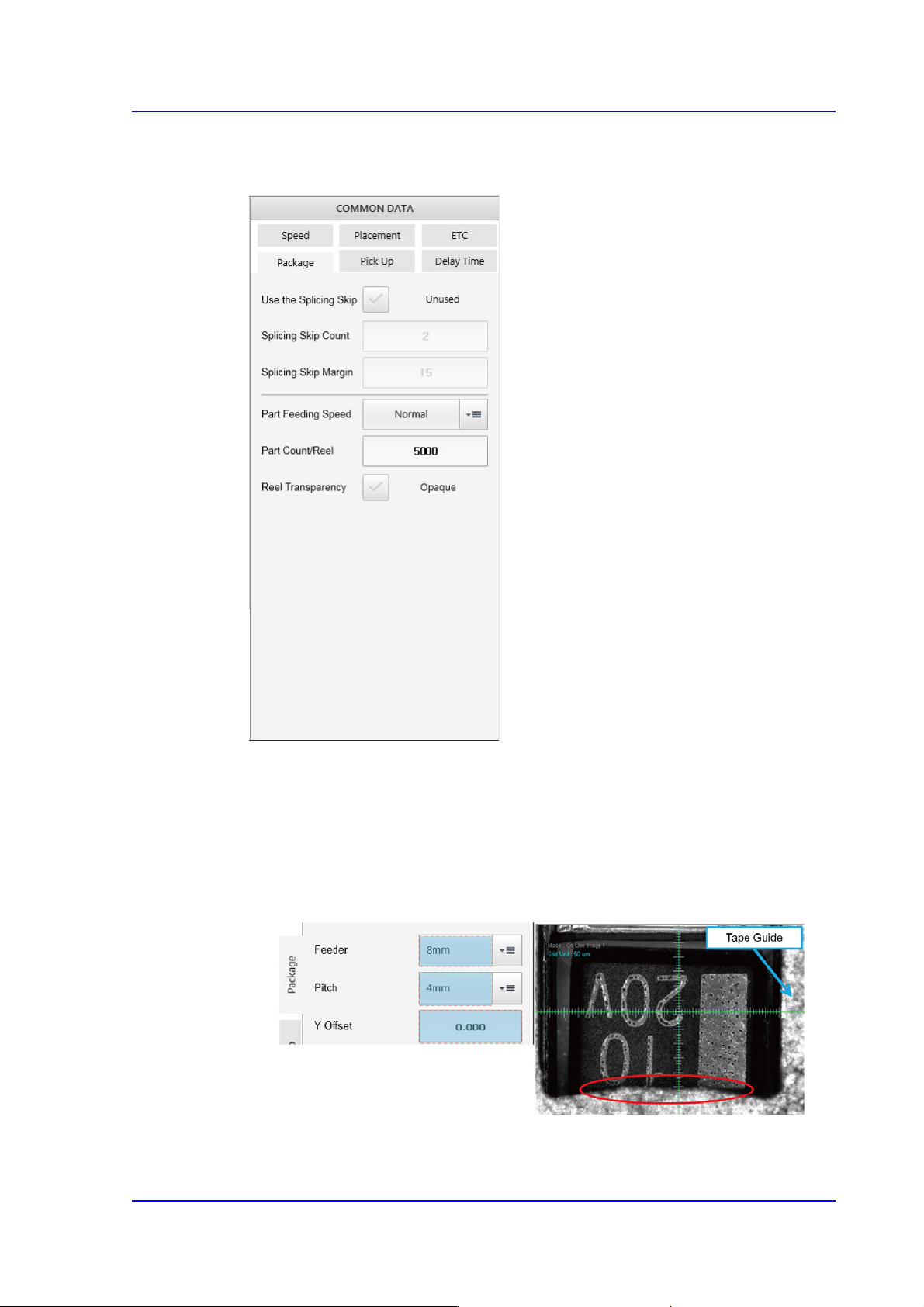
<Package> tab
Sets the parameters related to part supply and pickup.
<Feeding Y Offset> edit box
Used when supplying parts by setting the pitch of the 8mm tape feeder to 4mm.
If the size Y of the part is greater than 2.2mm, the part pickup may interfere with
the tape guide.
In this case, it is possible to set the part pickup position by inputting the Y offset
value in the <Y Offset> edit box. (Input range: 0 ~ 0.5mm)
<Use the Splicing Skip> check button
The splicing skip function is to supply parts by skipping some parts in the section