SM482PLUS_Admin(Eng_Ver2.8).pdf - 第401页
14-29 Machine Calibration 14.3.2. Skew compensation Skew means compensating the skew occurred hori zontally in the X -ax is frame against the Y1-axis and Y2-axis after movement of equi pment. This must be done upon initi…
14-28
Multi-Functional Placer SM482(L) PLUS Administrator’s Guide
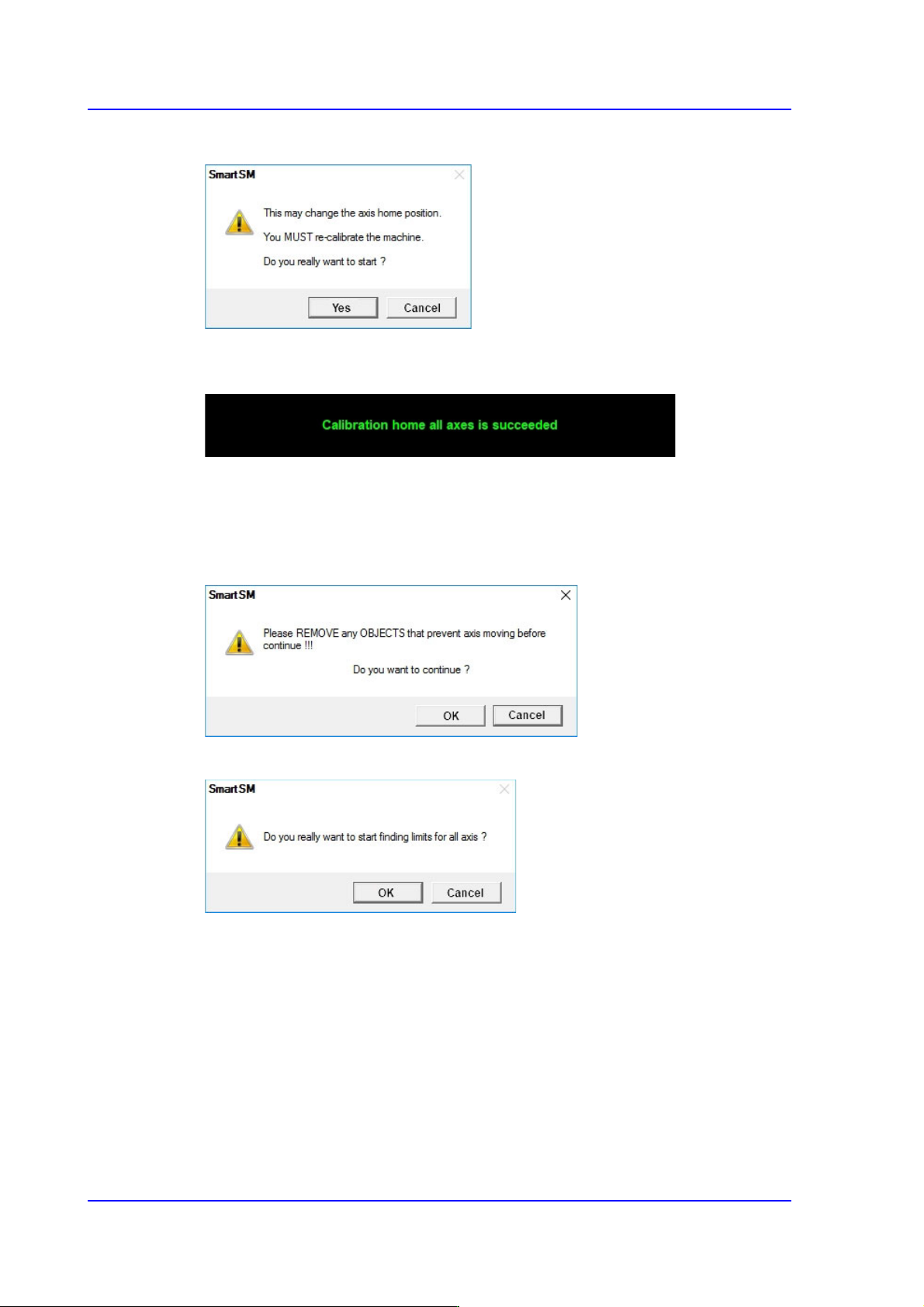
3. Click the <Yes> button.
If the calibration procedure is completed properly, the result as shown in the following
figure is displayed.
4. Click the <Find Limit All Axis> button.
(Proceed in the following order: Head Z → Gantry Limit → Conveyor)
5. After confirming that there is no object inside the machine or on the conveyor, click
the <OK> button.
6. Click the <Yes> button.
7. Measures the limit value for each axis. Click the < Yes(Y) > button.
8. Click the <Update> button.
14-29
Machine Calibration
14.3.2. Skew compensation
Skew means compensating the skew occurred horizontally in the X-axis frame against the
Y1-axis and Y2-axis after movement of equipment. This must be done upon initial
installation and after movement of the equipment to a new location. Method of skew
compensation for Y-axis is as follows;
Caution Skew means compensating the skew occurred horizontally
in the X-axis frame against the Y1-axis and Y2-axis after
movement of equipment. This must be done upon initial
installation and after movement of the equipment to a new
location. Method of skew compensation for Y-axis is as
follows;
Skew compensation method is as follows.
1. First, move the X frame manually to the center of equipment.
2. Click on the <Skew compensation> button.
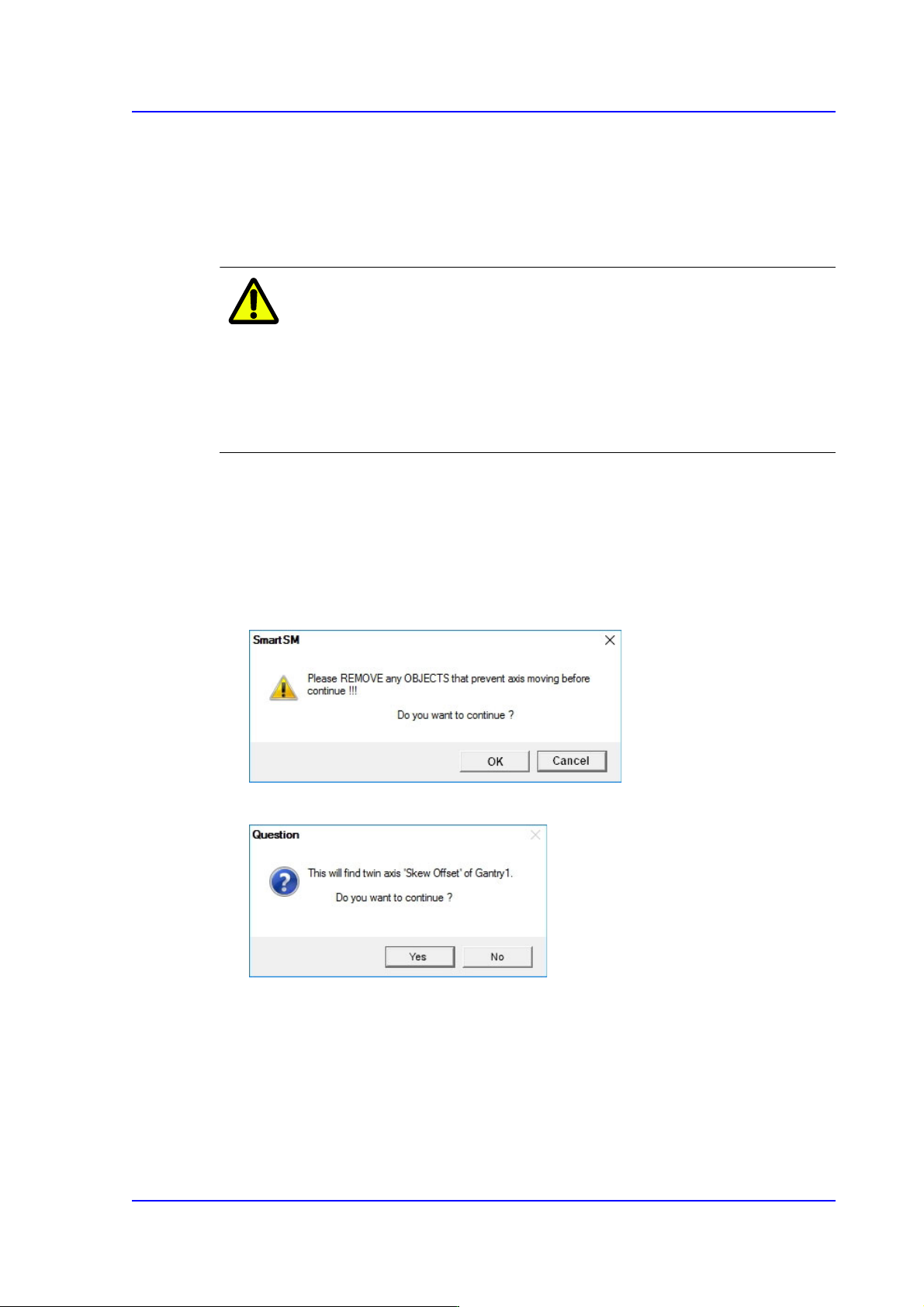
3. After confirming that there is no object inside the machine or on the conveyor, click
the <OK> button.
4. Click the <Yes> button.
Then the equipment will automatically perform homing for the Z-axis and the Y1-axis
motor will rotate to move the X frame until it detects the Y Home sensor. After
detecting the home sensor, the X frame will be moved at a distance equivalent to the
Y-axis movement distance (Y stroke) in the opposite direction and then moved again
until it detects the Y-axis home sensor in the opposite direction.
14-30
Multi-Functional Placer SM482(L) PLUS Administrator’s Guide
5. Then the equipment will display the skew information and ask whether to apply this
value as shown below.
6. Click the <Yes(Y)> button for the equipment to perform homing based on the newly
applied skew information.
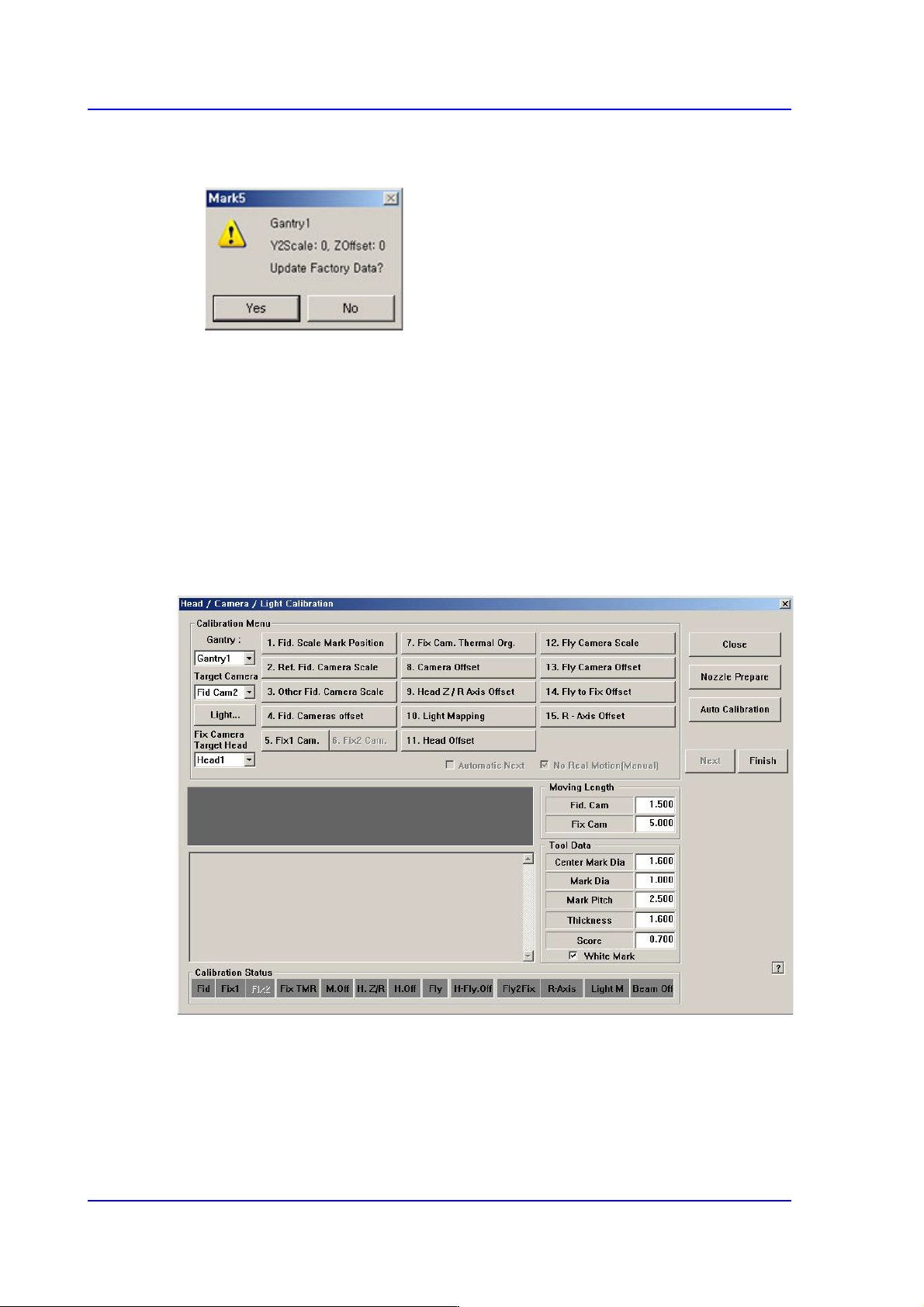
14.3.3. Fiducial Camera Scale
Most of the calibration must be performed using the fiducial camera. Therefore, scale
calibration of the fiducial camera must be performed first.
If the fiducial camera is not calibrated, all other buttons will be disabled.
Once fiducial camera scale calibration is complete, the <3. Fiducial Camera Scale> button
will no longer be displayed in the <Calibration> window.