SM482PLUS_Admin(Eng_Ver2.8).pdf - 第93页
4-5 Tools Shortcut Menu <Check All Errors> check box g roup Able to assign parts type and save errors of the corresponding parts, or assign a camera and save the errors of the pa rts recognized by the co rrespond…
4-4
Multi-Functional Placer SM482(L) PLUS Administrator’s Guide
4.2.1.4.2. Help
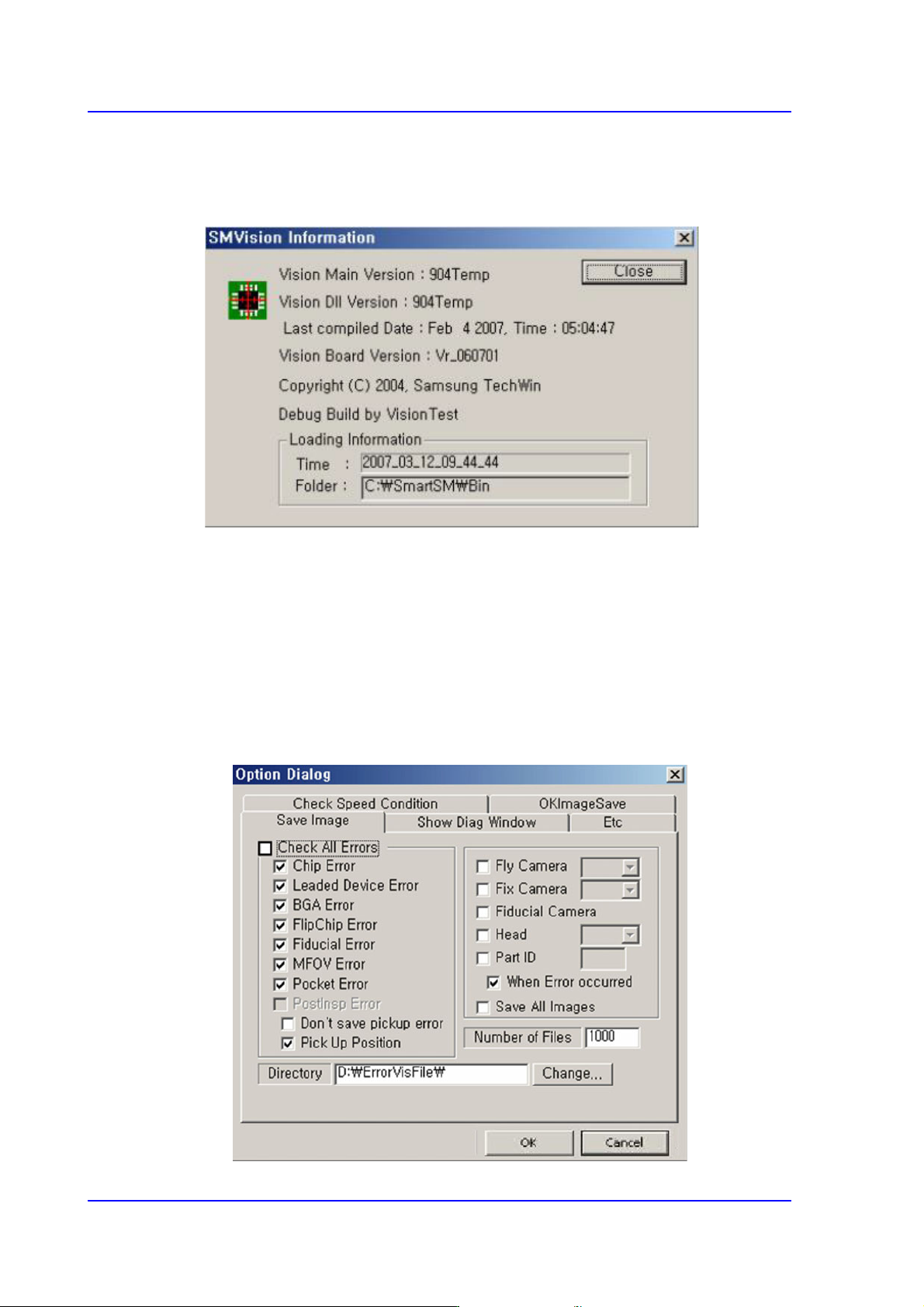
SMVision Info…
Displays the version of the SMVision.
4.2.1.4.3. View
This menu appears in ‘Manager Mode’ only.
Dialog… submenu
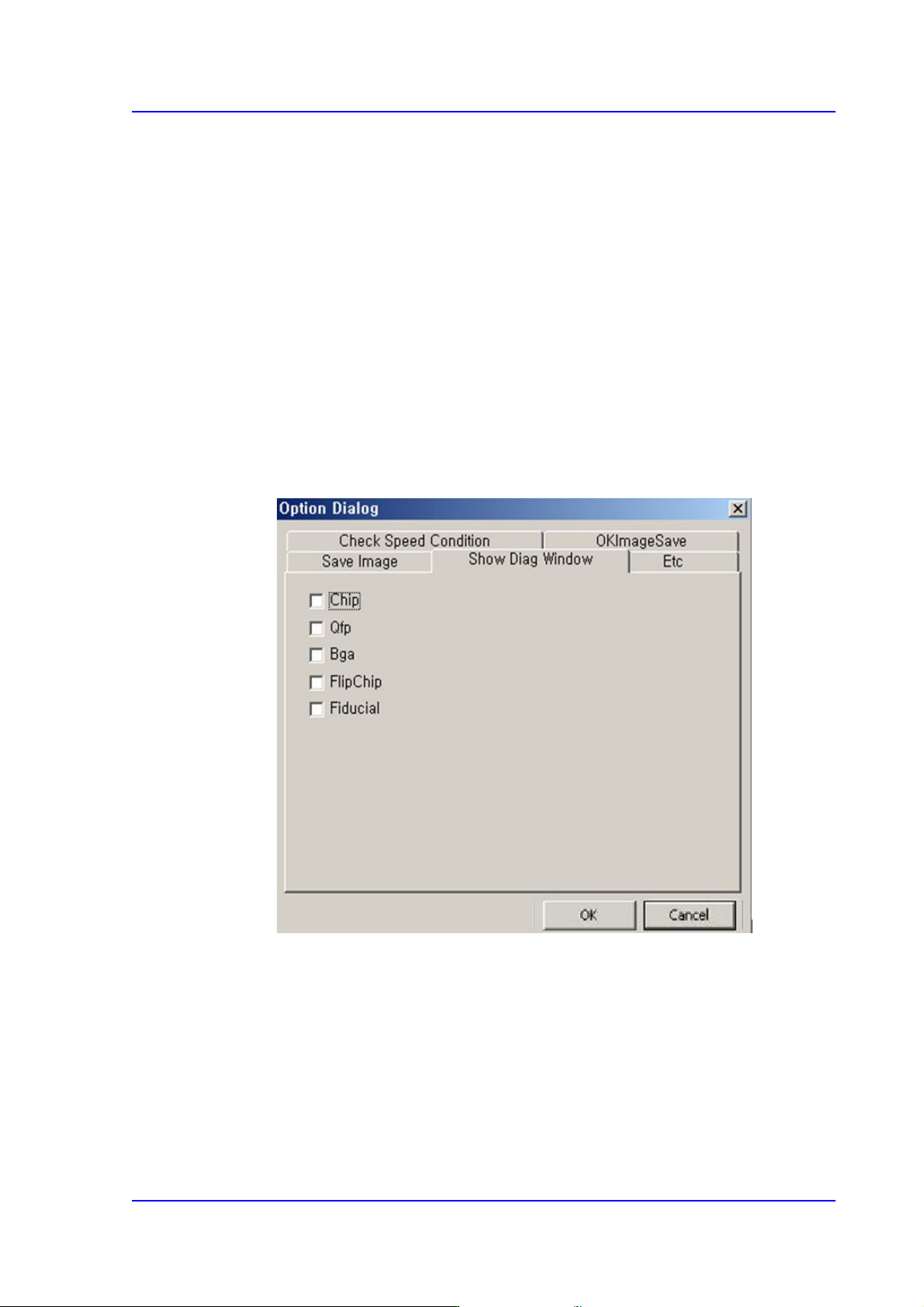
<Save Image> Tab Dialog
In case error occurs while recognizing, the data used for recognition and the
corresponding images are saved. Also, saving all of the successfully recognized
images is possible.
4-5
Tools Shortcut Menu
<Check All Errors> check box group
Able to assign parts type and save errors of the corresponding parts, or assign
a camera and save the errors of the parts recognized by the corresponding
camera.
<Number of File> edit box
This can set the maximum number of files that can be saved. The maximum
available number is 5000.
<Directory> group
Saved location is ‘D:\ErrorVisFile’.
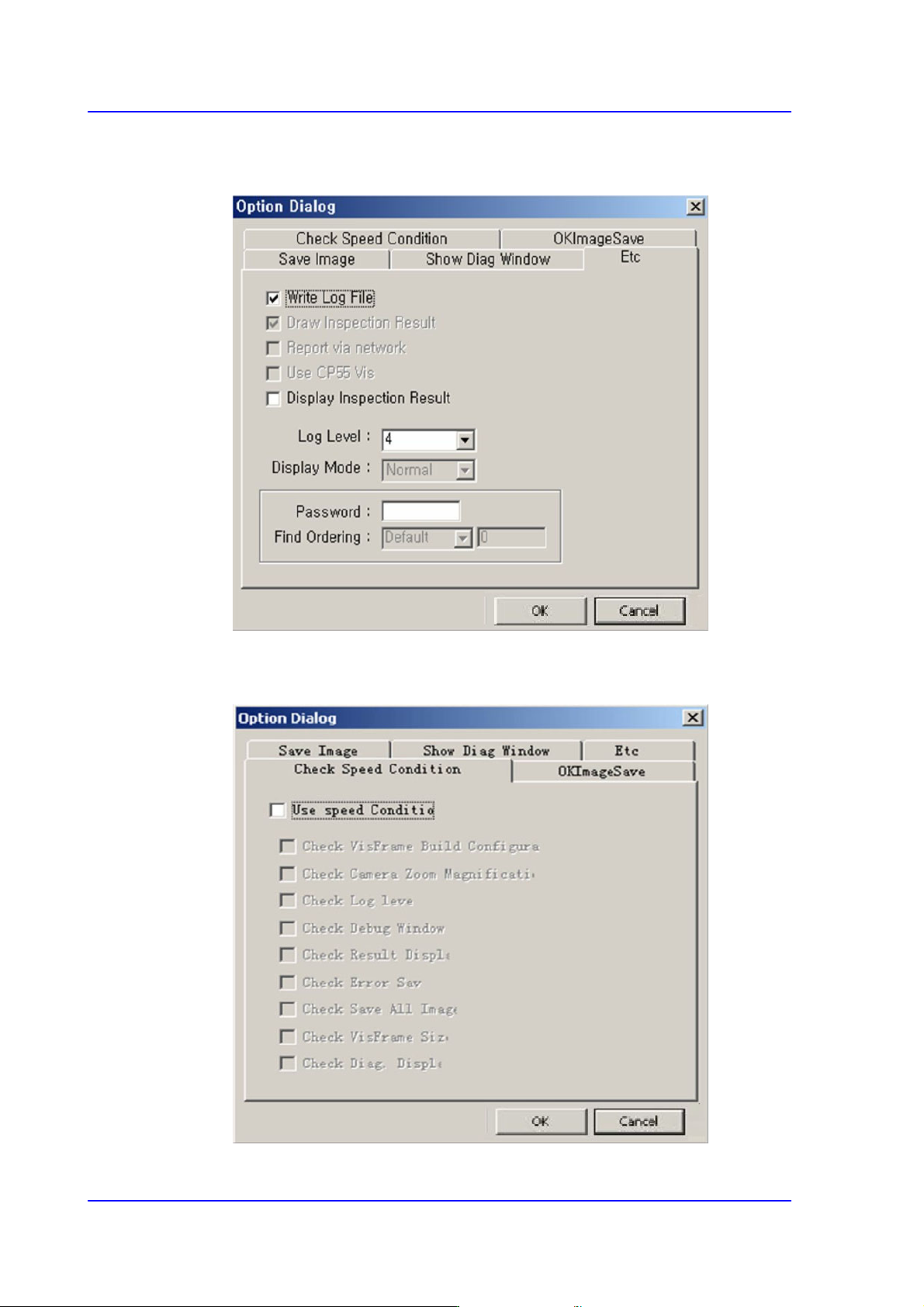
<Show Diag Window> Tab Dialog
In case error occurs while recognizing, the data used for recognition and the
corresponding images are saved. Also, saving all of the successfully recognized
images is possible.
4-6
Multi-Functional Placer SM482(L) PLUS Administrator’s Guide
<Etc> Tab Dialog
Option setup screen. Do not change anything.
<Check Speed Condition> Tab Dialog
A function to check if the speed is in optimum condition.