SM482PLUS_Admin(Eng_Ver2.8).pdf - 第88页
在线预览 SM482PLUS_Admin(Eng_Ver2.8).pdf PDF 文档。
3-19
File Shortcut Menu
3.7. Exit
Use the <Exit> command to end an MMI application session. When the <Exit> command
is selected, any MMI session is terminated. It is possible to exit only when the machine is
in idle state.
Memo The MMI can be exited only when the user login has been performed
as Manager or Program Administrator.
Warning System needs to be shut down after normally ending the
MMI, otherwise, the machine might be damaged and injury
could occur due to system error caused by irregular shut
down. Be sure to shut down the system after normally
ending the MMI.
Caution Exiting the MMI forcedly by executing the [Alt+F4]
command without exiting it normally through ‘Exit’
command will delay the exit of the Windows. Be sure to shut
down the system after normally ending the MMI.

4-1
Tools Shortcut Menu
Chapter4. Tools Shortcut Menu
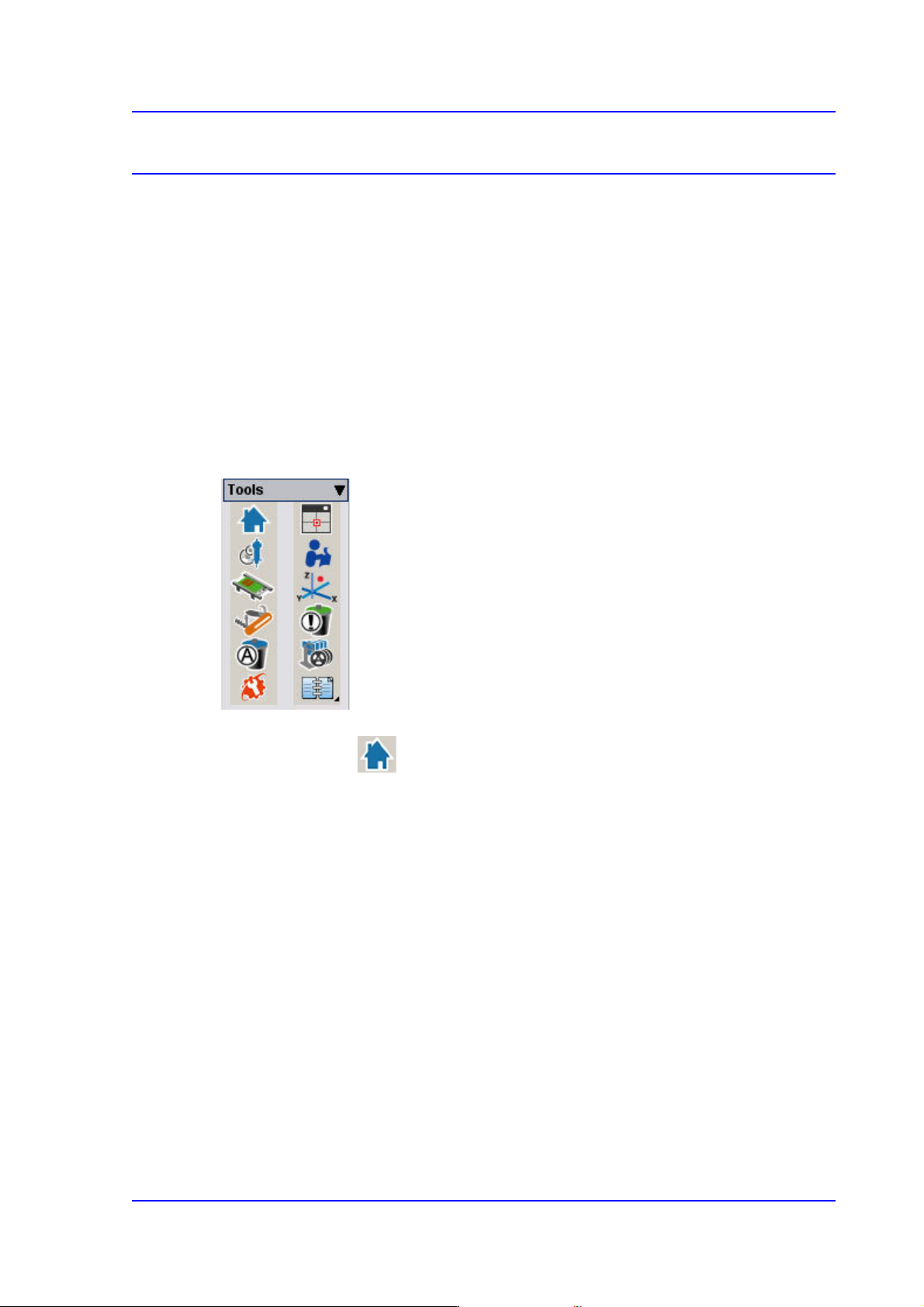
The Shortcut Menu facilitates the use of frequently used commands. It consists of 12
menus:
Return to Origin, Show SMVision,
ANC Setup, Operation Mode Change
Conveyor / Manual Tool
Current Position / Dump Information (Place Error)
Part Dump All / Docking Cart Up/Down
PM Manager / Data Logging
Figure4.1 Shot Cut Bar
4.1. Return To Origin
Returns the X, Y, Z, Theta(R) motors, and Mirror axis to the origin.