SM482PLUS_Admin(Eng_Ver2.8).pdf - 第233页
7-61 Part Registration <Pin Length> edit box Inputs the pin lengt h. Input the dist ance between the part bottom surface contacting the PCB and the end of the pin. <Recognition Height Z (mm)> edit box Inp…
7-60
SM PLUS Administrator’s Guide
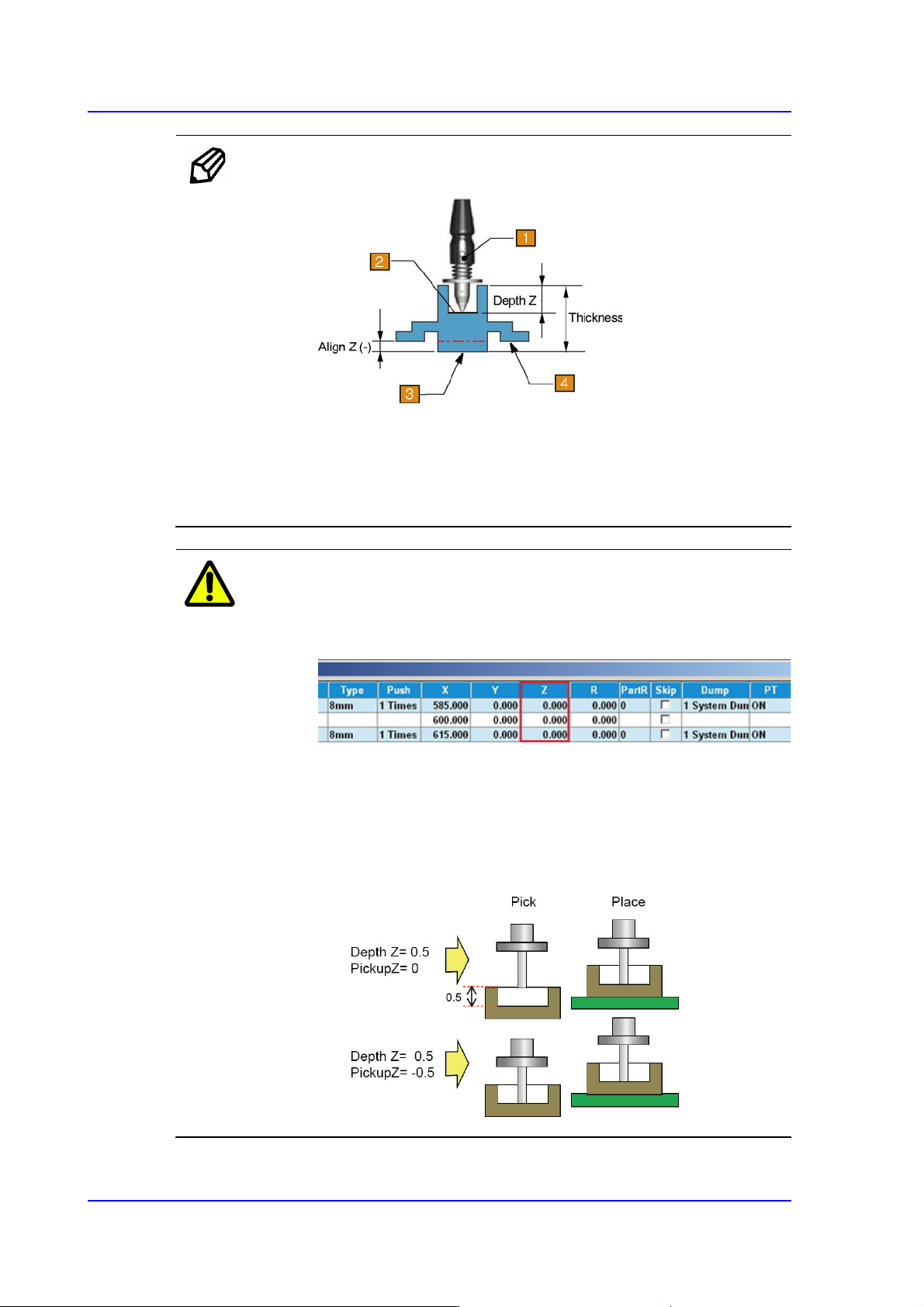
Memo Depth Z affects the pickup and placement height.
1: Nozzle
2: Pickup Surface of Part
3: Bottom Surface of Part
4: Placement Surface of Part
Caution If Depth Z is set, it is automatically reflected on the pickup
height (Pickup Z). Therefore, when Depth Z is set, do not
modify Pickup Z manually in the ‘Tape’ tab dialog box.
In the case of a part whose pickup height must be modified
such as a part supplied by the embossed tape, select
'General' of the Common Data of the part and select the
'Pickup Data' tab to modify the Z value. (Refer to the
<Pickup Data> tab in
“7.1. New Part Registration”
.)

7-61
Part Registration
<Pin Length> edit box
Inputs the pin length. Input the distance between the part bottom surface
contacting the PCB and the end of the pin.
<Recognition Height Z (mm)> edit box
Input the height for part recognition. When recognizing the upper side based on
the bottom surface, set the height to a minus (-) value, and when recognizing the
lower side, input the height to a plus (+)value.
<Get Align Z> button
When this button is clicked, the machine automatically measures the height at
which the part is recognized, and the measured value is entered in the
<Recognition Height Z> edit box.
7-62
SM PLUS Administrator’s Guide
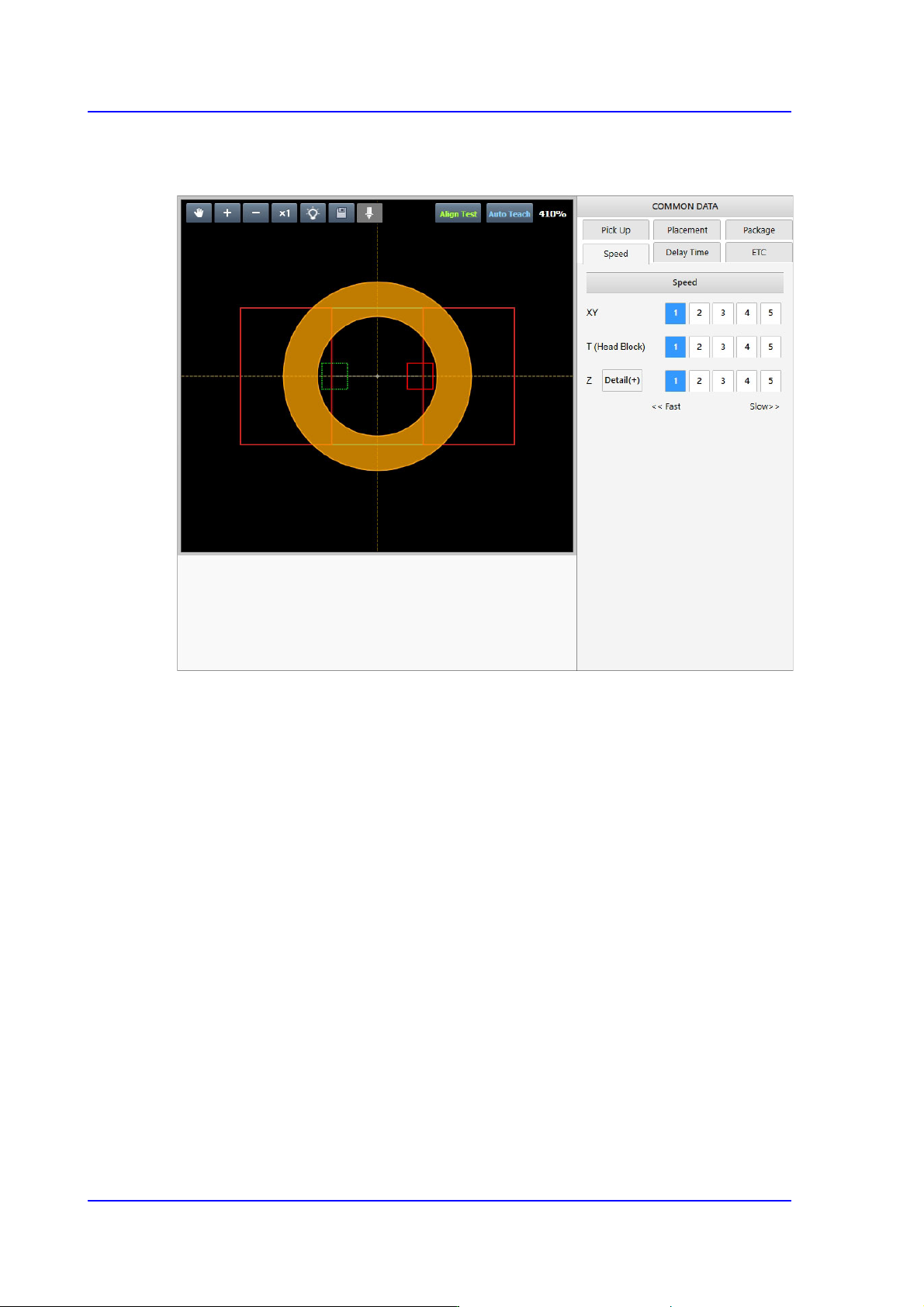
7.2.2.7. COMMON DATA
Sets the handling parameters related to part pickup and placement.