SM482PLUS_Admin(Eng_Ver2.8).pdf - 第325页
11-1 Cycle Check Chapter11. Cycle Check 11.1. Cycle Check Check for any errors in currently loaded PCB files. If an erro r occurs, check the details of the error in the message window and modify the PCB file to solve th …

11-1
Cycle Check
Chapter11. Cycle Check
11.1. Cycle Check
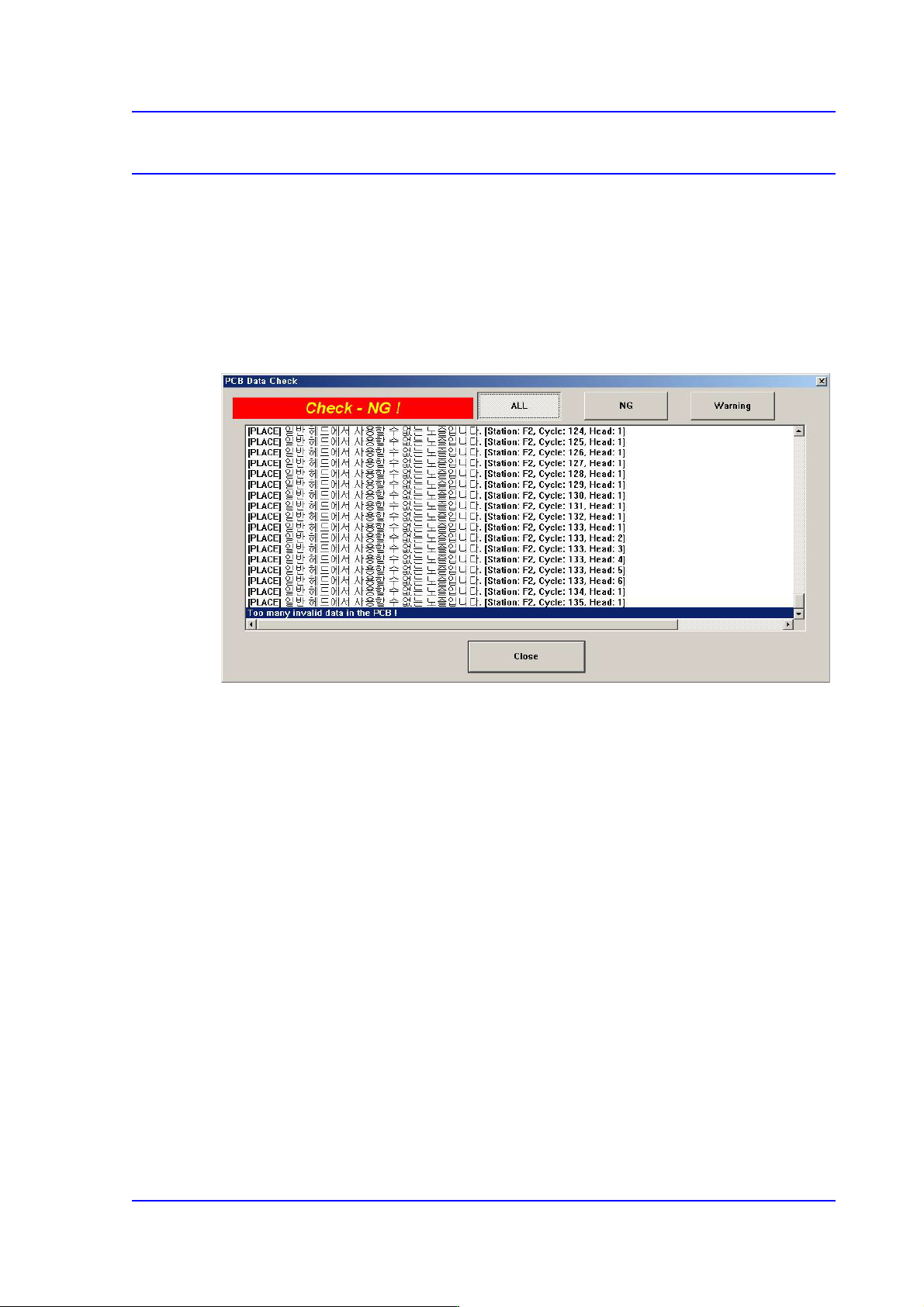
Check for any errors in currently loaded PCB files. If an error occurs, check the details of
the error in the message window and modify the PCB file to solve the corresponding error.
If the cycle check exhibits no problem, an error does not occur when executing a ‘PCB D/
L’ command in the Production menu. Consequently, only when the cycle check finds no
error can PCB production commence properly.
<ALL> button
Displays all NG and warning messages.
<NG> button
Displays only the NG messages.
<Waring> button
Displays only the warning messages.