SM482PLUS_Admin(Eng_Ver2.8).pdf - 第36页
Multi-Functional Placer SM482( L) PLUS Administrator’s Guide xxii About Warranty The warranty is issued to cover the fo llowing machine faults and malfunctions. The warranty terms and conditions agreed to at the purchase…
Preface
xxi
to the driving systems such as motor. It is used to put the machine into the standby
status after power-up. ‘EMG (emergency stop)’ switch can be pressed to release
the standby state.
RESET Button (Blue Color)
Used to stop production in a machine that has paused automatic production or to
release the error in a machine that has been paused due to an error. Pressing this
Button in a machine to which an error has occurred will change the state of the
machine from 'FREEZE' or 'EMER' to 'IDLE'. The ‘Reset’ Button cannot be
activated during automatic operation of this machine.
F/R SELECTS Button
It is the Button that determines which one of the front operation panel and rear
operation panel will have the control authority. Whether or not the corresponding
operation panel has the control authority depends on the status of this Button.
When initializing the machine, the front is set to have right for control by default.
(Front side by default.)
If the select Button is pressed and maintained for a second, the LED Button is
turned on and the right for control is transferred to the rear side. It takes 0.3~1
seconds to change the right for control from the front OP panel to the rear OP
panel. The same applies when changing the right for control reversely.
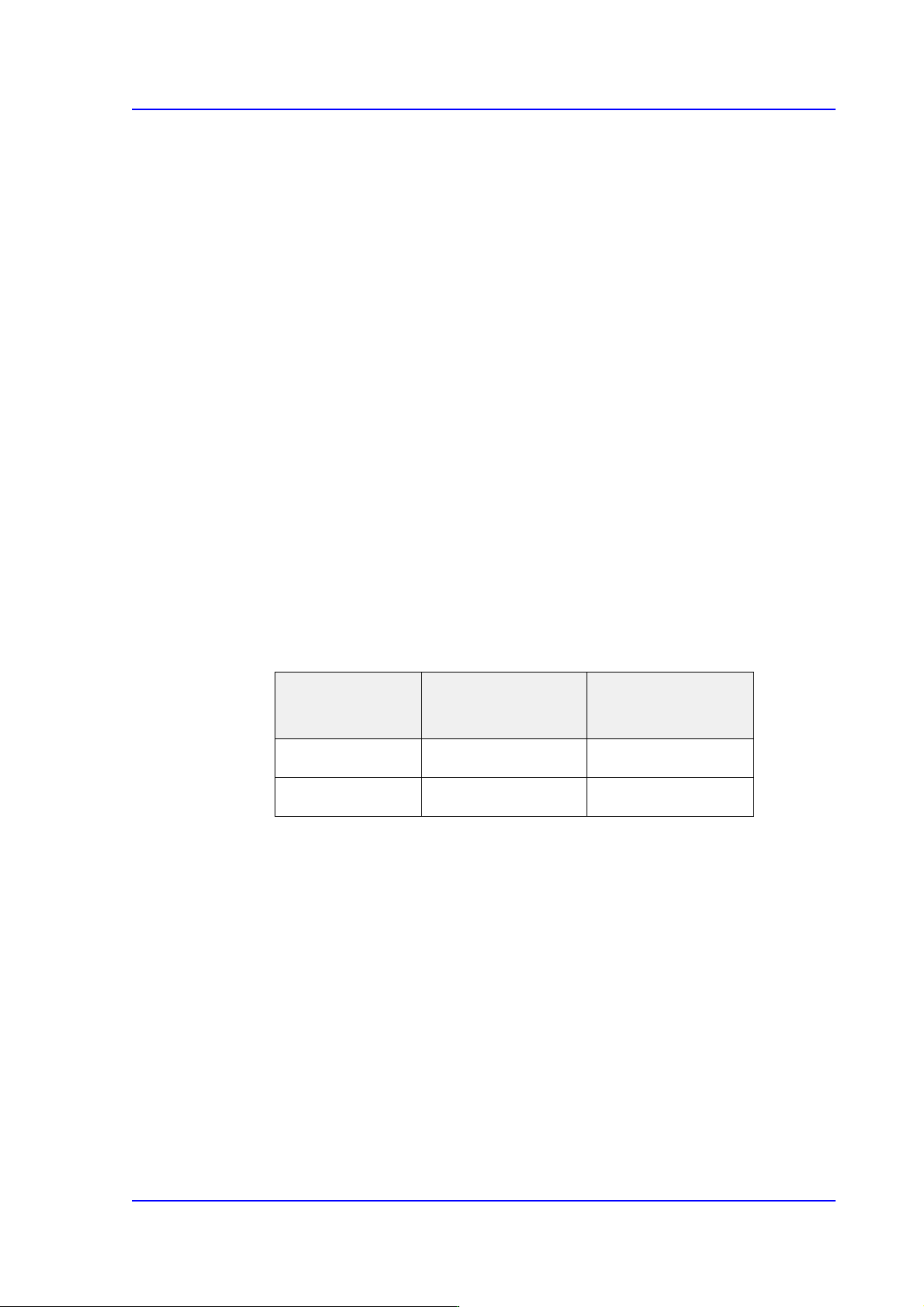
The same applies for the rear side. The following table shows this briefly.
Feeder change Button
The Button used to replace the feeders on the front and rear feeder base. When this
Button is pressed, the head unit of the machine come to the safety zone for easy
feeder change.
EMG (Emergency Stop) Switch
This is an emergency stop switch. Operation of this machine is immediately
suspended if this switch is pressed in case of an emergency.
Supply of all powers except for the power to a computer is ceased. The emergency
stop status can be released by turning the ‘EMG’ switch in the direction of the
arrow and pressing the RESET Button.
Right for control
Front panel select
Button LED status
Rear panel select
Button LED status
Front On Off
Rear On Off

Multi-Functional Placer SM482(L) PLUS Administrator’s Guide
xxii
About Warranty
The warranty is issued to cover the following machine faults and malfunctions.
The warranty terms and conditions agreed to at the purchase of the product precedes
the general terms above.
What is covered by
the warranty
Hanwha Precision Machinery Co., LTD. provides free warranty
services within the warranty period if the product fails to operate
properly under normal operating conditions due to defective materials
or problems originating from the manufacturing process.
Time period of the
warranty
The term of this warranty shall expire for any of the following cases.
Warranty expires 24 months after shipment or 24 months after
installation.
However, if there is more than one term of expiration of the warranty
period, the terms that come later will be applied.
What is not
covered by the
warranty
Product warranty does not cover the following cases.
If the stored data is lost due to damage to the HDD or SSD
(regular backup is recommended.)
When data is damaged due to system malfunction or virus
infection due to the execution of a program not related to the
operation of the product
Natural changes over time or natural wear from the use of the
product (discoloration of paints or coats, wears on consumable
parts, etc.)
Sensory conditions that do not affect the quality and functions of
the product (operating noise from the controller or motor, etc.)
Defects due to ambient conditions (moisture, impurities, dust on
the machine, oil mist, etc.).
Malfunctions caused by misuse
Natural disasters such as earthquakes, storms, flooding, lightning,
accidents, or fire
Unauthorized modification of the product
Failure to back up the data stored in the machine.
When using non-genuine parts or accessories
Lack of proper repairs or maintenance work(Includes the use of
non-specified lubricants)
Adjustment of the product by unauthorized parties

Preface
xxiii
About virus protection
For the safe use of the machine, the machine system shall be maintained normally through
virus protection.
Basic items to be observed for virus protection are as follows:
We recommend using an antivirus program (Microsoft Defender) to regularly scan
and clean viruses.
Run the anti-virus program and check for viruses without fail before starting the
machine and preparing production. Running the anti-virus program during
production may affect the performance of the machine.
Update the anti-virus program engine periodically. Use a PC without a virus as an
update server when updating the anti-virus program engine for the machine
system.
For the corresponding PC, update the anti-virus program engine periodically
through the Internet and perform configuration in the ant-virus program to update
the anti-virus program engine of the machine by sharing the folder in which the
updated file is saved with the machine system.
When loading a PCB file or saving it in the system using storage media including
USBs, perform an anti-virus check first on the corresponding storage media and
check for any problems.
When using a shared folder in the machine system as necessary, set the password
for the shared folder without fail.