Administrator’s Guide(CP45FV) Eng.pdf - 第131页
Part Registration 7-47 Please refer to “ 7.2.1.1 Common Align Data ( Page 7-9 )” for m ore information. <T est> button Performs the component recognition test by using t he set align data. Please refer to “ 7.2…
Samsung Component Placer CP45FV Series Administrator’s Guide
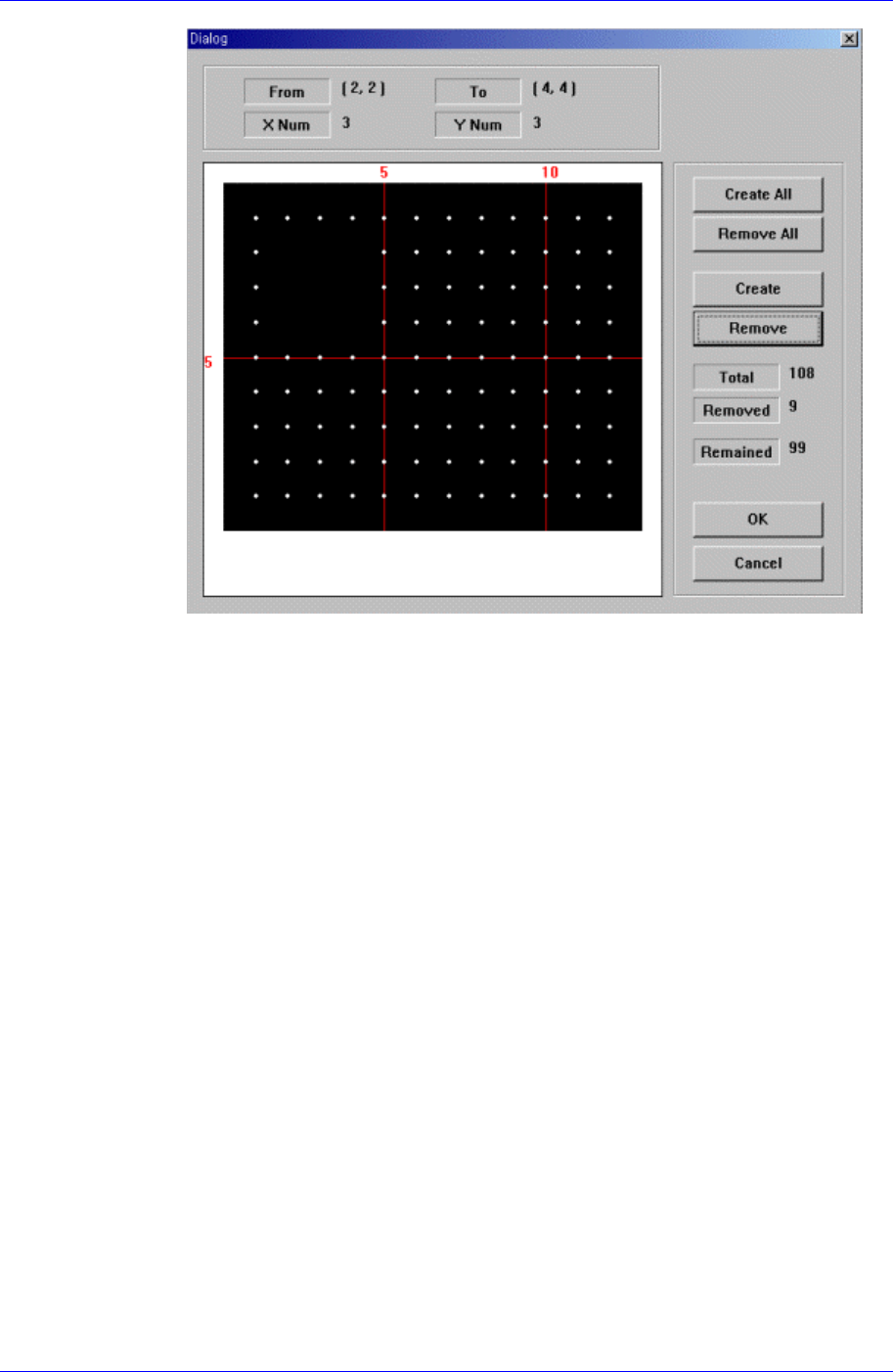
Figure 7-30. “Ball Gap of BGA components-when the balls in the selected area are
removed” dialog box
<OK> button
Saves the set ball gap status and closes the dialog box.
<Cancel> button
Closes the dialog box without saving the set ball gap status.
<Outline> button
Displays the outline of the component on the vision monitor by using the set align
data.
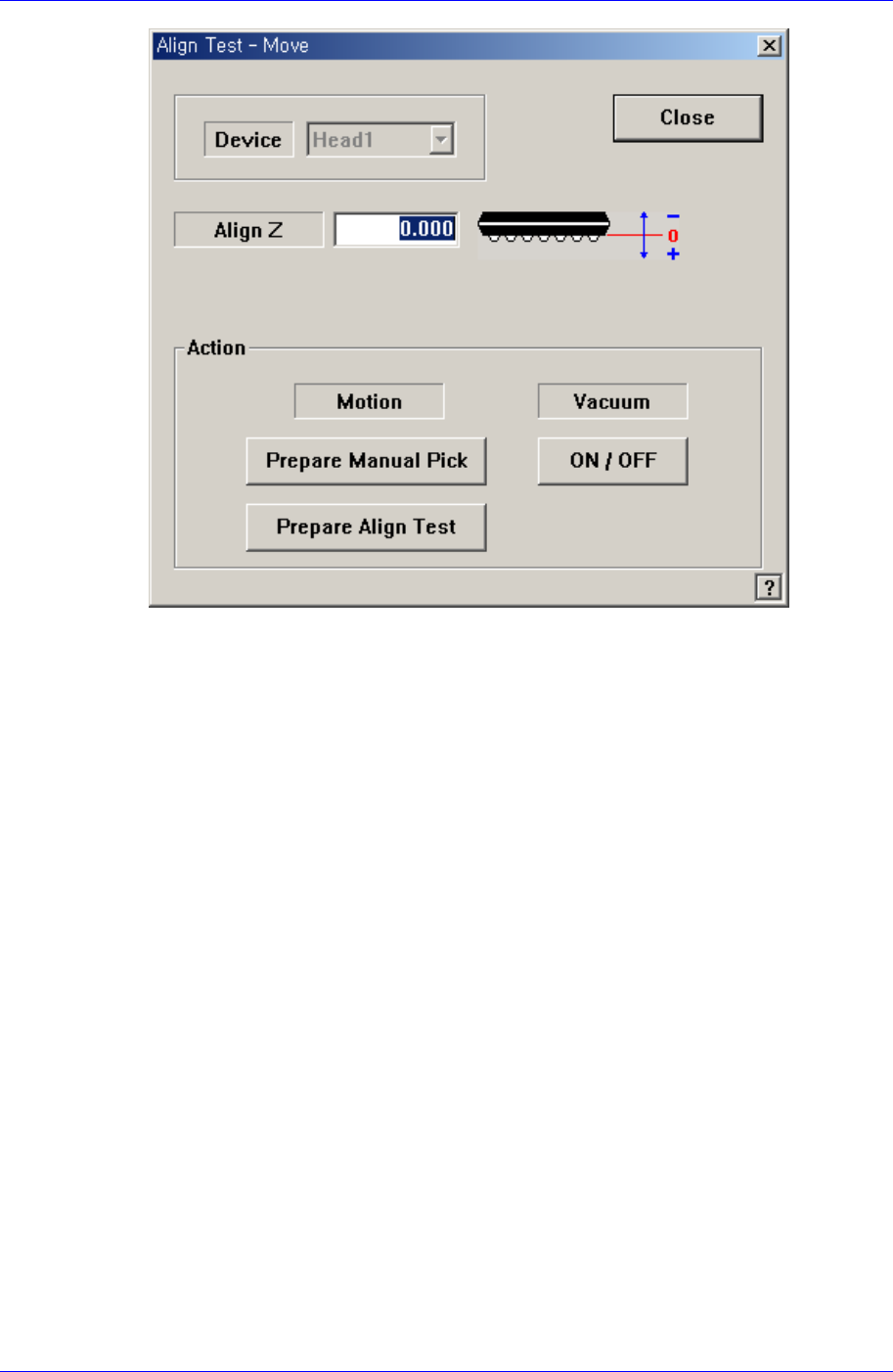
<Move…> button
Performs component pickups or moves to the fix camera.
7-46
Part Registration
7-47
Please refer to “7.2.1.1 Common Align Data (Page 7-9)” for more information.
<Test> button
Performs the component recognition test by using the set align data. Please refer to
“7.2.1.1 Common Align Data (Page 7-9)” for more information.
<Image Capture> button
Helps to specify the optimum lighting value. The lighting is gradually changed
automatically and the images are saved. The user can check the best image and
identify the optimum lighting value.
Please refer to “7.2.1.1 Common Align Data (Page 7-9)” for more information.