Administrator’s Guide(CP45FV) Eng.pdf - 第179页
Pr oduction Setup Chapter 11. Production Setup 11 - 1 The production menu is com posed of nine submenus; Start, Sto p, Cont., Finish, T/F Cnt, PCB D/L, Plc. Info, Sts. Info and Feeder Monitor . This menu performs the fun…
Production Setup
Chapter 11. Production Setup
11-1
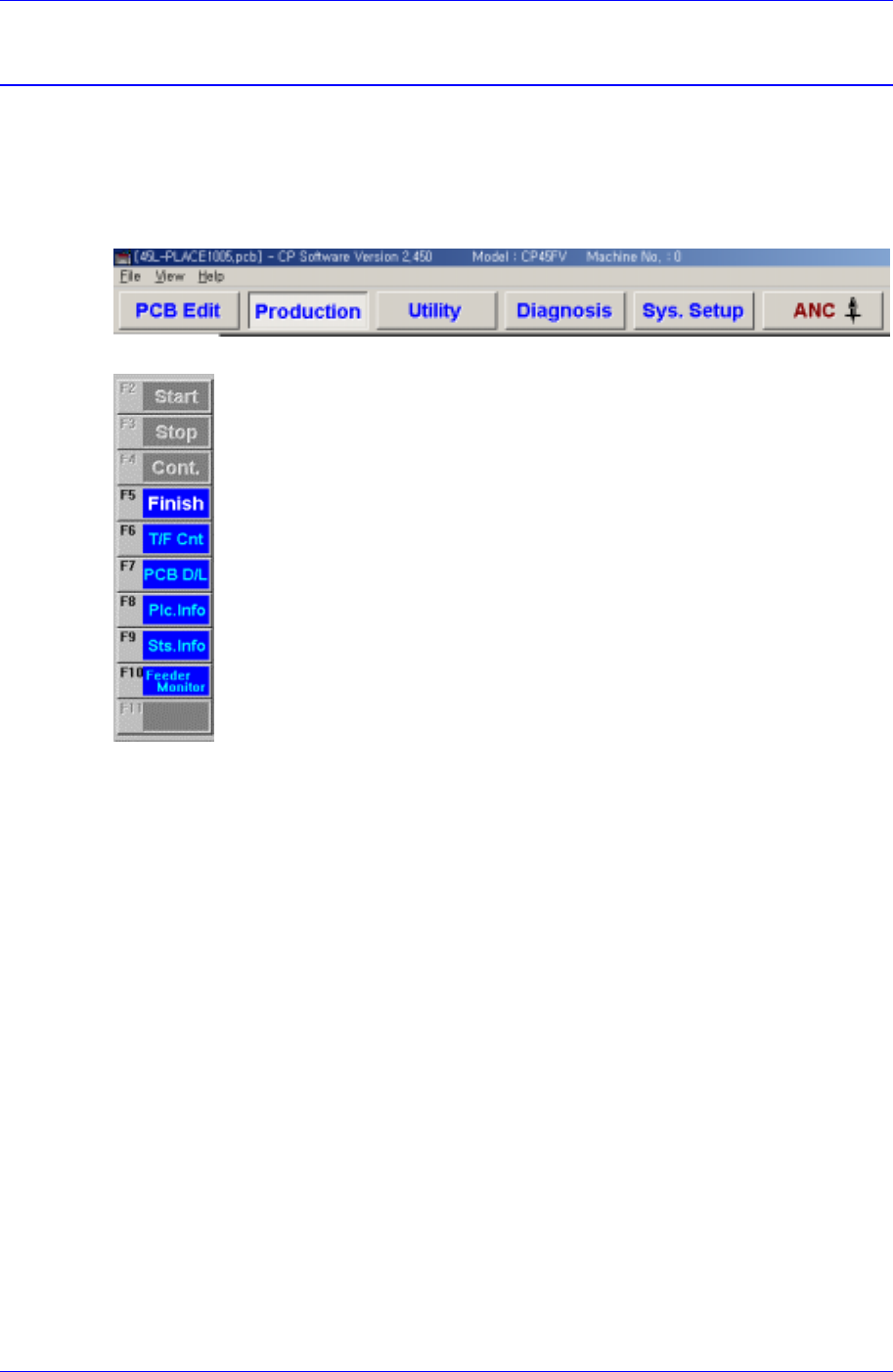
The production menu is composed of nine submenus; Start, Stop, Cont., Finish, T/F Cnt,
PCB D/L, Plc. Info, Sts. Info and Feeder Monitor.
This menu performs the function of monitoring PCB (Printed Circuit Board) placement
operation..
Figure 11-1. When the Production command is selected
Figure 11-2. Submenus of the Production command(Initial status)
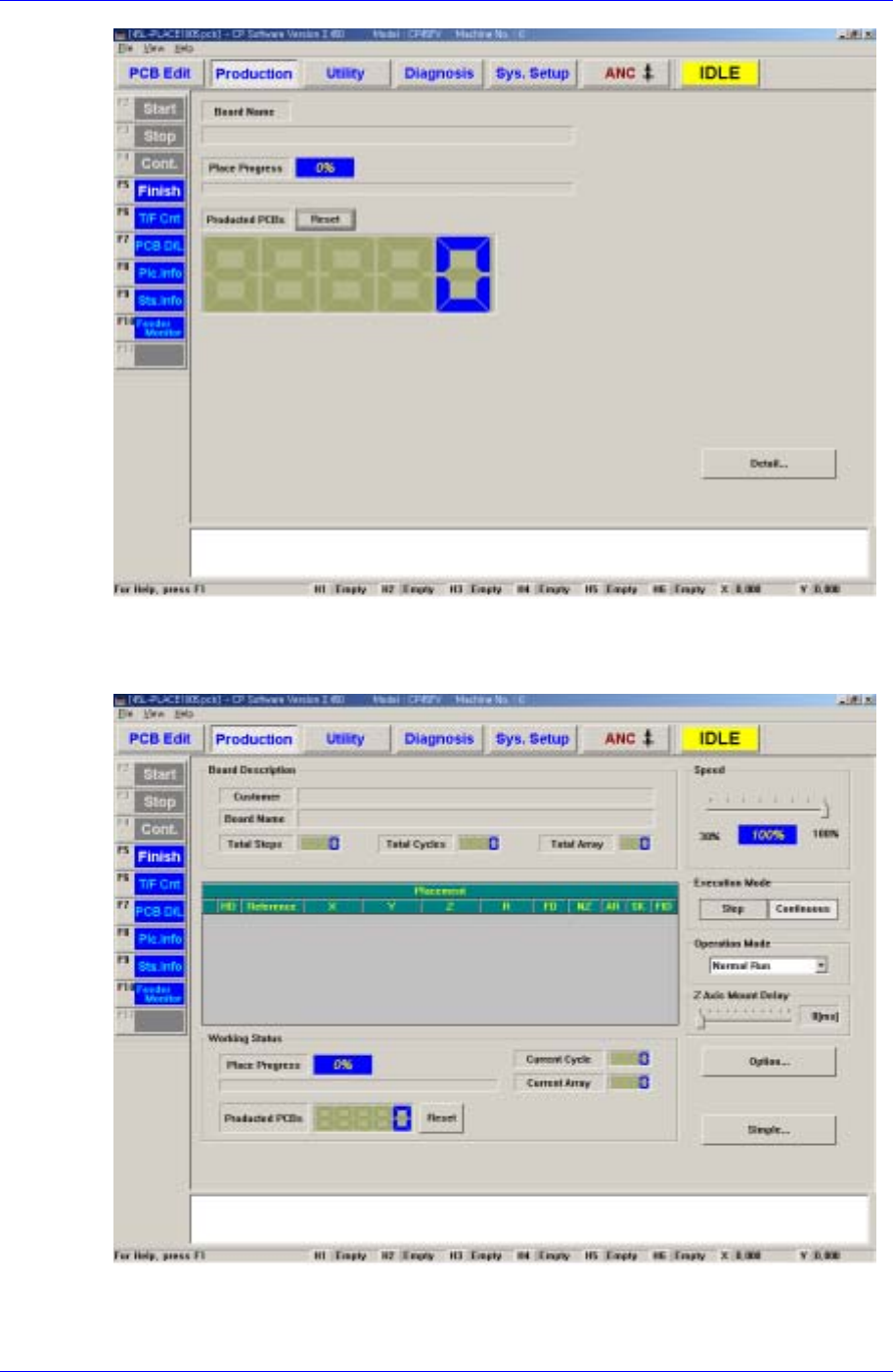
11.1. Production Main
When the production button is clicked on, the following screen is displayed.
Samsung Component Placer CP45FV Series Administrator’s Guide
Figure 11-3. “Production” Main screen (Initial screen)
When the submenu, PCB D/L (F7) is clicked on, transmits the PCB data edited to the
machine, and the following screen is displayed.
<Board Description > group
Displays the data related to PCB board.
11-2