Administrator’s Guide(CP45FV) Eng.pdf - 第218页
Samsung Component Placer CP45FV Administrator ’ s Guide 8. When the door is opened to install th e feeder , EMG error occurs. Press the <Stop> button on the front control panel and th en press the <Reset> but…
Placement Test
14-3
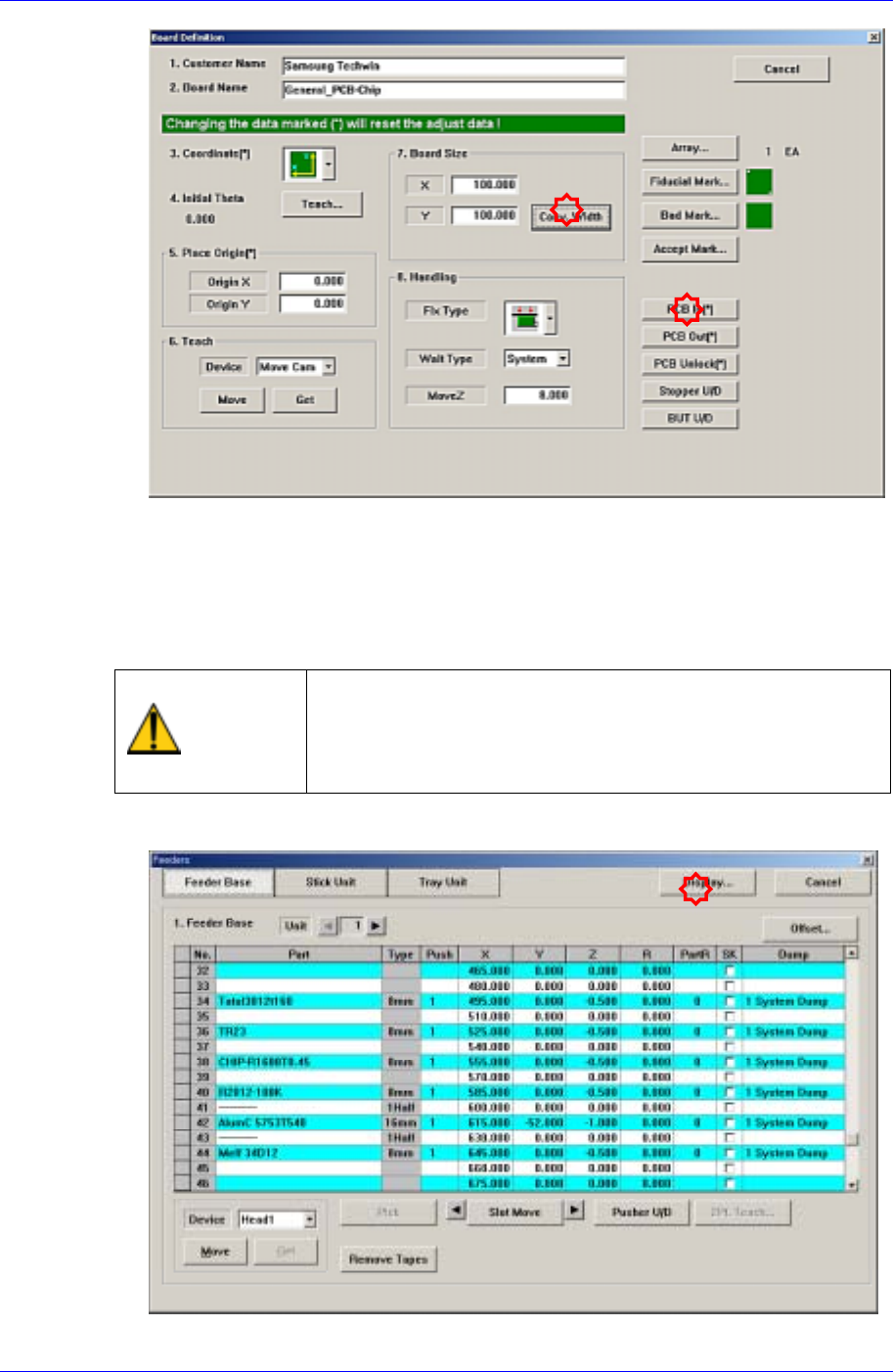
5. Check if the definitions concerning other boards and related setup are correct.
(Fiducial Mark, Fix Type, MoveZ, Array, etc.)
6. Place the PCB on the conveyor so that the detection sensor located at the conveyor
inlet can recognize it and click the <PCB In> button to fix the test PCB on the
working area of the conveyor. At this time, double-sided adhesive tape may be used
on the placement surface of the PCB.
Warning
Inserting a part of body while the machine is in operation or
in temporary stop could result in severe injury.
Do not insert a part of body while the machine is in
operation or in temporary stop.
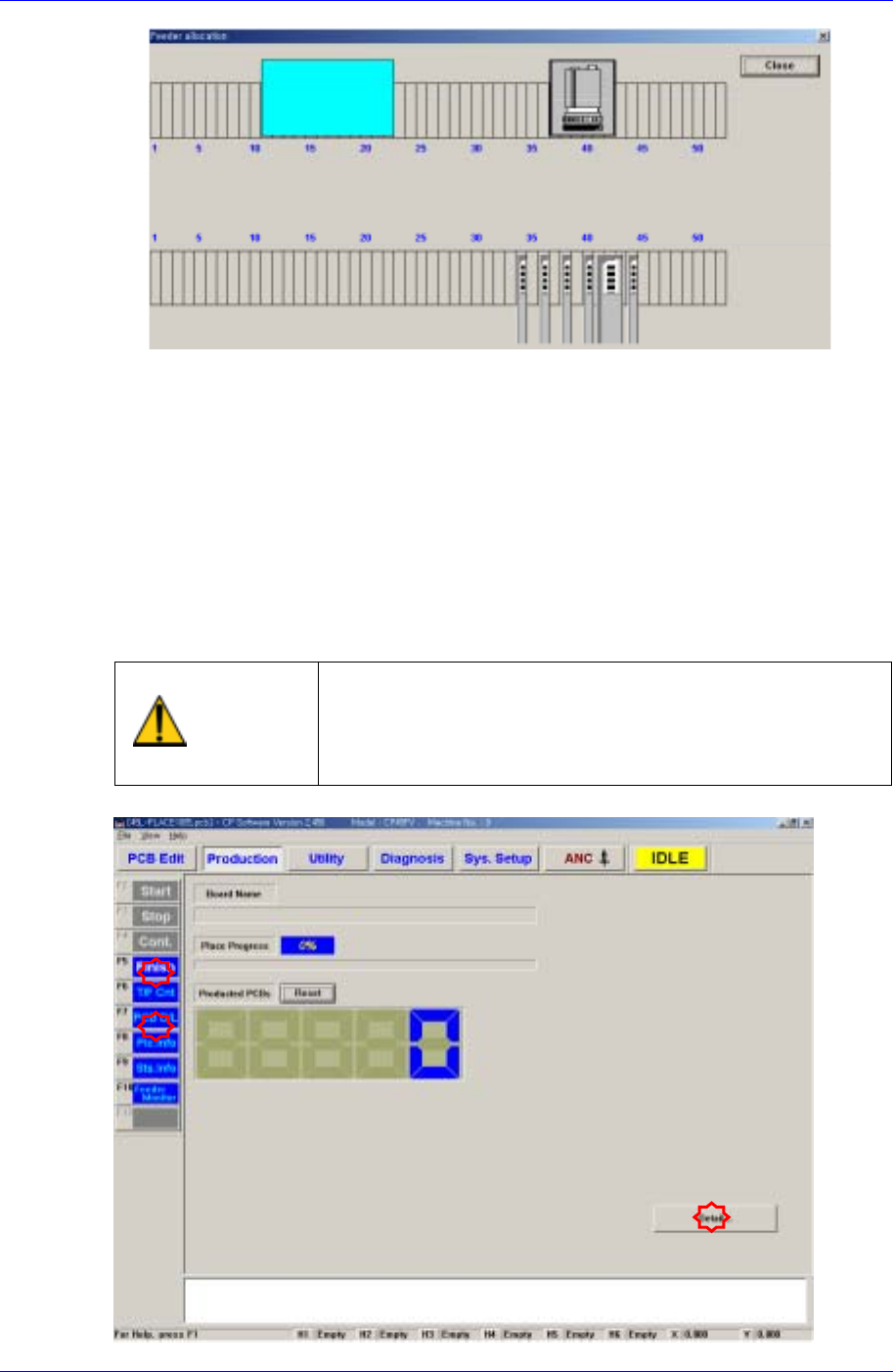
7. Install the feeder in the actual machine in the same manner referring to the setup in
the “Feeder” dialog box.
Samsung Component Placer CP45FV Administrator’s Guide
8. When the door is opened to install the feeder, EMG error occurs. Press the <Stop>
button on the front control panel and then press the <Reset> button to install the
feeder with the machine in <Idle> state.
9. Once the feeder is installed, press <Ready> on the front control panel to supply
power to the motor.
14.2. Placement Test
Place the component on a PCB according to the PCB and machine setups and check the
result.
Warning
Pressing the Start switch without checking the presence
of worker nearby could cause injury.
Be sure to check if there is any worker near the machine
before pressing the Start switch.
14-4
Placement Test
14-5
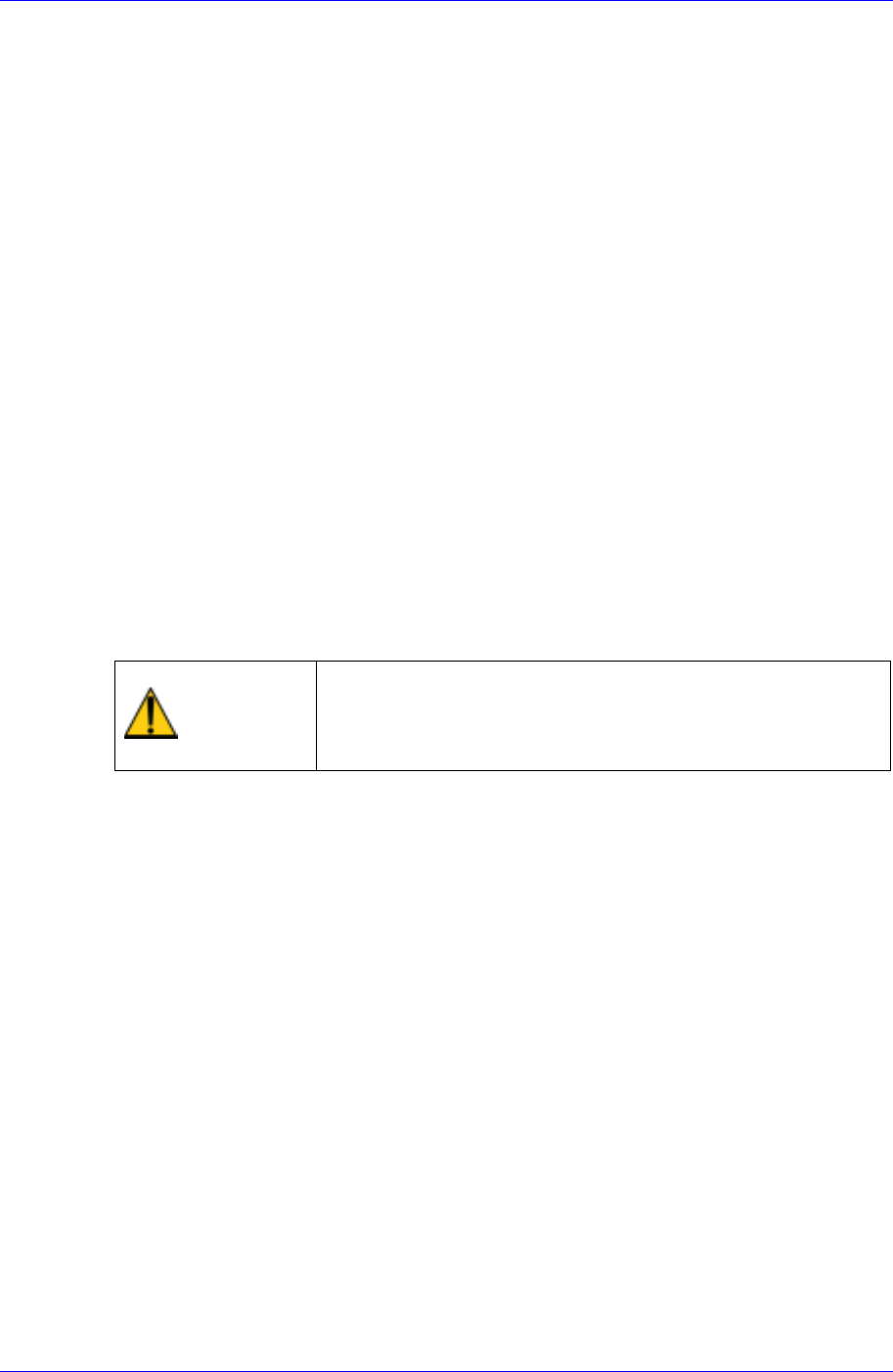
PCB Edit Finish
Click the <Finish> submenu to conclude the PCB Edit.
PCB File Downloading
Click the <PCB D/L> submenu to download the completed PCB file to the machine.
If there is no problem with the PCB file data, “Download All OK” is indicated at the
bottom of the screen.
If the <Detail…> button is clicked in the <Production> dialog box, a more detailed
screen is displayed.
Start
If there is no problem with the download and other PCB data, click <Start> after
completing all other preparation works and then press the <Start> button on the front
control panel.
14.3. Measures against Error during Placement Test
When error occurs during placement, stop the machine temporarily to examine the cause
of error for proper action and begin the work again.
The type of generally occurring errors includes PCB File Load Error, Fiducial Mark
Recognition Error, Component Pickup Error, Component Recognition Error and
Component Placement Error.
Warning
Adjusting the sensor or correcting an error while the
machine is ready could result in personal injury.
Be sure to adjust the sensor or correct an error in the stop
status (idle mode) after canceling the ready status.
14.3.1. PCB File Download Error
Click the <PCB D/L> submenu on the left of the screen in the production menu to
download a PCB file. If an error occurs during this process, the following message
window is displayed.