Administrator’s Guide(CP45FV) Eng.pdf - 第214页
在线预览 Administrator’s Guide(CP45FV) Eng.pdf PDF 文档。
Teaching
13-17
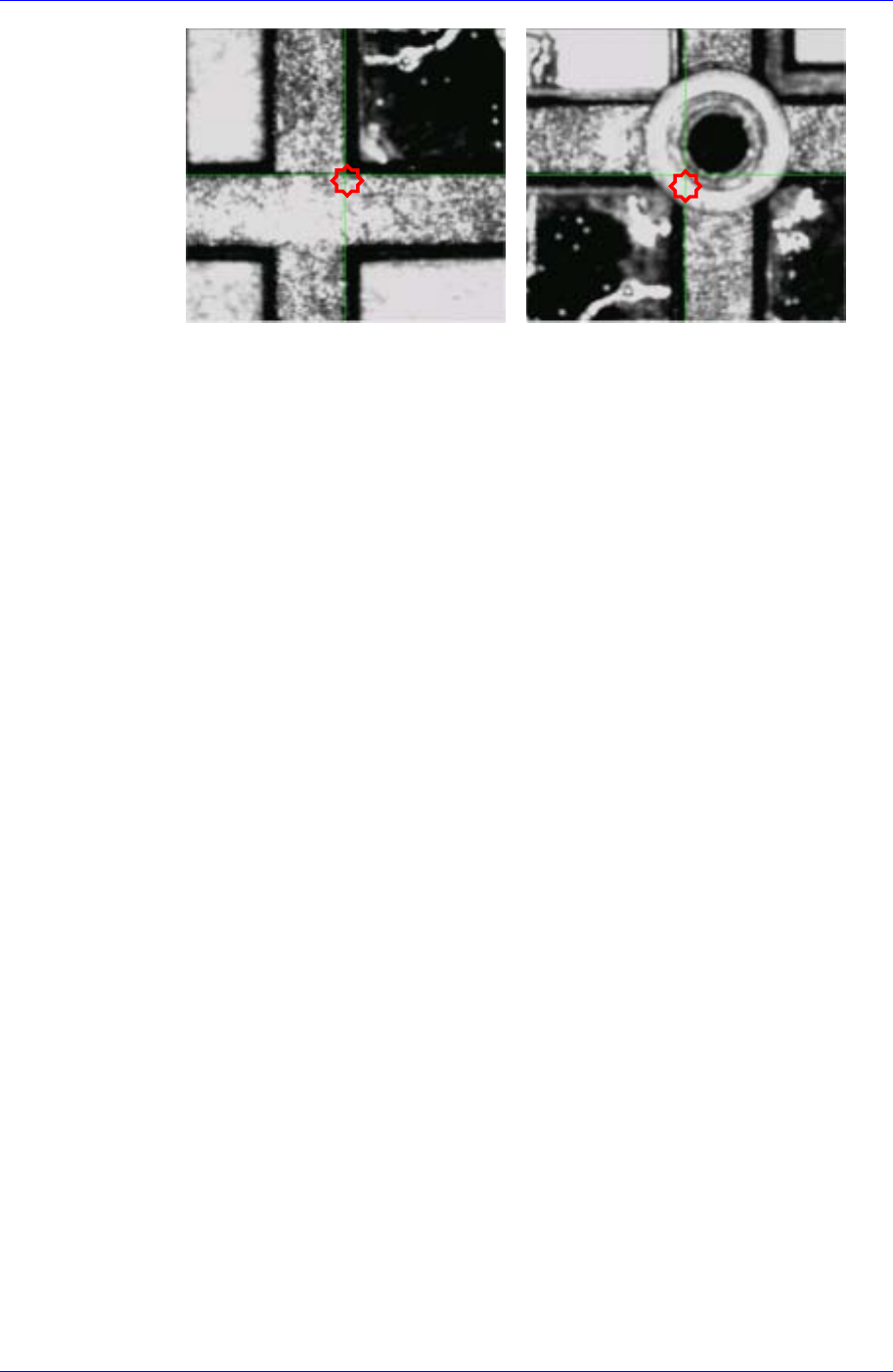
(1st – 1) (1st – 2)
XN / YN: Enter the number of X and Y columns.
Enter the number of the rows and cloumns of the selected tray.
In the case of a tray with 3 rows and 4 cloumns, there are 12 pockets)
PickZ / DumpZ (Device): Enter the pickup height and dump height (Head)
Enter the height of the Z-axis when moving down the Z-axis with the nozzle of
the corresponding component mounted on the head.
13.2.3. Reference point teaching for calibration
This is to teach a certain point of the machine or the center of the fiducial mark of the
calibration tool for calibration.
This teaching is performed in the same procedure as fiducial mark teaching.
First, move the Fiducial Camera (Move Camera) to the corresponding area, and after
placing the center of the cross hair of the vision monitor on the center of the area, click
the <Get> button or <Enter> key of the teaching box.
For further details of the teaching method related to the calibration of each device, refer
to “Chapter 15. Machine Calibration”.
Placement Test
Chapter 14. Placement Test
14-1
The placement test must be performed to check if the PCB file setup and machine setup
have been performed properly. Incorrect setup may be corrected through the placement
test.
14.1. Preparation for Placement Test
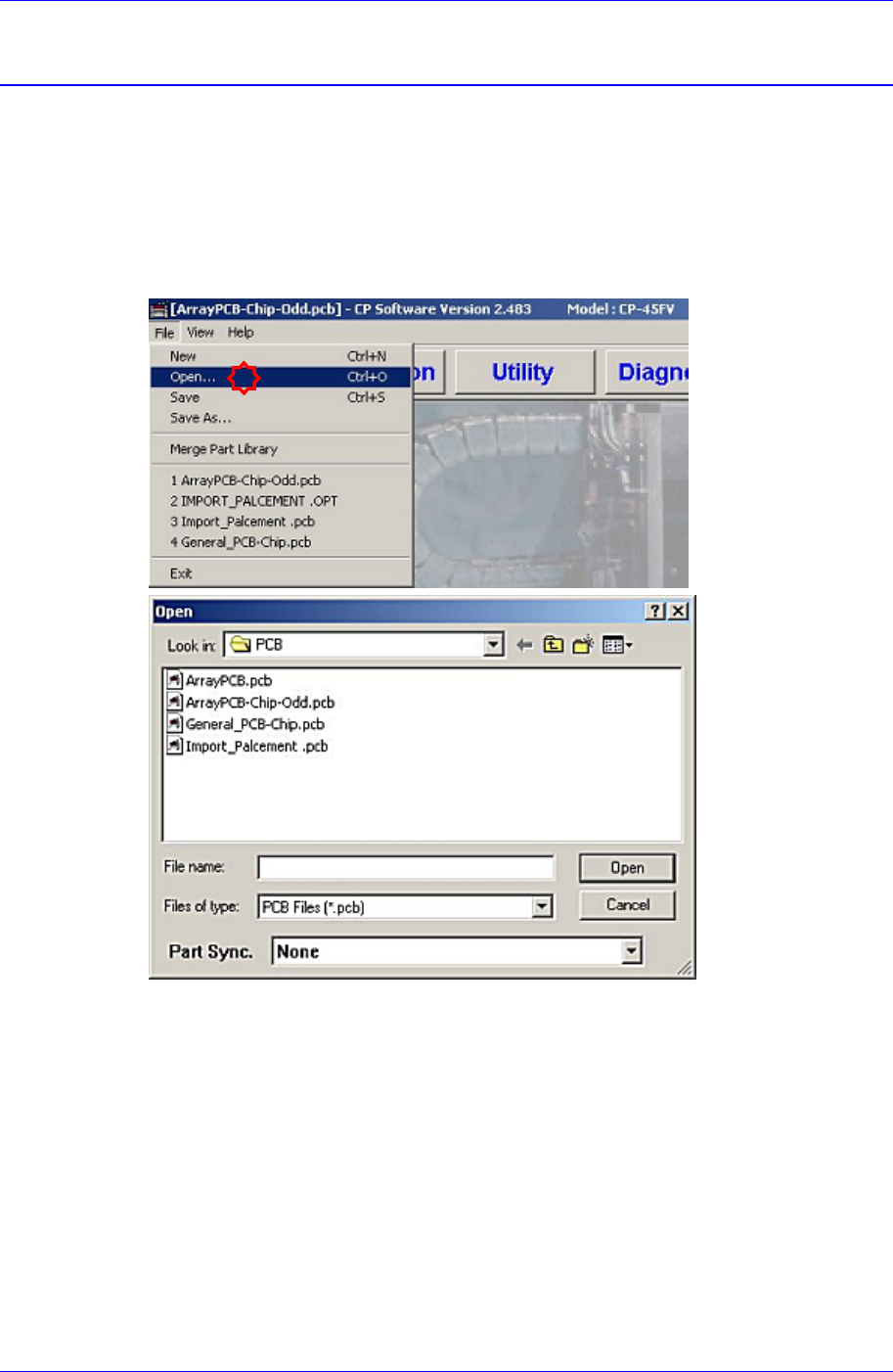
1. Load the prepared PCB file to the MMI (Application Program). (File opening)
2. Once the PCB file is selected and loaded, the following message dialog box may be
displayed. This is displayed when the current machine setup is different from that of
the PCB file to be loaded.
The “Tray Configuration Change” screen indicates that the type of the tray feeder that
is setup in the actual machine (or that is setup in the PCB file) is different from the
type of the tray feeder that is setup by the PCB file to be loaded.
The “ANC Configuration Change” screen indicates that the nozzle arrangement in the
ANC that is setup in the actual machine (or that is setup in the last PCB file loaded
previously) is different from the nozzle arrangement in the ANC that is setup by the
PCB file to be loaded.
When such message dialog box is displayed, correct the setup of the actual machine
so that it is identical to the setup in the PCB file to be loaded directly.