Administrator’s Guide(CP45FV) Eng.pdf - 第77页
Boar d Definition 6-17 <Repeat…> button It is not explained here as it is displayed in the debug mode only. <Bad Mark…> button A bad mark is a mark that identifies whether the loaded PCB is good or bad. T…
Samsung Component Placer CP45FV Series Administrator’s Guide
<Outline> button
Displays the shape of the mark on the vision monitor screen by referring to the
registered mark data. This feature is used to check whether the registered value
coincides with the actual mark.
<Test> button
By using the registered mark information, tests the mark.. The accuracy of the
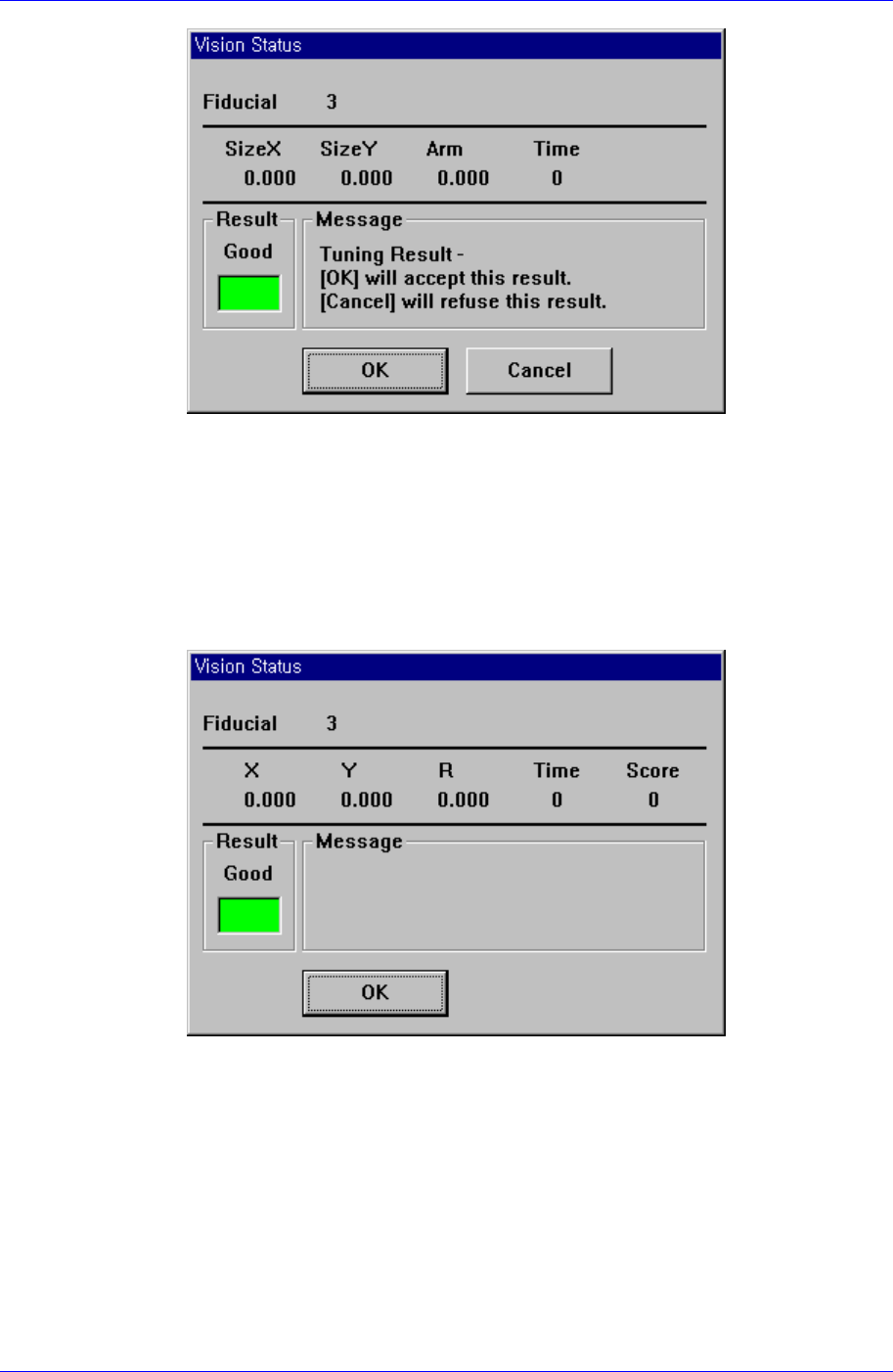
registered mark data can be verified. When the test is successful, the following
message box is displayed.
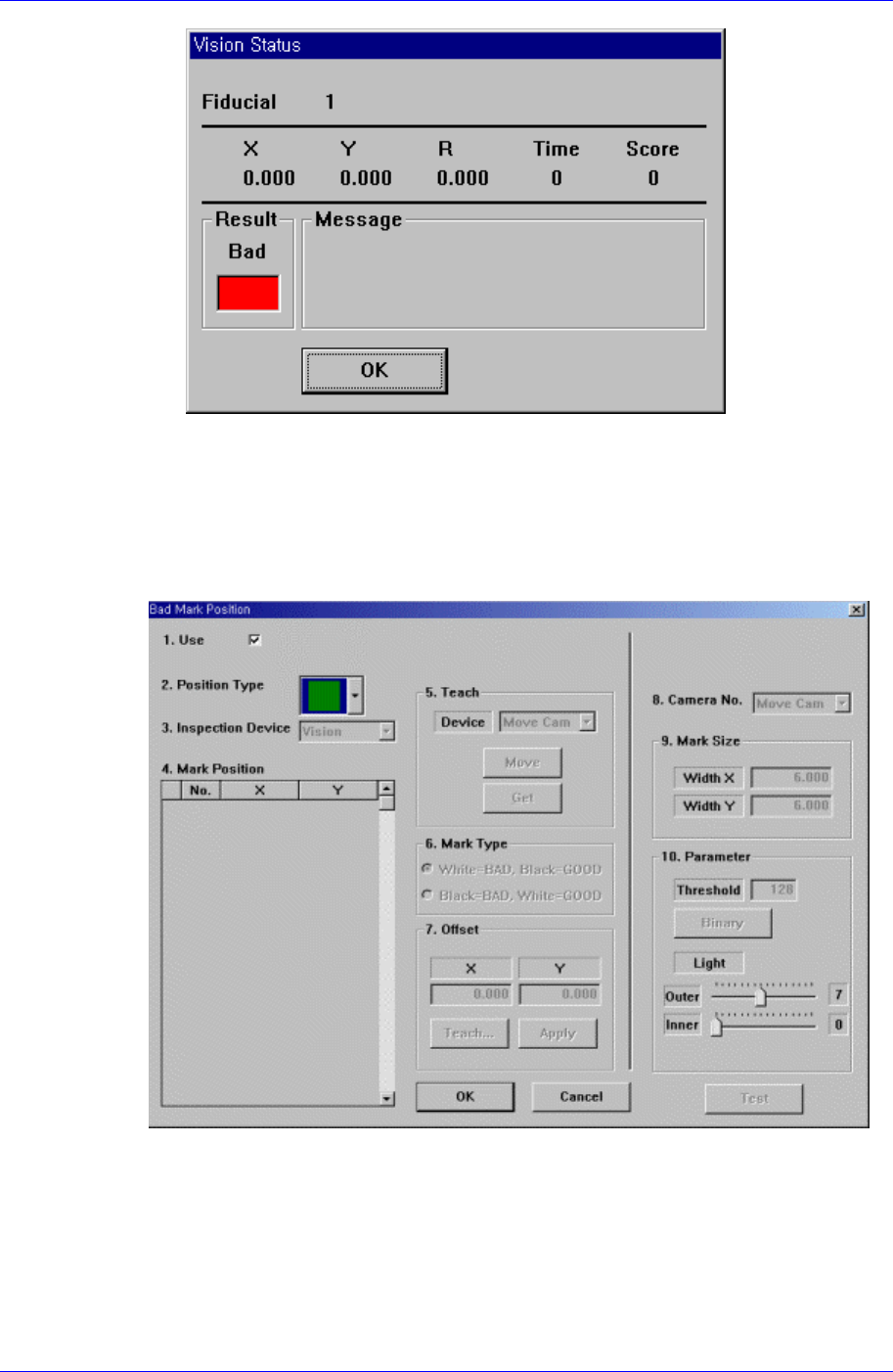
When the test is not successful, the following message box is displayed.
6-16
Board Definition
6-17
<Repeat…> button
It is not explained here as it is displayed in the debug mode only.
<Bad Mark…> button
A bad mark is a mark that identifies whether the loaded PCB is good or bad. The PCB
marked as bad is not operated. When this button is clicked on, the following dialog
box to edit bad mark data is displayed.
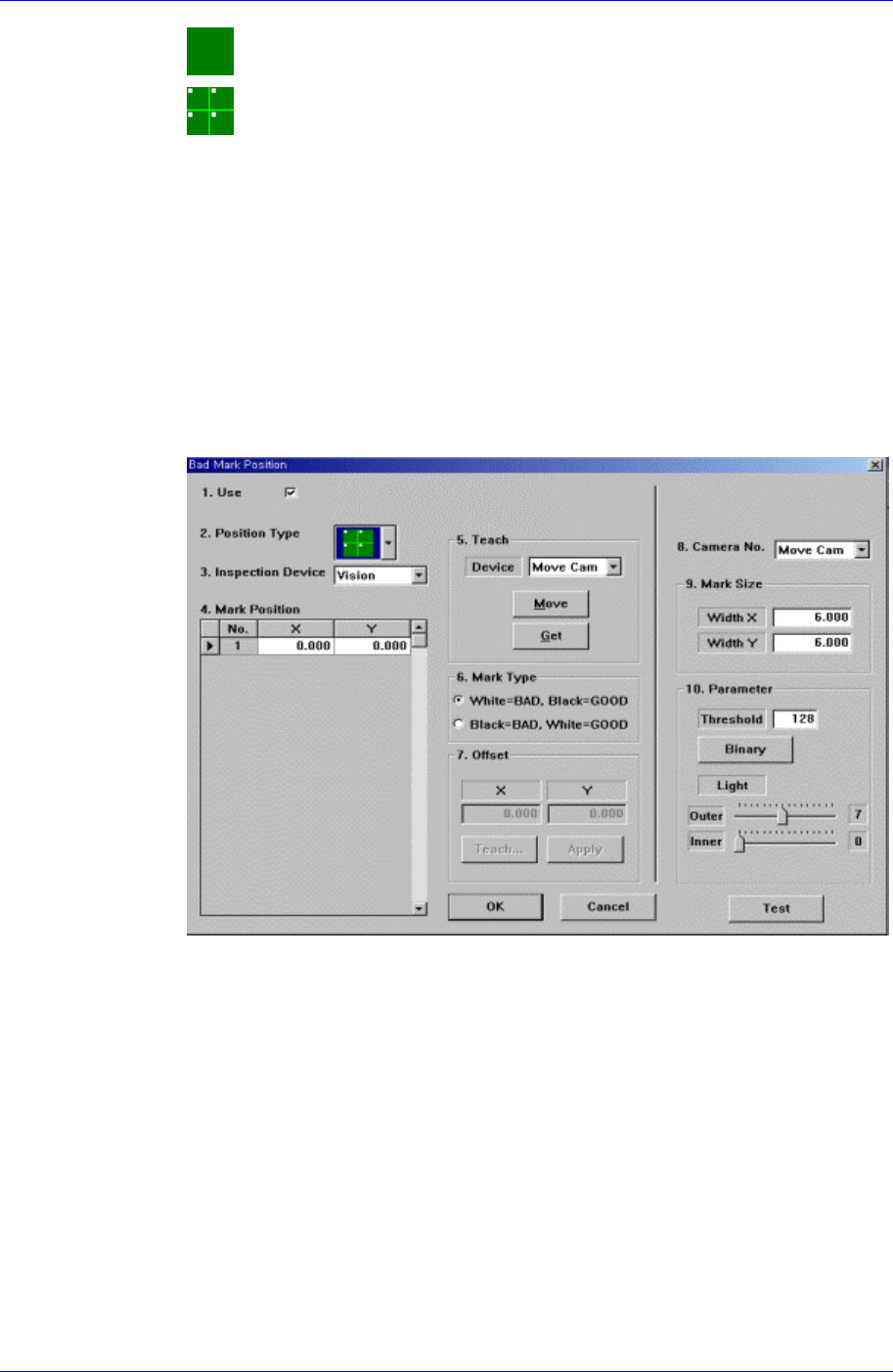
Figure 6-14. “Bad Mark Position” dialog box (When the Position Type is “None”)
<1.Use> check box
Use it to select or check the use of bad mark.
<2. Position Type> combo box
Select the position of bad mark. Available positions of bad marks are as follows.
Samsung Component Placer CP45FV Series Administrator’s Guide
None: No bad mark.
Array: 1 bad mark in each array PCB.
<3. Inspection Device> combo box
Select the device for bad mark inspection. Available devices are as follows.
Vision: Recognizes with the move camera(fiducial camera) in the head assembly.
<4. Mark Position> group
When <Position Type> is not “None”, data is generated according to the selected
<Position Type>. The number of data generated is as follows.
When the <Position Type> is “Array”: 1
When the <Position Type> is “Panel”: The number of Array PCBs
For example, when “Array” is selected in <Position Type>, the following dialog
box is displayed. (When the number of Array PCBs is 4)
Figure 6-15 “Bad Mark Position” dialog box (When the Position Type is “Panel”)
<No> column
A serial number of bad mark data.
<X> column
The X position value of the bad mark.
<Y> column
The Y position value of the bad mark.
<5. Teach> group
Used to move the head assembly to the designated position by rotating the
driving shaft of the X and Y-axes motors or obtain the current position of the
shafts of the X and Y-axes motors.
<Device> combo box
Selects the corresponding device to move the head assembly by rotating the
6-18