Administrator’s Guide(CP45FV) Eng.pdf - 第49页
File Menu 3-9 3.6. Exit [Alt+F4] Use the <Exit> command to end an MMI a pplication session. When the <Exit> command is selected, any MMI session is terminated. This command can be used only on the MMI main sc…
Samsung Component Placer CP45FV Series Administrator’s Guide
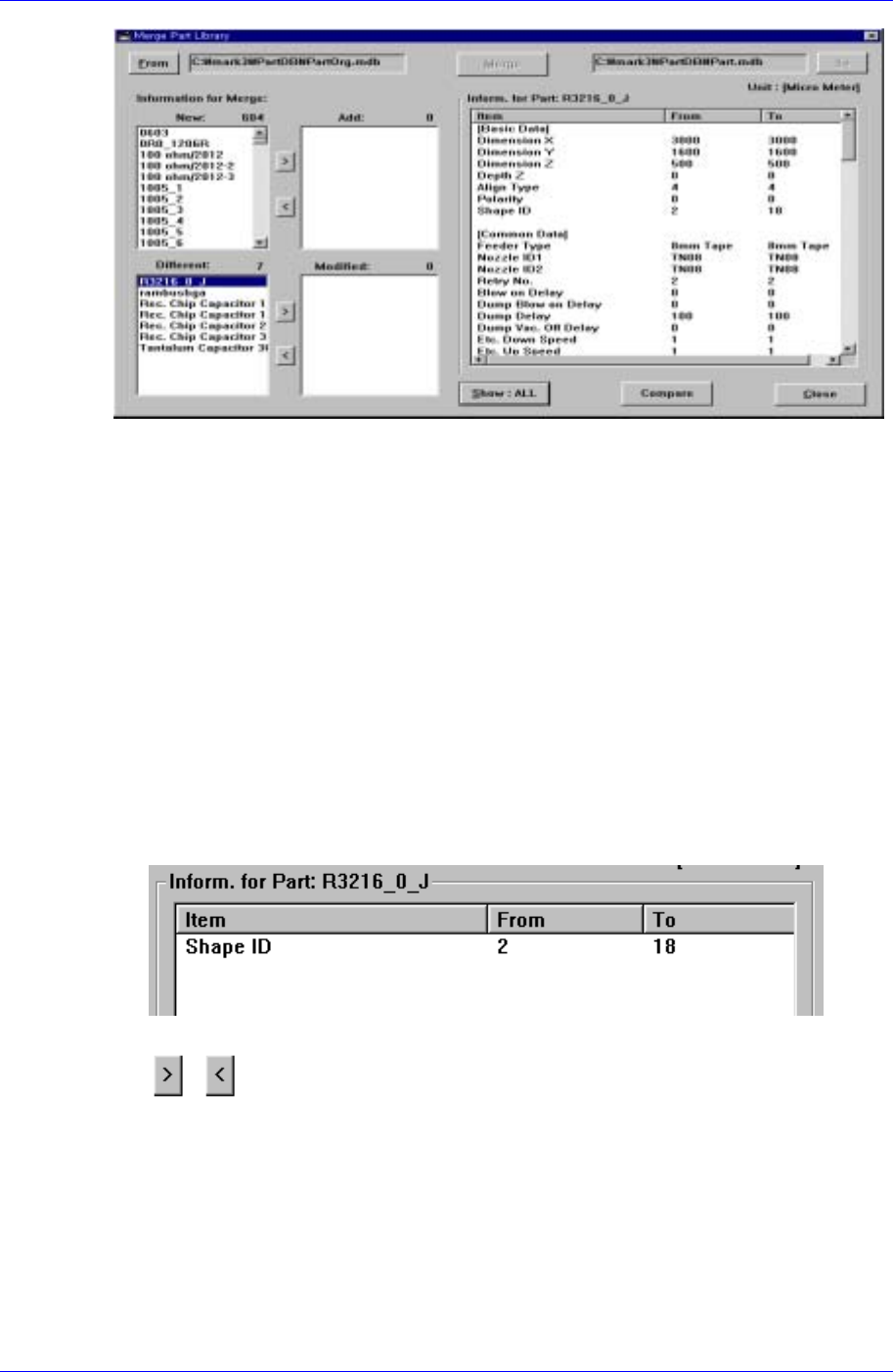
Figure 3-9. “ Merge Part Library” dialog
<From > button
Selects the Source DB file.
<To> button
Selects the Target DB file.
<Compare> button
Compares the two DB files, displays the data that is not in the target DB file in the
New window and displays the data that is in the target DB but has a value that is
different from the one in the source file in the Different window of the Information
for Merge list window.
<Show> button
It has two functions; ALL and DIFF. When an item in the different window is selected
and All is selected, all data for the selected item in the source file and target file are
shown and when DIFF is selected, data of two files are compared and only the
different values are shown.
Figure 3-10. “Show : DIFF” list box
button
Use it to select the New or Different item in the Source file or to remove the selected
item.
<Merge> button
Renews a target file by merging the source file and target file after all selections are
made.
3-8
File Menu
3-9
3.6. Exit [Alt+F4]
Use the <Exit> command to end an MMI application session. When the <Exit> command
is selected, any MMI session is terminated. This command can be used only on the MMI
main screen. If there are any window that are currently open, the following dialog box is
displayed. Just click on the <OK> button and close all the windows and then execute the
<Exit> command.
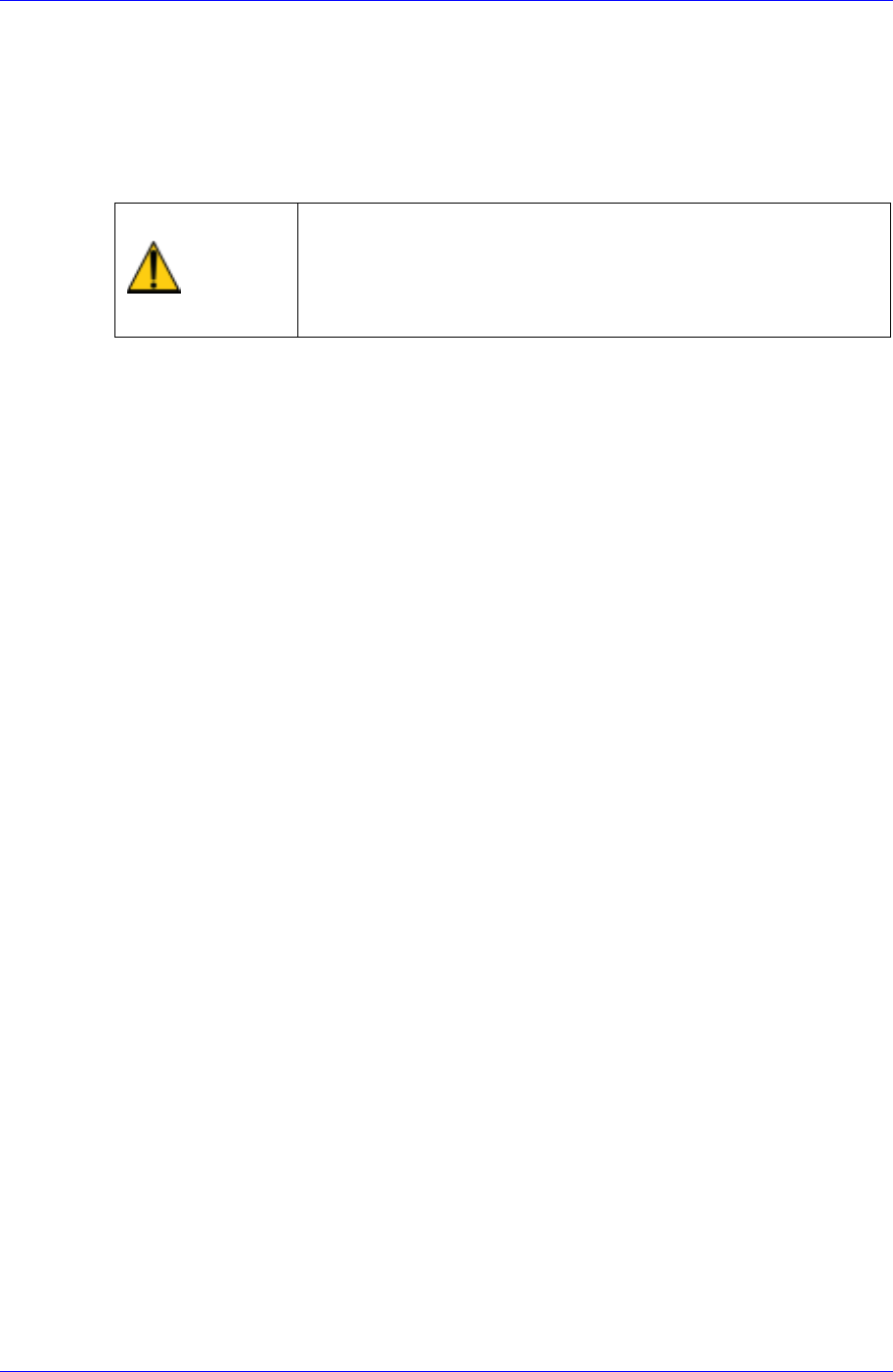
Caution
System needs to be shut down after normally ending the
MMI, otherwise, the machine might be damaged and injury
could occur due to system error caused by irregular shut
down. Be sure to shut down the system after normally
ending the MMI.