N7201A618E00_0309.pdf - 第294页
NPM-W 2 EJM7DE-MB-03T-00 Recog- nition error message Troubleshooting 3-2-1 3-2-1 -3 Code Description Cause Solution 11 12 13 Shape data combination error Non-recognition-capable component shape Specified recognition para…
NPM-W2 EJM7DE-MB-03T-00
3-2-1-2
Explaining the details of recognition error
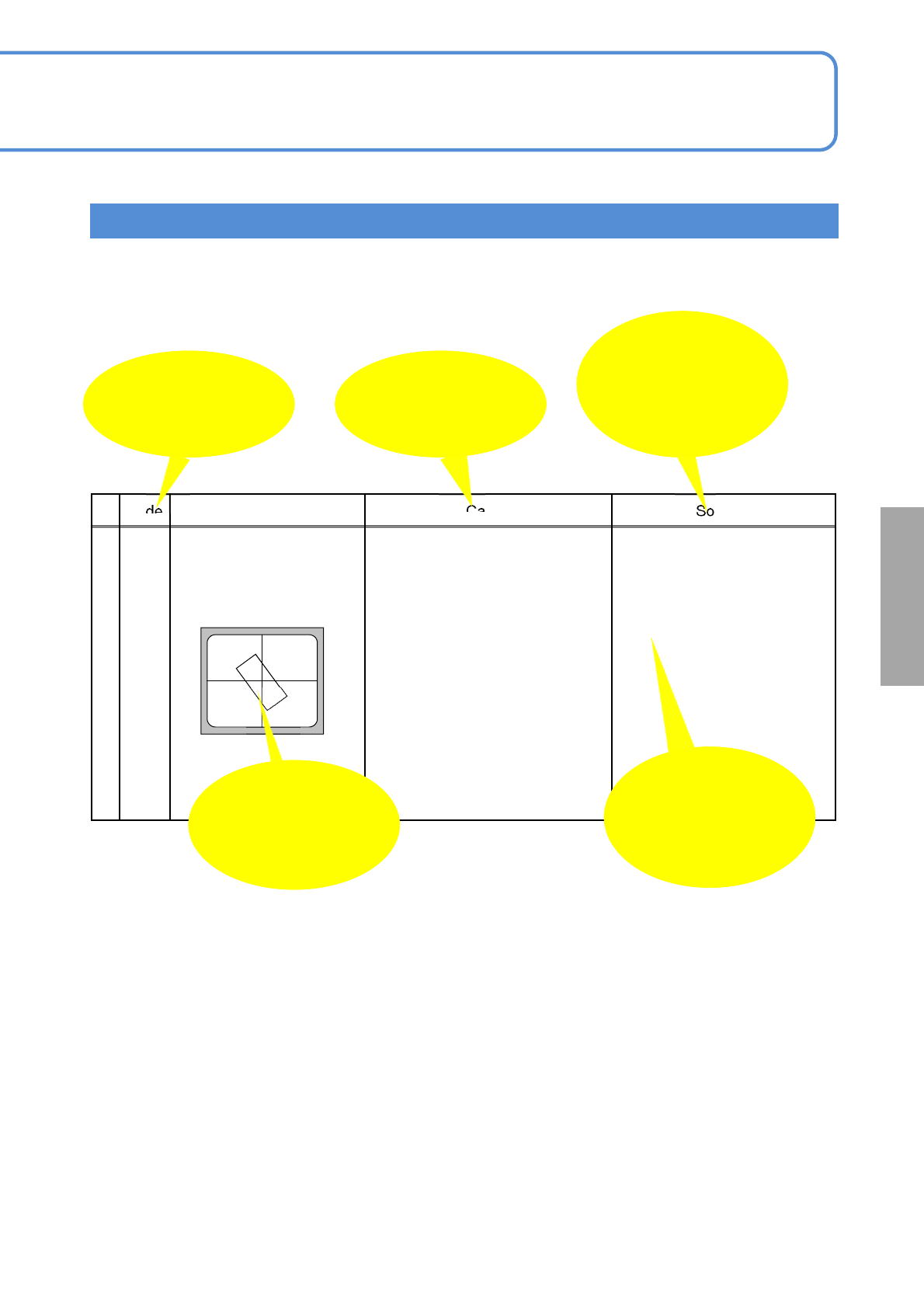
The details of recognition error are composed of “Code,” “Description,” “Cause,” and “Solution.”
Because there are thought to be several “Causes,” select an appropriate cause and take the corresponding
solution.
Code Description Cause Solution
21
Component recognition
angle error
<Example of an image>
1) Unacceptable recognition angle Check on the component
height, pickup position, pickup
offset and nozzle of use to
stabilize the pickup condition.
Check the supply angle.
Items are displayed
as changes in data
are required.
An estimated
image on the
recognition error
screen
Recognition error
code
(ANS: or A:)
Probable causes of
the error
Confirmation and
solution items for
causes stated on
the left
Recognition target detection result errors
Solutions to
recognition
NPM-W2 EJM7DE-MB-03T-00
Recog-
nition
error
message
Troubleshooting
3-2-1
3-2-1-3
Code Description Cause Solution
11
12
13
Shape data combination error
Non-recognition-capable component
shape
Specified recognition parameter error
1) An error occurs in the shape
data combination of
recognition data.
e.g., more than the prescribed
number of recorded data
selections, with several
electrodes placed at the same
location
2) A shape or a combination of
shapes that the recognition
processing cannot handle is
selected.
3) Recognition data parameter
has an error.
Check the created
recognition data again
Check the size, position and
registration of the recognition
data again
14
No component pickup 1) A component is not picked up. Check the pickup condition
Check the component
package condition and pickup
position.
15
16
17
18
19
Recognition target undetected
Shape error of the recognition target
Recognition target out of area
Image detecting reference position
error
Error in setting conditions for target
detecting image
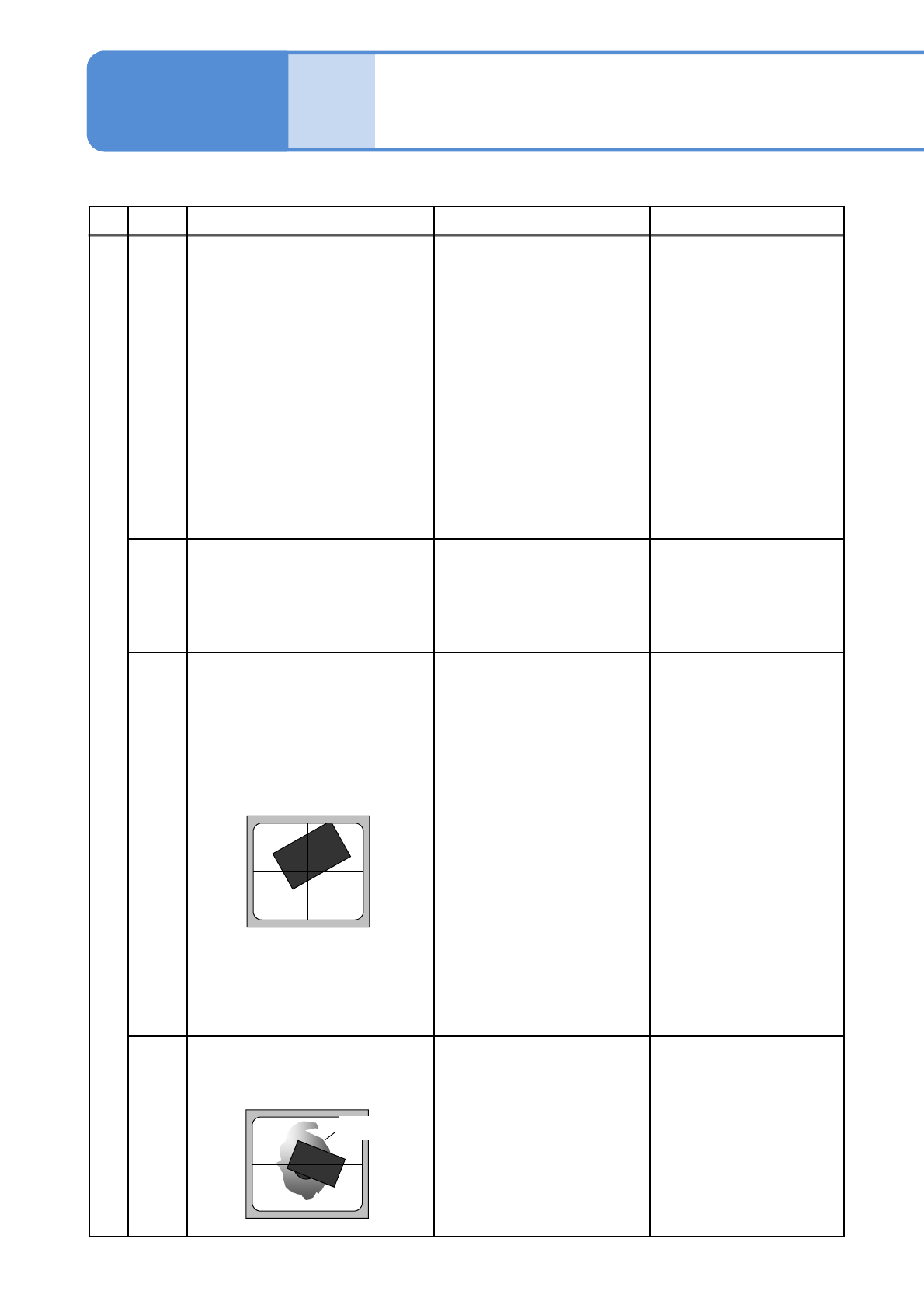
<Example of an image>
1) Light error, setting value
error
2) Recognition data setting error
3) Pickup error
(The entire target component
does not fit into screen)
Check the screen on the
production data teaching for
recognition.
・A component is focused on
the center of the screen.
・(Transparency recognition)
Check whether the
background (=reflection
board) looks white evenly.
・(Reflection recognition)
Check whether electrodes
glow white.
Check the component data
・L(X-direction in length),
W(Y-direction in width)
・Each shape data position/
size
Check the pickup condition.
20
Recognition target feature detection
error
<Example of an image>
1) Pickup error, pickup condition
error
2) Light setting value error
Check the pickup condition
Check the screen when
recognition is performed with
the production data teaching.
Parameter / Recognition coarse detection processing error
Parameter/ recognition coarse detection processing errors
Shadow
■
Recognition error
message lists 2
NPM-W2 EJM7DE-MB-03T-00
Actual chip
3-2-1-4
Code Description Cause Solution
21
Component recognition angle error
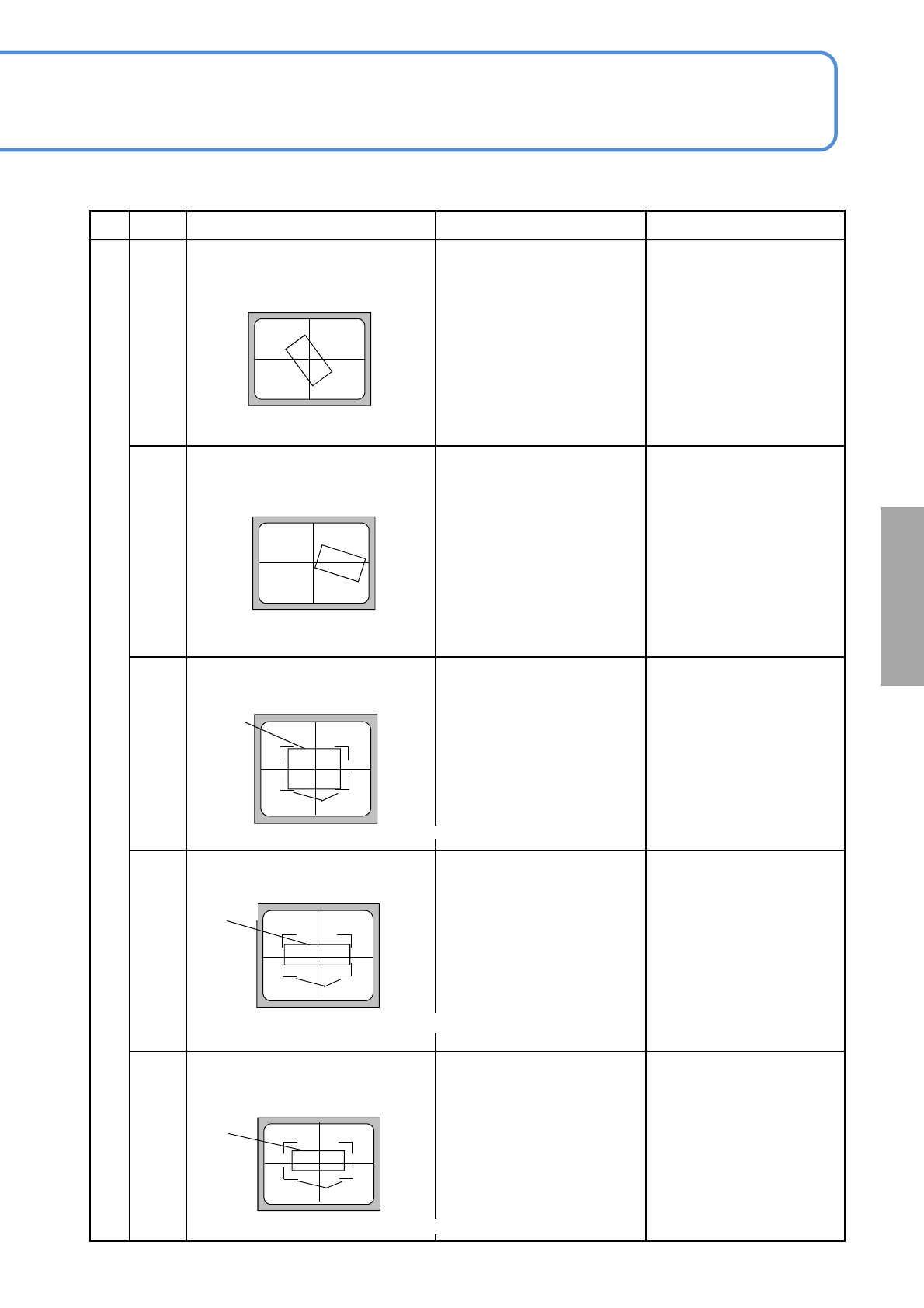
<Example of an image>
1) Unacceptable recognition
angle
Check for the component
height, pickup position, pickup
offset and nozzle of use to
stabilize the pickup state.
Check the supply angle.
22
Component recognition angle error
<Example of an image>
1) Unacceptable recognition
result position
Check for the component
height, pickup position, pickup
offset and nozzle of use to
stabilize the pickup state.
Check the component supply
position.
25
Size L-direction measurement result
error
<Example of an image>
1) Error in setting component
size L (X-direction in length)
2) Wrong component
3) Component pickup condition
error
Recheck for the position and
size of component X-direction
shape data (component data).
Check the target component
Check the state of component
package and the pickup
position.
26
Size W-direction measurement result
error
<Example of an image>
1) Error in setting component
size W (Y-direction in width)
2) Wrong component
3) Component pickup condition
error
Recheck for the position and
size of component Y-direction
shape data (component data).
Check the target component
Check the component
package condition and pickup
position.
27
Size L- or W- direction measurement
result error
<Example of an image>
1) Error in setting component
size L- (X-)direction
2) Wrong component
3) Component pickup condition
error
Recheck for the position and
size of component X/Y-
direction shape data
(component data).
Check the target component
Check the component
package condition and pickup
position.
Recognition target detection result error
Recognition target detection result errors
Actual
component
Size of the component data
Actual
component
Size of the component data
Size of the component data
■
Solutions to
recognition