N7201A618E00_0309.pdf - 第92页
NPM–W 2 EJM7DE-MB-02 -1T-00 Nozzle Diameter Error Nozzle Position Error Feeder Error Rate Over Error Message Troubleshooting 2-1-3 Single stop er r or 12 Error Code Error Message Cause Inspection and Solution Machine sto…
NPM–W2 EJM7DE-MB-02-1T-00
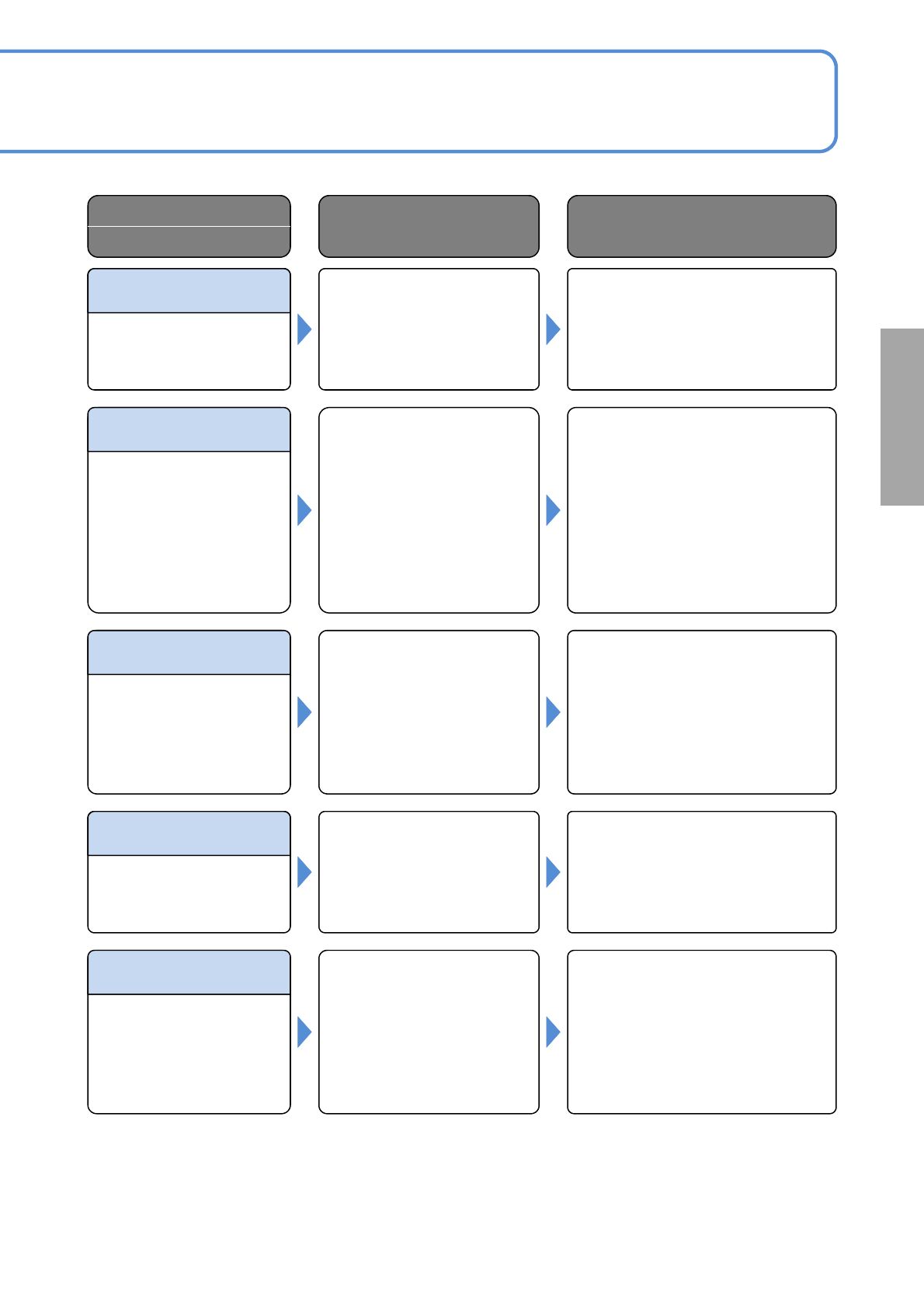
Stamp Unit Cover Open
Stamp Material Leak Err
Machine File Name
Mismatch
Changeover Cart
Unconnected
Feeder Abnormality
Solutions to errors
Error Code
Error Message
Cause Inspection and Solution
Abnormality found in the
feeder.
(Single stop error occurred.)
Check the feeder.
40366
Feeder cart connector not
connected.
(Single stop error occurred.)
Connect the feeder cart
again.Choose [Machine] - [Adjust] -
[All] - [Input confirm] and check the
connection of feeder cart. If any
problem is found, contact PFSC.
40367
Production data may not
agree with that of the
preceding machine.
(Single stop error occurred.)
Download the production data again.
40368
Transcript material is spilling.
(Single stop error occurred.)
Check the transcript feeder.
40369
Transcript unit cover is open.
(Single stop error occurred.)
Close the transcript unit cover.
40370
2-1-3-21
NPM–W2 EJM7DE-MB-02-1T-00
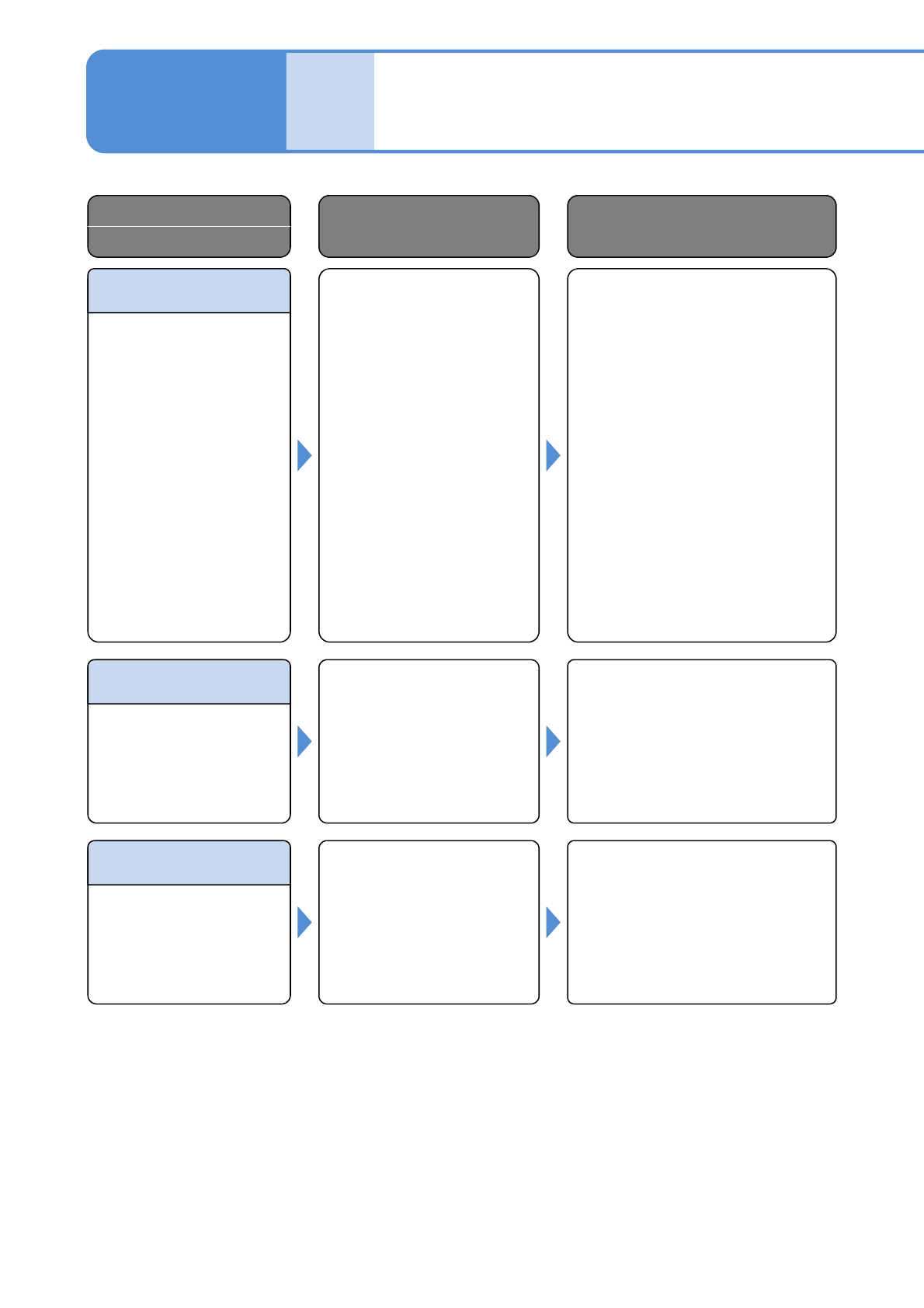
Nozzle Diameter Error
Nozzle Position Error
Feeder Error Rate Over
Error
Message
Troubleshooting
2-1-3
Single stop error 12
Error Code
Error Message
Cause Inspection and Solution
Machine stopped since the
tape feeder error rate
((Pickup error count +
Recognition error count) /
Pickup count) of the feeder
concerned has exceeded the
specified limit.
(Single stop error occurred.)
Take any of the following measures:
1) Make sure the judgment criteria
value is correct on the bad
judgment value screen of the
machine parameter.
2) Choose [Prod. info.] - [Pickup
info.] and identify the cause
(pickup error or recognition error).
Then perform appropriate
maintenance and clear the setting
of the bad nozzle.
40371
Nozzle position was judged
to be abnormal during nozzle
position recognition.
(Single stop error occurred.)
Check the nozzles are free of bend
or other defects.
40372
Nozzle diameter was judged
to be abnormal during nozzle
position recognition.
(Single stop error occurred.)
Make sure that correct nozzles are
attached.
40373
2-1-3-22
NPM–W2 EJM7DE-MB-02-1T-00
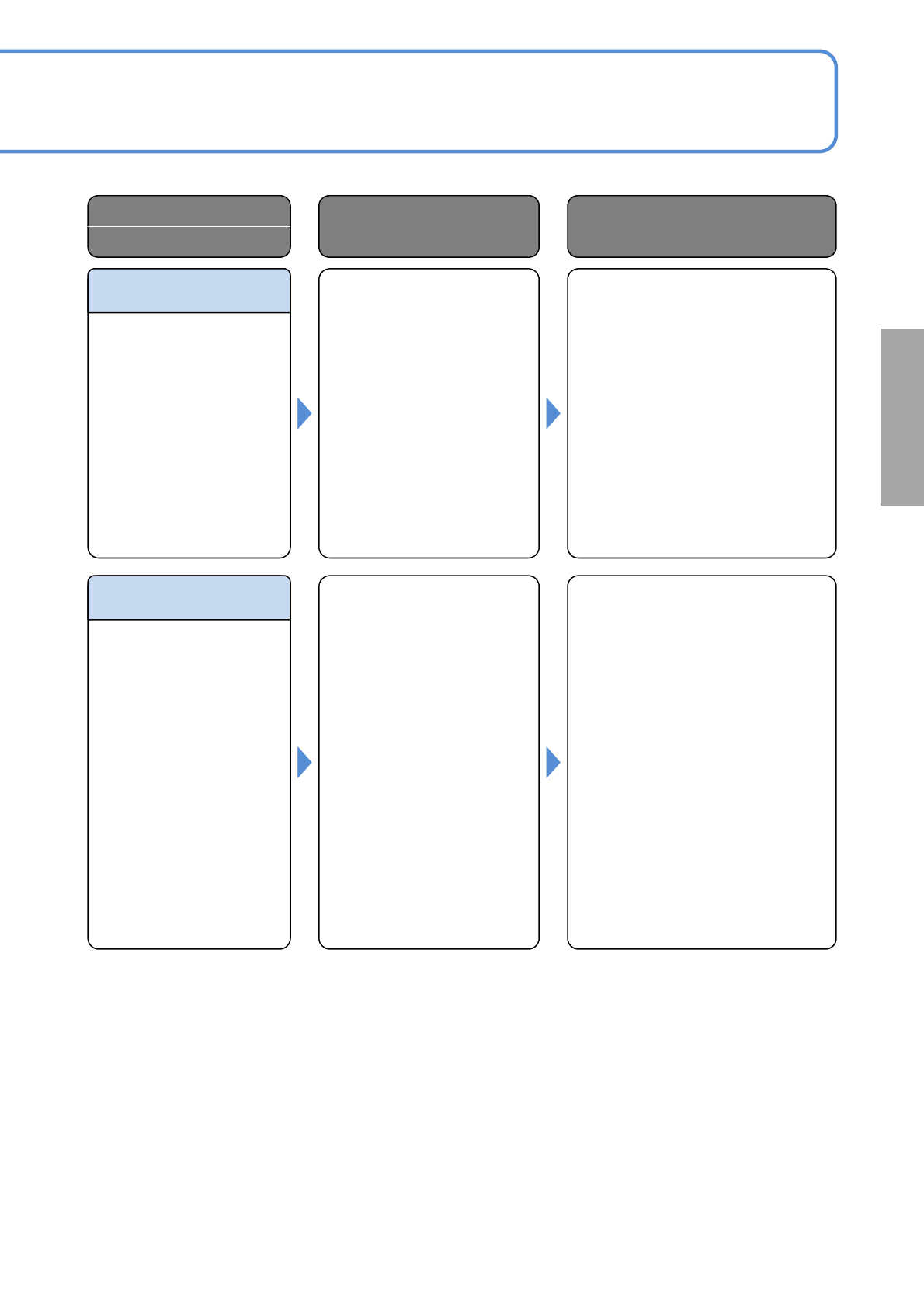
Nozzle Recognition Err
Nozzle Pos Diameter Err
Solutions to errors
Error Code
Error Message
Cause Inspection and Solution
Both nozzle position and
diameter were judged to be
abnormal during nozzle
position recognition.
(Single stop error occurred.)
Take any of the following measures:
1) Make sure that correct nozzles
are attached.
2)Check the nozzles are free of
bend or other defects.
40374
Nozzle recognition failed
during nozzle position
recognition.
(Single stop error occurred.)
Take any of the following measures:
1) Make sure that correct nozzles
are attached.
2) Check the nozzles are free of
bend or other defects.
3) Make sure the light of the parts
recognition camera is lit during
nozzle recognition. If not lit,
contact PFSC.
40375
2-1-3-23