sh030106u.pdf - 第177页
5. PARAMETE RS 5 - 32 No. Sym bol Name and function Initial value [unit] Setting range PB49 NHQ4 Notc h shape selection 4 Set the shape of the machine resonance suppression filter 4. Refer to t he "Name and function…
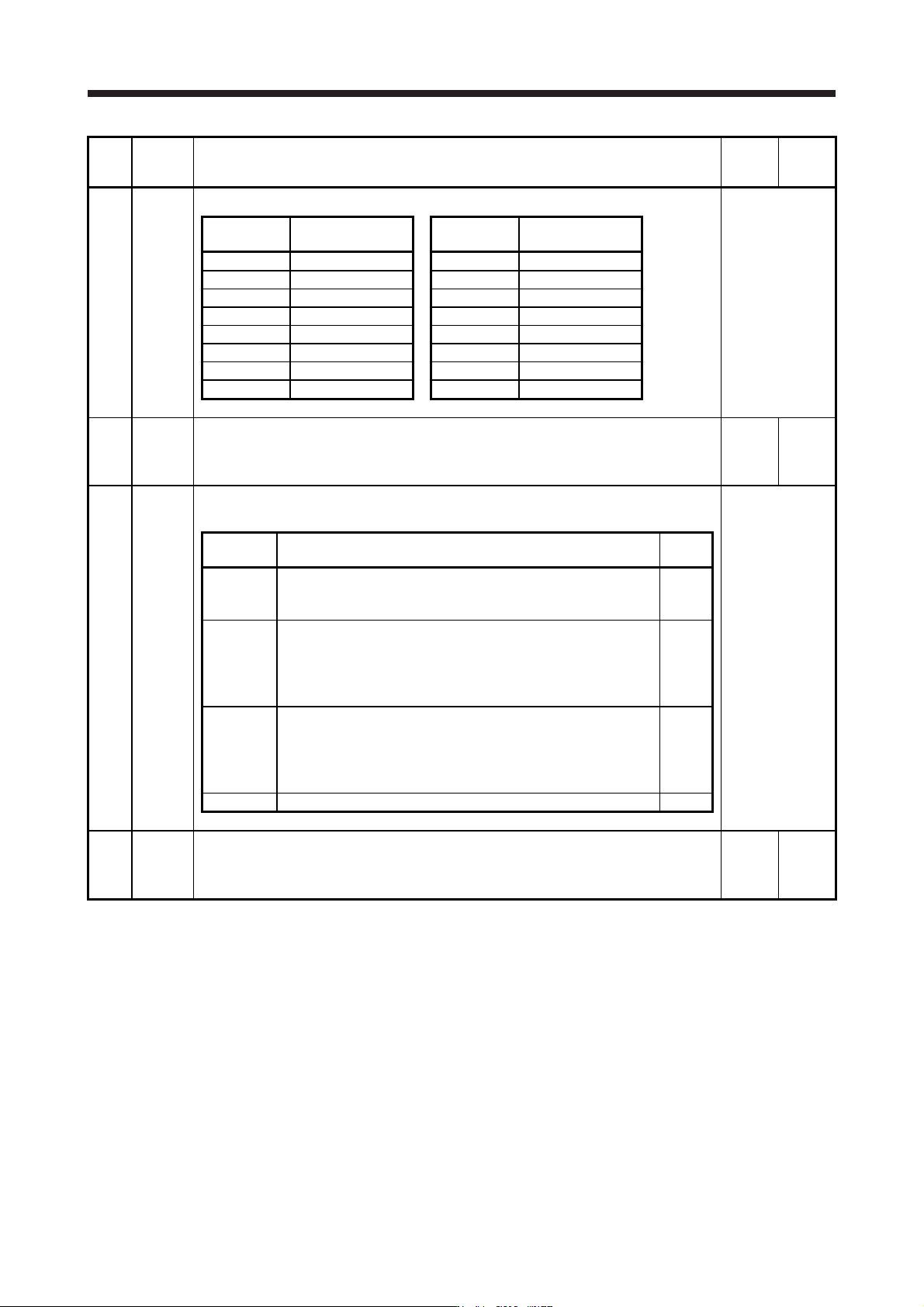
5. PARAMETERS
5 - 31
No. Symbol Name and function
Initial
value
[unit]
Setting
range
PB45 CNHF
Table 5.6 Notch depth selection
Refer to the
"Name and
function" column.
Setting
value
Depth [dB]
Setting
value
Depth [dB]
_ 0 _ _ -40.0 _ 8 _ _ -6.0
_ 1 _ _ -24.1 _ 9 _ _ -5.0
_ 2 _ _ -18.1 _ A _ _ -4.1
_ 3 _ _ -14.5 _ B _ _ -3.3
_ 4 _ _ -12.0 _ C _ _ -2.5
_ 5 _ _ -10.1 _ D _ _ -1.8
_ 6 _ _ -8.5 _ E _ _ -1.2
_ 7 _ _ -7.2 _ F _ _ -0.6
PB46 NH3 Machine resonance suppression filter 3
Set the notch frequency of the machine resonance suppression filter 3.
To enable the setting value, select "Enabled (_ _ _ 1)" of "Machine resonance suppression
filter 3 selection" in [Pr. PB47].
4500
[Hz]
10 to
4500
PB47 NHQ3 Notch shape selection 3
Set the shape of the machine resonance suppression filter 3.
Refer to the
"Name and
function" column.
Setting
digit
Explanation
Initial
value
_ _ _ x Machine resonance suppression filter 3 selection
0: Disabled
1: Enabled
0h
_ _ x _ Notch depth selection
0: -40 dB
1: -14 dB
2: -8 dB
3: -4 dB
0h
_ x _ _ Notch width selection
0: α = 2
1: α = 3
2: α = 4
3: α = 5
0h
x _ _ _ For manufacturer setting 0h
PB48 NH4 Machine resonance suppression filter 4
Set the notch frequency of the machine resonance suppression filter 4.
To enable the setting value, select "Enabled (_ _ _ 1)" of "Machine resonance suppression
filter 4 selection" in [Pr. PB49].
4500
[Hz]
10 to
4500
5. PARAMETERS
5 - 32
No. Symbol Name and function
Initial
value
[unit]
Setting
range
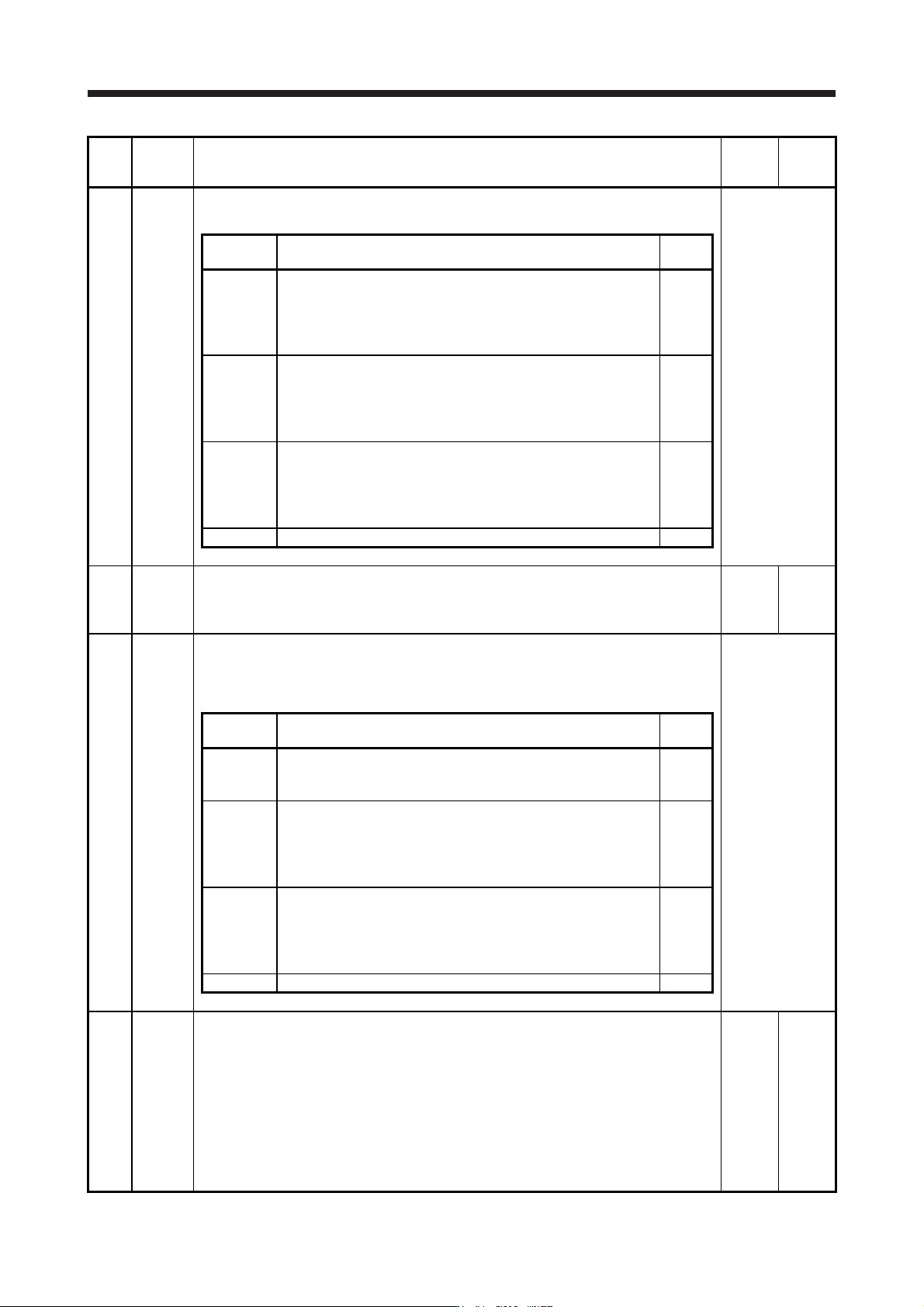
PB49 NHQ4 Notch shape selection 4
Set the shape of the machine resonance suppression filter 4.
Refer to the
"Name and
function" column.
Setting
digit
Explanation
Initial
value
_ _ _ x Machine resonance suppression filter 4 selection
0: Disabled
1: Enabled
When you select "Enabled" of this digit, [Pr. PB17 Shaft resonance
suppression filter] is not available.
0h
_ _ x _ Notch depth selection
0: -40 dB
1: -14 dB
2: -8 dB
3: -4 dB
0h
_ x _ _ Notch width selection
0: α = 2
1: α = 3
2: α = 4
3: α = 5
0h
x _ _ _ For manufacturer setting 0h
PB50 NH5 Machine resonance suppression filter 5
Set the notch frequency of the machine resonance suppression filter 5.
To enable the setting value, select "Enabled (_ _ _ 1)" of "Machine resonance suppression
filter 5 selection" in [Pr. PB51].
4500
[Hz]
10 to
4500
PB51 NHQ5 Notch shape selection 5
Set the shape of the machine resonance suppression filter 5.
When you select "Enabled (_ _ _ 1)" of "Robust filter selection" in [Pr. PE41], the machine
resonance suppression filter 5 is not available.
Refer to the
"Name and
function" column.
Setting
digit
Explanation
Initial
value
_ _ _ x Machine resonance suppression filter 5 selection
0: Disabled
1: Enabled
0h
_ _ x _ Notch depth selection
0: -40 dB
1: -14 dB
2: -8 dB
3: -4 dB
0h
_ x _ _ Notch width selection
0: α = 2
1: α = 3
2: α = 4
3: α = 5
0h
x _ _ _ For manufacturer setting 0h
PB52 VRF21 Vibration suppression control 2 - Vibration frequency
Set the vibration frequency for vibration suppression control 2 to suppress low-frequency
machine vibration.
To enable the setting value, set "Vibration suppression mode selection" to "3 inertia mode (_ _
_ 1)" in [Pr. PA24].
When "Vibration suppression control 2 tuning mode selection" is set to "Automatic setting (_ _
1 _)" in [Pr. PB02], this parameter will be set automatically. When "Manual setting (_ _ 2 _)" is
selected, the setting written to the parameter is used.
The setting range of this parameter varies, depending on the value in [Pr. PB07]. If a value out
of the range is set, the vibration suppression control will be disabled. Refer to section 7.1.5 for
details.
100.0
[Hz]
0.1 to
300.0
5. PARAMETERS
5 - 33
No. Symbol Name and function
Initial
value
[unit]
Setting
range
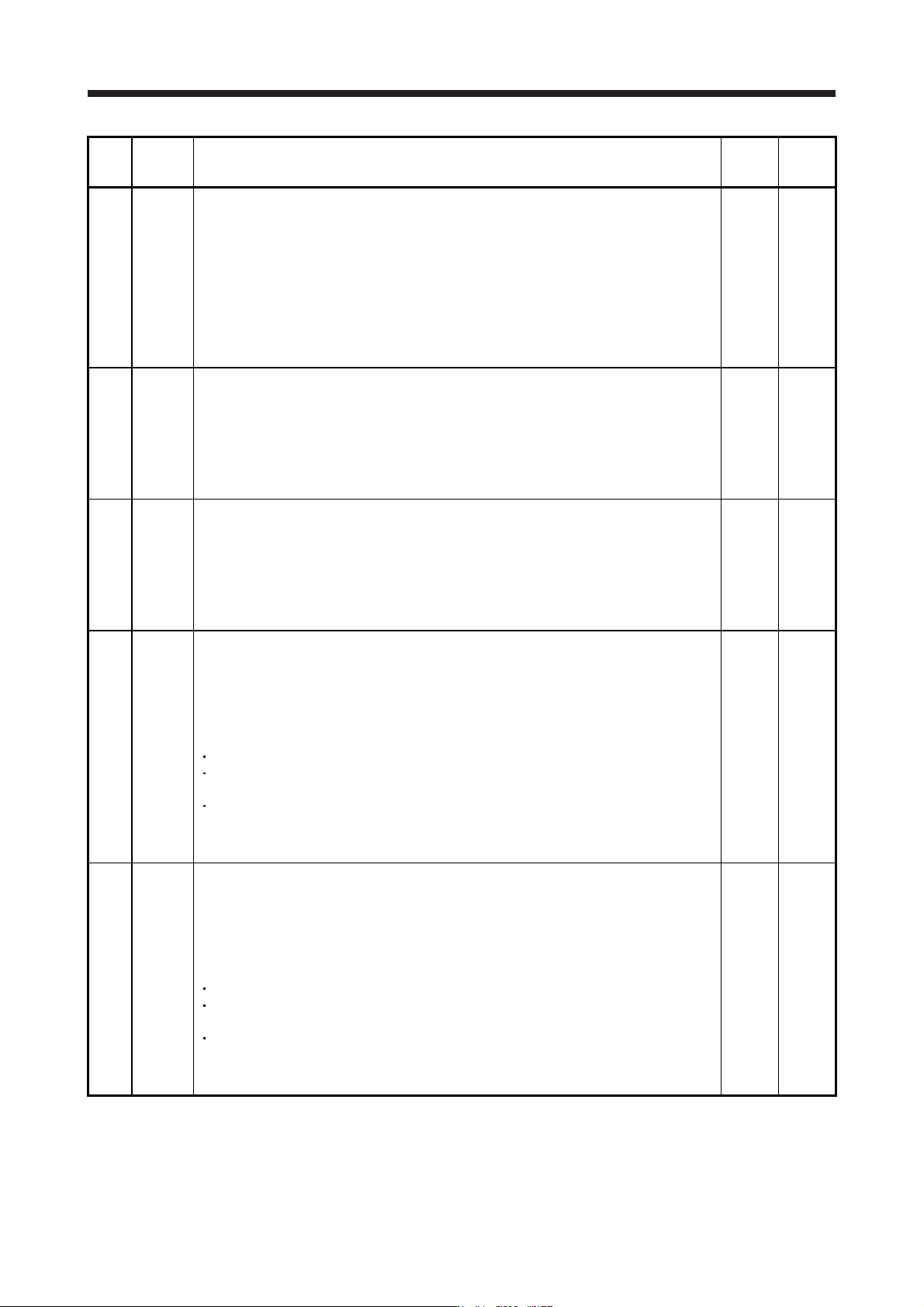
PB53 VRF22 Vibration suppression control 2 - Resonance frequency
Set the resonance frequency for vibration suppression control 2 to suppress low-frequency
machine vibration.
To enable the setting value, set "Vibration suppression mode selection" to "3 inertia mode (_ _
_ 1)" in [Pr. PA24].
When "Vibration suppression control 2 tuning mode selection" is set to "Automatic setting (_ _
1 _)" in [Pr. PB02], this parameter will be set automatically. When "Manual setting (_ _ 2 _)" is
selected, the setting written to the parameter is used.
The setting range of this parameter varies, depending on the value in [Pr. PB07]. If a value out
of the range is set, the vibration suppression control will be disabled. Refer to section 7.1.5 for
details.
100.0
[Hz]
0.1 to
300.0
PB54 VRF23 Vibration suppression control 2 - Vibration frequency damping
Set a damping of the vibration frequency for vibration suppression control 2 to suppress low-
frequency machine vibration.
To enable the setting value, set "Vibration suppression mode selection" to "3 inertia mode (_ _
_ 1)" in [Pr. PA24].
When "Vibration suppression control 2 tuning mode selection" is set to "Automatic setting (_ _
1 _)" in [Pr. PB02], this parameter will be set automatically. When "Manual setting (_ _ 2 _)" is
selected, the setting written to the parameter is used. Refer to section 7.1.5 for details.
0.00
0.00 to
0.30
PB55 VRF24 Vibration suppression control 2 - Resonance frequency damping
Set a damping of the resonance frequency for vibration suppression control 2 to suppress low-
frequency machine vibration.
To enable the setting value, set "Vibration suppression mode selection" to "3 inertia mode (_ _
_ 1)" in [Pr. PA24].
When "Vibration suppression control 2 tuning mode selection" is set to "Automatic setting (_ _
1 _)" in [Pr. PB02], this parameter will be set automatically. When "Manual setting (_ _ 2 _)" is
selected, the setting written to the parameter is used. Refer to section 7.1.5 for details.
0.00
0.00 to
0.30
PB56 VRF21B Vibration suppression control 2 - Vibration frequency after gain switching
Set the vibration frequency for vibration suppression control 2 when the gain switching is
enabled.
When you set a value less than 0.1 Hz, the value will be the same as [Pr. PB52].
To enable this, select "3 inertia mode (_ _ _ 1)" of "Vibration suppression mode selection" in
[Pr. PA24].
This parameter will be enabled only when the following conditions are fulfilled.
"Gain adjustment mode selection" in [Pr. PA08] is "Manual mode (_ _ _ 3)".
"Vibration suppression control 2 tuning mode selection" in [Pr. PB02] is "Manual setting (_ _
2 _)".
"Gain switching selection" in [Pr. PB26] is "Control command from controller is enabled (_ _
_ 1)".
Switching during driving may cause a shock. Be sure to switch them after the servo motor or
linear servo motor stops.
0.0
[Hz]
0.0 to
300.0
PB57 VRF22B Vibration suppression control 2 - Resonance frequency after gain switching
Set the resonance frequency for vibration suppression control 2 when the gain switching is
enabled.
When you set a value less than 0.1 Hz, the value will be the same as [Pr. PB53].
To enable this, select "3 inertia mode (_ _ _ 1)" of "Vibration suppression mode selection" in
[Pr. PA24].
This parameter will be enabled only when the following conditions are fulfilled.
"Gain adjustment mode selection" in [Pr. PA08] is "Manual mode (_ _ _ 3)".
"Vibration suppression control 2 tuning mode selection" in [Pr. PB02] is "Manual setting (_ _
2 _)".
"Gain switching selection" in [Pr. PB26] is "Control command from controller is enabled (_ _
_ 1)".
Switching during driving may cause a shock. Be sure to switch them after the servo motor or
linear servo motor stops.
0.0
[Hz]
0.0 to
300.0