3OM-1075-002.pdf - 第102页
: Add O Data When pressed, this adds the O data to the currently selected U data. : Delete O Data When pressed, this deletes the O data from the currently selected O data. : Cascade The currently opened windows (programs…
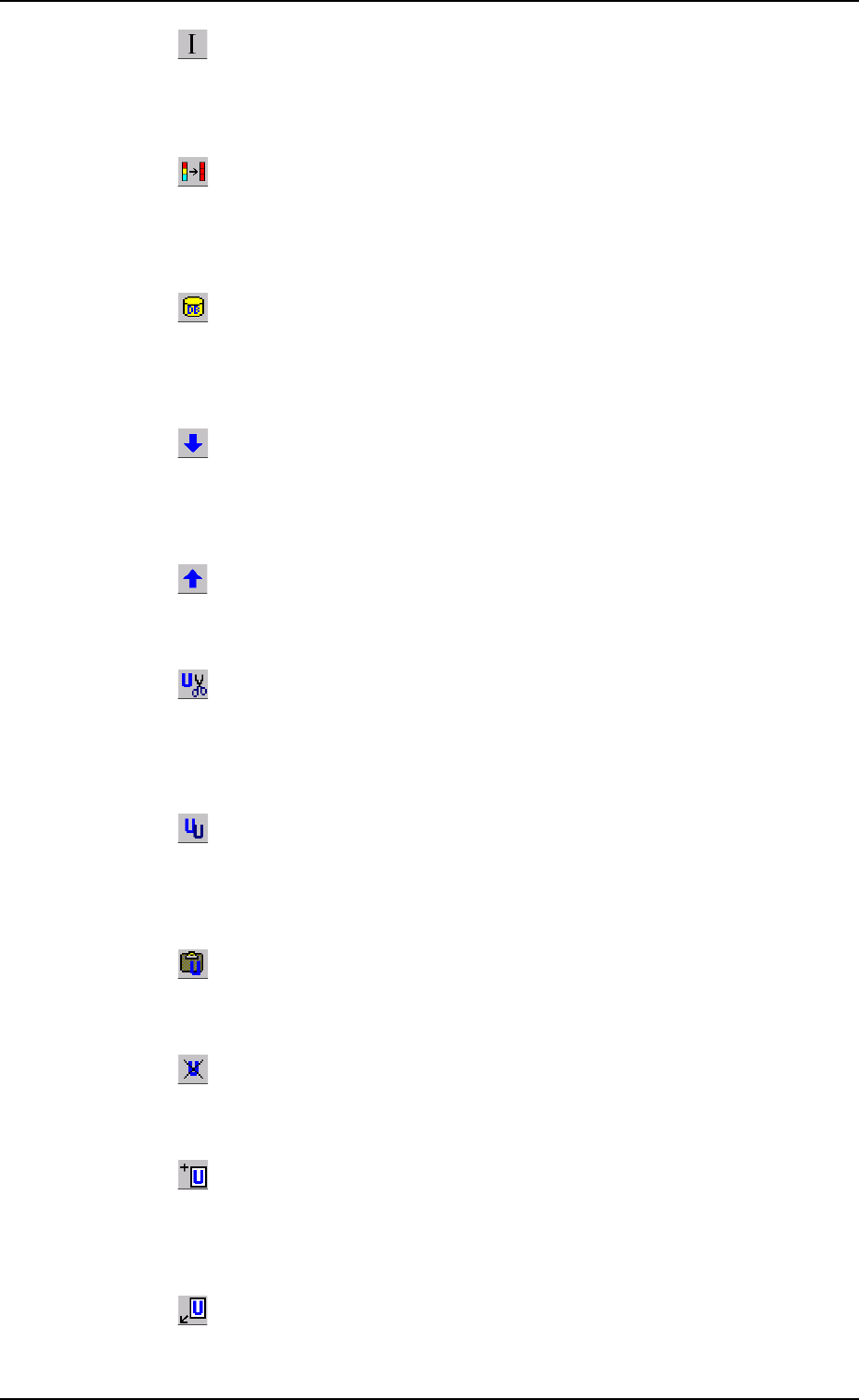
: Initialize
When pressed, the changed parameters are reset to the de-
faults.
: Copy First Data
When pressed, this fills all the selected text boxes with the
parameter in the first text box.
: Component ID List Display
When pressed, this opens the "Component ID List" window,
enabling you to use the database (component library).
: Open 2nd. Toolbar
When pressed, this opens the second toolbar.
The second toolbar is provided with the following icons.
: Close 2nd. Toolbar
When pressed, this closes the second toolbar.
: Cut Unit
When pressed, this removes the selection (U data) and stores
it in the Clipboard.
: Copy Unit
When pressed, this transfers the selection (U data) to the
Clipboard without removing the selection.
: Insert Copied Unit
When pressed, the cut or the copied U data is pasted.
: Delete Selected Unit
When pressed, this deletes the currently displayed U data.
: Add New Unit
When pressed, a tab (new U data) is added to the last one,
indicating that a new tab sheet is created.
: Insert New Unit
When pressed, a tab (new U data) is inserted after the cur-
rently selected one, indicating that a tab sheet is inserted.
0206-003 2-82 AHB01EDTP
4.1 Basic Operations
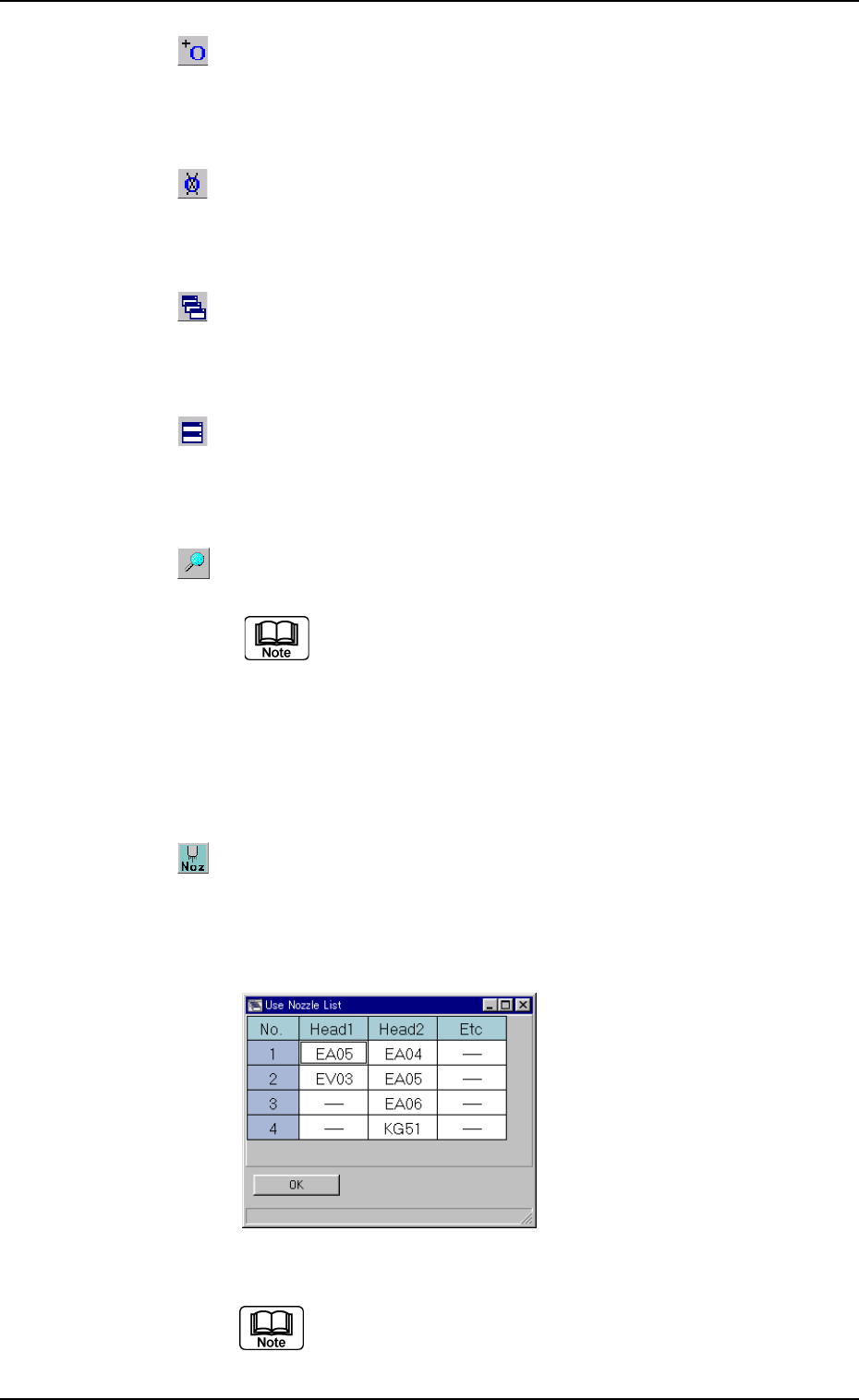
: Add O Data
When pressed, this adds the O data to the currently selected
U data.
: Delete O Data
When pressed, this deletes the O data from the currently
selected O data.
: Cascade
The currently opened windows (programs) are cascaded
(overlaid), making each title bar visible.
: Tile Horizontally
When pressed, this re-arranges the currently opened "Pat-
tern Program" windows up and down.
: When pressed, this searches the data.
The "Search" dialog box opens.
"*" (asterisk) and "?" (question mark) can be used
as wild cards.
abc* : The search function retrieves the data which
starts with "abc".
a?c : The search function retrieves the data which
starts with "a" and contains "c" as the third
character.
: When pressed, this opens the "Use Nozzle List" win-
dow.
Listed in this window are the nozzles that are used in the
active pattern program (the opened pattern program file).
Fig. 3B142
The nozzles in the "Etc" column represent that no
heads are determined for them.
It is required to set the head data.
0308-004 2-83
AHB01EDTP
4.1 Basic Operations
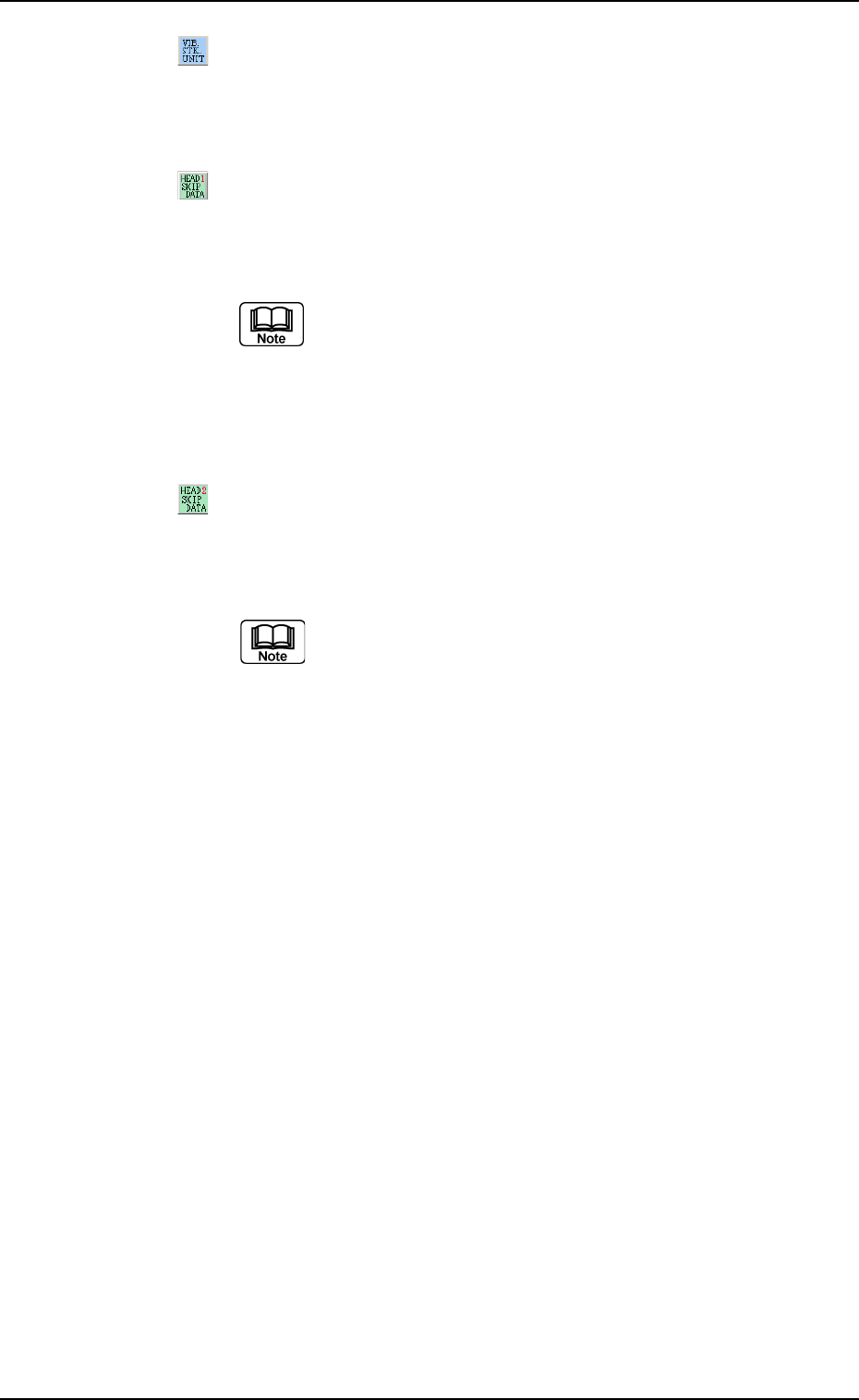
: VIB STK UNIT
When pressed, this registers the vibratory stick feeder unit
to the currently selected "Fdr. No."
: HEAD1 SKIP DATA
When pressed, the current pattern program is changed to a
program for which only Head #2 can be used.
(a) The unchanged program name is used together
with _h1skip as a new program name.
Example: Unchanged Program Name_h1skip
(b) The S data is all changed to "-" and the HD data
to "2".
: HEAD2 SKIP DATA
When pressed, the current pattern program is changed to a
program for which only Head #1 can be used.
(a) The unchanged program name is used together
with _h2skip as a new program name.
Example: Unchanged Program Name_h2skip
(b) The S data is all changed to "-" and the HD data
to "1".
4.1 Basic Operations
0308-004 2-84 AHB01EDTP