3OM-1075-002.pdf - 第5页
Contents Page Before Use .................................................................................................... 1 About the Instruction Manual ...............................................................…
About the Instruction Manual
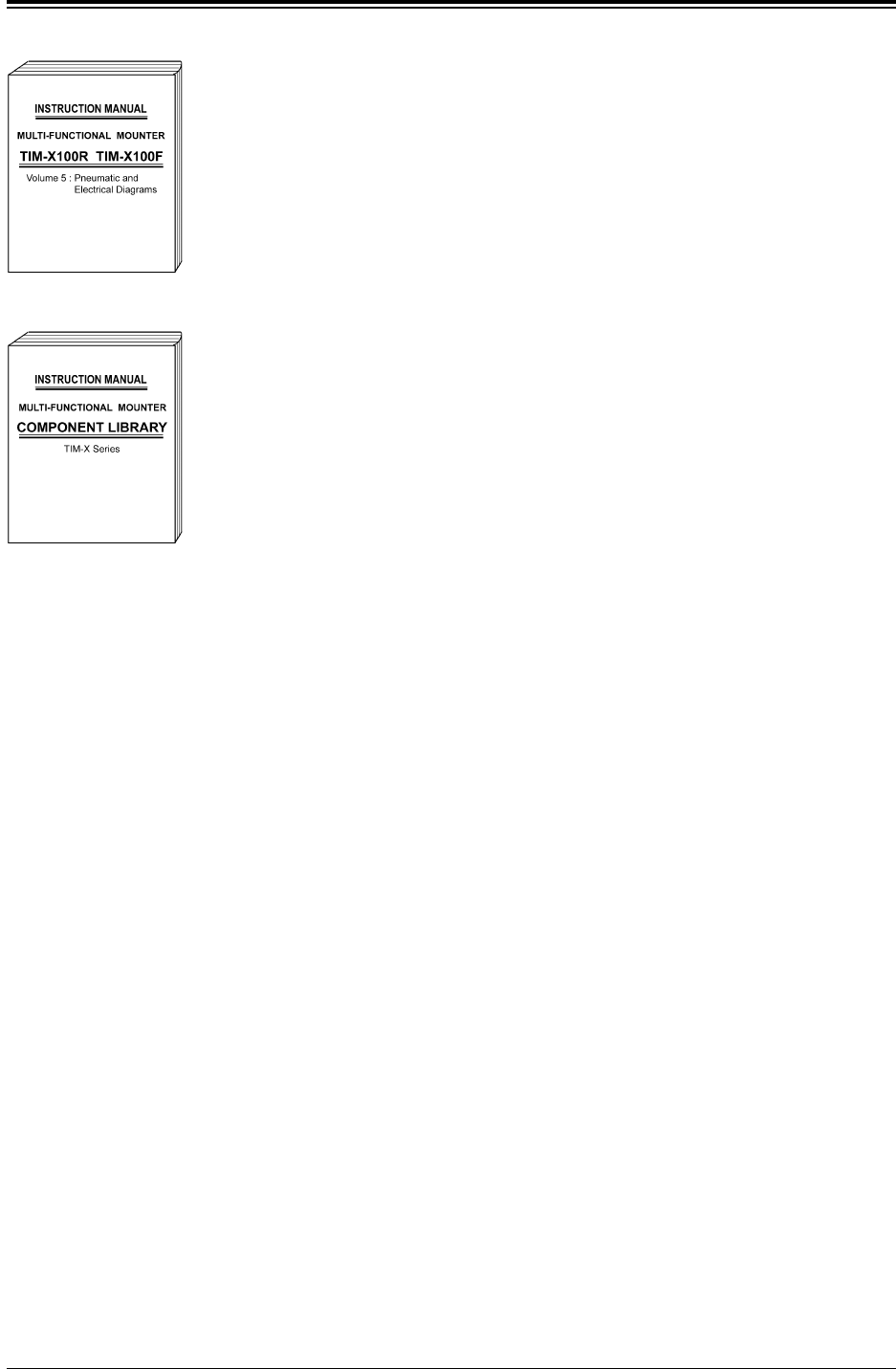
Volume 5: Pneumatic and Electrical Diagrams
This provides various kinds of material such as pneu-
matic and electrical circuit diagrams for those who are
in charge of machine servicing operations.
Coverage: Pneumatic Diagram, Parts Location, Elec-
trical Circuit Diagrams, etc.
COMPONENT LIBRARY:
This includes an explanation of component library data
and how to create it.
• This manual may not be copied, in whole or part, with-
out written consent of the publisher.
• Remember that this manual should be regarded as
part of the machine.
The contents of this manual comply with all the
specifications regarding the purchased machine.
Please keep this manual within reach.
• The contents of this manual are subject to change
without prior notice.
0107-001 3
AHB01EDTP
Fig. 3X7
Fig. 3X6

Contents
Page
Before Use.................................................................................................... 1
About the Instruction Manual .................................................................. 2
Contents ........................................................................................................ 4
Checking Items ............................................................................................ 9
Safety Precautions ..................................................................................... 11
Section 1 Scope
............................................................................... 1- A
1. Outline of Data .................................................................................... 1- 1
Section 2 Pattern Program
...................................................... 2- A
1. Outline of Pattern Program ............................................................. 2- 1
1.1 Composition of Pattern Program ............................................... 2- 1
1.1.1 Outline of Various Data ........................................................... 2- 2
1.1.2 Input Procedure of Each Data ............................................... 2- 2
1.2 Composition of Operation Data ................................................. 2- 3
1.3 Composition of Placement Feeder Location Data ................ 2- 4
1.4 Composition of Placement Data ................................................. 2- 5
2. Pattern Program ................................................................................. 2- 6
2.1 Types of P.C.B.’s and Required Data ........................................ 2- 6
2.2 Pattern Program Name ................................................................. 2-11
2.3 Operation Data ................................................................................ 2-11
2.4 Placement Feeder Location Data .............................................. 2-37
2.5 Placement Data ............................................................................... 2-46
3. Example of Pattern Program Creation ......................................... 2-61
3.1 Single Pattern ................................................................................. 2-61
3.2 Single Pattern (P.E.C. Recognition Function Enabled) ....... 2-64
3.3 Repetitive Patterns ....................................................................... 2-67
3.4 Repetitive Patterns (Unit P.C.B. B.B.R. Enabled) ................. 2-69
3.5 Repetitive Patterns (Block Sorting Enabled) ........................ 2-72
3.6 Repetitive Patterns
(Polar Coordinate Conversion Function) ......................... 2-75
3.7 Multi-Model Repetitive Patterns ............................................... 2-76
4. "Pattern Program" Edit Window ..................................................... 2-78
4.1 Basic Operations............................................................................ 2-78
4.1.1 Window Layout ........................................................................... 2-78
4.1.2 Composition of "Pattern Program" Edit Window ............. 2-80
4.1.3 Basic Usage of Text Boxes .................................................... 2-86
4.1.4 Saving a Pattern Program ...................................................... 2-91
4.2 "Operation Data" Tab .................................................................... 2-92
4.2.1 "P.C.B. Data" Tab ...................................................................... 2-92
0308-003 4 AHB01EDTP

0308-004 5 AHB01EDTP
Contents
Page
4.2.2 "P.E.C. Recognition Data" Tab .............................................. 2- 93
4.2.3 "P.E.C. Recognition Mark Data" Tab ................................... 2- 94
4.2.4 "Setup Data" Tab ...................................................................... 2- 95
4.3 "Placement Feeder Location" Tab ............................................ 2- 96
4.3.1 "Feeder Base #1", "Feeder Base #3", and
"Feeder Base #4" Tabs ................................................ 2- 96
4.3.2 "Component ID List" Window ................................................ 2- 99
4.3.3 "Vibratory Feeder" Tabs ......................................................... 2-103
4.4 "Placement Data" Tab ................................................................... 2-108
4.4.1 "U01" to "Un" Tabs ................................................................... 2-108
4.4.2 "P-data" Tab ............................................................................... 2-110
4.4.3 "O-data" Tab ............................................................................... 2-112
Section 3 Component Library
.............................................. 3- A
1. Outline of Component Library ........................................................ 3- 1
1.1 Purpose............................................................................................. 3- 1
1.2 Component IDs and Component Library Data ....................... 3- 1
2. "Selection of component ID" Window .......................................... 3- 2
2.1 Window Layout ................................................................................ 3- 2
2.2 Composition of "Selection of component ID" Window ........ 3- 3
2.3 Basic Usage of
"Selection of component ID" Window ........................... 3- 6
2.3.1 Type Addition ............................................................................. 3- 6
2.3.2 Deleting the Component ID ................................................... 3- 8
2.3.3 Copying the Component ID .................................................... 3- 9
2.3.4 Renaming the Component ID ................................................ 3- 9
2.3.5 Creating the Link ID ................................................................. 3-10
2.3.6 Merging the Component ID ................................................... 3-10
2.3.7 Property of Component ID ..................................................... 3-11
3. "Component Library" Edit Window ................................................ 3-13
3.1 Toolbar and Icons........................................................................... 3-13
3.2 "Shape Data" Tab ........................................................................... 3-16
3.2.1 "Mold Size" Tab ........................................................................ 3-16
3.2.2 "Corner Data" Tab .................................................................... 3-18
3.2.3 "Edge Data" Tab ........................................................................ 3-19
3.2.4 "Linear Edge Data" Tab .......................................................... 3-20
3.2.5 "Lead Data" Tab (Simple Shape) .......................................... 3-21
3.2.6 "Lead Data" Tab (Complex Shape) ...................................... 3-24
3.2.7 "Electrical Contact Data" Tab ................................................ 3-28