3OM-1075-002.pdf - 第232页
1. Outline of System Setting The system setting session enables you to set up the machine system, specify the nozzle-related items, and specify the machine properties. 1 . 1 Composition of System Setting The system setti…

0107-001 5-B AHB01EDTP
1. Outline of System Setting
The system setting session enables you to set up the machine system,
specify the nozzle-related items, and specify the machine properties.
1.1 Composition of System Setting
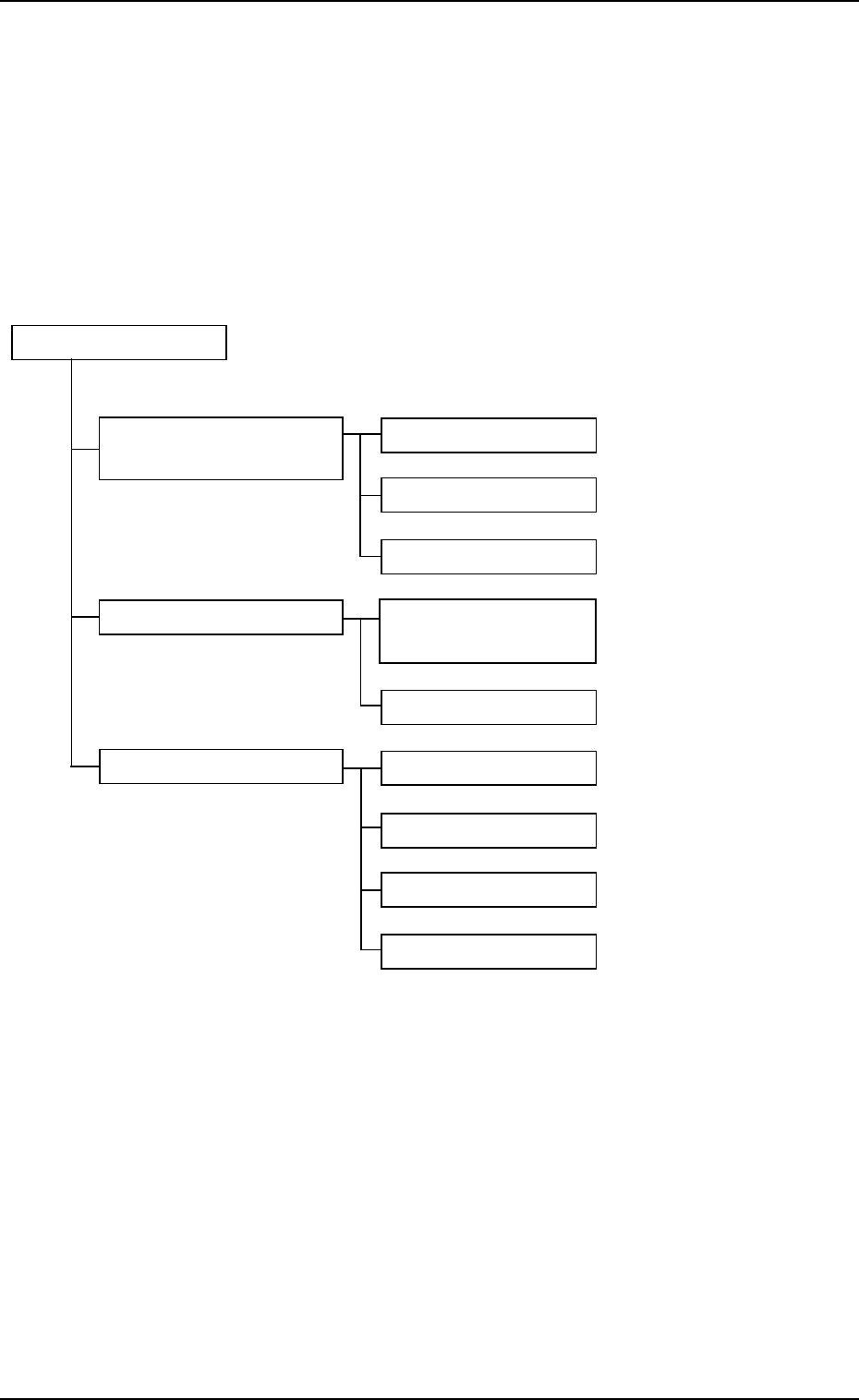
The system setting is composed of the following items.
System Setting
Reference Item Nos.
"Machine System Data" Offset Data (2.1)
Window
Auto Operation (2.2)
Configuration Setup (2.3)
"Nozzle Data" Window Placement Head/ (3.1)
Nozzle Data
Nozzle Data (3.2)
"MACH SETUP" Window Display Set (4.1)
Password (4.2)
Date & Time Dt (4.3)
Others (4.4)
Fig. 3E1
1.1 Composition of System Setting
0107-001 5-1 AHB01EDTP
1.2 "SYSTEM SEL." Menu
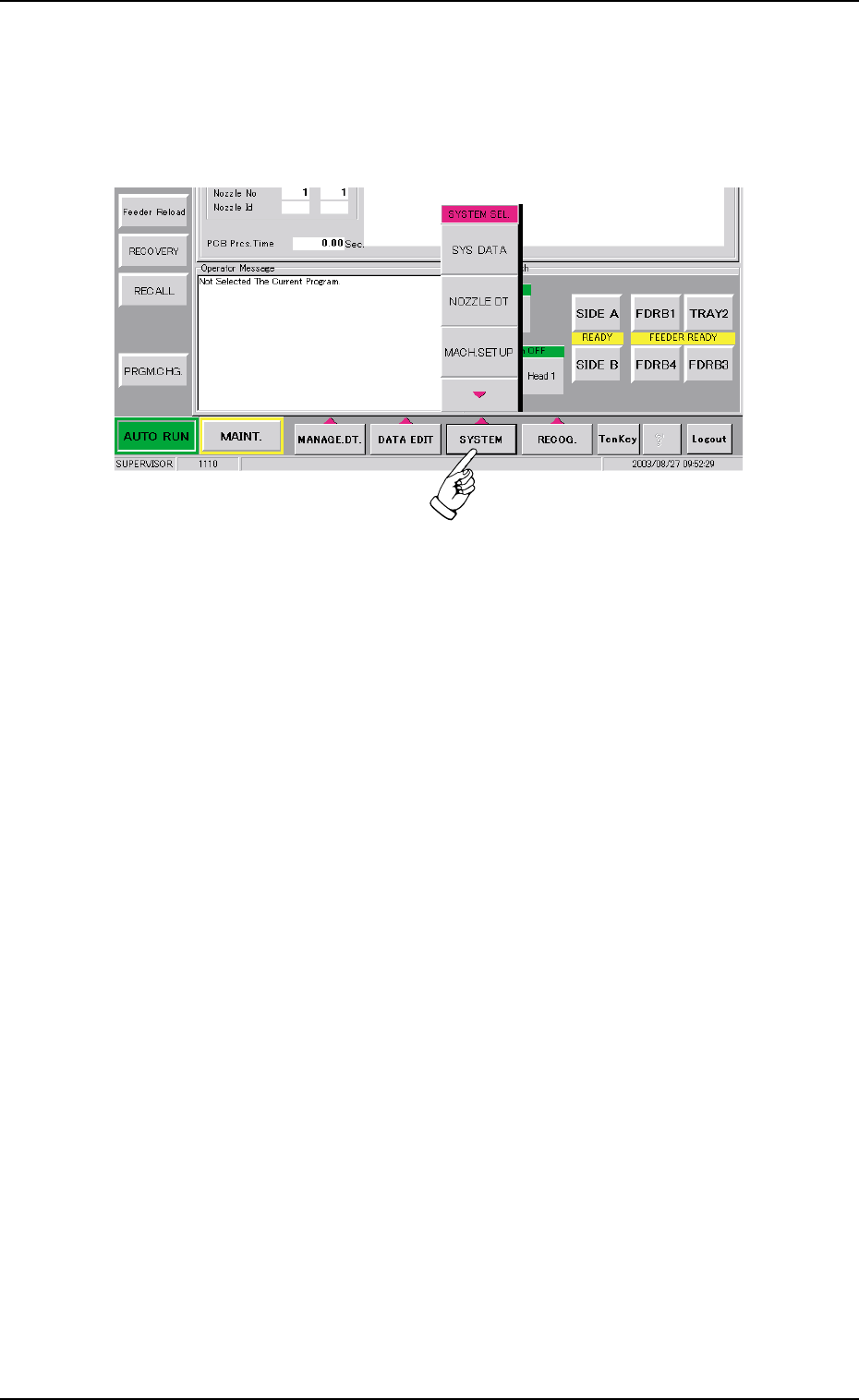
When the [SYSTEM] button on the main menu bar is pressed, the "SYS-
TEM SEL." menu opens.
Fig. 3E2 "SYSTEM SEL." Menu
The "SYSTEM SEL." menu has three menu buttons. When one of the
buttons is pressed, the corresponding window opens.
[SYS DATA] Button : The "Machine System Data" window opens.
[NOZZLE DT] Button : The "Nozzle Data" window opens.
[MACH. SETUP] Button : The "MACH SETUP" window opens.
1.2 "SYSTEM SEL." Menu
0308-003 5-2 AHB01EDTP