3OM-1075-002.pdf - 第223页
0206-002 4-40 AHB01EDTP 5.1 "Feeder Message Rate" T ab 5 . 1 "Feeder Message Rate" T ab The corresponding tab sheet displays the pick-up rates (managed for each individual feeders) based on the feeder…
*2 Recording Date & Time
Displayed are the recording date & time and the machine name
related to the bypass & rate data.
*3 Tabs and Tab Sheets
The "Bypass & Rate Data - [Bypass]" window is provided with the
following three tab sheets. When a tab is pressed, the correspond-
ing tab sheet appears inside the window.
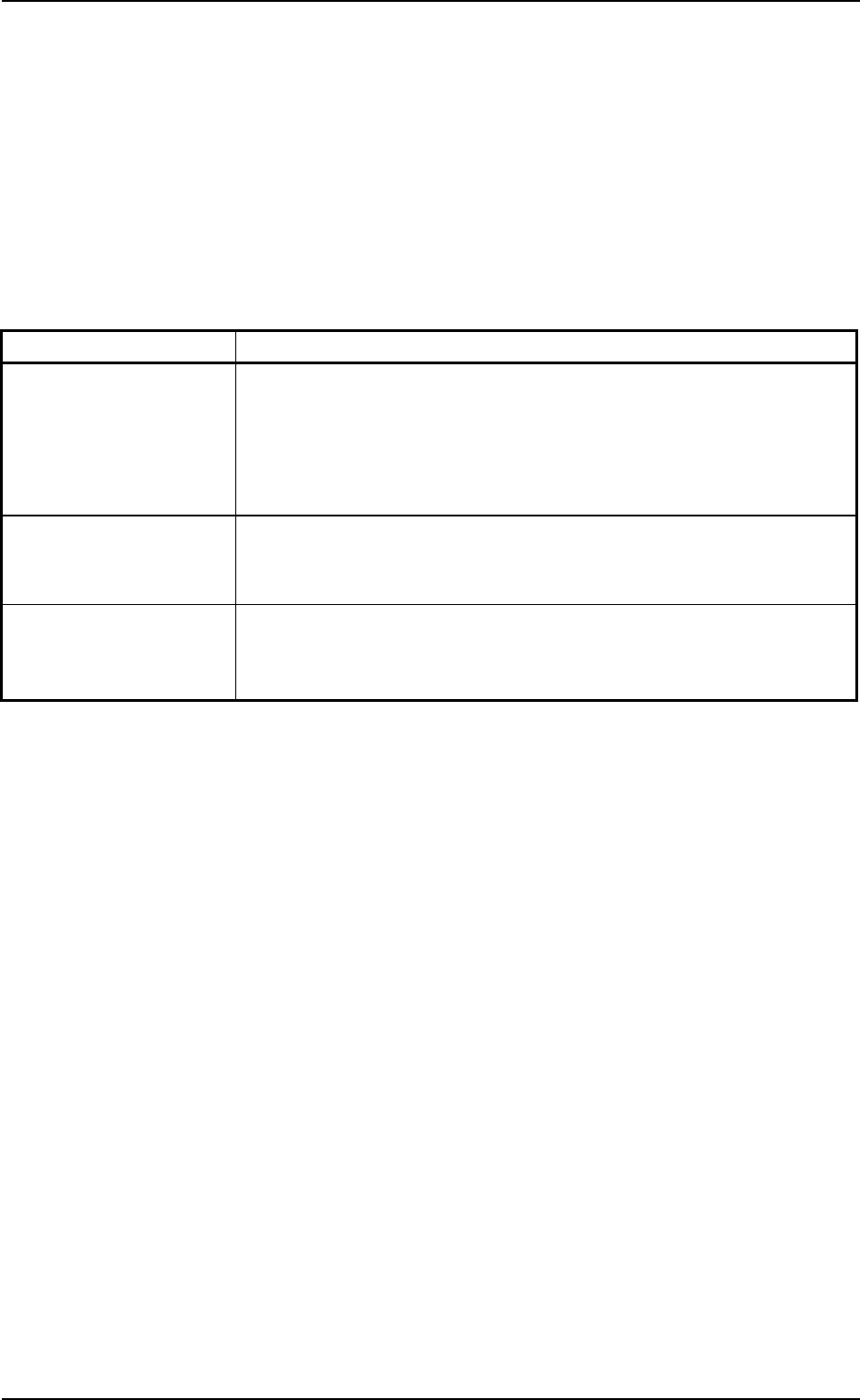
Table 3D6
Tabs Description
Feeder Message Rate The corresponding tab sheet is provided with four tab sheets -
"Feeder Base #1", "Feeder Base #3", "Feeder Base #4", and "Tray
#2" tab sheets. Each tab sheet displays the pick-up rate, the feeder
message rate, and the component ID that are classified by each
warning factor on individual feeders (actual feeders).
Nozzle Message Rate The corresponding tab sheet enables the operator to check the pick-
up rate and the nozzle message rate classified by each warning
factor of the nozzles on the individual heads (Head-Noz.).
Nozzle Bypass Rate The corresponding tab sheet enables the operator to check the pick-
up rate and the nozzle bypass rate classified by each nozzle by-
pass factor of the nozzles on the individual heads (Head-Noz.).
0206-002 4-39
AHB01EDTP
5. "Bypass & Rate Data - [Bypass]" Window
0206-002 4-40 AHB01EDTP
5.1 "Feeder Message Rate" Tab
5.1 "Feeder Message Rate" Tab
The corresponding tab sheet displays the pick-up rates (managed for
each individual feeders) based on the feeder message rates specified
in the auto operation setup data.
• Sheet Layout
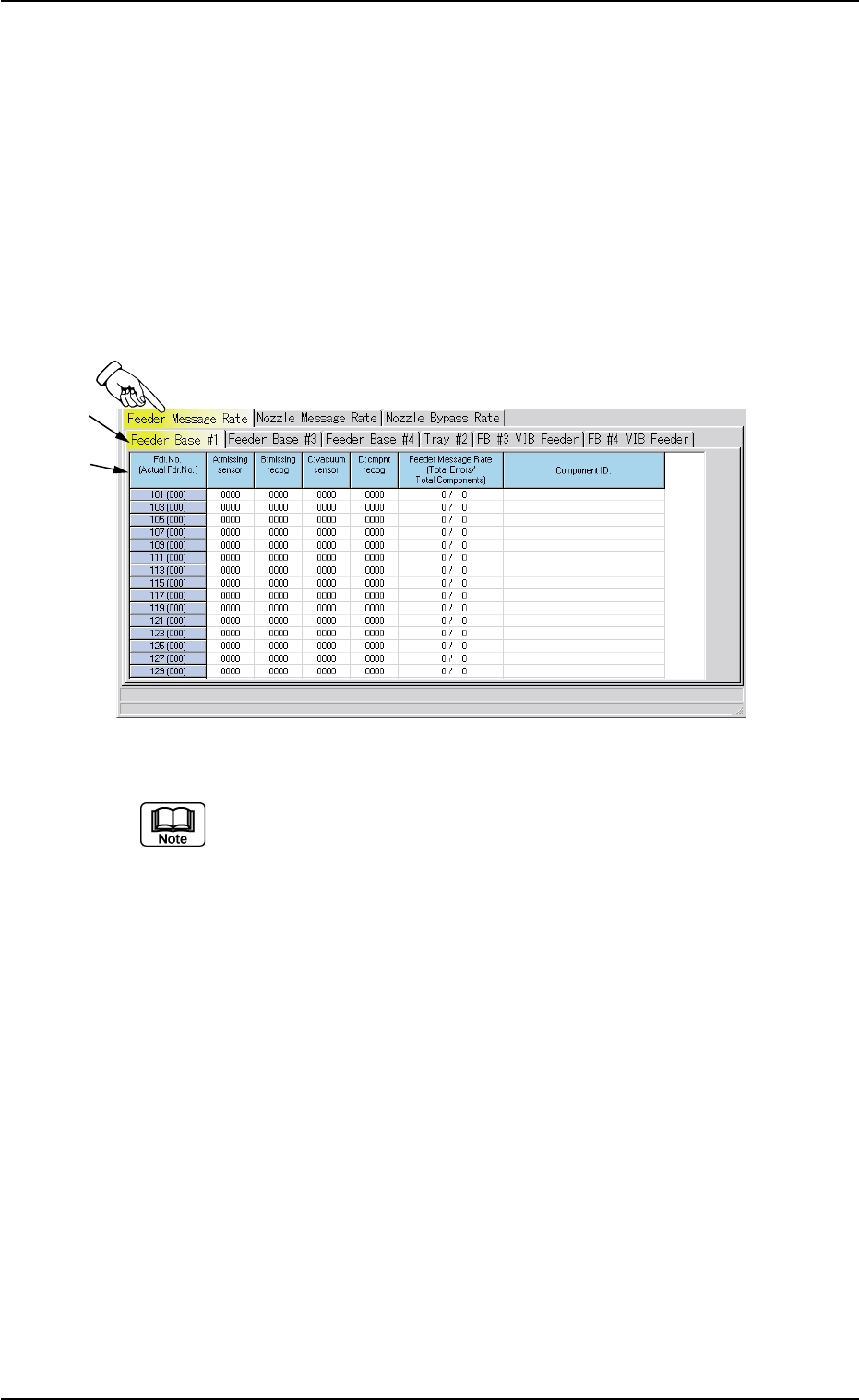
When the "Feeder Message Rate" tab is pressed in the "Bypass &
Rate Data" window, the following tab sheet appears inside the win-
dow.
Fig. 3D21 "Feeder Message Rate" Tab Sheet
The tab sheet may look different, depending on which options
are selected.
• Sheet Composition
*1 Tabs and Tab Sheets
The "Feeder Message Rate" tab sheet is divided further into several
tab sheets and each tab sheet shows the feeder message rates on
each individual feeder bases and trays.
When a tab is pressed, the corresponding tab sheet appears, indi-
cating that the related feeder base or tray is selected.
*2 Items
The following items are displayed.
(1) [Fdr. No. (Actual Fdr No.)] Button
Shown are the feeder Nos.
*1
*2

01 12-001 4-41 AHB01EDTP
(2) [A: missing sensor] Button
Each text box shows the total number of component missing er-
rors detected by the vacuum sensor for each individual feeders.
(3) [B: missing recog] Button
Each text box shows the total number of component missing er-
rors detected through recognition operation for each individual
feeders.
(4) [C: vacuum sensor] Button
Each text box shows the total number of component pick-up er-
rors detected by the vacuum sensor (errors not detected through
the recognition operation) for each individual feeders.
(5) [D: cmpnt recog] Button
Each text box shows the total number of errors detected through
recognition operation for each individual feeders.
(6) [Feeder Message Rate (Total Errors/Total Components)]
Button
Each text box shows the rate of pick-up errors (the number of
pick-up errors per number of picked components) for each indi-
vidual feeders.
(7) [Component ID.] Button
Each text box shows the component ID for each individual feed-
ers.
5.1 "Feeder Message Rate" Tab