3OM-1075-002.pdf - 第342页
4. 4 "Others" T ab The corresponding tab sheet enables the operator to connect the com- puter system of the machine to the local network. • • • • • Sheet Layout When the "Others" tab is pressed, the f…
0206-002 5-108 AHB01EDTP
••
••
• How to specify the date and time
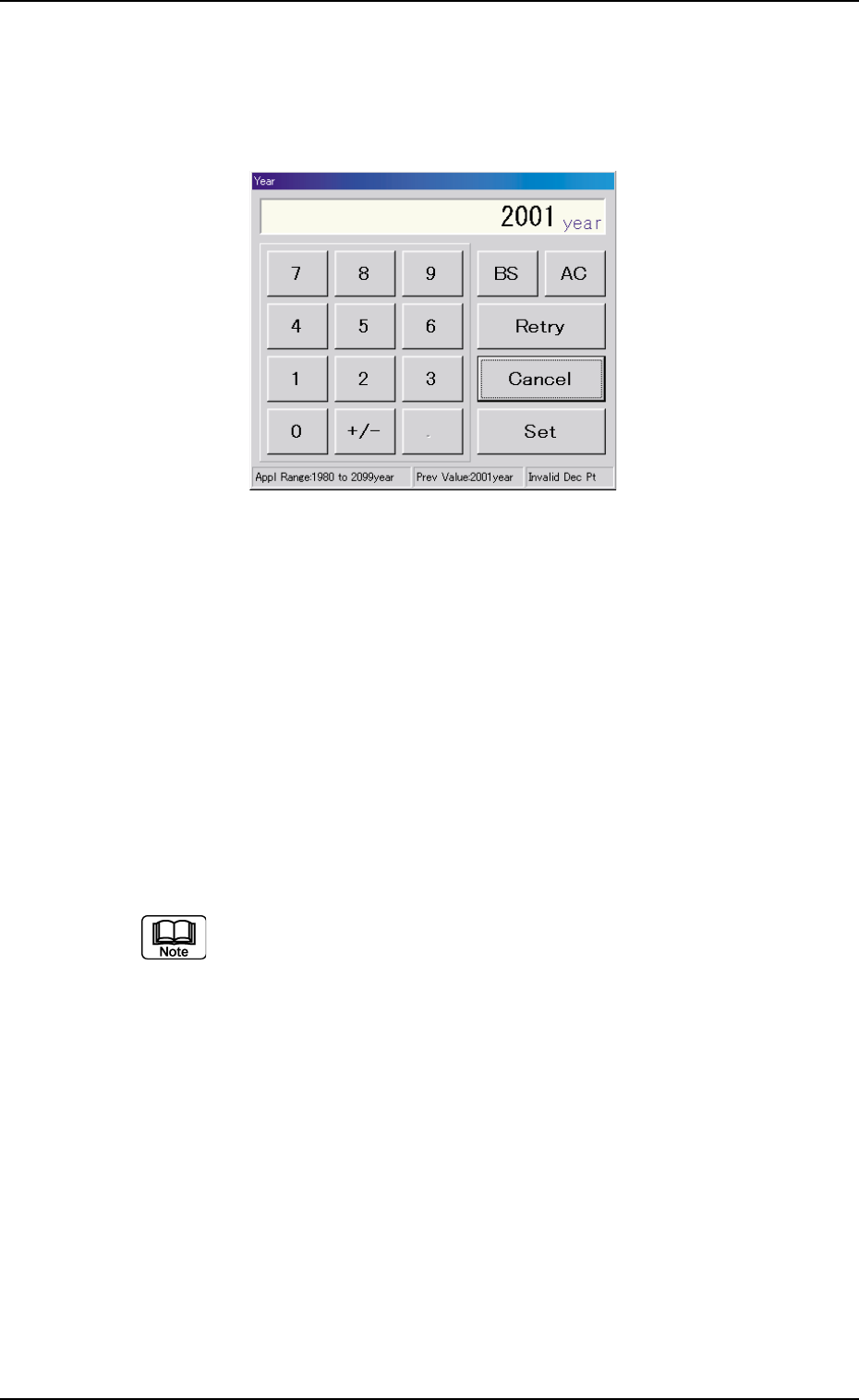
(1) When the [Year] button is pressed, the following "Year" edit win-
dow opens.
Fig. 3E98 "Year" Edit Window
(2) Enter a year in the entry field of the "Year" edit window and press
the [Set] button.
The entered year is set in the text box beside the [Year] button of
the "Date & Time Dt" tab sheet.
(3) Follow the same procedure to specify a month, a day, hours,
minutes, and seconds.
(4) When the [Set] button of the "Date & Time Dt" tab sheet is pressed,
the settings are determined.
It is required to specify only the necessary items. In other words,
it is not necessary to change the correctly specified item.
4.3 "Date & Time Dt" Tab
4.4 "Others" Tab
The corresponding tab sheet enables the operator to connect the com-
puter system of the machine to the local network.
••
••
• Sheet Layout
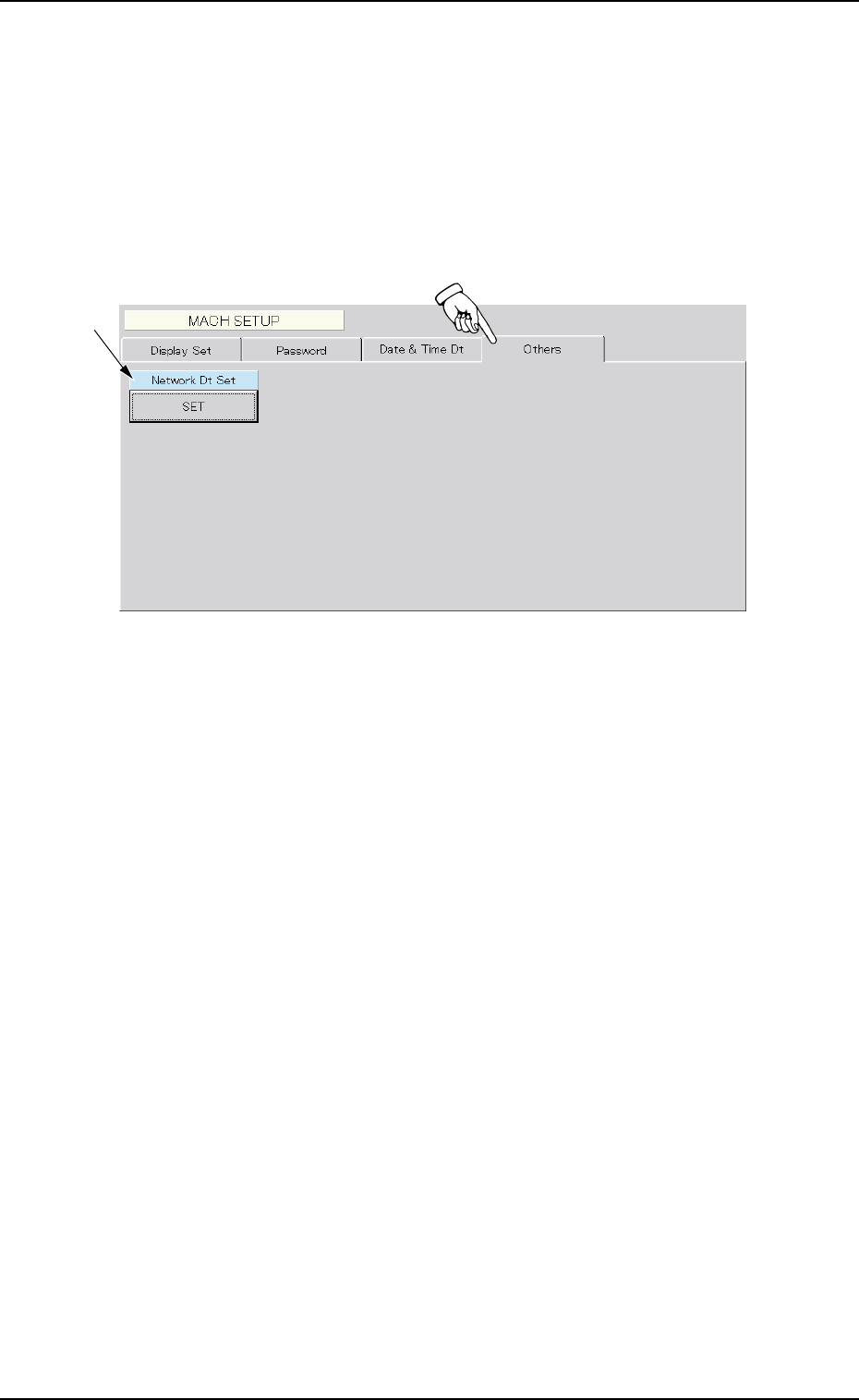
When the "Others" tab is pressed, the following tab sheet appears.
Fig. 3E99 "Others" Tab Sheet
••
••
• Sheet Composition
*1 Network Dt Set
To connect the computer system of the machine to the local net-
work, press the [SET] button. The "Network Set" dialog box opens,
enabling you to set the protocol of the network.
*1
4.4 "Others" Tab
0206-002 5-109 AHB01EDTP

0308-001 5-110 AHB01EDTP