operation-cp45.pdf - 第117页
T ransfer & Installation Pr ocedur e 5-9 Caution For moving the position of the machine, y ou should first finish PC on the machine and turn off the isolation switch. And then pack it following the reverse order of i…
Samsung Component Placer CP-45F(V)/FS Operations Manual
5-8
20. Press <Ready> switch on the front operation panel after the loading of the whole
program is completed.
21. Push the X frame and traveling unit in the direction of the Middle of X axis just a bit,
and then move the moving parts of the equipment to the home position by using the
teaching box.
22. Expand the conveyor width as much as necessary by using the teaching box.
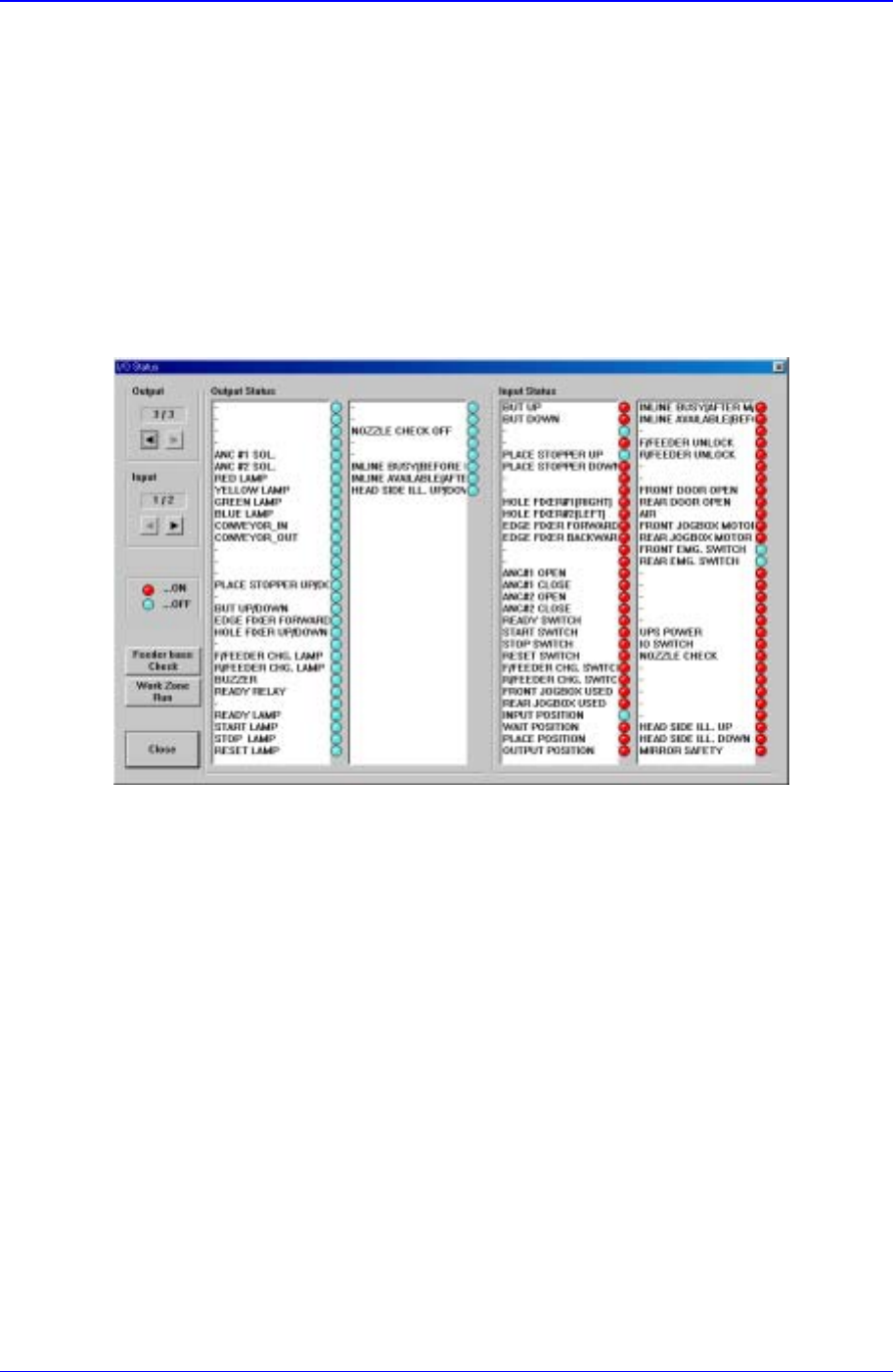
23. Select <Diagnosis> from the main menu tool-bar and open the “I/O Status” dialog
box by clicking “<I/O>(F2)” on the sub menu tool-bar.
Figure 5-7. “I/O Status” dialog box
24. Select <Conveyor IN/OUT> item from the <Output> list box.
25. Insert the test board through the conveyor entrance as the conveyor begins to run.
26. In the <Input> list box, verify that the board detection sensor of each section is
operating properly.
27. For using the equipment through In-line, connect communication cables supplied in
SMEMA IN/OUT port to effect a proper communication between the equipment
parts for the former and latter processes.
28. If everything is normal, operate the equipment by following the production procedure.

Transfer & Installation Procedure
5-9
Caution
For moving the position of the machine, you should first finish
PC on the machine and turn off the isolation switch. And then
pack it following the reverse order of installation
procedure(No.1~No.9). When the machine is moved
completely, Repeat the installation procedure(No.1~No.28).