operation-cp45.pdf - 第152页
在线预览 operation-cp45.pdf PDF 文档。

View Commands
9-11
9.4. Dump Information
The <Dump Information> command is used to check the message window on the dumped
components and feeders.
9.5. Tool bar Position
Set the location of the auxiliary menu tool bar of the menu tool bar on the screen.
Left side : Places it on the left of the screen.
Right side : Places it on the right of the screen.
Bottom side : Places it on the bottom of the screen.
9.6. Mark3TSG
Select the error code to want to troubleshoot.
Help Commands
10-1
Chapter 10. Help Commands
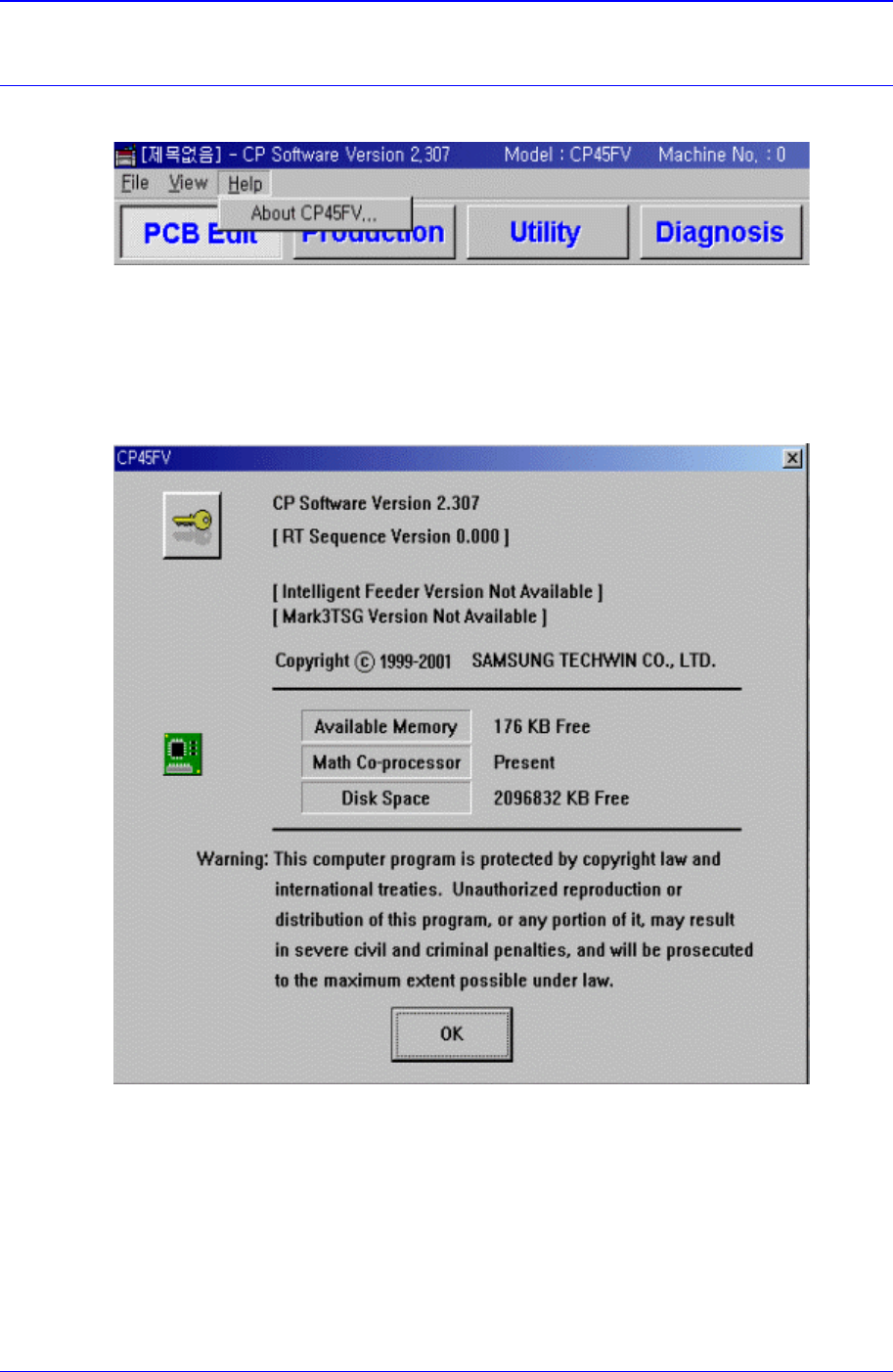
The <Help> menu command is composed of About CP-45FV menu.
Figure 10-1. Help Menu and Submenus
10.1. About CP-XX
When the <About CP-XX> command is selected, the following message box is displayed.
Figure 10-2. Information on the present equipment