operation-cp45.pdf - 第274页
在线预览 operation-cp45.pdf PDF 文档。

Utility Command
13-7
Caution
To raise the level of placement precision, Warming UP must
be done.
To raise the level of placement precision, be sure to carry out
warm up before operating the machine.
Diagnosis Command
14-1
Chapter 14. Diagnosis Command
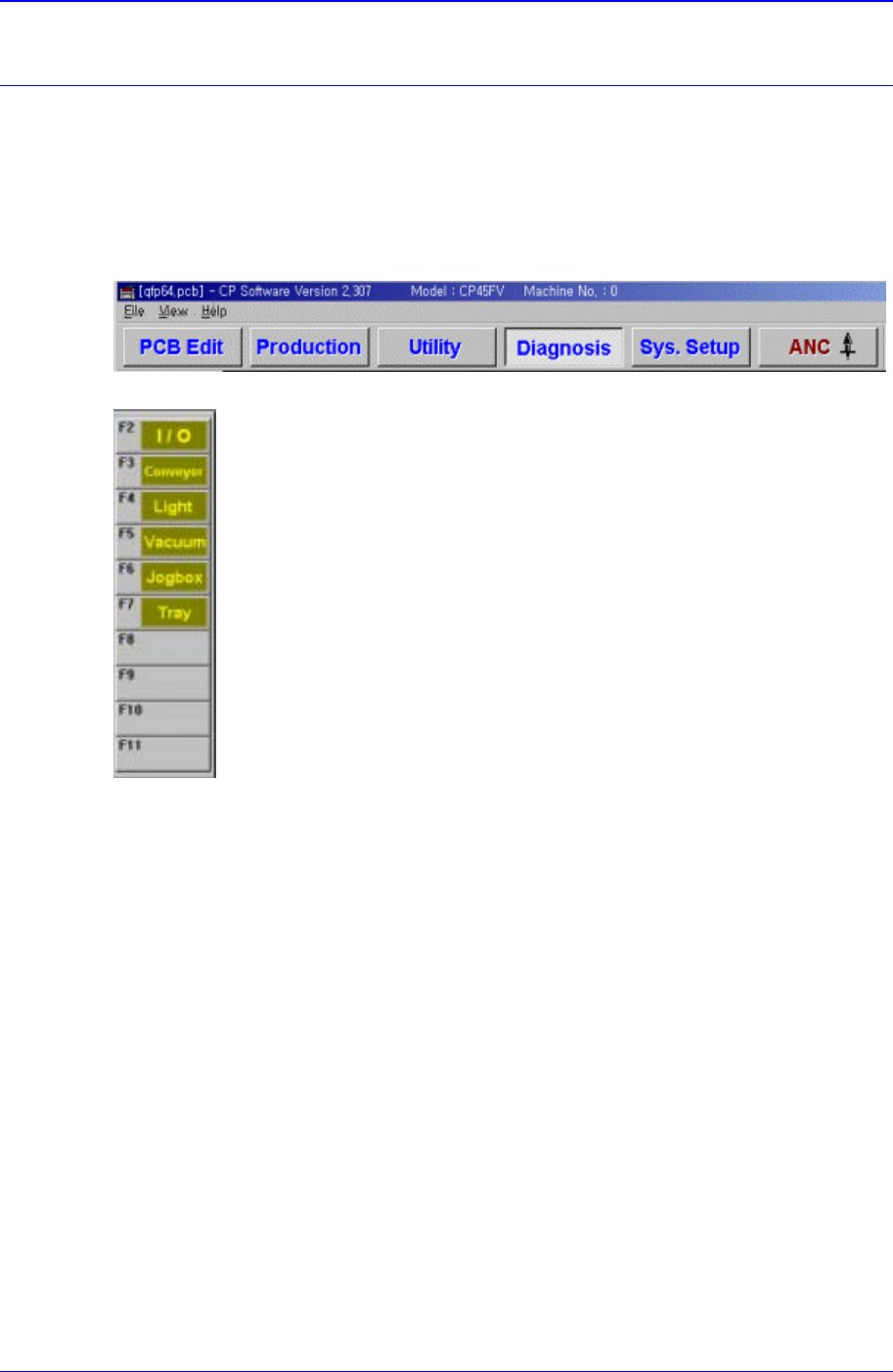
The Diagnosis command is composed of 6 submenus: I/O, Conveyor, Light, Vacuum,
Jogbox, and Tray.
This commands performs a module test on each part.
When a submenu of the <Diagnosis> command is selected, the corresponding dialog box
is displayed on the screen. While the corresponding dialog box of the submenu is
displayed, selecting the menu again activates the dialog box.
Figure 14-1. When the Diagnosis command is selected
Figure 14-2. Submenus of the Diagnosis command
14.1. I/O [F2]
The <I/O> command sets or displays the status of various I/O (input/output) sensors on
the equipment.
When this button is clicked on, the following dialog box is displayed.