operation-cp45.pdf - 第126页
Samsung Component Placer CP-45F(V)/FS Operations Manual 7-2 7.1.2. Summary of functions This section includes information on all the m enus that are displayed on the MMI main screen. 7.1.2.1. File command submenus New …
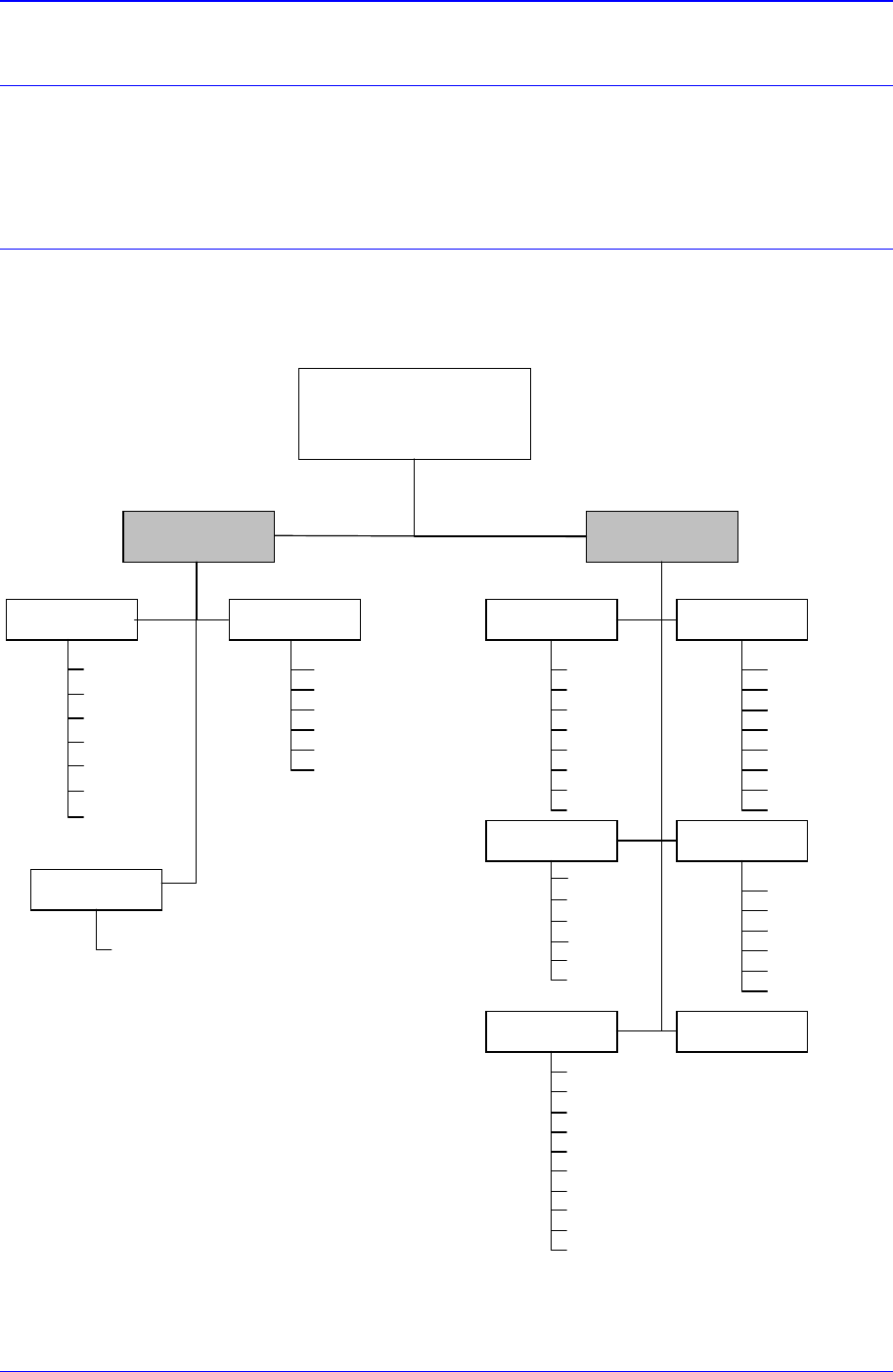
Structure of MMI Menu
7-1
Chapter 7. Structure of MMI Menu
The menu structure and the functions of each command of MMI(Man-Machine Interface),
which serves as the application program for the operation of this equipment, are briefly
explained in this chapter. For detailed information on each command, please refer to
“Chapter 11. PCB Edit Commands” ~ “Chapter 12. Production Commands”.
7.1. Man-Machine Interface (MMI)
7.1.1. Menu tree
Main Menu Menu Toolbar
CP Series MMI
Version 2.307
File View
Help
N
ew
Save
Save As
Open
Manual Tool
System Error Message
Dump Information (Place Error)
Toolbar Position
Current Position
Mark3 TSG
About CP45 FV...
PCB Edit Production
Board
Feeder
Ste
p
ANC Cf
g
Part
Cycle
O
p
ti
Cancel
Start
Cont
.
Finish
T/F Cnt
Sto
p
PCB D/L
Plc . Info
Sts . Info
Utility Diagnosis
Print
Copy
ByPass
Warmup
Pd. Info
I / O
Light
Vacuum
Jogbox
Conveyor
Tray
Sys. Setup ANC
Head
Offset
MountOffset
Dump
Limit
Cam
Pref .
Devi
Tray
Exit
Recent File
Merge Part Library
File Manage
r
Origin
Figure 7-1. Menu Tree of MMI

Samsung Component Placer CP-45F(V)/FS Operations Manual
7-2
7.1.2. Summary of functions
This section includes information on all the menus that are displayed on the MMI main
screen.
7.1.2.1. File command submenus
New
Used to create a new PCB file.
Open
Used to edit an existing PCB file.
Save
Used to save an opened file.
Save As
Used to save an opened file under a different name.
Merge Part Library
Use it to compare the Part Library of another equipment with that of current
equipment and merge.
Recent File
Displays a list of files worked on recently.
Exit
Ends MMI session and goes back to Windows or terminates the operation of the
equipment.
7.1.2.2. View command submenus
Manual Tool
Enables manual operation of equipment.
Current position
Displays the current position and nozzle name of each axis in real time.
System Error Message
Checks the error message window, which is displayed when there is an equipment
error.
Dump Information (Place Error)
Displays the status of dumped parts during equipment operation.
Tool bar Position
Sets the position of Menu Tool bar on the screen.
Mark3 TSG
Shows the error occurred during equipment operation.
7.1.2.3. Help command submenus
About CP-45FV
Displays the equipment's application program's current version and miscellaneous

Structure of MMI Menu
7-3
information.
7.1.2.4. Main menu tool-bars
7.1.2.4.1. The submenu tool-bars of the PCB Edit menu tool-bar
Board
Register various information on the board to be produced.
Part
Register various information about the components to be placed.
Feeder
Sets the data related to the Tape, Stick, and Tray Feeder.
Step
Defines the step for placement operation.
ANC Cfg
Shows the nozzle information when the nozzles of the previous PCB file and current
system ANC are different.
Cycle
Checks the cycle by step.
Opti
Executes Optimizer.
Cancel
Closes the dialog box for the Board, Part, Feeder, and Step.
7.1.2.4.2. The submenu tool-bars of the production menu tool-bar
Start
Starts operation after downloading PCB.
Stop
Stops operation.
Continue Mount Operation
Continues previous operation.
Finish
Finishes the downloaded operation completely.
Tray Feeder Remained Part Count
Sets the position of the pocket to start picking up components from the Tray Feeder.
PCB Data Down Load To VME
Transmits PCB operation data to the equipment. It is possible only when the
equipment status is 'Finish'.
Placement Information
Checks the number of pickups, placements, and pickup error rates by head, nozzle,
and feeder.
Status Information