operation-cp45.pdf - 第193页
PCB Edit Command 1 1-39 Figur e 1 1-26. ” Auto T each the selected part-Good ” message box <Result> Displays the success or failure of Auto Teach. <Auto T each> button Executes Auto Teach. <Update>…
Samsung Component Placer CP-45F(V)/FS Operations Manual
11-38
<Vacuum ON/OFF> button
Turns on/off the vacuum generator of the head for component pickups or
release.
<Test> button
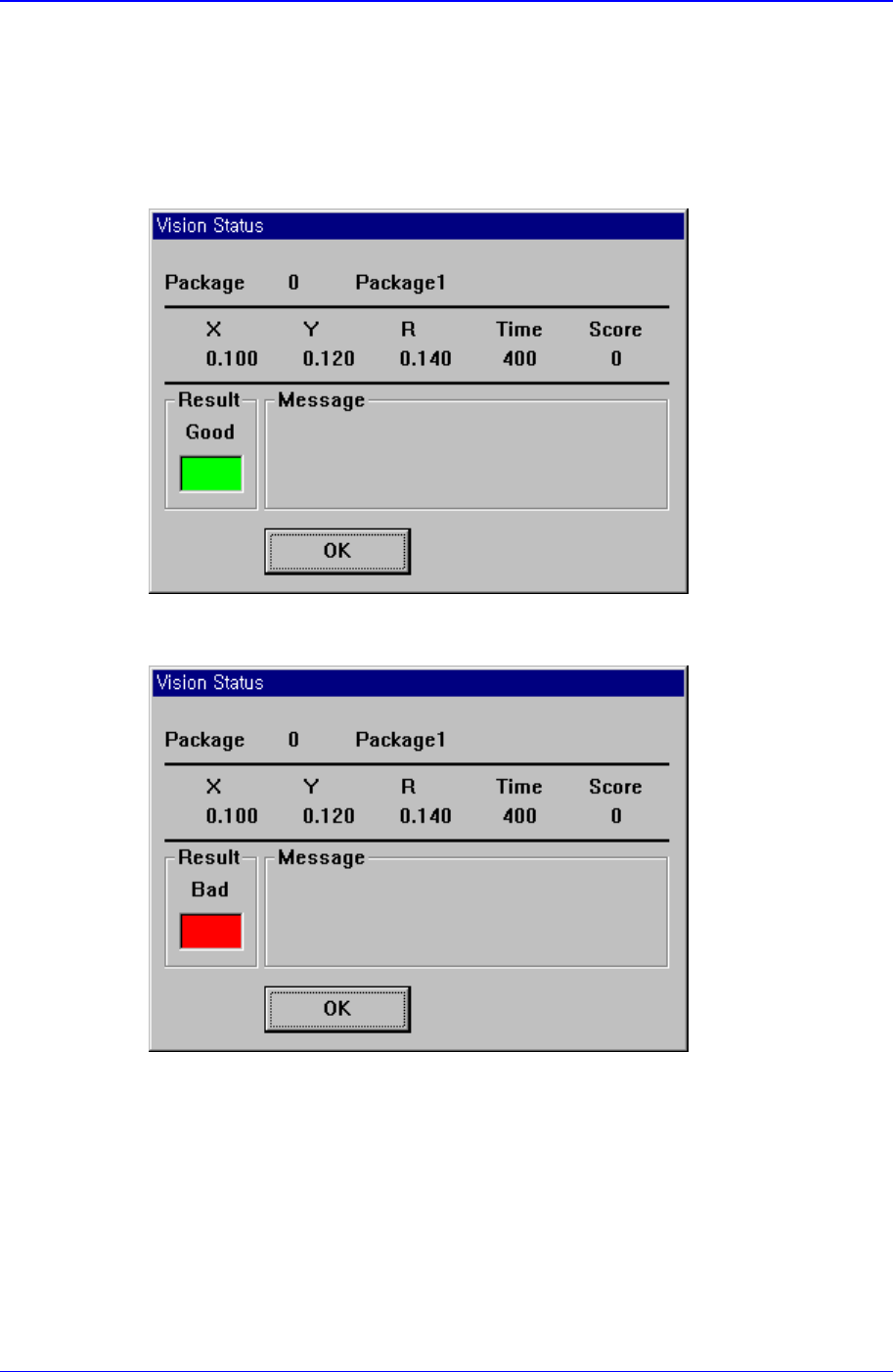
Tests component recognition by using the set align data. When the test is successful,
the following message box is displayed.
When the test is not successful, the following message box is displayed.
<Auto Teach> button
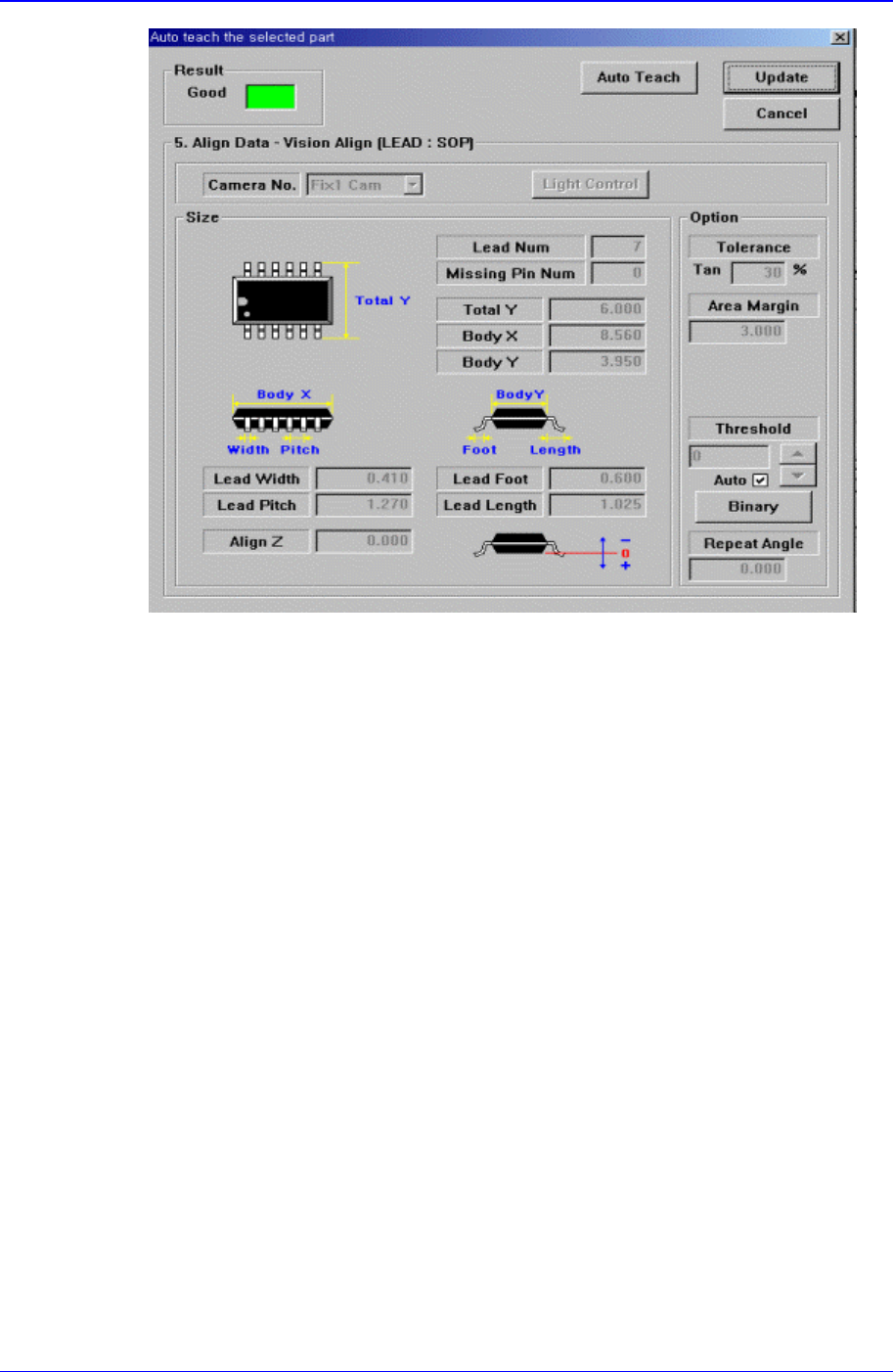
Automatically finds out the component align data. When auto teach is successful, the
following message box is displayed.
PCB Edit Command
11-39
Figure 11-26.”Auto Teach the selected part-Good” message box
<Result>
Displays the success or failure of Auto Teach.
<Auto Teach> button
Executes Auto Teach.
<Update> button
Saves the component align data obtained by Auto Teach and closes the message
box.
<Cancel> button
Closes the message box without saving the data obtained by Auto Teach.
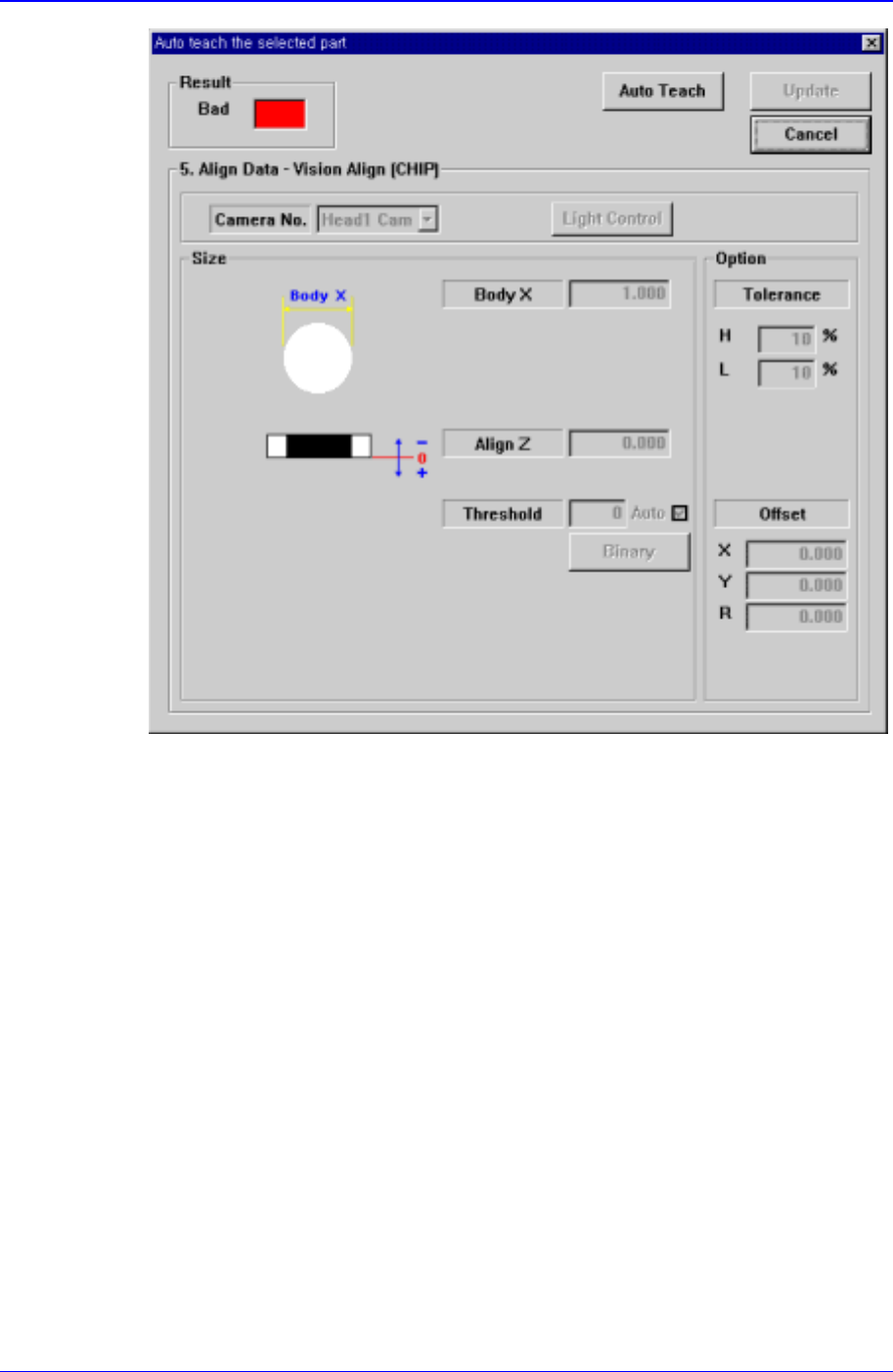
When Auto Teach fails, the following message box is displayed.
Samsung Component Placer CP-45F(V)/FS Operations Manual
11-40
Figure 11-27. . “Auto Teach the selected part-Bad” message box
The same as the Figure 11-28, but the <Update> button is inactivated.
<Repeat…> button
Performs the component recognition test repeatedly. It is not explained here since it is
for debugging.
11.1.2. CHIP-Rect component data setting
Set the align data for rectangular CHIP components.