CM602all_EJM8AESM_Service Manual.pdf - 第566页
Machinery Part Replacement Remarks Feeder Gang Exchange Cart Holding Section Item Open the feeder cover. The machine judges whether the feeder cover is open or closed as follows: The tape float sensor is blocked; the cov…
Machinery Part Replacement
Remarks
Screen
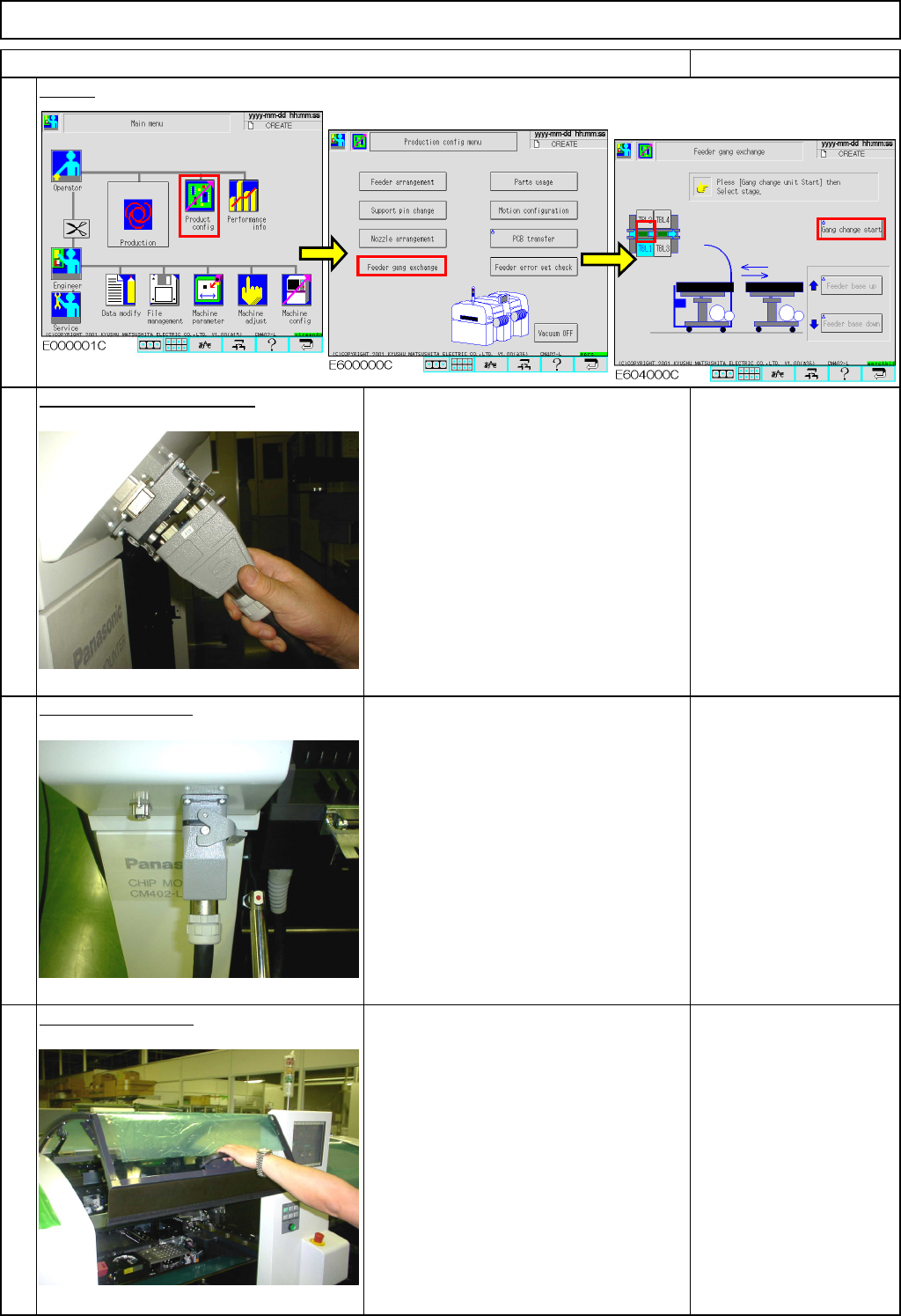
Connect the cart connector.
Lock the connector.
Open the top cover.
4
Feeder Gang Exchange Cart Holding Section
3
Don't forget to lock the connector!
Abnormal operation may occur.
1
Item
2
Don't insert the connector forcefully!
It may be damaged.
EJM8A-E-SMA050801-A01-00
Page5-8-1-2
Machinery Part Replacement
Remarks
Feeder Gang Exchange Cart Holding Section
Item
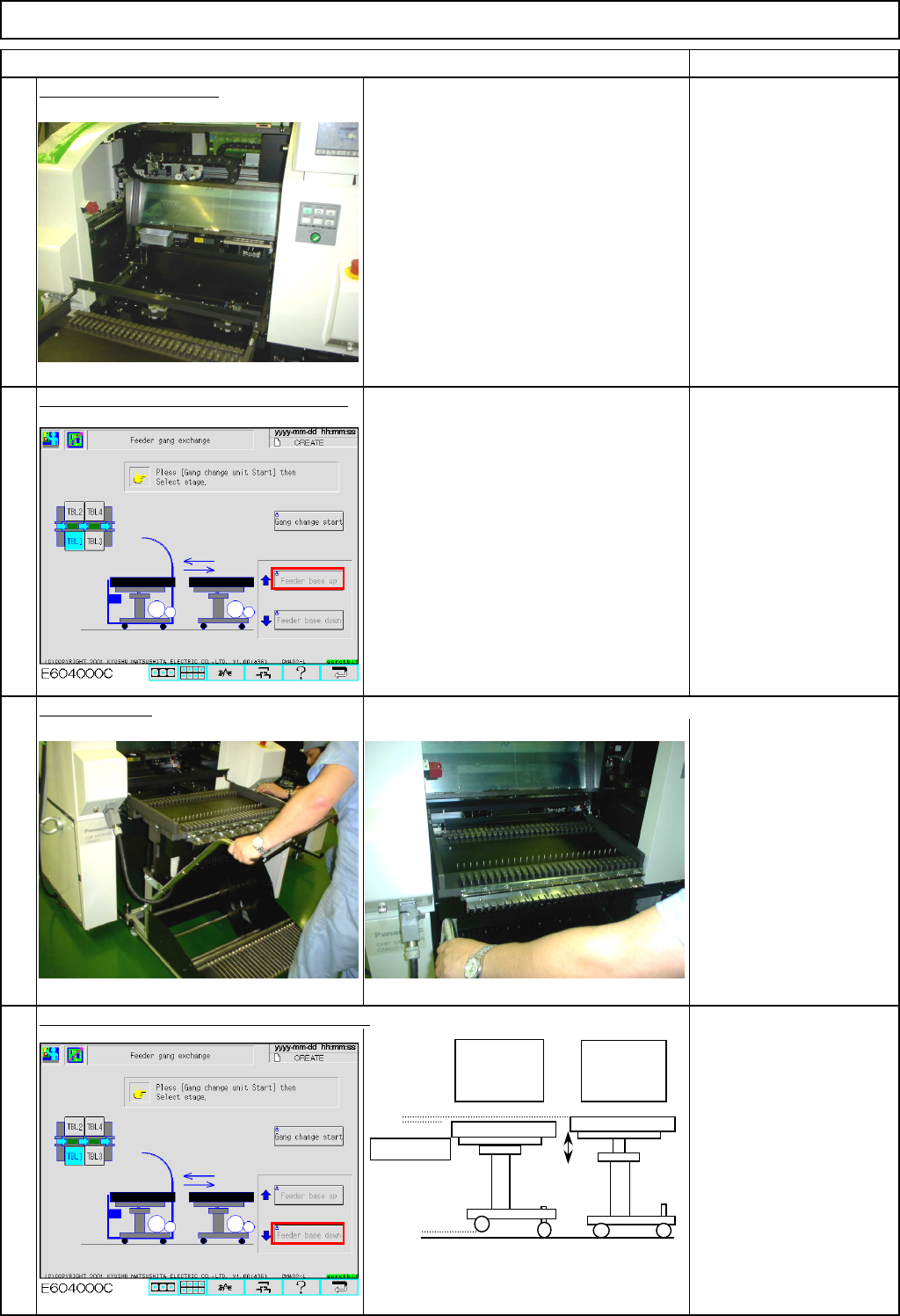
Open the feeder cover.
The machine judges whether the feeder
cover is open or closed as follows:
The tape float sensor is blocked;
the cover is open.
The sensor is NOT blocked;
the cover is closed.
Press [UNLOCK] and [Feeder base up].
Insert the cart. Check that the cart is inserted completely.
Press [UNLOCK] and [Feeder base down].
5
6
7
8
When the
table is
lowered:
When the
table is
raised:
Unit table
EJM8A-E-SMA050801-A01-00
Page5-8-1-3
Machinery Part Replacement
Remarks
Feeder Gang Exchange Cart Holding Section
Item
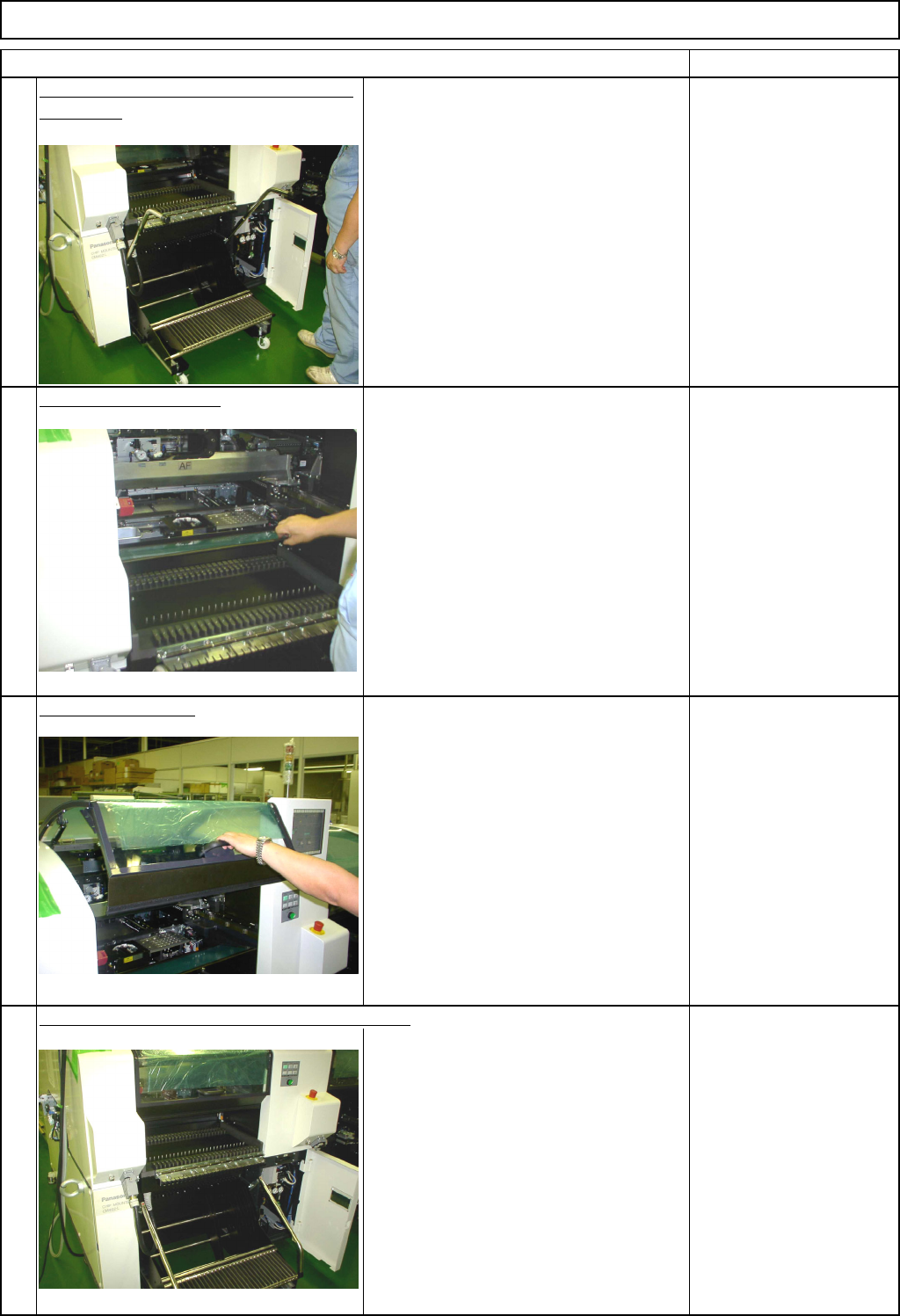
The unit table is lowered and the casters
are raised.
Close the feeder cover.
The machine judges whether the feeder
cover is open or closed as follows:
The tape float sensor is blocked;
the cover is open.
The sensor is NOT blocked;
the cover is closed.
Close the top cover.
Lower the handles. Cart installation is complete.
9
10
11
12
EJM8A-E-SMA050801-A01-00
Page5-8-1-4