CP643 系统参考.pdf - 第367页
Part 6 I/O Map
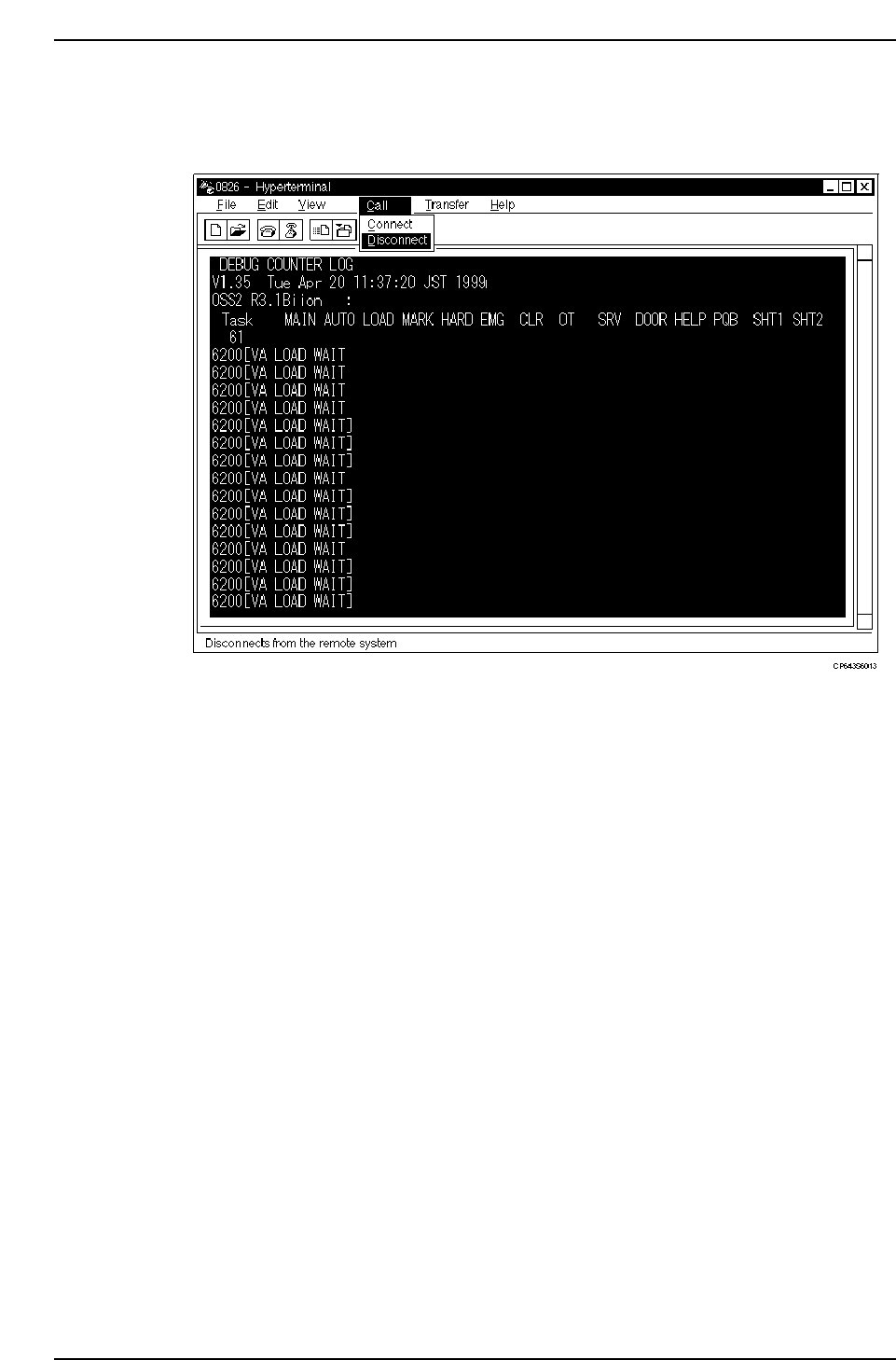
6) Return to the “Hyper Terminal” screen, then select [COMMUNICATION (O)] -
[DISCONNECT (D)] to end the connection. Finally, quit the hyper terminal
application.
5.2.2 When Machine Control Keys Are Inoperative
Output an S/W trace to the printer as follows.
1. Press the EMERGENCY STOP button to shut off the 200V power supply.
2. Press the RESET button.
3. Press the POWER OFF button to turn the 100V power off.
4. Connect the printer cable to the PRINTER port, then, with the CYCLE STOP button
held down, press the POWER ON button. Release the CYCLE STOP button when the
printer starts.
When all outputs to the printer are completed, a normal start-up display appears.
Part 5 Chapter 5 Troubleshooting
Edition 1.0 5-5-8 CP643E System Reference

Part 6 I/O Map

1. Standard I/O
Input 1 MX250 Address 0xef0200
LED No. No. Display Description
A00 X000 EMERGENCY SW Emergency stop button
A01 X001 START SW Start button
A02 X002 RESET SW Reset button
A03 X003 CYCLE STOP SW Cycle stop button
A04 X004 TM COUNT1 New time counter 2000 hours expired
A05 X005 TM COUNT2 New time counter 6000 hours expired
A06 X006 (Reserved)
A07 X007 (Reserved)
A08 X008 INCHING RIGHT Inching right key
A09 X009 INCHING LEFT Inching left key
A0A X00A INCHING DOWN Inching down key
A0B X00B INCHING UP Inching up key
A0C X00C INCHING CW Inching clockwise key
A0D X00D INCHING CCW Inching counterclockwise key
A0E X00E (Reserved)
A0F X00F SHIFT KEY Shift key
B00 X010 F1 Function key F1
B01 X011 F2 Function key F2
B02 X012 F3 Function key F3
B03 X013 F4 Function key F4
B04 X014 F5 Function key F5
B05 X015 F6 Function key F6
B06 X016 (Reserved)
B07 X017 – (MINUS KEY) Minus key
B08 X018 E1 Numerical key 1
B09 X019 E2 Numerical key 2
B0A X01A E3 Numerical key 3
B0B X01B E4 Numerical key 4
B0C X01C TENKEY 1 Numerical key 1
B0D X01D TENKEY 2 Numerical key 2
B0E X01E TENKEY 4 Numerical key 4
B0F X01F TENKEY 8 Numerical key 8
Part 6 Chapter 1 Standard I/O
Edition 1.0 6-1-1 CP643E System Reference