CP643 系统参考.pdf - 第91页
(5) Automatic Selection Processing The nozzle actually used in placing a part is automatically selected by the machine if no nozzle diameter has been specified in Nozzle_size_CP6. The machine checks the maximum nozzle di…
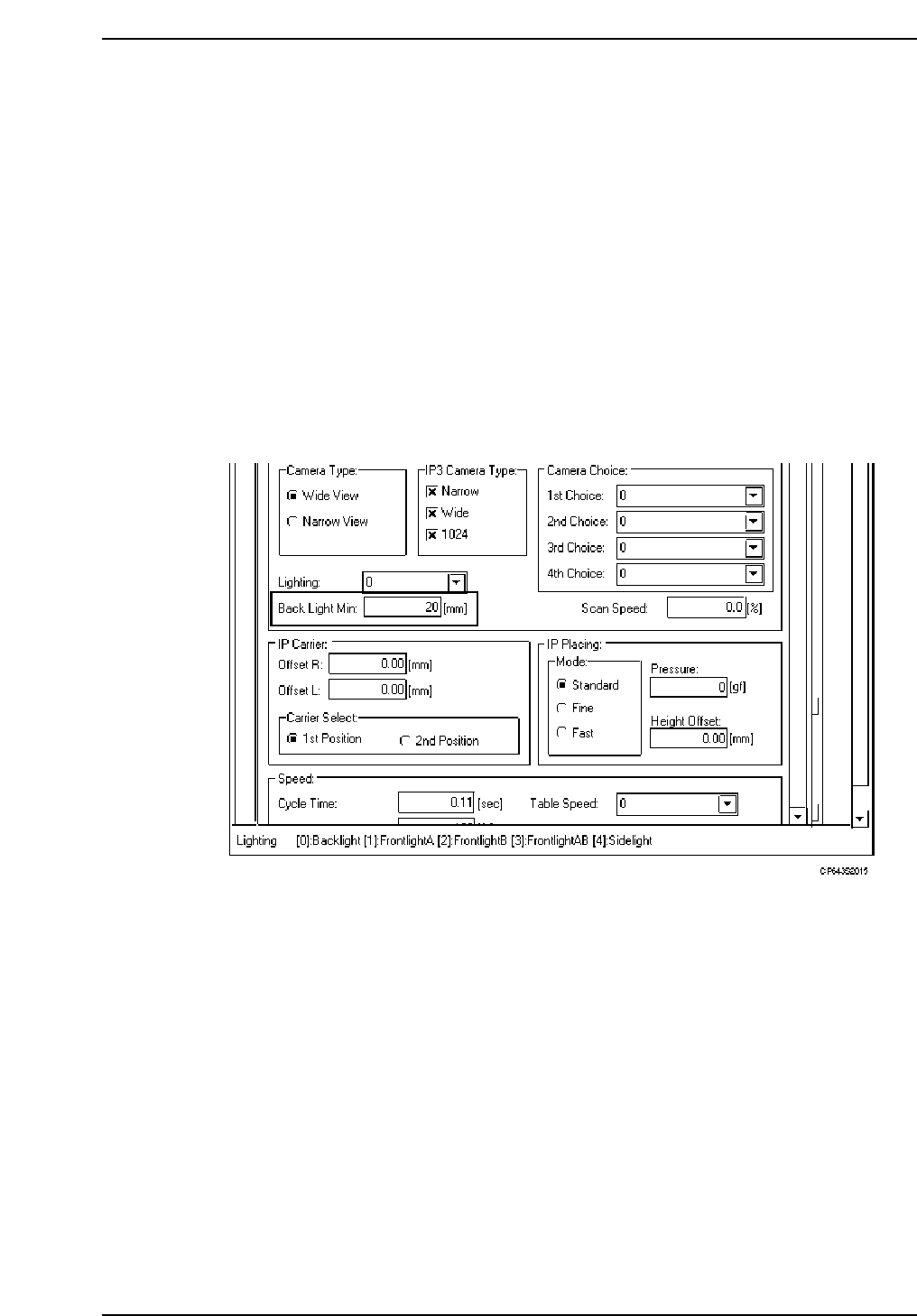
(4) Minimum Disk Size
This data item is used to specify the minimum size of the back light disk.
PART DATA
<for MCS>
Carrying_data
16. Back_light_min. : Input the smallest disk size to be handled by vision processing in
1 mm increments.
Example) 16. Back_light_min. 12
<For F4G>
1. Start the VPD.
2. Open the “Part Type Data” in the relevant part data.
3. Click the [Environment] button to open the Environment Data, then select “CP643” at
the M/C Type item.
4. At the [Camera] - [Back Light Min] item, enter (in mm units) the minimum nozzle back
light disk diameter permitted for normal vision processing.
Caution: The value entered at the Back_light_min (for MCS) or Back Light Min (for F4G) item must
not exceed the Back_light_size” (for MCS) or Back Light Diameter (for F4G) setting in the
nozzle assignment table.
Part 2 Chapter 1 Basic Operation
Edition 1.1 2-1-33 CP643E System Reference
(5) Automatic Selection Processing
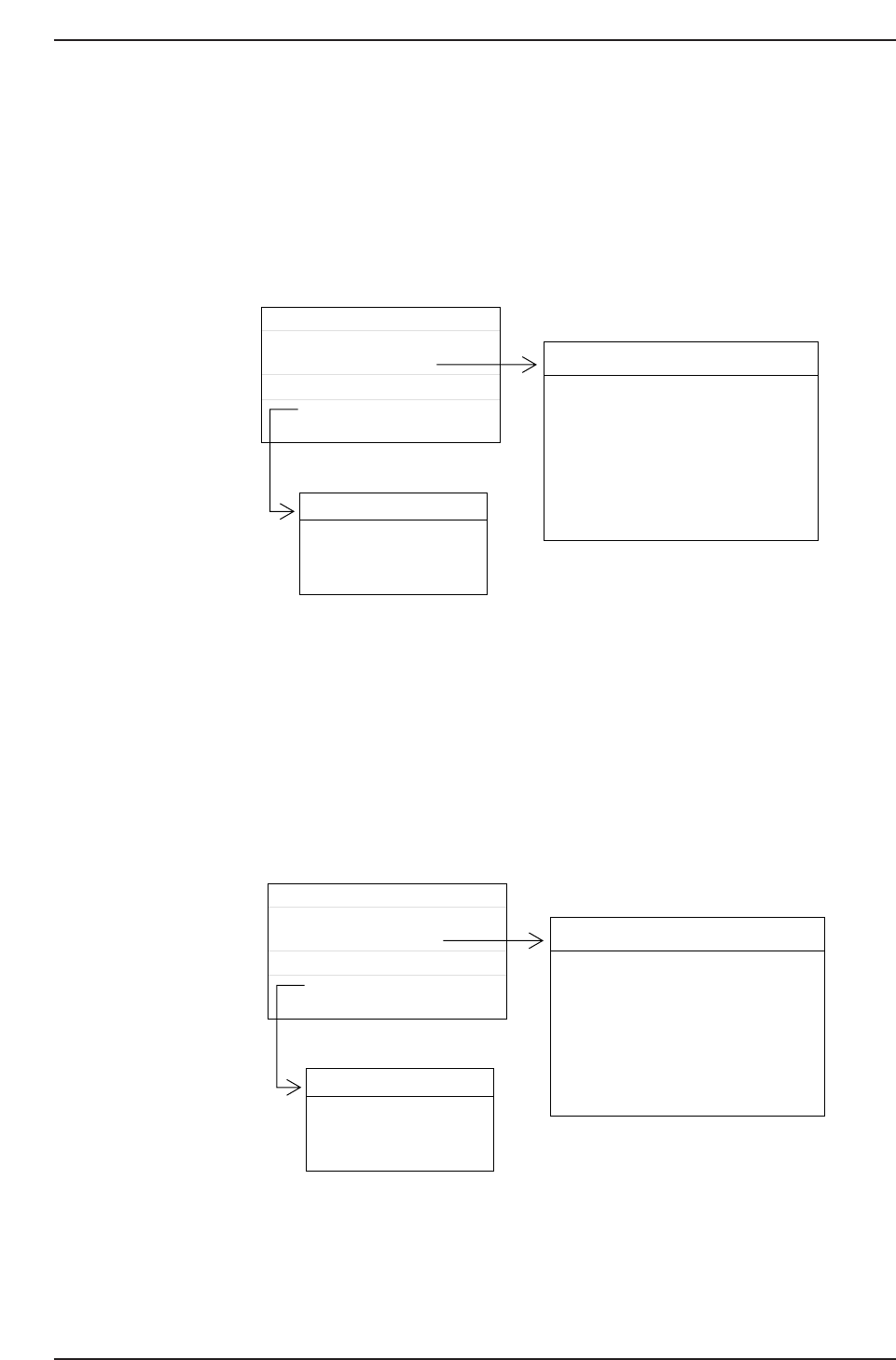
The nozzle actually used in placing a part is automatically selected by the machine if no
nozzle diameter has been specified in Nozzle_size_CP6. The machine checks the
maximum nozzle diameter permitted in the Part Data file, then chooses the nozzle in the
nozzle assignment table that is closest to the maximum size, but not greater than it.
Furthermore a check is made to determine whether the back light disk of the nozzle will
allow the part to be vision processed.
For the part specified above, the 1.3 mm nozzle attached in the No. 3 nozzle position
would be selected. After the proper nozzle selection is carried out, the size of the back
light disk of the No. 3 nozzle is compared to the minimum back light disk size specified
in Part Data. This nozzle would be used to place this particular part as long as its back
light disk was at least as large as the specified minimum size.
If the maximum nozzle diameter specified in Part Data is smaller than the size of the No.
1 nozzle, a program transmission error (error code 1101109?H) will occur.
0.5
0
12
Machine_data
Nozzle_assignment_table_CP6
NAT_CP6
D_data
D1 RECT3216120
Part Data name
Production program
D1 RECT3216120
Part Data
Max. Nozzle Size
Nozzle No.
Back Light Min.
Bend
0.1
0.1
0.2
0.2
0.2
0.2
NAT_CP6
No
1
2
3
4
5
6
Nozzle_size
0.7
1.0
1.3
2.5
1.8
5.0
Back_light
12
12
12
20
12
20
CP643S2017
1.3
0
12
Machine_data
Nozzle_assignment_table_CP6
NAT_CP6
D_data
D1 RECT3216120
Part Data name
Production program
D1 RECT3216120
Part Data
Max. Nozzle Size
Nozzle No.
Back Light Min.
Bend
0.1
0.1
0.2
0.2
0.2
0.2
NAT_CP6
No
1
2
3
4
5
6
Nozzle_size
0.7
1.0
1.3
2.5
1.8
5.0
Back_light
12
12
12
20
12
20
CP643S2016
Part 2 Chapter 1 Basic Operation
Edition 1.1 2-1-34 CP643E System Reference
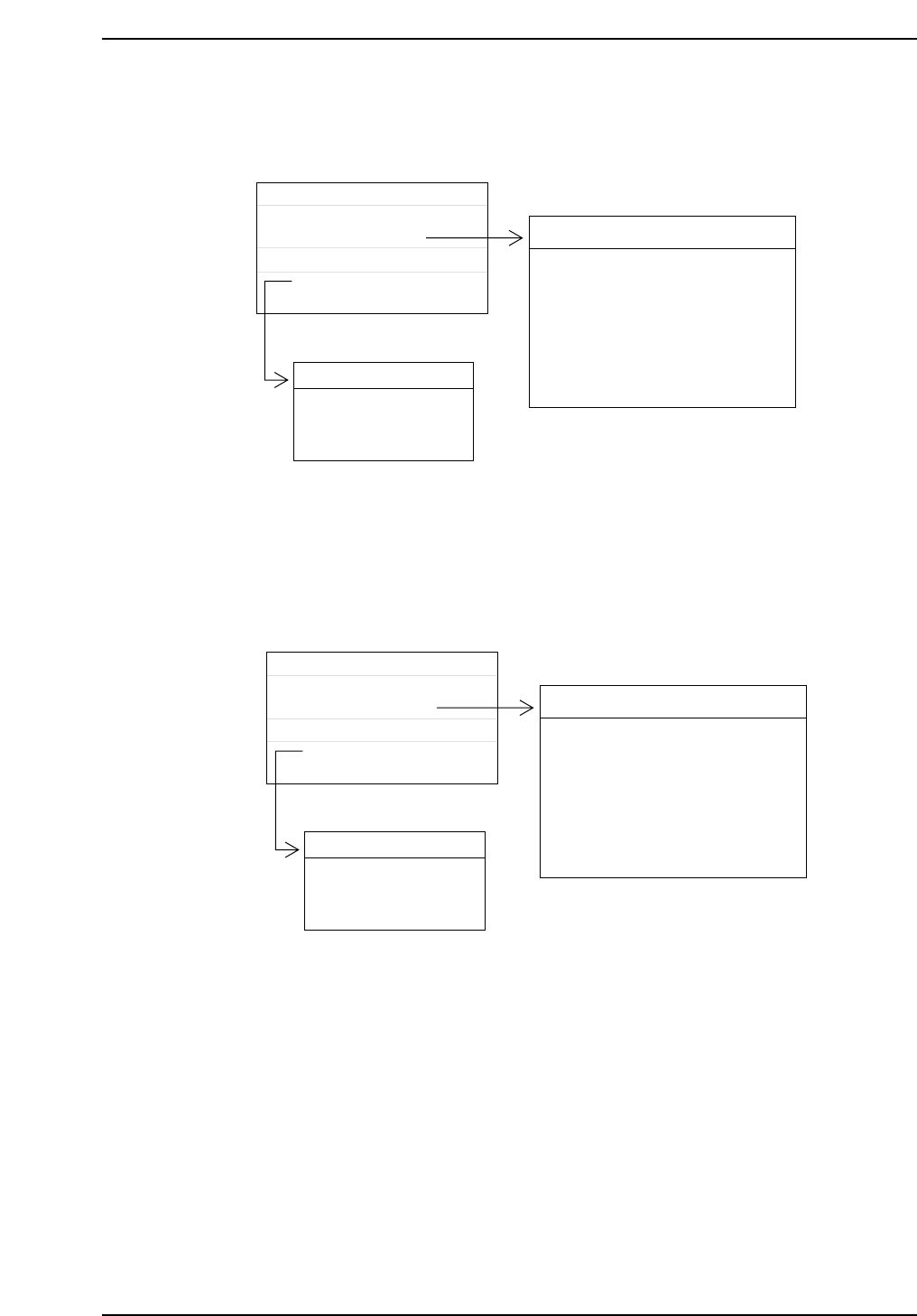
In the case that the nozzle diameter and the size of the back light disk are both specified
as 0 then the nozzle will be handled as a skipped nozzle.
If there is no back light disk larger than the minimum back light disk specified in Part
Data, vision processing cannot be carried out properly and a transmission error will
result (error code 1101D04?).
1.3
0
30
Machine_data
Nozzle_assignment_table_CP6
NAT_CP6
D_data
D1 RECT3216120
Part Data name
Production program
D1 RECT3216120
Part Data
Max. Nozzle Size
Nozzle No.
Back Light Min.
Bend
0.1
0.1
0.2
0.2
0.2
0.2
NAT_CP6
No
1
2
3
4
5
6
Nozzle_size
0.7
1.0
1.3
2.5
1.8
5.0
Back_light
12
12
12
20
12
20
CP643S2019
1.3
0
12
Machine_data
Nozzle_assignment_table_CP6
NAT_CP6
D_data
D1 RECT3216120
Part Data name
Production program
D1 RECT3216120
Part Data
Max. Nozzle Size
Nozzle No.
Back Light Min.
Bend
0.1
0.1
0.2
0.2
0.2
0.2
NAT_CP6
No
1
2
3
4
5
6
Nozzle_size
0.0
1.0
1.3
2.5
1.8
5.0
Back_light
0
12
12
20
12
20
CP643S2018
All No.1 nozzles on head A ~ head T
will be skipped.
Part 2 Chapter 1 Basic Operation
Edition 1.1 2-1-35 CP643E System Reference