CP643 系统参考.pdf - 第50页
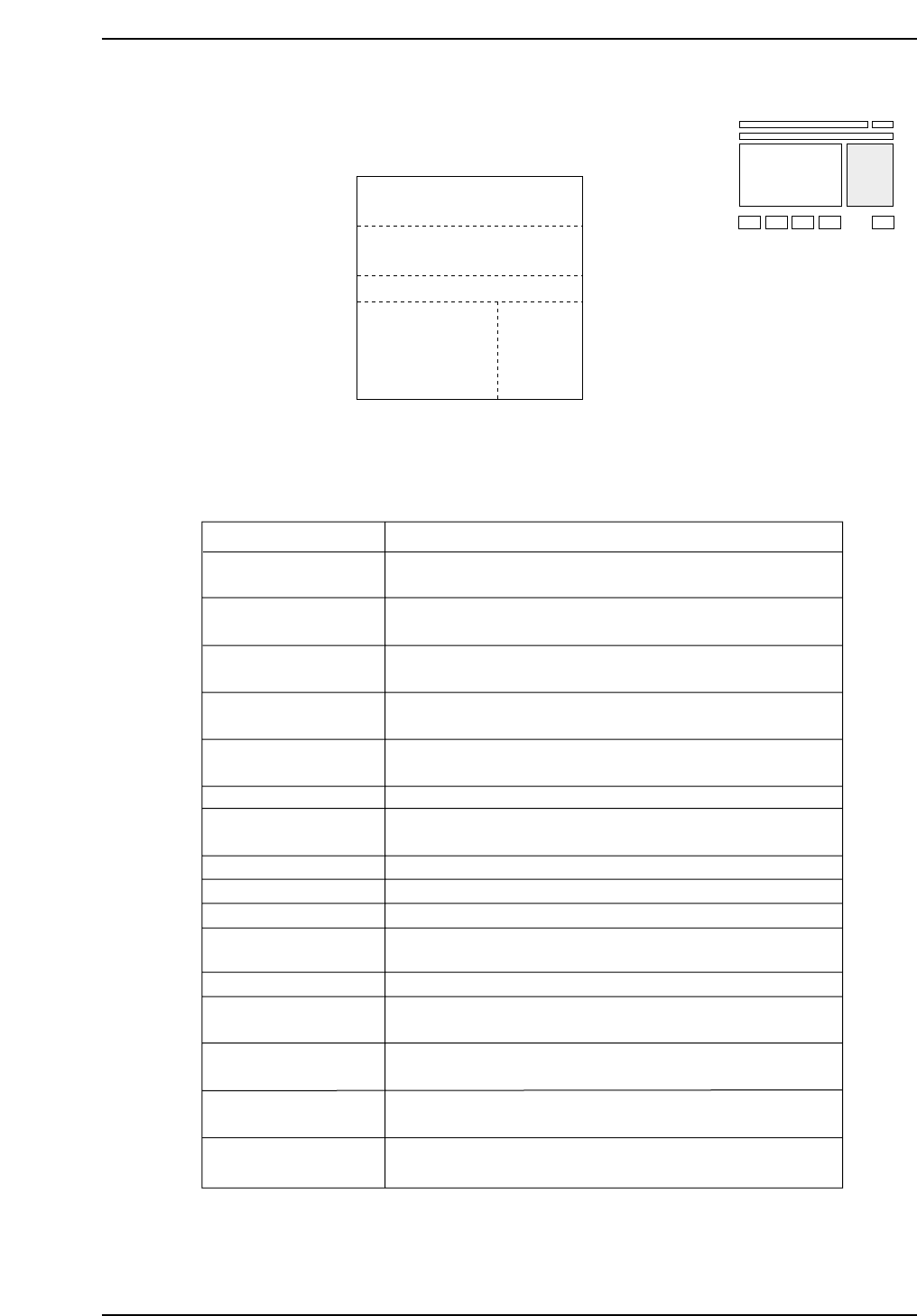
Area B: Error Display Area If an error occurs a message will display here. Area C: Spare Device Status Display Area In Device Change Mode, when the original table has been changed, the table not in use acquires the statu…
1.3.3 Second Display Area
The second display area displays machine error status and
messages to the operator.
Area A: Current Machine Status Display Area
This area displays the current status of the machine.
Display
Emergency Stop
Meaning
Under emergency conditions, this will be displayed.
When this happens, refer to area B for the reasons.
The machine has stopped with errors and is waiting for
the operator to press the RESET button.
Before the start of operation, the operator must push
the START button.
This item indicated that zero-setting has not yet been
performed after the machine's power has been turned ON.
This item indicates that nozzle origin search is being
carried out.
This item indicates that zero-setting is being carried out.
The machine is operating and can receive commands at
this point.
This displays if the cam axis is not at 0 degrees.
The machine is now measuring Proper data.
Operation is being conducted with the Handy Terminal.
In HELPS mode, changeover occurs automatically and
this message displays.
The machine is now placing parts.
A board is being loaded onto or unloaded from the
XY-table.
The machine has stopped and is waiting for the next
board to be loaded.
The next machine has not yet requested a new board,
so the machine is waiting.
The machine cannot be restored until the power has been
shut off and restarted.
Waiting for reset SW
CP643S1032
Press START
Machine Not Zero Set
Searching for origin...
Zero Set
Ready
Return Cam to Zero
Measuring Proper...
Operating HT...
Changing Over...
Producing...
Operating Loader
Waiting for PCB
Waiting for NEXT
Shut off power
Emergency Stop
Waiting for Reset SW
Emergency Stop Pressed
D100 Resupply
CP643S1031
A
B
C
D
Skip
1ABCD
2CD
3DEF
Nozzle
4ABCD
5MN
6AT
Tape End
105 124
012
075
E
CP643S1030
Part 1 Chapter 1 Machine Overview
Edition 1.1 1-1-23 CP643E System Reference
Area B: Error Display Area
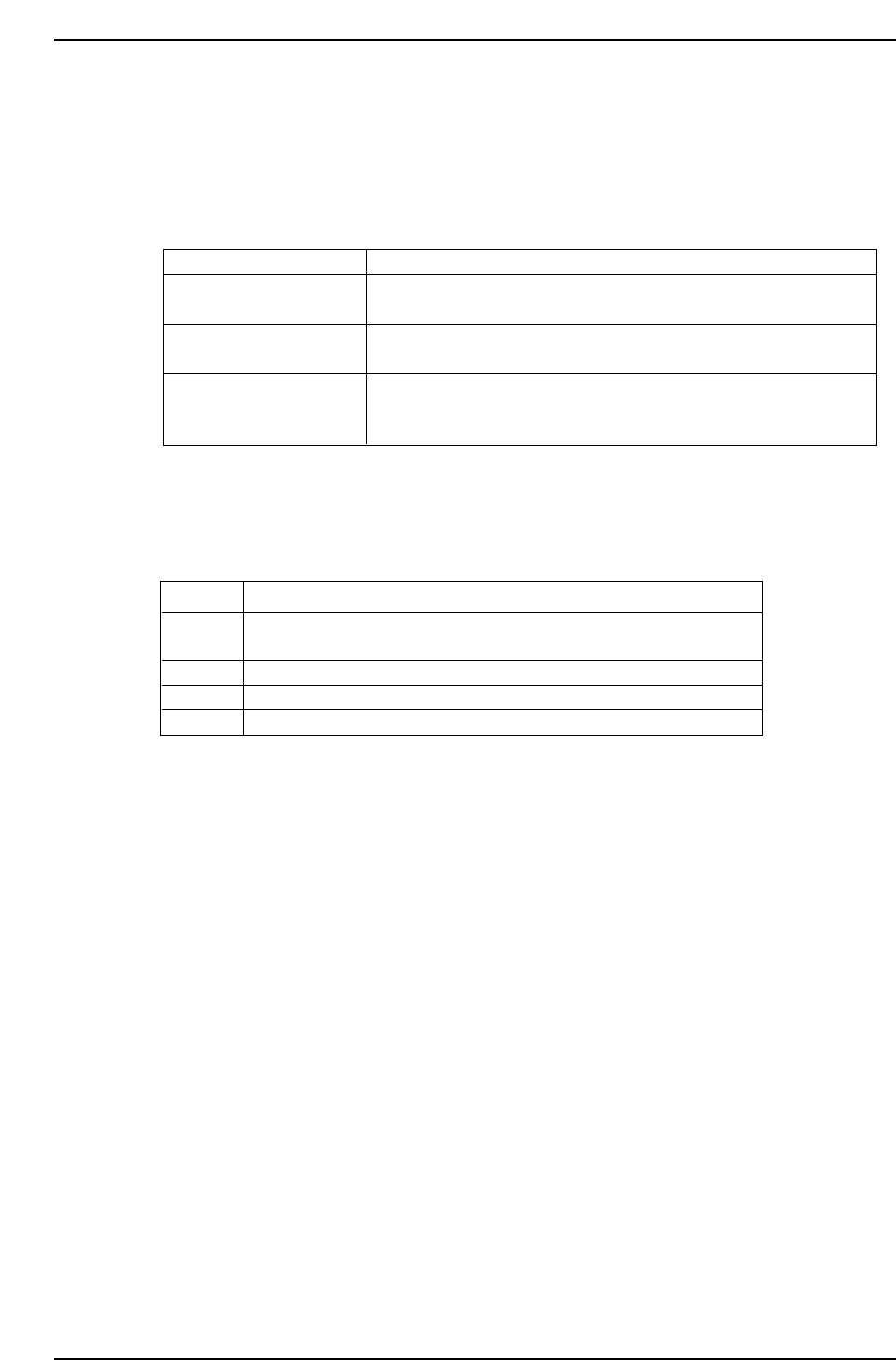
If an error occurs a message will display here.
Area C: Spare Device Status Display Area
In Device Change Mode, when the original table has been changed, the table not in use
acquires the status of spare device table.
Area D: Nozzle Skip Information Area
When a nozzle is skipped, the head of the skipped nozzles will display.
Area E: Tape End Information Area
This display indicates the device numbers of feeders which are about to run out of parts.
Once this situation is corrected the display disappears.
Display
Yellow
Red
Blue
Green
Meaning
Nozzle is skipped automatically based on statistical processing
(based on settings made at Proper data).
Nozzle is skipped based on nozzle center measurement errors.
Nozzle is skipped using command keys at the machine.
Nozzle is skipped based on nozzle assignment table at program.
CP643S1034
Display
D??? supply
D??? Check
D??? can't handle
Meaning
The device table named in the message has run short of parts.
The original table has been changed.
Parts could not be picked from the device table named in the
message.
Vision processing could not be carried out on the parts coming
from the device table named in the message. The original table
has been changed.
CP643S1033
Part 1 Chapter 1 Machine Overview
Edition 1.1 1-1-24 CP643E System Reference
(1) Emergency Stop
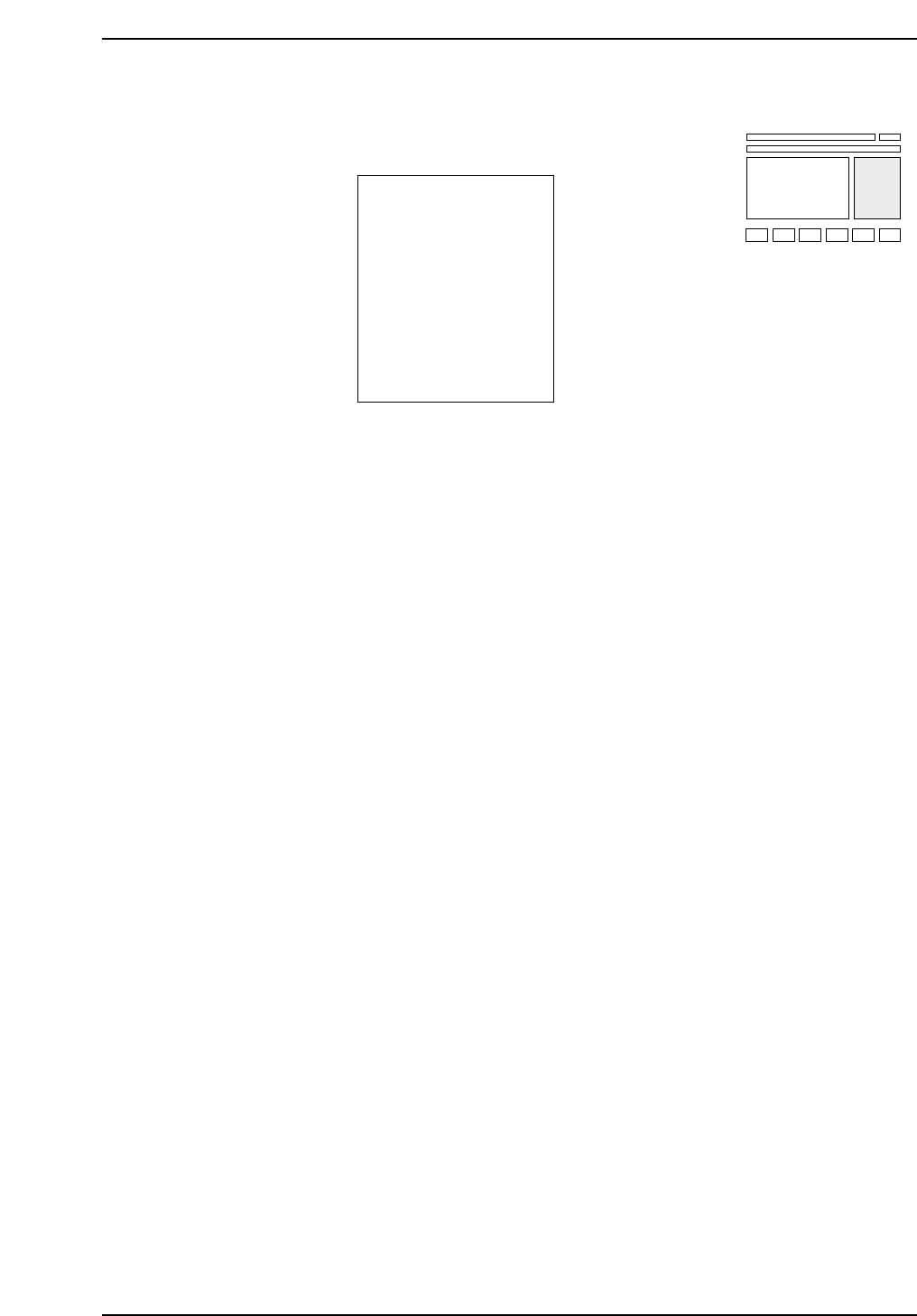
The following display appears when an emergency stop occurs.
When a situation occurs in which the machine would be damaged if it continued to
operate, the servo motors, conveyor motors and air cylinders stop operating. The
message “Waiting for Reset SW” appears, and after the problem is fixed, the RESET
button should be pressed. The message “Ready” will then appear.
CP643S1036
Emergency Stop
Waiting for Reset SW
The safety door (front) or
conveyor cover is open.
1ABC
2ABCDE
3K
4BCD
5HIJ
6OP
000
000
000
000
000
000
Skip Nozzle Tape End
CP643S1035
Part 1 Chapter 1 Machine Overview
Edition 1.1 1-1-25 CP643E System Reference