CP643 系统参考.pdf - 第69页
1.2 Getting Started 1.2.1 Starting the Machine This section explains everyday start-up, reset-start and I/O check start procedures. Normal Operation Use the following procedure to start the machine. 1. Boot up the host c…

1.1.7 Discarding Picked Parts
On the CP-643E, data is managed for the picked parts that are at each station. In the case
that distribution of part information to each station cannot be guaranteed, the picked
parts will unavoidably be discarded in order to preserve placement accuracy and
reliability.
The discarding of picked parts will be carried out in the following cases.
• After an emergency stop
After the occurrence of an emergency stop the status of the parts that have been picked
and vision processed may not have been preserved. If the cam axis is rotated manually
(using the cam handle) the picked parts will be discarded since there is a possibility
that the information for the processed parts is different from the actual status of the
parts.
• After the cam axis has been inched
In the same way mentioned above, picked parts will be discarded if the cam axis is
rotated via inching since there is a possibility that the information for the processed
parts will be different from the actual status of the parts.
• After the placing sequence order has been changed
If the number of the placing sequence or a block skip is specified by a command
operation, the picked parts will be judged as useless and thus discarded since the
placing sequence order will have changed.
• Execution of the nozzle center measurement command
Picked parts will be discarded when nozzle center measurement is carried out since
these parts are a hindrance to the execution of this command.
Part 2 Chapter 1 Basic Operation
Edition 1.1 2-1-11 CP643E System Reference
1.2 Getting Started
1.2.1 Starting the Machine
This section explains everyday start-up, reset-start and I/O check start procedures.
Normal Operation
Use the following procedure to start the machine.
1. Boot up the host computer.
This computer compiles production information transmitted from the machine in Off
Line mode.
2. Set the circuit breaker.
The machine’s main circuit breaker must be set to the ON position before the machine
can be turned on.
3. EMERGENCY STOP button check
Verify that the EMERGENCY STOP button has been pressed.
4. Turn on the power.
Press the POWER ON button on the machine operation panel to turn the machine on.
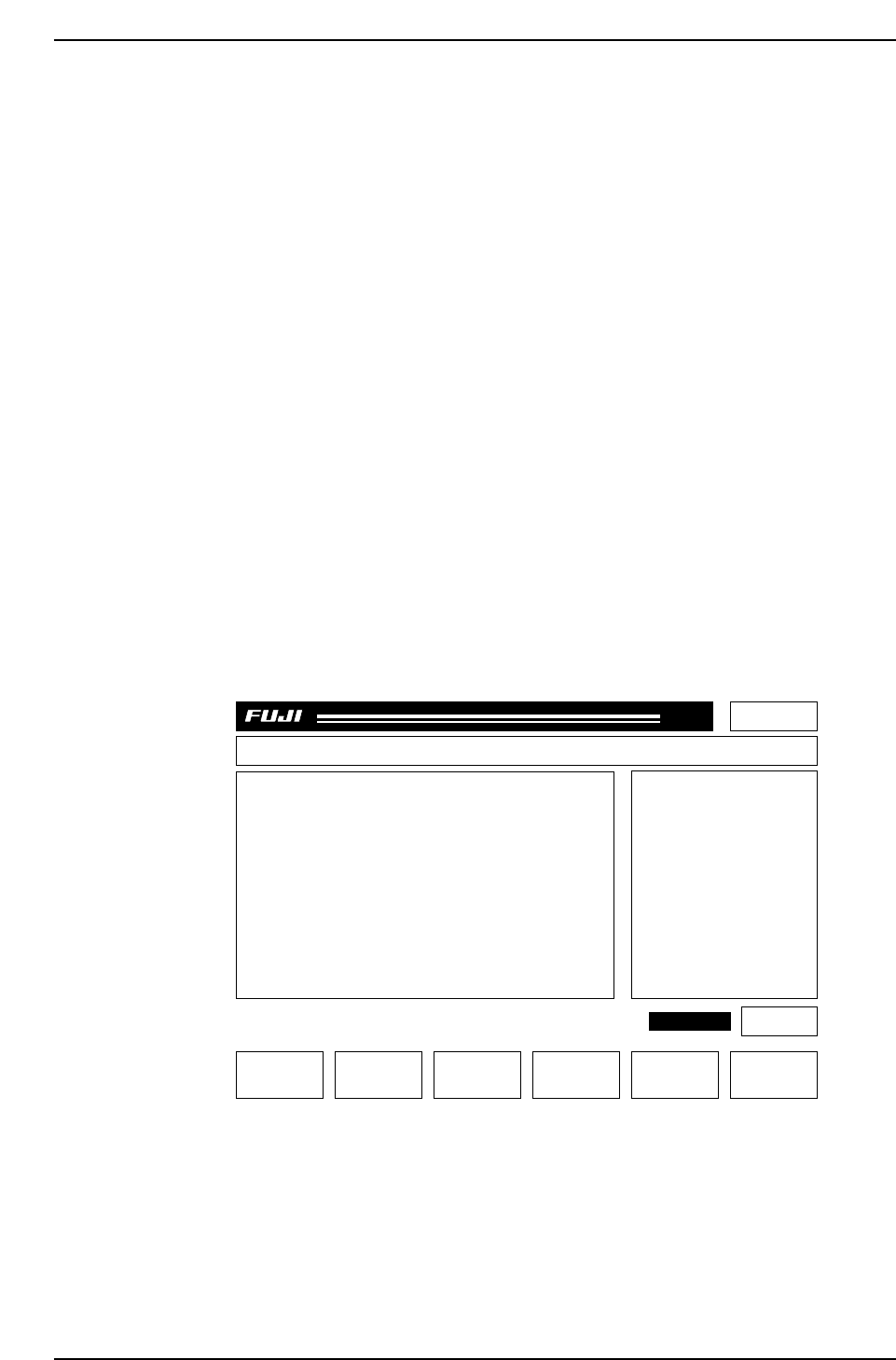
After pressing the POWER ON button, make sure that the display appears as
follows:
Page 000
Off line
MachineNot Zero-Set
Press START
CP_6.PROGRAM Prod 00000 Sche 00000
v1.10
000000000000
000000000000
jog X Y C
AUTO STEP LOADER PROGRAM SET
CP643S2006
✽
READY
LOADER
ST 1. N
ST 2. N
ST 3. N
ST 6. N
ST 7. N
ST 8. N
ST 10. N
ST 11. N
8D
7D
6D
5D
4D
3D
2D
1D
1Er****
1Er****
1Er****
1Er****
1Er****
1Er 0
1Er 0
1Er 0
STATUS
P Mode
Recovery
T Mode
Product
3 times
Joint
Part 2 Chapter 1 Basic Operation
Edition 1.1 2-1-12 CP643E System Reference

5. Transmit status data to the machine.
Status data is retained in the machine’s memory even after the machine’s power is
turned off. Thus, once status data has been transmitted to the machine, this step need
not be repeated. However, it is necessary to transmit status data to the machine after
performing the reset-start procedure. Status data can be modified either directly at
the machine, or indirectly using an host computer. When status data is modified
using the host computer, it must be transmitted to the machine before operation.
6. Transmit Proper data to the machine.
Proper data is retained in the machine’s memory even after the machine’s power is
turned off. Once Proper data has been transmitted to the machine, this step need not
be repeated. However, it is necessary to transmit Proper data to the machine after
performing the reset-start procedure. When Proper data is modified at the host
computer, the modified Proper data must then be transmitted to the machine before
operation. It is also possible to change a part of Proper data at the machine. If the
Proper data is transmitted to the host computer once the change is made at the
machine, then that Proper data will be saved at the host computer.
7. Transmit programs to the machine.
Programs are retained in the machine’s memory even after the machine’s power is
turned off. Once a program has been transmitted to the machine, this step need not
be repeated. However, it is necessary to transmit programs to the machine after
performing the reset-start procedure. New programs can be created using the host
computer. These must be transmitted to the machine before they can be used in
production.
8. EMERGENCY STOP button cancel
Release the EMERGENCY STOP button, then press the RESET button.
9. Select the production program.
Using either host computer or the machine [PROGRAM] command function, select
the production program.
10. Select the quantity of the production run.
Press the [PROGRAM], [QTY SET] command function keys and set the number of
boards to be produced. A setting of zero will make the machine run indefinitely.
Note: Scheduled production quantity can be set in the program. Enter the production quantity
into the Production_qty. field (in the Production_mode section at MCS), and transmit to
the machine. When the production run is complete the machine will stop and the
operator will be informed. (This function is used only in MCS systems. F4G systems
do not have this function.)
11. Zero-setting
The START button flashes and a “Machine Not Zero Set” message displays on-
screen. Press START to begin the zero-setting operation.
12. Commands
The F1 to F6 function keys can be used to execute commands.
Note: Some of these commands are disabled during vision processing (when a “Vision
System Booting...” message displays). In such cases, wait until vision processing is
completed before using those commands.
Part 2 Chapter 1 Basic Operation
Edition 1.1 2-1-13 CP643E System Reference