CP643 系统参考.pdf - 第42页
C: Production program name The name of the current production program is displayed here. The message “No prog” is displayed here when no production program is loaded. The color of the production program name changes depe…
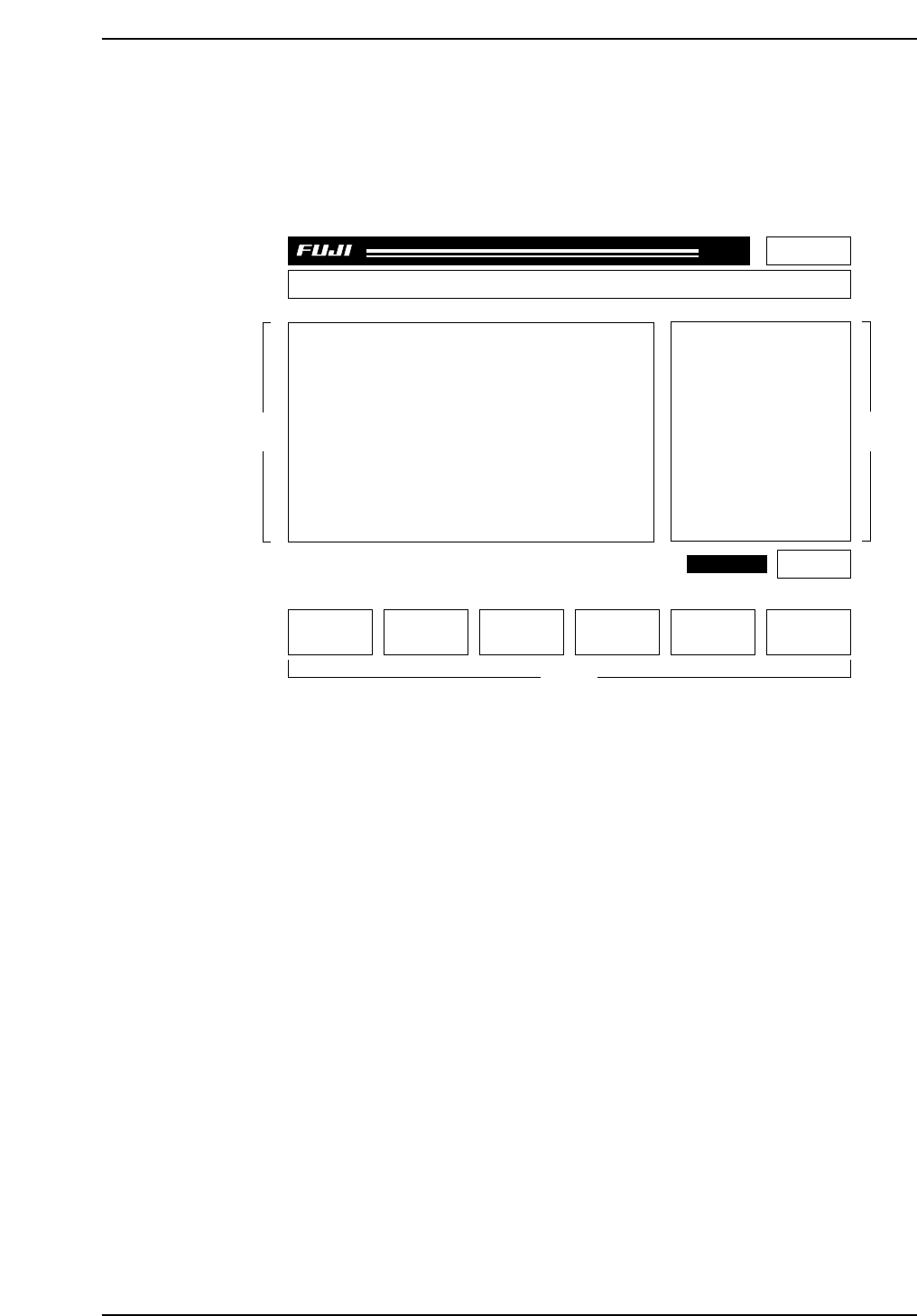
1.3 Display
1.3.1 CRT Display Monitor
The display monitor displays machine conditions and messages to the operator.
A: Version number
The system ROM version number is displayed here. This display allows verification of
the version number after ROM card replacement.
[Example] V1.00, V1.10, V1.20, etc.
B: Line mode
This shows the host communication mode currently in effect.
[Example] Local, Off line
Local: No production data is transmitted to the host computer.
Off line: Production data is transmitted to the host computer.
(H)
(D)
Page 000
Off line
Machine Not Zero-Set
Press START
CP_6.PROGRAM Prod 00000 Sche 00000
v1.10
000000000000
000000000000
jog X Y C
(A) (B)
(L)
(K)
(J)
(I)
(C)
(E)
(F)
(M)
(G)
AUTO STEP LOADER PROGRAM SET
CP643S1016
]
READY
LOADER
ST 1. N
ST 2. N
ST 3. N
ST 6. N
ST 7. N
ST 8. N
ST 10. N
ST 11. N
8D
7D
6D
5D
4D
3D
2D
1D
1Er****
1Er****
1Er****
1Er****
1Er****
1Er 0
1Er 0
1Er 0
STATUS
P Mode
Recovery
T Mode
Product
3 times
Joint
Part 1 Chapter 1 Machine Overview
Edition 1.1 1-1-15 CP643E System Reference

C: Production program name
The name of the current production program is displayed here. The message “No prog”
is displayed here when no production program is loaded. The color of the production
program name changes depending on the status of the vision system board.
When the vision system board is being initialized, the machine will not go into automatic
operation. The message "Vision System Booting..." will display.
Caution: A part data error is indicated when the production program displays in red. After
revising the incorrect part data item, transmit the program to the machine again.
D: Completed production quantity
This shows the number of boards completed. This function occurs only in Off Line
mode. In Local mode boards will not be counted.
[Example] “Prod 00100”
100 boards have been produced up to now.
E: Scheduled production quantity
This shows the scheduled quantity of boards to be produced. Use the following
command sequence to specify the “scheduled production quantity” setting:
[PROGRAM] - [QTY. SET] - Enter the desired quantity (numeric key input).
[Example] ”Sche 01000”
1000 boards are scheduled to be produced.
Caution: The message “Sche 00000” indicates that no scheduled production quantity has been
set, meaning that production will continue indefinitely.
F: First Status Area
This area displays the current command status.
[Example] AUTO, LOADER, SET, etc.
G: First Display Area
This area displays information about the machine.
Note: Details regarding the information displayed in this area are presented in “1.3.2 First Display
Area”.
Color
White
Yellow
(Highlighted)
Blue
(Highlighted)
Red
Status of the vision system board
Vision system board is ready for use.
Vision system board is being initialized.
Vision system data is being registered.
An error has occurred during initialization of the
vision system board.
CP643S1017
Part 1 Chapter 1 Machine Overview
Edition 1.1 1-1-16 CP643E System Reference

H: Second Display Area
This area displays error messages and comments to the operator. Details regarding the
information displayed in this area are presented in “1.3.3 Second Display Area”.
I: Second Status Area
This area displays additional comments that supplement the information displayed in
the First Status Area. Input from the numerical keypad is also displayed here.
J: Program counter
This counter is referred to when an abnormality occurs in operation of the CP-643E. This
counter is not referred to during normal operation.
K: Inching axes
This display indicates which axes are currently selected for inching.
L: Command page
The function key command page number is displayed here.
M: Function key menu
Each function key corresponds to a command in the function key menu portion of the
CP-643E display.
Part 1 Chapter 1 Machine Overview
Edition 1.1 1-1-17 CP643E System Reference