CP643 系统参考.pdf - 第47页
Area C: Special operations procedures display here. Area D: Information about optional functions display here. • In the case of Handy Terminal compatible operation When the next program has been specified, the name of th…
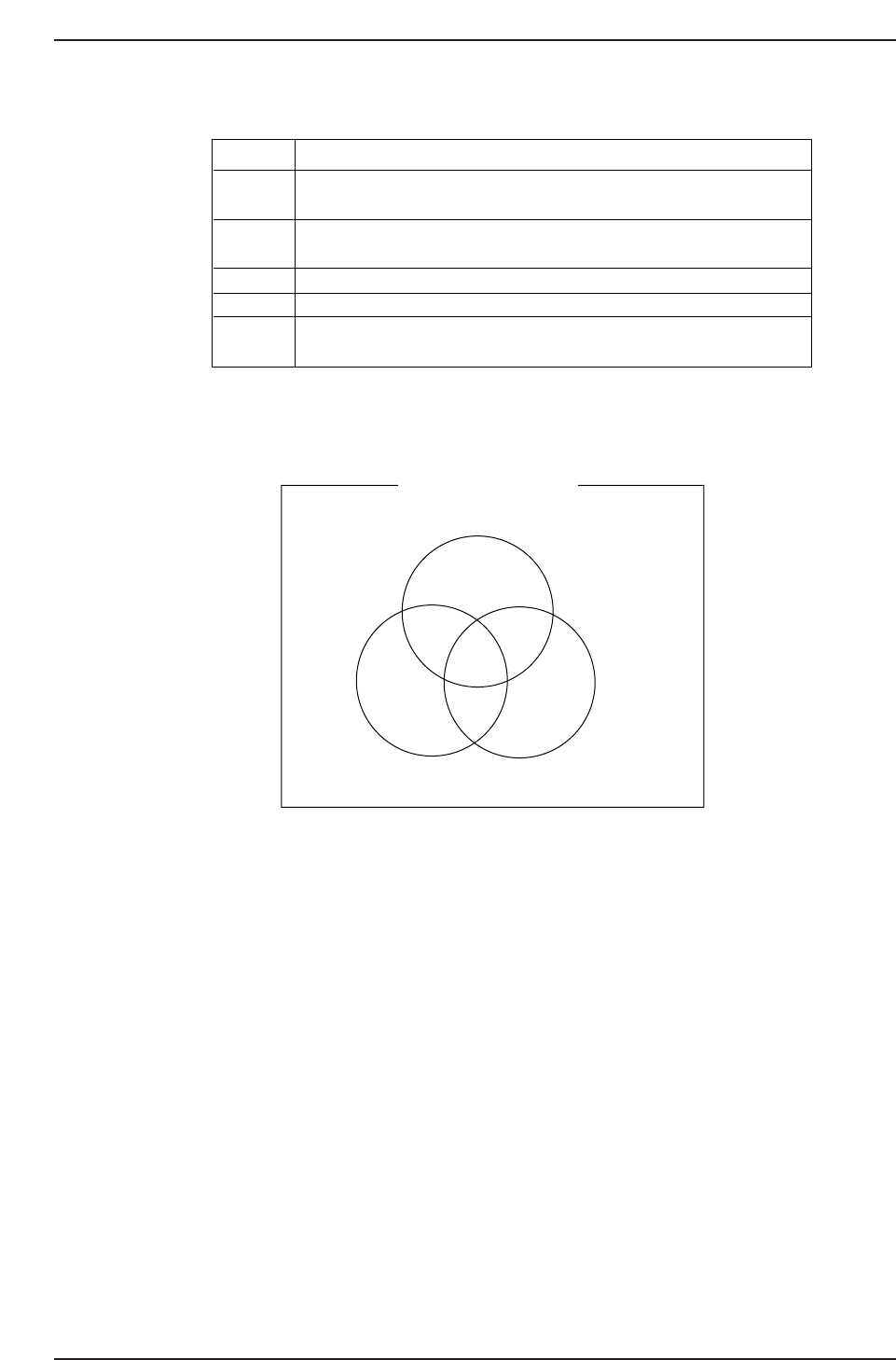
The color of the display has the following meanings.
The relationships between the displays above are shown in the Venn diagram below.
If the device check function is not used, the setting of parts can only be canceled or
completed using the [PARTS SET] [CANCEL/COMPLETE] switch.
Refer to “Part 2, Chapter 1, 1.7 Device Check”, for details about the device check function
and the parts set cancel/complete operation.
Table display Color
Red
Red
Blue
Yellow
Green
Purple
White
White
Production Table Reservation
Part set complete
Device check complete
CP643S1025
Display
Green
Yellow
White
Purple
Blue
Meaning
Original table with device check and the parts set
operation complete
Device check and the parts set operation complete on the
table that is not the original table
Device check completed, parts set SW is not complete
Parts set complete, device check not complete on original table
Parts set complete, device check not complete on table that is
not the original table
CP643S1024
Part 1 Chapter 1 Machine Overview
Edition 1.1 1-1-20 CP643E System Reference
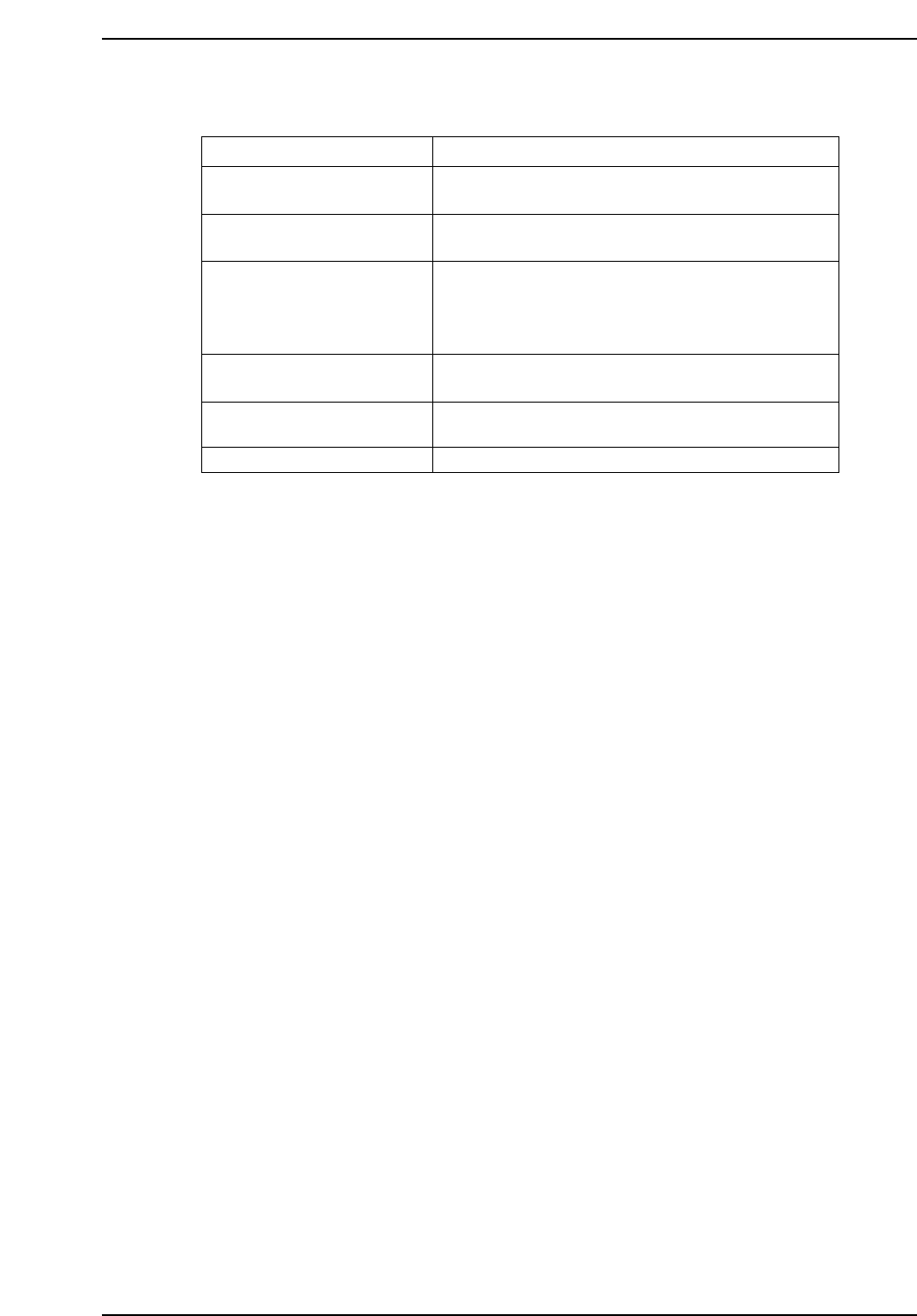
Area C: Special operations procedures display here.
Area D: Information about optional functions display here.
• In the case of Handy Terminal compatible operation
When the next program has been specified, the name of this program will display
here.
• When operating in the HELPS mode
The name of the announcement or reservation program will display here.
Display
Ending one board production
Ending two board production
Unloading
Checking Device by HT
Calculating Placing Data
Vision processing
Meaning
After finishing the board currently being processed
the machine will stop.
Machine is being stopped following two board
production operation.
Machine is being stopped after all boards in the
machine (on the in-conveyor, in-carrier, main
conveyor, out-carrier, and out-conveyor) have been
completed and unloaded.
Device check is currently being carried out using a
Handy Terminal.
Calculation of data necessary for placing parts is
currently being carried out.
Waiting for vision processing to be completed.
CP643S1026
Part 1 Chapter 1 Machine Overview
Edition 1.1 1-1-21 CP643E System Reference
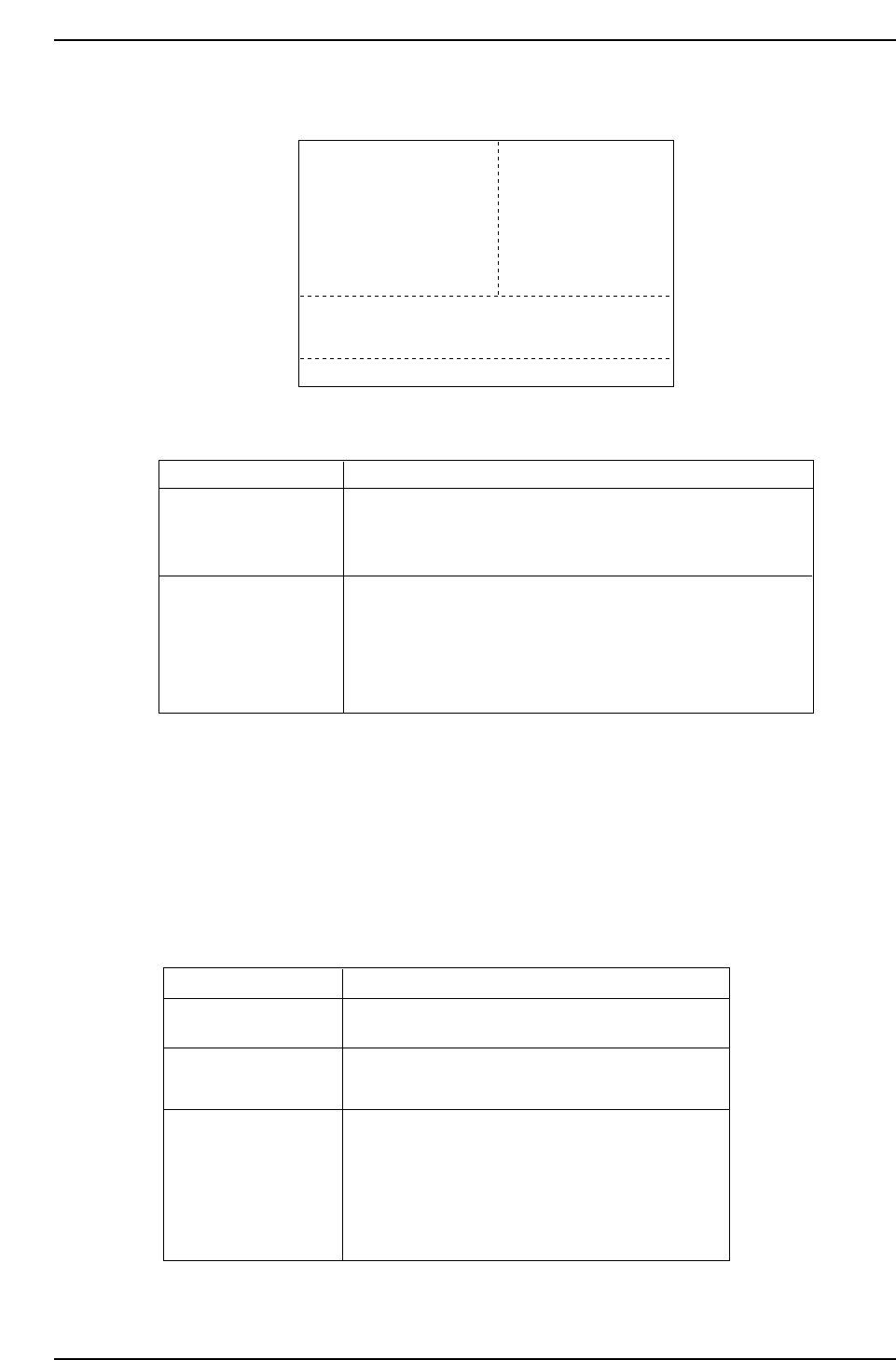
(2) Display When Not In Automatic Operation
Area A: Information about all stations from one to eleven is displayed.
Caution: The number of the next device from which parts were picked displays in the case that the
target device was part of a next device loop. In Changeover or Device Change mode,
when Device Table 2 (71-140: 51 ~ 100 for the CP-643ME) is the original table, the
device positions will be displayed as 71 ~ 140 (CP-643ME: 51 ~ 100).
Area B: The operation modes are displayed here in the same way they are during
automatic operation.
Area C: Information about special operations is displayed here.
Area D: This display is the same as in the automatic operation display.
Display
Sequence End Stop
Meaning
Machine stopping operation after finishing the
currently processed board is completed.
Sequences End Stop
“Machine stop” processing which follows
two board production is completed.
CP643S1029
Clear Off Complete
“Machine stop” processing which follows the
completion and unloading of all boards in the
machine (on the in-conveyor, in-carrier, main
conveyor, out-carrier, and out-conveyor) has
been completed.
Display
ST1.N
ST2.N
ST3.N
ST6.N
ST7.N
ST8.N
ST10.N
ST11.N
Mening
For station 1~6, sequence and device numbers for each station
are displayed. "Er***" , means that vision processing has
not yet being completed.
For station 7~11, sequence and device numbers and result of
vision processing for each station are displayed.
As the result of vision processing, "0" indicates that production
has been completed under the normal condition.
Error code displays if the vision processing is not completed
normally.
CP643S1028
11D 35 Er ****
10D 35 Er ****
9D 35 Er ****
6D 35 Er ****
5D 35 Er 0
4D 35 Er 0
2D 35 Er 0
1D 35 Er 0
ST 1. N
ST 2. N
ST 3. N
ST 6. N
ST 7. N
ST 8. N
ST10. N
ST11. N
Sequence End Stop
NEXT PROD: TEST PROGRAM 1
CP643S1027
10
9
8
5
4
3
1
Skip
STATUS
P Mode
Recovery
T Mode
: Product
: 3 times
: Joint
AB
C
D
D 35 Er ****
D 35 Er ****
D 35 Er ****
D 35 Er ****
D 35 Er 0
D 35 Er 0
D 35 Er 0
D 35 Er
Part 1 Chapter 1 Machine Overview
Edition 1.1 1-1-22 CP643E System Reference