YV180X_Ope_E.pdf - 第12页
Chapter 1 Par t names and functions 1. Main unit 1-3 2. Head assembly 1-4 2.1 Component pickup/mount head ................................................................. 1-4 2.2 Nozzle types ...........................…
9
EPD8013110
About this manual
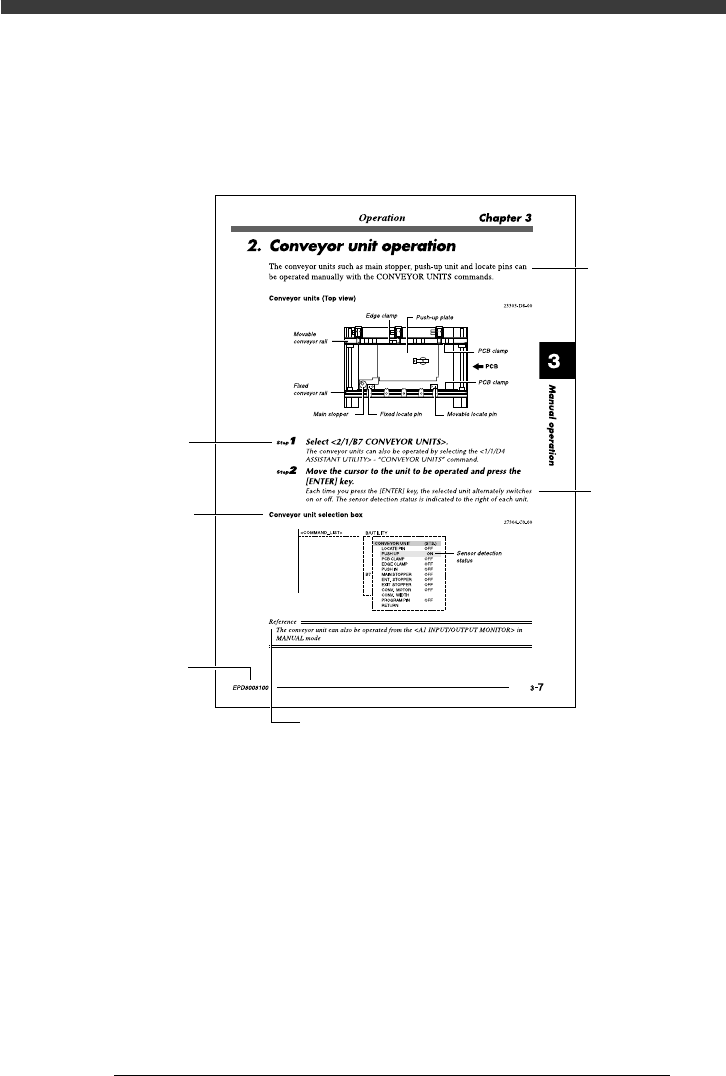
3. Page layout
The description below shows a typical page layout to help you read this
manual effectively.
Typical page layout
23002-D8-00
Step
Illustration or
table title
Note, caution or warning symbol and description
Text
Substep or
description of step
Manual No.
• Step
This describes the procedure for each operation.
• Substep or description of step
This provides detailed information on the steps in each procedure.
• Illustration or table title
This is the title of the illustration or table and appears at the upper left.
• Note, Caution or Warning
These are detailed in the “Safety and warranty” introductory section.

Chapter 1
Part names and functions
1. Main unit 1-3
2. Head assembly 1-4
2.1 Component pickup/mount head .................................................................1-4
2.2 Nozzle types .............................................................................................. 1-6
3. Feeder plate 1-9
3.1 Head movement range (accessible feeders) .............................................. 1-10
4. Conveyor unit 1-11
5. Data input and operation devices 1-12
5.1 YPU ......................................................................................................... 1-13
5.2 Keyboard .................................................................................................1-15
5.3 Operation panel keys ............................................................................... 1-16
This chapter explains major part names and functions of the machine
which you should know before attempting operation.
1
-3
EPD8013110
Operation
Chapter 1
1
Part names and functions
1. Main unit
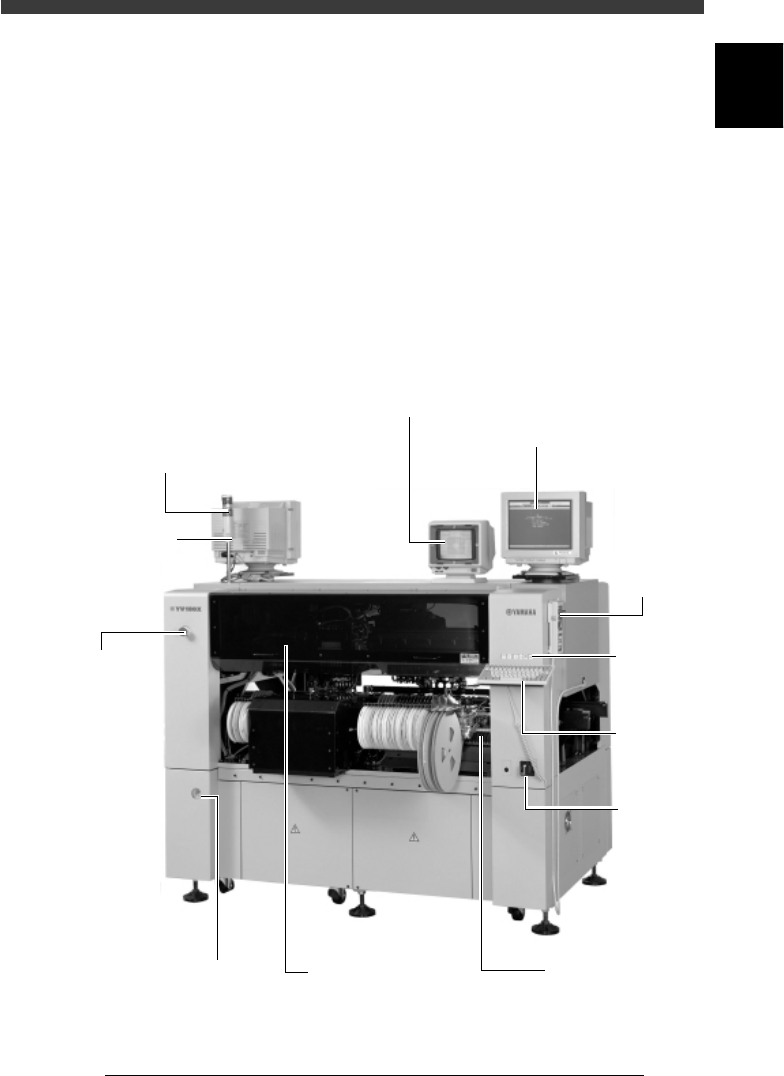
A standard machine after installation is complete has the following con-
figurations. Names and functions of major parts of the main unit are
illustrated below.
Main unit
28101-D8-00
Warning lamp
Indicates current operating conditions
of the mounter in green, yellow and
red as follows.
Green: The machine is in automatic
operation.
Yellow: An error (return-to-origin
not performed, pickup error,
recognition error, etc.) or
interlock has occurred.
Red: The machine is
in emergency stop.
(Emergency stop
button on the machine
or YPU was pressed.)
Emergency stop
button
Pressing this button
immediately triggers
emergency stop.
This machine has
three emergency
stop buttons:
one each on the
left side at the front
of the machine and
on the right side
at the rear,
and the YPU.
Main
power
switch
Vision display
(vision monitor)
Displays an image taken
by the moving camera
or vision camera such as
recognition status of
a component and mark.
Operation display
(operation monitor)
Displays the VIOS software
screen on which the
machine can be operated.
If an error or problem occurs
during operation, a corre-
sponding message also
appears on this screen.
Safety cover
This cover must be closed
during operation. If opened,
emergency stop is triggered.
Keyboard
See "5.2"
in this
chapter.
YPU
See "5.1"
in this
chapter.
Feeder plate
See "3. Feeder plate"
in this chapter.
Pressure indicator
Shows supply air
pressure and pressure
drop detection
setting.
Alarm buzzer
This buzzer sounds
if an error or abnormal
operation occurs.
Operation
panel keys
See "5.3"
in this
chapter.