YV180X_Ope_E.pdf - 第27页
Chapter 2 About VIOS This chapter explains basic structures of the VIOS software used to operate the Y AMAHA surface mounter s and also describes how to select the command menues. 1. VIOS 2-3 1.1 Basic operations .......…
1
-16
EPD8013110
Operation
Chapter 1
1
Part names and functions
5.3 Operation panel keys
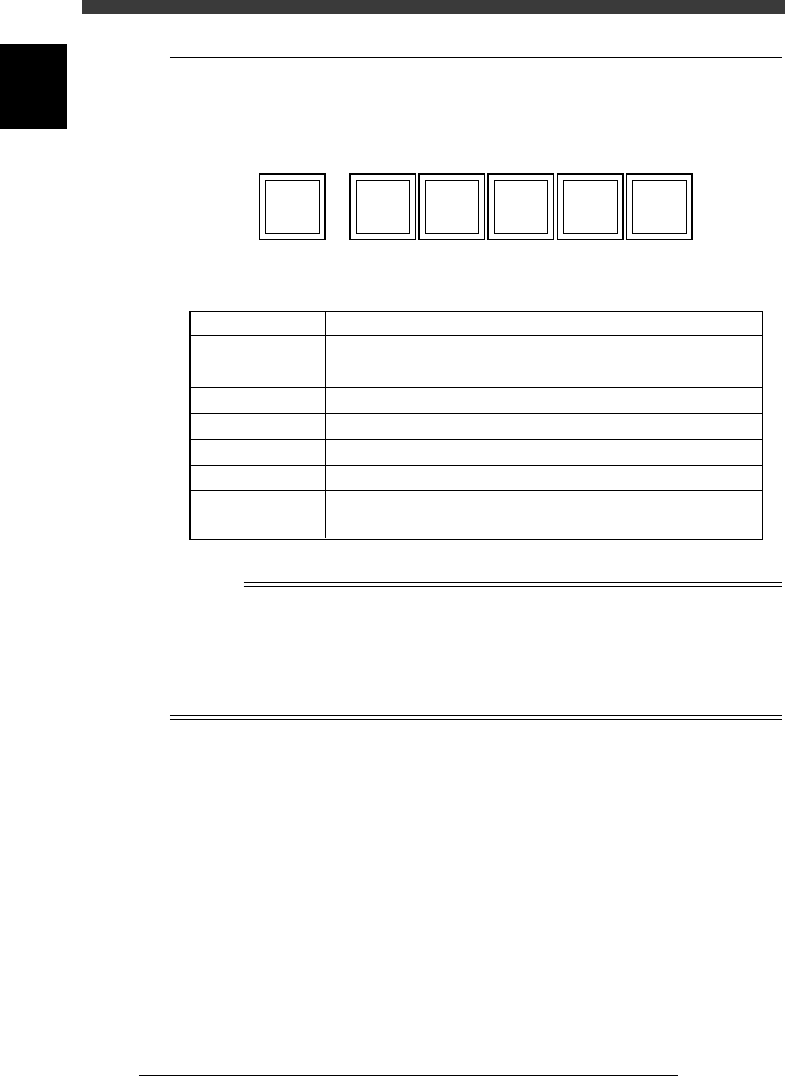
Operation panel keys are located on the front and rear of the machine to
run major commands frequently used to operate the machine.
Operation panel keys
21102-C0-00
ACTIVE READY RESETRUN
ERROR
CLEAR
STOP
Operation panel key functions
25105-D8-00
Key name
READY
RUN
STOP
ERROR CLEAR
Use the key to:
Enable other keys. (The front and rear [ACTIVE]
keys cannot be turned on simultaneously.)
Release emergency stop and turn the servo on.
Perform component mount according to PCB data.
Interrupt automatic operation. (Press RUN to resume operation.)
Stop buzzer sound and clear error screen.
Stop automatic operation and return to standby for PCB
production.
ACTIVE
RESET
n
NOTE
The [ACTIVE] key is provided on both front and rear panels and also on the YPU, but
cannot be turned on simultaneously. This means that the [READY], [RUN] and [RESET]
keys are enabled only when the [ACTIVE] key on the same panel is turned on. (The
[STOP] and [ERROR CLEAR] keys can be used regardless of whether the [ACTIVE] key
is on or off.)
The keyboard is enabled only when the [ACTIVE] key on the front panel is on.

Chapter 2
About VIOS
This chapter explains basic structures of the VIOS software used to
operate the YAMAHA surface mounters and also describes how to
select the command menues.
1. VIOS 2-3
1.1 Basic operations .........................................................................................2-4
1.2 VIOS screen structure ................................................................................. 2-5
1.3 Help function .............................................................................................2-6
2. Password 2-7
2
-3
EPD8013110
Operation
Chapter 2
2
About VIOS
1. VIOS
The VIOS is the software specifically programmed to operate YAMAHA
surface mounters and related machines. The VIOS allows you to select the
target command, parameter or item you want to run, check or change the
data through an easy-to-use hierarchical structure divided into 4 application
managers as explained below.
1. OPERATION manager
The OPERATION manager deals with commands and data relating to
automatic operation and production history in routine PCB production.
2. DATA manager
The DATA manager allows you to create, edit and optimize data on
PCBs and components.
3. MAINTENANCE manager
The MAINTENANCE manager is used to handle commands for
maintenance such as machine data adjustment, repair and accuracy
improvement. For detailed information, refer to the mounter service
manual.
4. SHELL manager
The SHELL manager contains various utilities that enable you to
perform a variety of data maintenance tasks.
You can call up the on-line help message by pressing the [F1] key at any
hierarchical level. (See “1.3 Help function” in this chapter.) The illustration
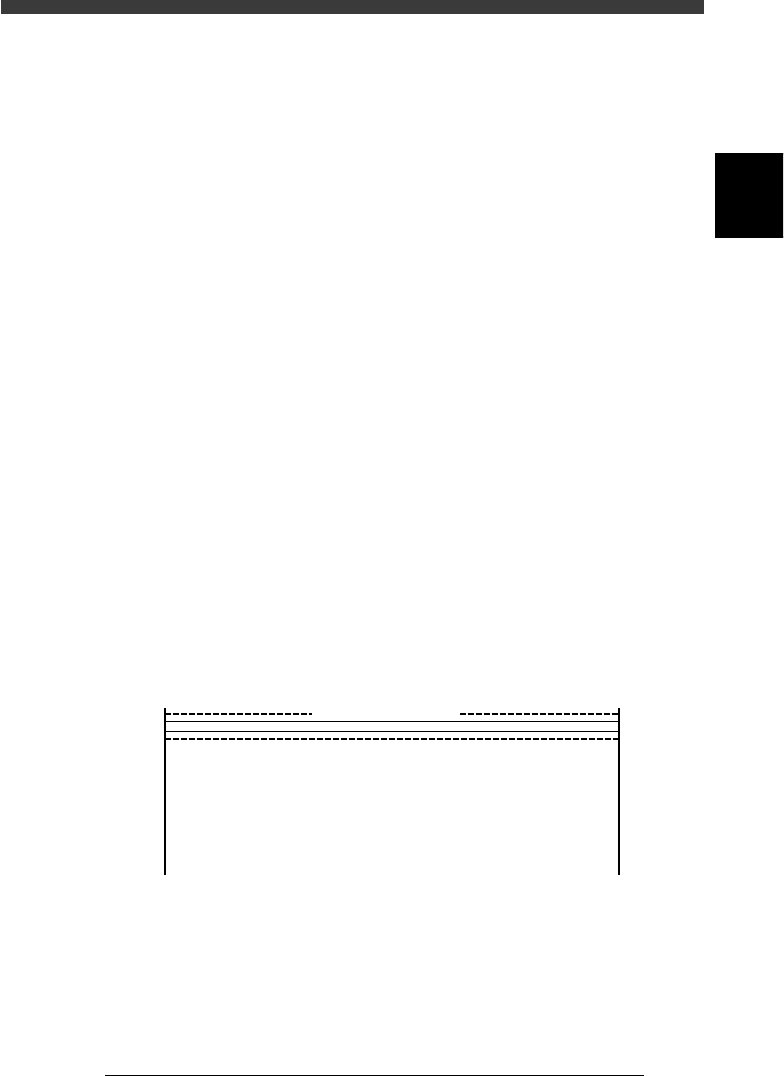
below shows the VIOS software main menu.
VIOS main window
27201-C0-00
<<<APPLICATION>>> 1/OPERATION/M 2/DATA/M 3/MAINTE/M 4/SHELL/M 0/EXIT
DATA[non ]
RUNNING
PRD.DATA
PRD.HISTORY
MANUAL
:Production, Warming up
:PCB data modification
:Production history
:Manual operation
<<<OPERATION MANAGER>>>
supports daily production.
MODE