YV180X_Ope_E.pdf - 第299页
6 -64 EPD8013110 Operation Chapter 6 6 Using various functions 6 Search Area setting 23628-C0-00 Search area Search area is too large, so other marks are recognized. Search area is too small, so the target pattern is not…
6
-63
EPD8013110
Operation
Chapter 6
6
Using various functions
0 Check or set the adjust assistant items.
All values are entered automatically when the SAVE PATTERN command is
executed, except for “Tolerance” and “Search Area”. Complete entry of the
parameters in the Adjust Assist Items window by referring to the following
explanation.
Tolerance
Enter the percent of error tolerance during mark recognition. The
optimum value for pattern matching can be calculated as follows.
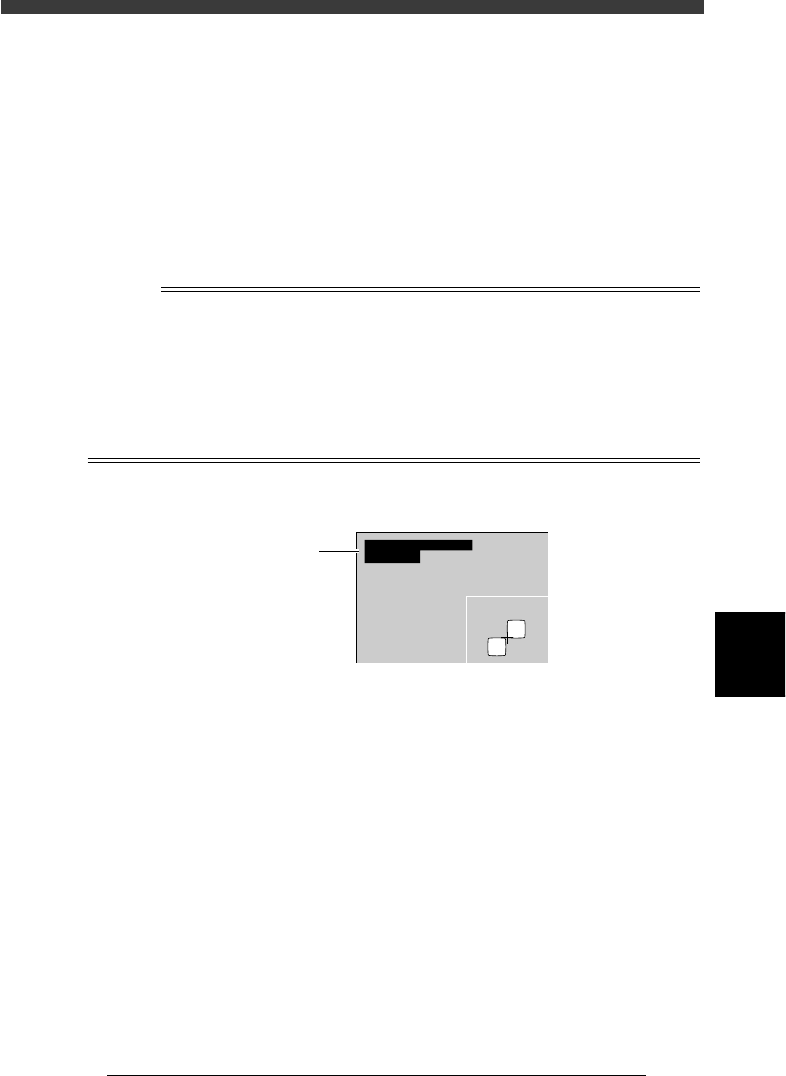
Tolerance = 1.00 - (“mat” value) x 100
where the “mat” value is the figure displayed on the upper left of the
vision monitor during measurement with the VISION TEST command.
n
NOTE
The “mat” value is a relative value showing how accurately the pattern being recognized
matches the pattern registered as the template. A value of “1.00” means that the pattern
matches the template by 100%. The lower the “mat” value, the lower the extent of
matching. In most cases, when you execute VISION TEST for the PCB which was used for
registering the pattern, the “mat” value will be 100%. To obtain a more accurate “mat”
value, we recommend executing VISION TEST for a few PCBs of the same type and
figuring out the average of the “mat” values. For detailed information about “Tolerance”,
refer to “4.2 Various parameter settings” in Chapter 5.
VISION TEST screen for mark recognition
23627-C0-00
XC
mat
:
:
256.1
1.00
YC:255.9
“mat” value
Search Area
Specify the size of the square (length of one side) used to search for the
pattern. A search is made within the square centered on the X-Y
coordinates of the pattern. We recommend specifying the square size
(search area) as wide as possible with no other marks present (resist
patterns, printed marks, etc.). If the search area is set too small (nearly
adjacent to the patterns), part of the patterns might be outside the search
area if position deviations occur due to clamping of the PCB. This
results in recognition errors.

6
-64
EPD8013110
Operation
Chapter 6
6
Using various functions
6
Search Area setting
23628-C0-00
Search area
Search area is too large, so
other marks are recognized.
Search area is too small,
so the target pattern is
not inside the search area.
Pattern Size X
The size in pixels (1 to 512) of the registration pattern along the X
direction (horizontally across screen). This value is automatically input
during pattern registration.
Pattern Size Y
The size in pixels (1 to 512) of the registration pattern along the Y
direction (vertically across screen). This value is automatically input
during pattern registration.
Offset X
The deviation (offset) in pixels (-256 to +256) along the X direction
between the center of the registration pattern and the position being
searched for. This value is automatically input during pattern registra-
tion.
Offset Y
The deviation (offset) in pixels (-256 to +256) along the Y direction
between the center of the registration pattern and the position being
searched for. This value is automatically input during pattern registra-
tion.
q Quit the Adjust Assistant.
To quit, execute the EXIT command and you will return to the Mark Info.
screen.
w Save the data.
Press the [ESC] key to exit the current edit screen, then select <2/1/D8
SAVE PCB DATA> or <2/1/D0 SAVE PCB DATA & EXIT> and press the
[ENTER] key.
6
-65
EPD8013110
Operation
Chapter 6
6
Using various functions
9.2 Using the pattern matching data
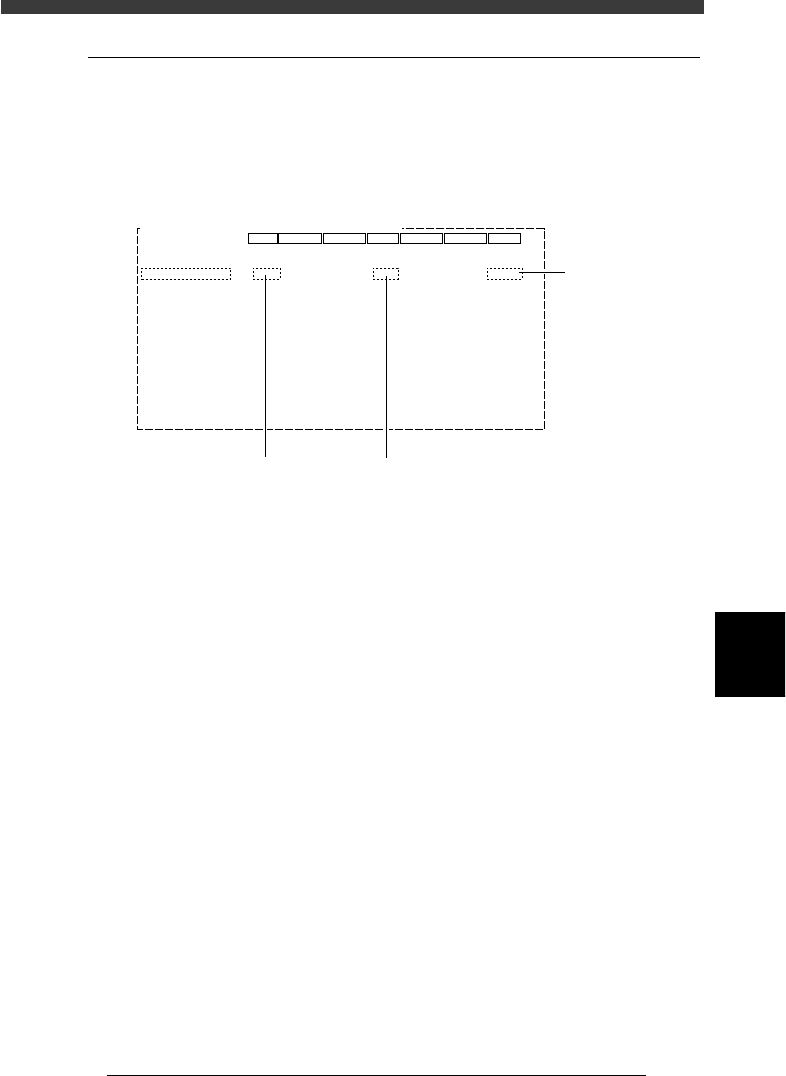
Pattern matching can be used in the same way as the fiducial marks. In this
case, enter the mark No. registered as the pattern in the locations where
mark No. should be input. (The figure below shows an example when using
pattern matching as PCB fiducial marks.
Example of using pattern matching
27639-C0-00
PCB: OBJ :PCB Info.
MARK
5
1
1
6
X/X1
0.00
240.00
10.00
5.00
0.00
15.00
0
0
Y/Y1
0.00
175.00
10.00
5.00
0.00
5.00
0
0
MRK2
6
0
X2
1.6
230.00
215.00
Y2
160.00
77.50
Skip?
-1
Use
NotUse
NotUse
NotUse
Exec
Check
UseAlign
PcbFixDevice
Pre-FixTimer
Trans-Height
Conv. Timer
Precede Pick
Conv. Y Speed
Pin+PushUP
0.0
15
0.0
Not Use
FAST
Not Use
Not Use
Group
Not Use
Mount
Vacuum Check
Alignment
PCB Origin
PCB Size
PCB Fiducial
BLOCK Fiducial
PCB Badmark
BLOCK Badmark
PCB Comment
Pcb/Schedule/Block
Unloader Count/Max
Set to "Use".
Enter mark No. registered as pattern in mark information.