YV180X_Ope_E.pdf - 第127页
5 -51 EPD8008100 Operation Chapter 5 5 Creating the PCB data Utility messages for editing the BGA ball lead information 27518-C0-00 V400 [BGA BALL DATA UTILITY] Please select command. (1) [Enter] key :[EDIT & REGISTR…
5
-50
EPD8008100
Operation
Chapter 5
5
Creating the PCB data
●Editing the BGA ball lead information
After you have created BGA component information, you can further
edit the ball lead information to improve recognition accuracy by using
the Adjust Assistant commands (see “3.7” in this chapter for details on
the Adjust Assistant commands). This is particularly effective in recog-
nizing micro BGA components such as CSP.
1 Open the Adjust Assistant screen of the ball lead compo-
nent.
Line up the cursor with the target component and press the [F6] key to
open the Adjust Assistant screen.
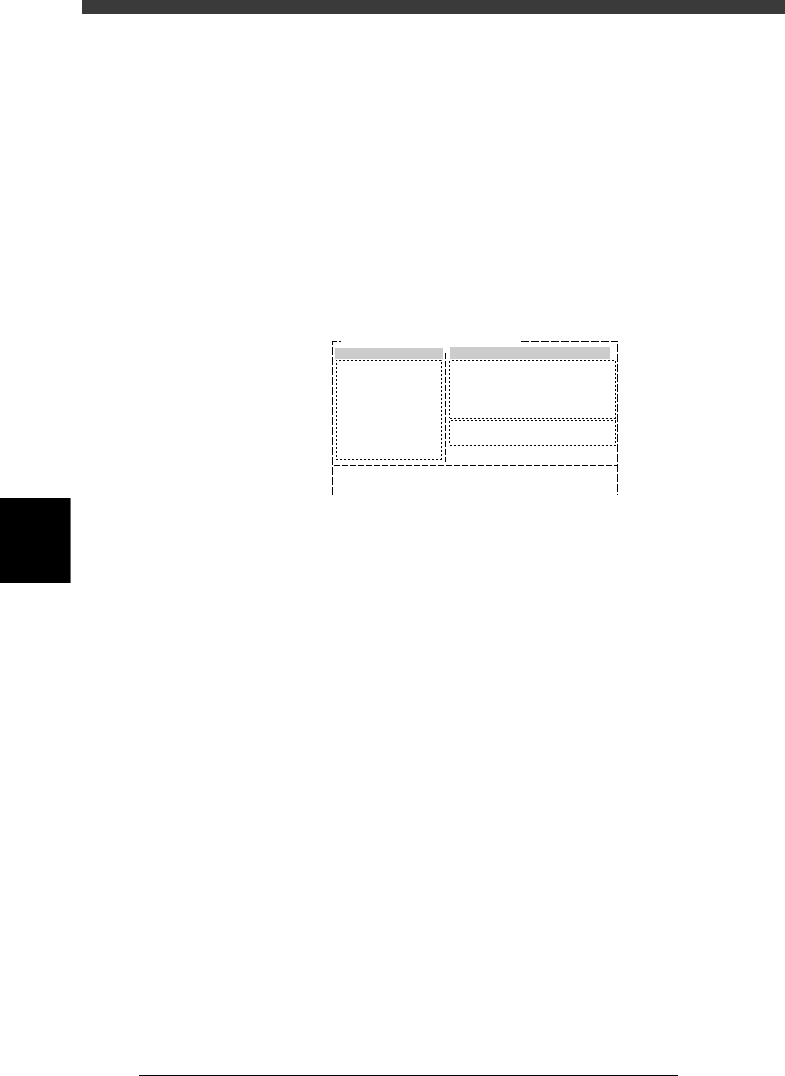
Adjust Assistant screen
27517-C0-00
Comp. Name : BGA_2020
Adjust Assist Items
Feeder set No.
Comp. Tolerance
Comp. Threshold
Lighting Level
Search Area
Monitor Mode
Condition Chk.Mode
25
30
30
8.00
Nothing
ROW
(%)
(mm)
6 / 8
Command
PICK UP COMP.
*
VISION TEST
PARM. SEARCH
DISCARD COMP.
DRAW THE SHAPE
CHK GRAY VALUE
EXIT
2 Set the Feeder Set No. and Monitor Mode parameters.
Press the right arrow key to move the cursor into the Adjust Assistant Items
window, and set the Feeder Set No. and Monitor Mode parameters as
follows.
Feeder Set No. : Set to a feeder position where you can easily attach
the component by hand.
Monitor Mode : Nothing
3 Execute the PICK UP COMP. command.
Press the left arrow key to move the cursor back to the command list
screen (left-hand screen), then execute the PICK UP COMP. command.
e
The head assembly moves to the feeder position specified in the Feeder Set
No. After the head assembly stops, press the emergency stop button and
then attach the component to the nozzle tip by hand.
4 Execute the VISION TEST command.
Cancel emergency stop, then execute the VISION TEST command.
The image currently displayed on the vision monitor is reset.
5 Execute the DRAW THE SHAPE command.
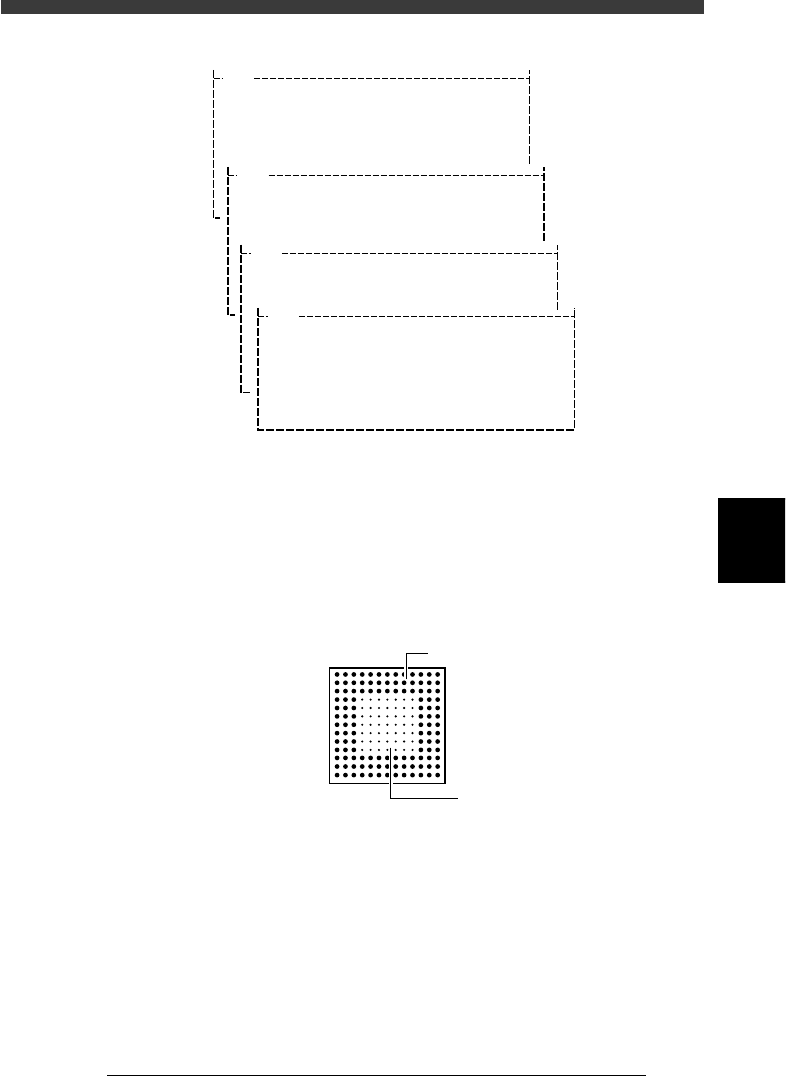
Follow the utility messages displayed on the operation monitor to open the
screen for editing the BGA ball lead information, which will appear on the
upper left of the vision monitor.
5
-51
EPD8008100
Operation
Chapter 5
5
Creating the PCB data
Utility messages for editing the BGA ball lead information
27518-C0-00
V400
[BGA BALL DATA UTILITY]
Please select command.
(1) [Enter] key :[EDIT & REGISTRATION]
(2) [Tab] key :[DELETE DATA]
(3)any other key :[EXIT]
V401
There is no data for this component.
Do you make new data and edit it?
Please select.
[Enter] key :EXEC
any other key :CANCEL
V413
[BGA ball data edit] will e executed
on vision monitor.
To start to edit, please press any key.
V404
How to edit [BGA ball data]
[Arrow] key :move cursor
[Space] key :one ball ON/OFF
[F1] key :horizontal line all ON
[F2] key :vertical line all ON
[F3] key :horizontal line all OFF
[F4] key :vertical line all OFF
[Enter] key :exit
6 Edit the ball lead position data.
When the BGA ball lead information edit screen appears on the upper left
of the vision monitor, edit it while referring to the utility messages
displayed on the operation monitor, so that the ball lead display on the
edit screen exactly matches the ball lead arrangement of the actual
component. The ball lead display should be set to ON at positions where
the ball lead exists and to OFF where it does not exist.
BGA ball lead information edit screen
21501-C0-00
Hn:13
Vn:13
N: 0
nh:1
nv:1
ON
OF
F
5
-52
EPD8008100
Operation
Chapter 5
5
Creating the PCB data
7 Register the edited data.
When you have edited the ball lead information, press the [ENTER] key to
register the edited data in the BGA ball data registration boxes. Follow the
messages displayed on the operation monitor to complete the registration.
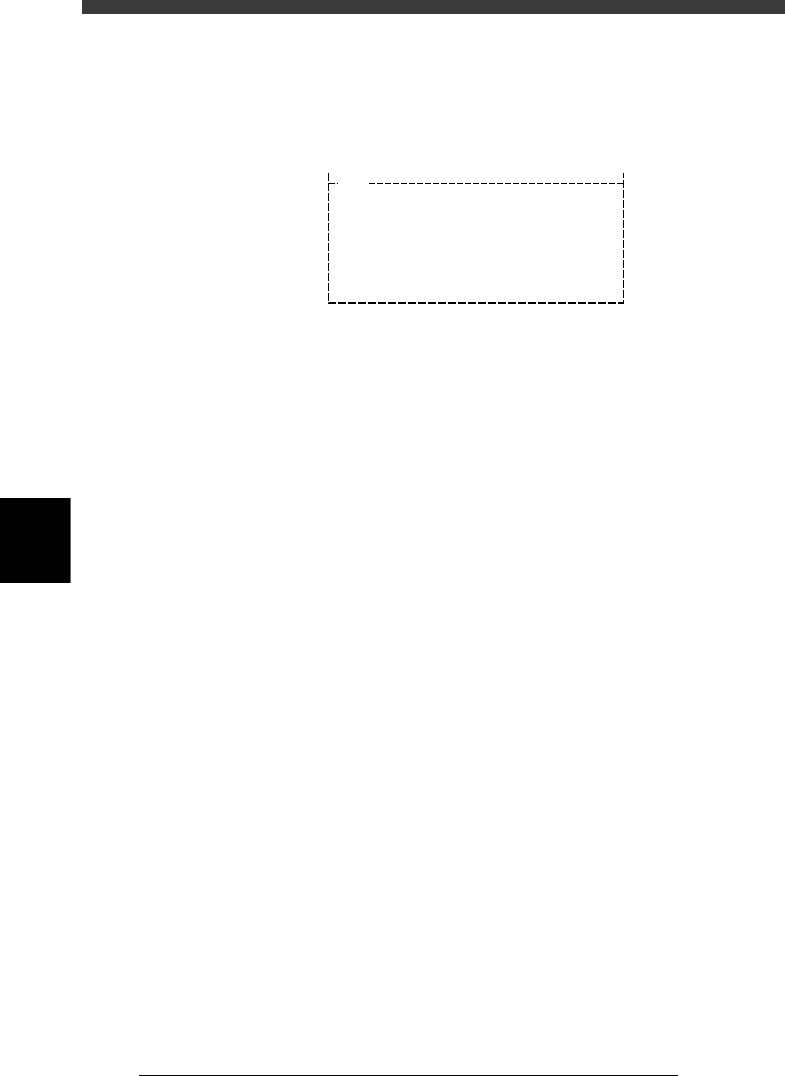
BGA ball data registration boxes
27519-C0-00
V400
[BGA BALL DATA UTILITY]
Please select command.
(1) [Enter] key :[EDIT & REGISTRATION]
(2) [Tab] key :[DELETE DATA]
(3) any other key :[EXIT]
8 Execute the VISION TEST commands again.
Repeat the VISION TEST command a few times. If no error occurs, the
BGA ball lead data is appropriate. Execute the PICK UP COMP command
to remove the component from the nozzle, the DISCARD COMP com-
mand to turn off the vacuum generation, and the EXIT command to quit
the Adjust Assistant mode.
If an error occurs, proceed to the next section “Adjusting the Binary
Level”.