YV180X_Ope_E.pdf - 第239页
6 -4 EPD8013110 Operation Chapter 6 6 Using various functions 2. Using the block repeat function A multi-block PCB is a printed circuit board consisting of two or more independent printed circuits of the same type. Each …
6
-3
EPD8013110
Operation
Chapter 6
6
Using various functions
1. Overview
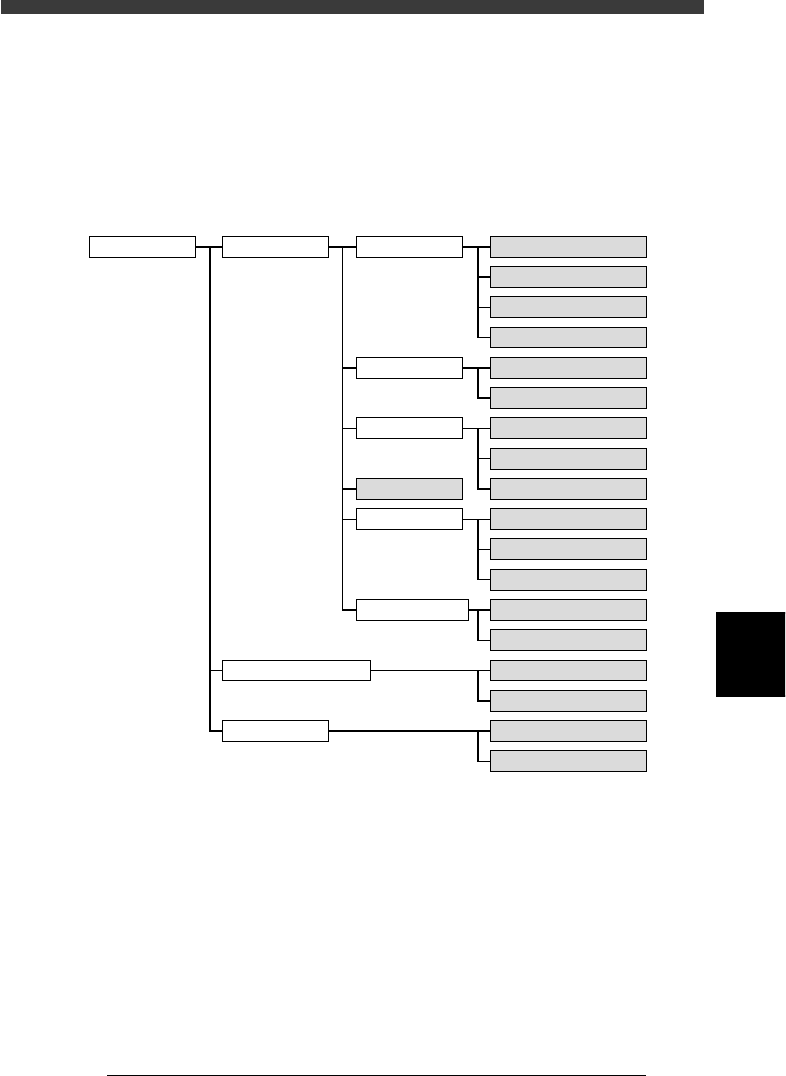
This chapter describes convenient functions for creating data more effi-
ciently. Read this chapter after you have obtained a sufficient understand-
ing of basic operations described in Chapters 4 and 5. The functions shaded
below are explained in this chapter.
Various useful functions
23601-C0-00
2/DATA/M PCB Info.
Component Info.
Mark Info.
Blk Repeat Info.
Local Fidu.Info.
LocalBadMrkInfo.
PCB Fiducial
BLOCK Fiducial
PCB Badmark
BLOCK Badmark
FixComRef.
Alt.Cmp
BadMrk
Mark for self production
Pattern matching
Point fiducial
Local fiducial
4-point fiducial
Local Badmark
Self production function
BLOCK CONVERSION
BACK TO BLOCK DATA
COMPONENT DATABASE
MARK DATABASE
1/EDIT_DATA
2/DATA_GENERATOR
3/DATABASE
6
-4
EPD8013110
Operation
Chapter 6
6
Using various functions
2. Using the block repeat function
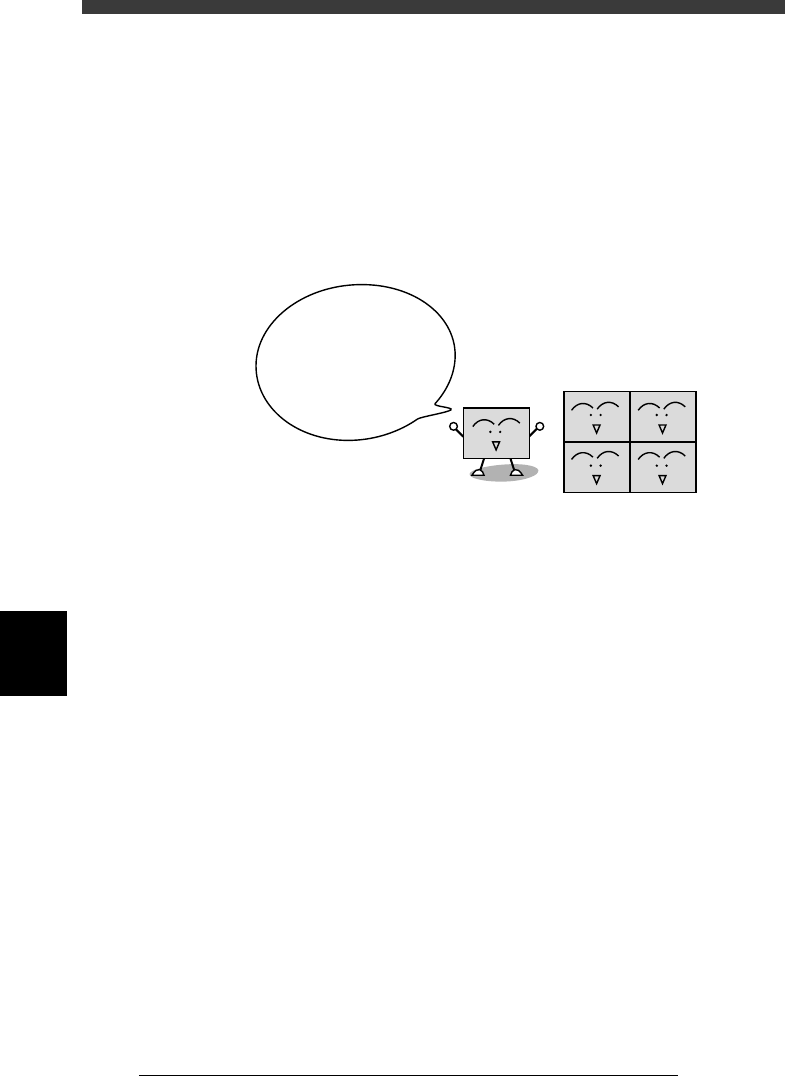
A multi-block PCB is a printed circuit board consisting of two or more
independent printed circuits of the same type. Each printed circuit on a
multi-block PCB is called a “block”. The block repeat function allows the
machine to repeat the same mounting operation in each block on a PCB,
based on the reference block data. This function therefore greatly saves the
time required for creating data on multi-block PCBs.
Block repeat function
23602-C0-00
With the block
repeat function, you
can create or change
the data on an entire multi-
block PCB, by simply
creating or editing the
reference block data.
Block
Multi-block PCB
6
-5
EPD8013110
Operation
Chapter 6
6
Using various functions
2.1 Creating the block repeat data
This section explains how to create the PCB data using the block repeat
function.
c
CAUTION
Always set block repeat data AFTER setting the PCB Origin in the PCB information but
BEFORE setting the mount information.
1 Register the PCB data.
As with normal PCBs, first register the PCB name and create the PCB data
as explained in Chapter 5. However, if you are going to enter the block
badmark coordinates by teaching, you can leave the “BLOCK Badmark”
position in the PCB information unspecified.
2 Open the Block Repeat Information screen.
On an edit screen in the <2/1/EDIT_DATA> mode, press the [F3] key to
display the edit object list, then select “Blk Repeat Info.” and press the
[ENTER] key.
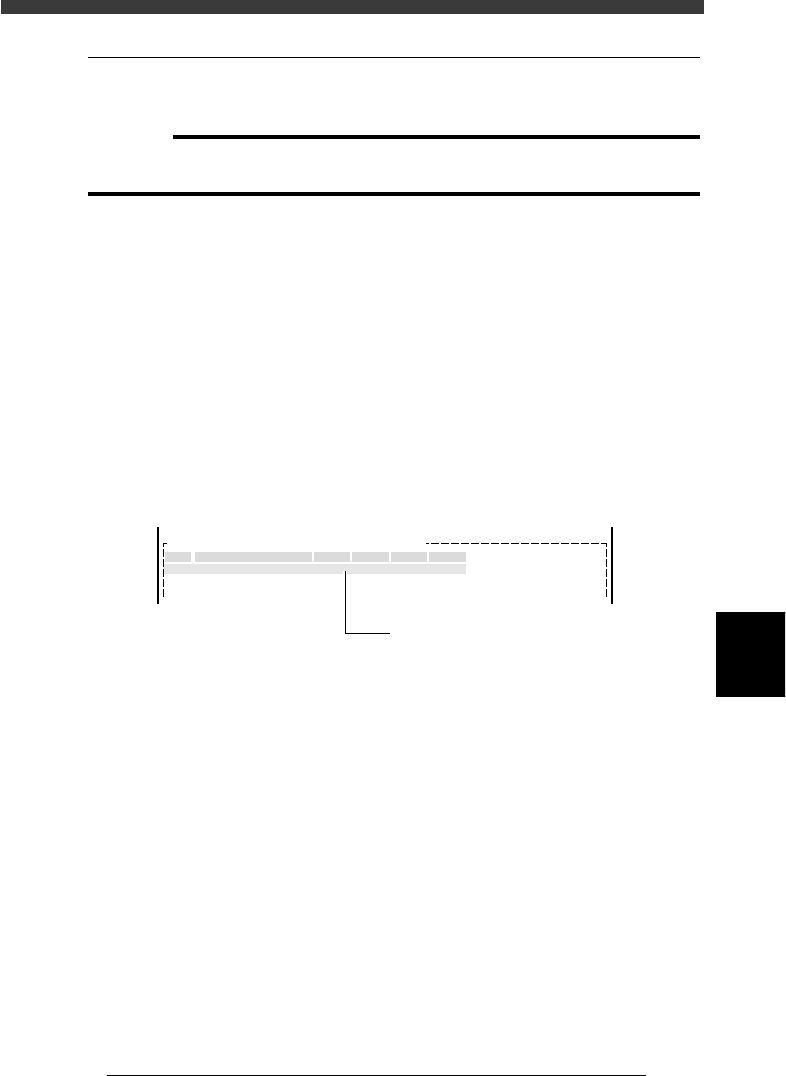
3 Register the reference block repeat data.
The block closest to the machine origin is normally viewed as the
reference block. Enter this block data in the No. 1 line.
Block Repeat Information screen
27601-C0-00
No.
1
2
X Y Block Comment Skip? R
OBJ : Blk Repeat Info.PCB :
Enter the reference block repeat data
in this line.
1. Type any desired comment on the block in the Block Comment
column.
2. Enter the XY data on the reference block origin (hereafter called “block
repeat No.1”) relative to the PCB origin. Usually, the PCB origin is
specified at the same position as the block repeat No.1, so enter “0.00,
0.00” in the XY columns.
If the PCB origin is specified at a position other than the block repeat
No.1, enter the offset amount here.