YV180X_Ope_E.pdf - 第227页
5 -151 EPD8013110 Operation Chapter 5 5 Creating the PCB data 13.1.3 Inser ting one line By executing the <2/1/C2 INSER T 1 LINE> command, you can insert a data line on an editing screen except the PCB information …

5
-150
EPD8013110
Operation
Chapter 5
5
Creating the PCB data
13.1.2 Deleting the specified range
You can delete a specified range of data on the database screen or any
editing screen except the PCB information screen.
1 Designate the range to be deleted.
Refer to the procedure explained in step 1 in the preceding section,
“13.1.1 Copying the specified range”.
2 Perform deletion
1. Select <2/1/C7 DELETE SELECTED LINES> (or select <2/3/C7> in
DATABASE mode) and press the [ENTER] key.
The “HOW TO DELETE?” dialogue box then appears.
2. Select “DEL EMPTY LINES” or “CLEAR” and press the [ENTER] key.
“DEL EMPTY LINES”: Note that selecting “DEL EMPTY LINES”
causes the data numbers after the deleted lines
to move up. This may affect the PCB data in
the static components and database. Likewise,
the data numbers will be shifted when
component or fiducial mark data is deleted.
“CLEAR” : The deleted range remains as empty lines. The
data numbers will not be shifted by data
deletion.
5
-151
EPD8013110
Operation
Chapter 5
5
Creating the PCB data
13.1.3 Inserting one line
By executing the <2/1/C2 INSERT 1 LINE> command, you can insert a
data line on an editing screen except the PCB information screen. You
cannot insert a data line on the database screen.
1 Line up the cursor with the position into which you want to
insert a data line.
2 Press the [ESC] key, then select <2/1/C2 INSERT 1 LINE>
and press the [ENTER] key.
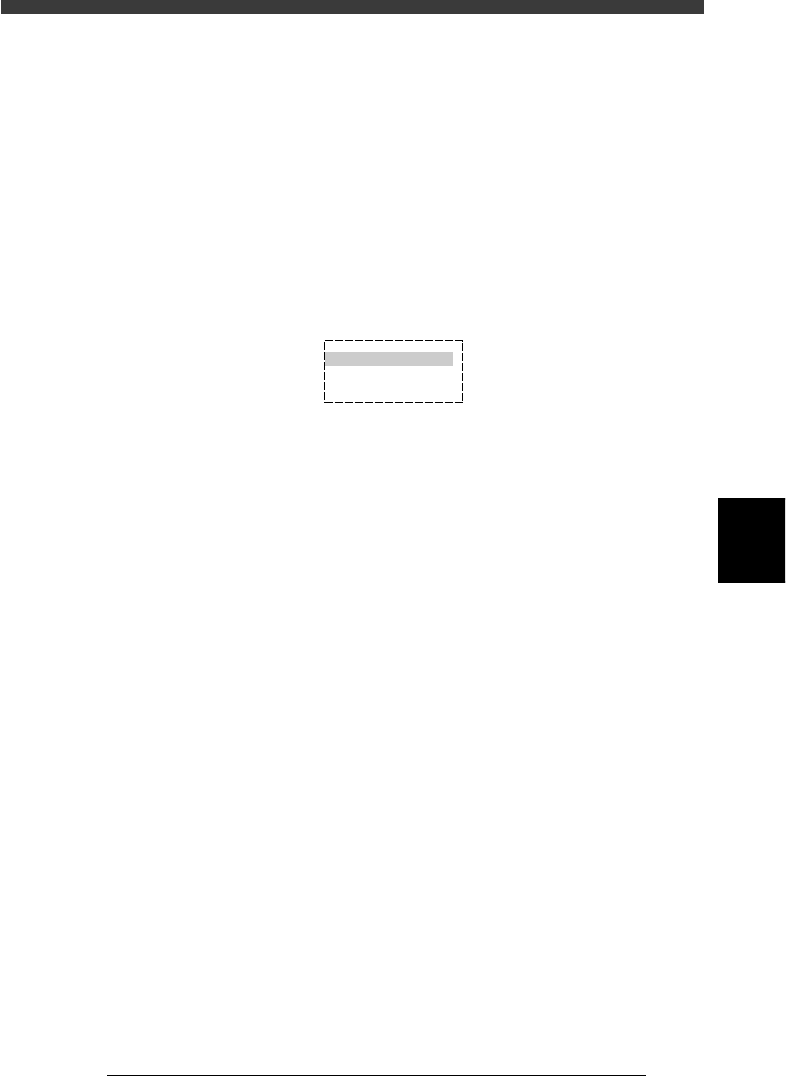
A dialogue box then appears asking if you want to insert or cancel.
Inserting one line
27569-C0-00
HOW TO INSERT?
INSERT
CANCEL
3 Select “INSERT” and press the [ENTER] key.
One data line will be inserted into the position at which the cursor is
placed. All other lines under the insertion line move down one line.
5
-152
EPD8013110
Operation
Chapter 5
5
Creating the PCB data
13.1.4 Deleting one line
By executing the <2/1/C3 or 2/3/C3 DELETE 1 LINE> command, you can
delete a data line on the database or an editing screen except the PCB
information screen.
1 Use the arrow keys to move the cursor to the line you want
to delete.
2 Press the [ESC] key, then select <2/1/C3 DELETE 1 LINE>
(or <2/3/C3 > in DATABASE mode) and press the [ENTER]
key.
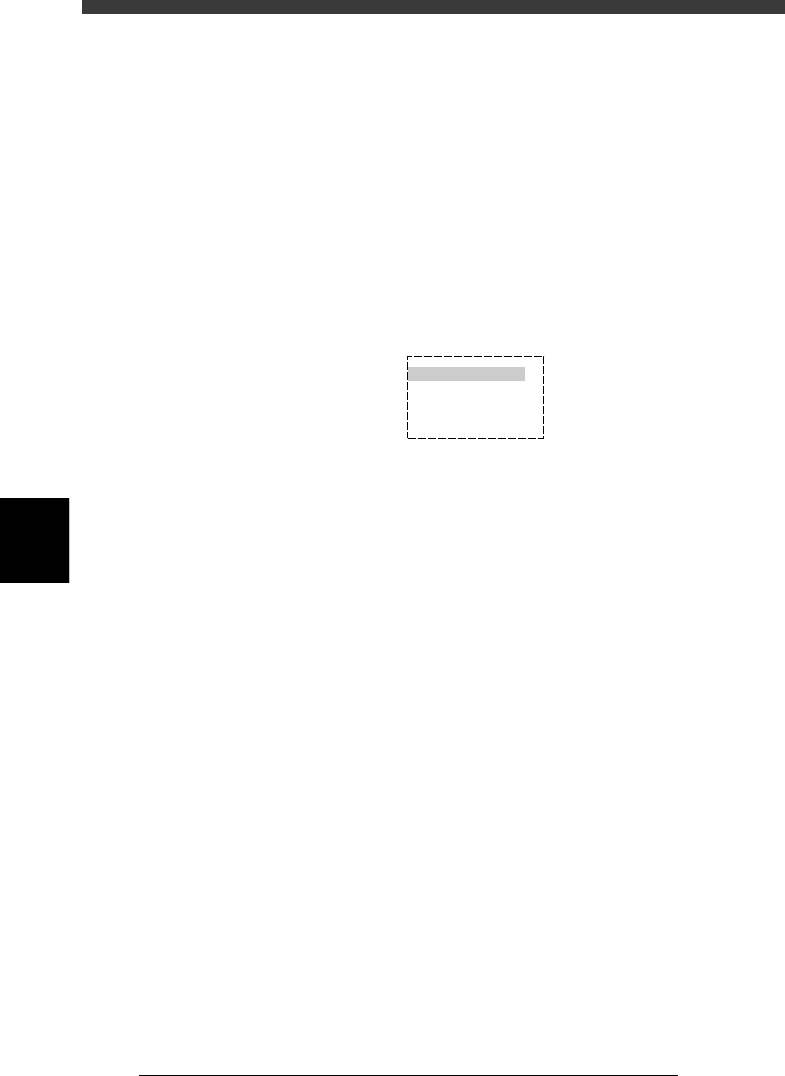
A dialogue box then appears asking you how to delete.
Deleting one line
27570-C0-00
HOW TO DELETE?
DEL EMPTY LINES
CLEAR
CANCEL
3 Select “DEL EMPTY LINE” or “CLEAR” and press the
[ENTER] key.
“DEL EMPTY LINE” : Note that selecting “DEL EMPTY LINE” causes
the data numbers after the deleted
line to move up. This may affect the PCB data
in the static components and database.
Likewise, the data numbers will be shifted
when component or fiducial mark data is
deleted.
“CLEAR” : The deleted line remains as an empty line.
The data numbers will not be shifted by data
deletion.