YV180X_Ope_E.pdf - 第67页
4 -28 4 Operation Chapter 4 4 Daily operation EPD8013110 ● MO VE ON FEEDER and MO VE ON PCB T ABLE commands T o make con ve yor unit and feeder setups easier , the MO VE ON FEEDER and MO VE ON PCB T ABLE commands were ad…
4
-27
Operation
Chapter 4
4
Daily operation
EPD8013110
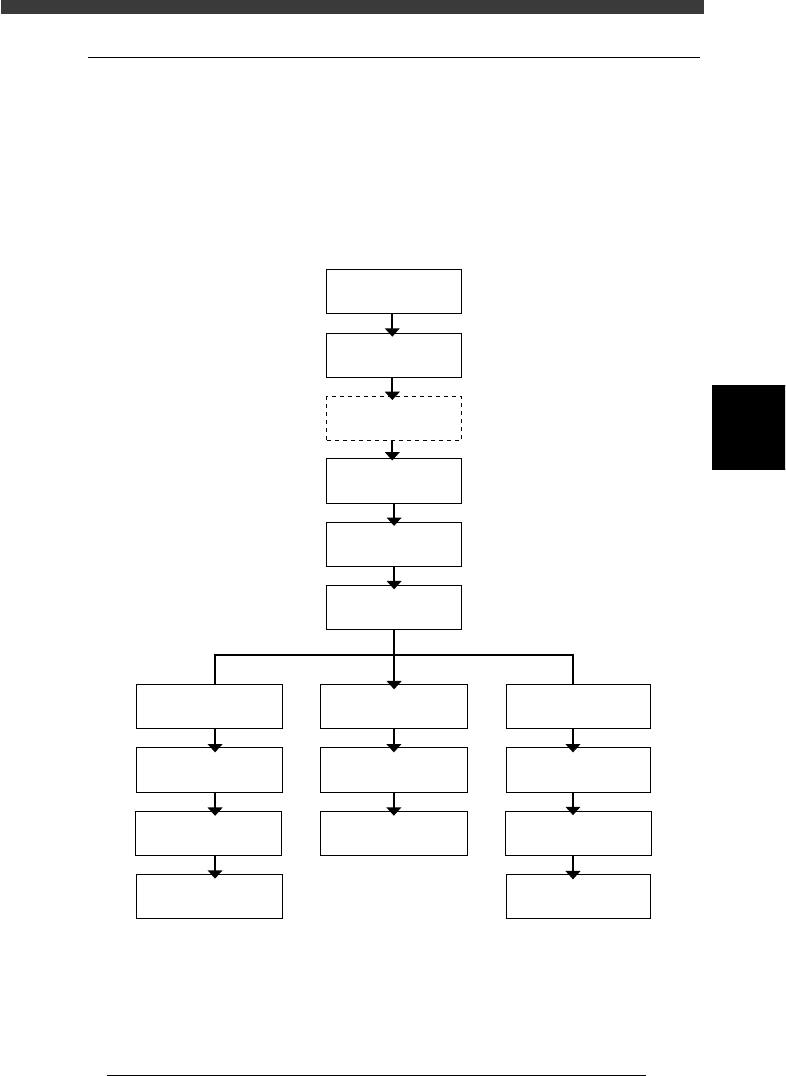
8.1 Conveyor unit setup flow
When changing the conveyor unit setups, use <1/1/D4 ASSISTANT
UTILITY> in RUNNING mode. The flow chart below shows a typical
sequence for setting up the conveyor units. Select the PCB clamping
method according to the PCB type to be produced, and adjust each con-
veyor unit to be used. The method for adjusting each conveyor unit is
described in the following sections “8.2” to “8.7”.
Typical flow chart for changing the conveyor unit setups
23409-D8-00
Adjust
conveyor width
Press emergency
stop button
Raise main stopper
* PCB clamping method
Adjust locate pin
Adjust PCB
support plate
Adjust edge clamp
Adjust push-up pin
Adjust PCB
support plate
Pin+PushUP * Edge Clamp *
Select PCB
Use this command as needed.
Select <1/1/D4
ASSISTANT UTILITY>
Run
"MOVE ON FEEDER"
Adjust locate pin
Adjust PCB
support plate
Locate Pin *
Adjust push-up pin
Adjust transfer hook
Adjust transfer hookAdjust transfer hook
4
-28
4
Operation
Chapter 4
4
Daily operation
EPD8013110
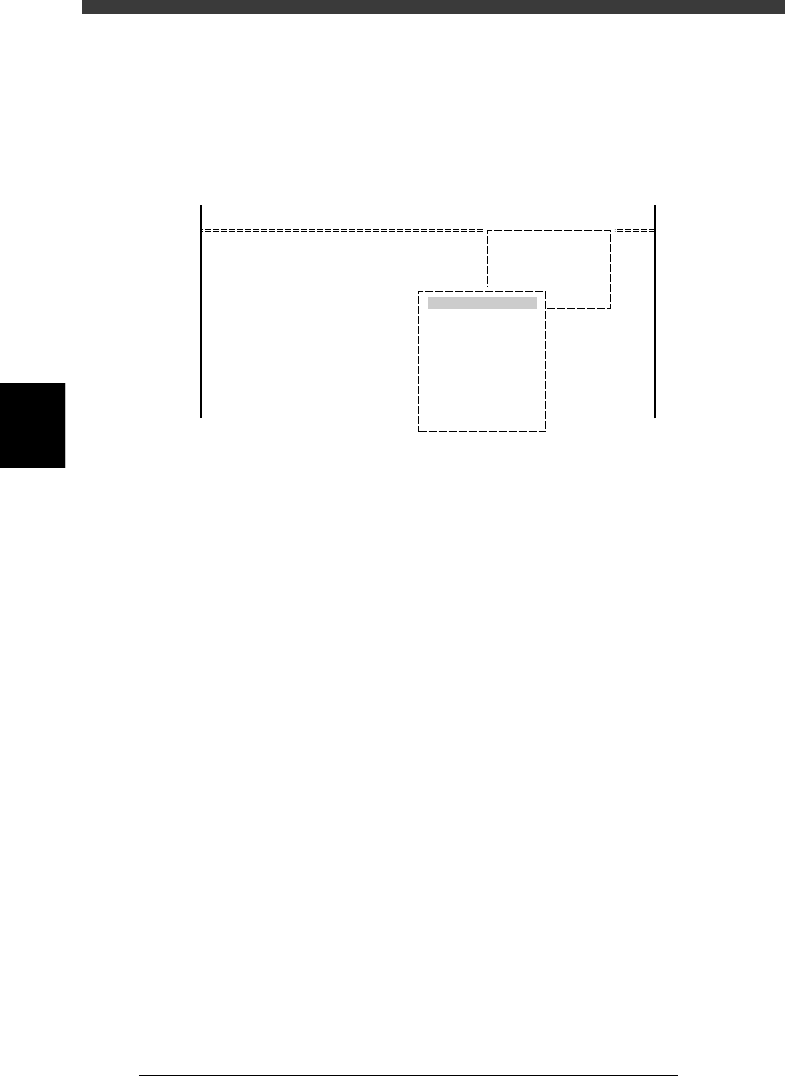
● MOVE ON FEEDER and MOVE ON PCB TABLE commands
To make conveyor unit and feeder setups easier, the MOVE ON FEEDER
and MOVE ON PCB TABLE commands were added to the <1/1/D4
ASSISTANT UNTILITY> menu. Use these commands as needed when
changing the conveyor unit and feeder setups.
MOVE ON FEEDER and MOVE ON PCB TABLE commands
27420-D8-00
D/INITIALIZE
D4 ASSISTANT UTILITY
ASSISTANT UTILITY
MOVE ON FEEDER
MOVE ON PCB TABLE
<<MODE>> 1/RUNNING
<COMMAND_LIST>
MOVE ON FEEDER : Moves the head assembly to above the feeder plate
and the conveyor table to the front side.
MOVE ON PCB TABLE : Moves the head assembly to above the PCB clampin
g
position.
4
-29
Operation
Chapter 4
4
Daily operation
EPD8013110
8.2 Conveyor width
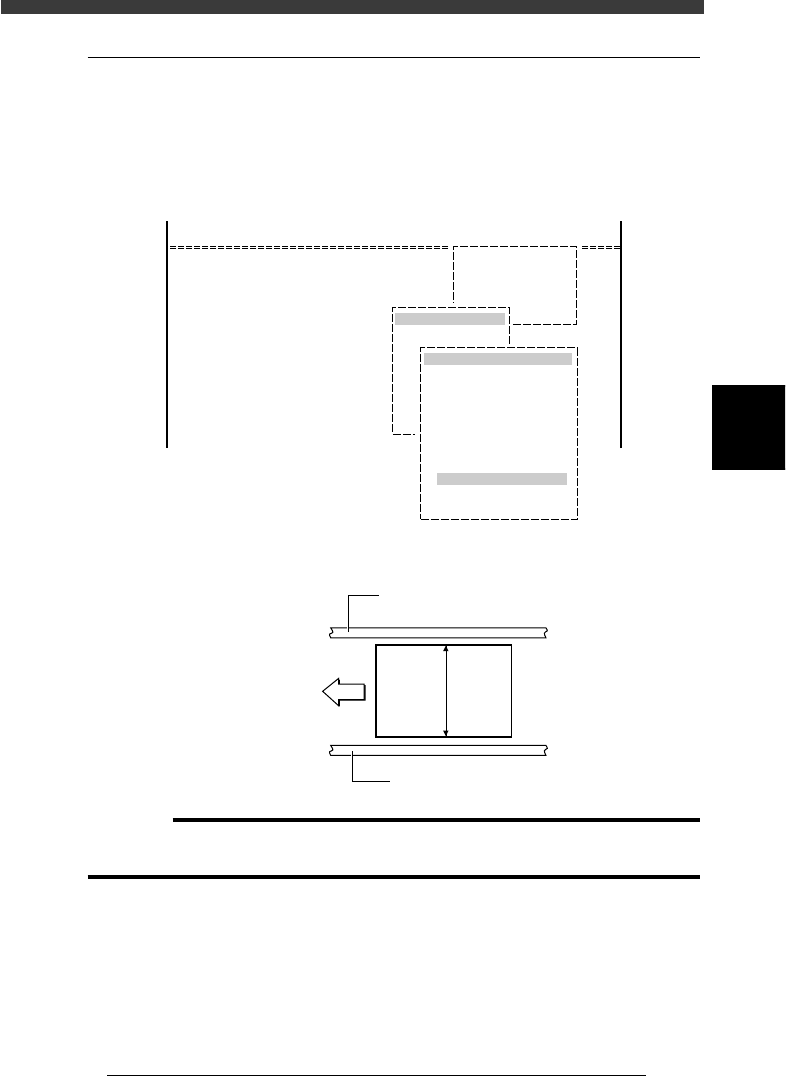
To adjust the conveyor width to match the PCB width to be produced,
select <1/1/D4 ASSISTANT UTILITY> - “CONVEYOR UNITS” -
“CONV. WIDTH” after selecting the PCB in RUNNING mode. The
conveyor width is adjusted automatically.
CONVEYOR UNIT operation menu
27416-C0-00
D/INITIALIZE
D4 ASSISTANT UTILITY
ASSISTANT UTILITY
CONVEYOR UNITS
OFF
ON
OFF
OFF
OFF
OFF
OFF
OFF
OFF
OFF
CONVEYOR UNIT (STS.)
LOCATE PIN
PUSH UP
PCB CLAMP
EDGE CLAMP
PUSH IN
MAIN STOPPER
ENT. STOPPER
EXIT STOPPER
CONV. MOTOR
CONV. WIDTH
RETURN
<<MODE>> 1/RUNNING
<COMMAND_LIST>
PCB width
23410-C0-00
PCB
Direction
of PCB flow
PCB width
Fixed conveyor rail
Movable conveyor rail
c
CAUTION
When push-up pins are set on the push-up plate, make sure that they do not touch the
conveyor rails while adjusting the conveyor width.