YV180X_Ope_E.pdf - 第190页
5 -114 EPD8013110 Operation Chapter 5 5 Creating the PCB data • FEEDER SET CONDITION 0: NO No mount data (mounting sequence, head selection and feeder set position) is optimized. 1: ALL FEEDERS FIXED The mounting sequenc…
5
-113
EPD8013110
Operation
Chapter 5
5
Creating the PCB data
9.2 Setting optimization conditions
1 Select <2/2/A4 CONDITION SETTING> and press the
[ENTER] key.
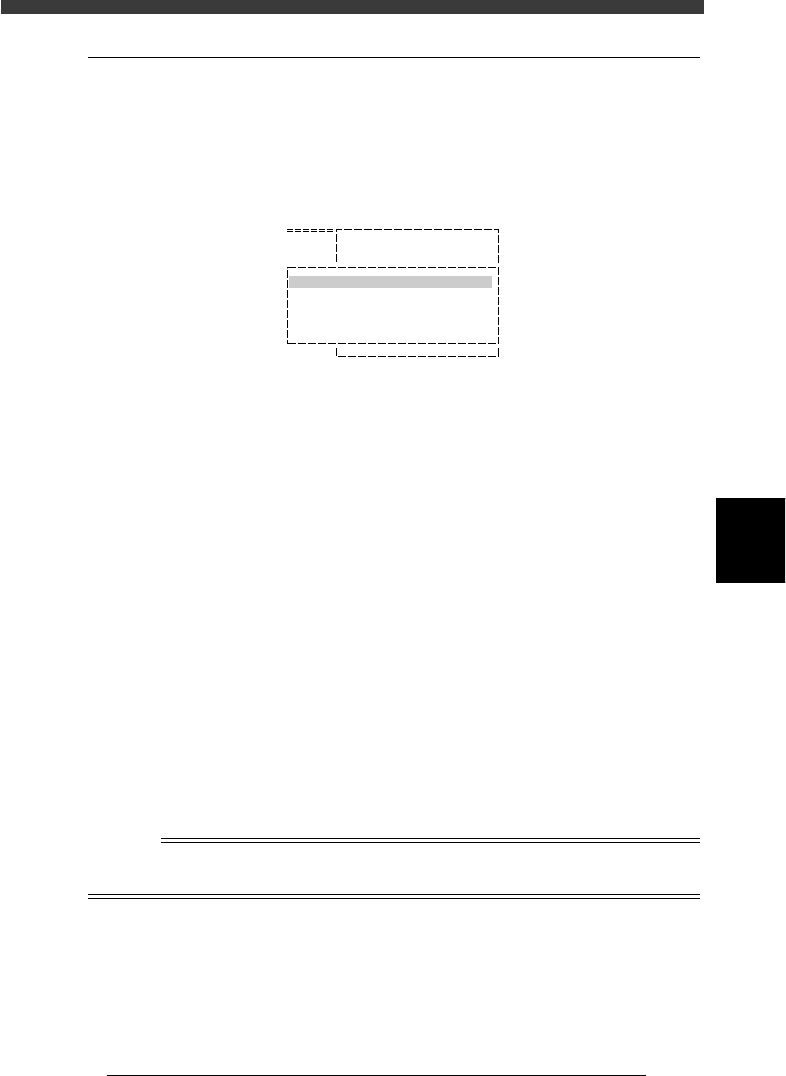
The DATA GENERATOR CONDITION selection box then appears.
DATA GENERATOR CONDITION selection box
27544-C0-00
A/SETTING & RUN
A1 OBJECT SELECTION
A2 NOZZLE SETTING
DATA GENERATOR CONDITION
BLOCK CONVERSION CONDITION
FEEDER SET CONDITION
EDIT FEEDER PLATE
2 Set conditions.
Move the cursor to the item you want to set and press the [ENTER] key. A
list of conditions then appears. Set the desired condition while referring to
the description below. The settings marked with an asterisk (*) are typical
settings for single PCBs (not applicable to multi-block PCBs).
• BLOCK CONVERSION COND
0: NO *
This setting does not allow block conversion (See “2.2 Block conver-
sion” in Chapter 6.) Always select “NO” when not using a multi-block
PCB.
1: CONV. WITH NOTE DATA
Converts the multi-block PCB data into single PCB data while keeping
the original data. The converted data can be returned to the original
multi-block data.
2: CONV. WITHOUT NOTE DATA
Converts the multi-block PCB data into single PCB data without
keeping the original data. In this case, the data cannot be returned to
the original multi-block data.
3: CONV. BACK TO BLOCK
Reconverts the data which was converted with CONV. WITH NOTE
DATA into the original multi-block PCB data.
Reference
See “2.2 Block conversion” in Chapter 6 for detailed information about “block conver-
sion”.

5
-114
EPD8013110
Operation
Chapter 5
5
Creating the PCB data
• FEEDER SET CONDITION
0: NO
No mount data (mounting sequence, head selection and feeder set
position) is optimized.
1: ALL FEEDERS FIXED
The mounting sequence and head selection are optimized, but the
feeder set position is not optimized.
2: NO SET POS. FEEDERS MOVE
In addition to optimizing the mounting sequence and head selection,
the optimum feeder set number is assigned only to the component data
whose feeder position is unspecified (Feeder Set No. in the Component
Info. is set to “0”.)
3: MOVE WITHIN TABLE
In addition to optimizing the mounting sequence and head selection,
the optimum feeder set number is assigned all component data within
the front feeder plate when a feeder set number on the front feeder
plate was entered in the “Feeder Set No. column in the Component
Info, or within the rear plate when a feeder set number on the rear
feeder plate was entered in the “Feeder Set No. column in the Compo-
nent Info,
4: ALL FEEDERS MOVE*
In addition to optimizing the mounting sequence and head selection,
the optimum feeder set number is assigned to all component data
registered in the Component Info.
5: MOVE + FIXED COMP. MATCH
This setting allows performing the operations of “ALL FEEDERS MOVE”
and static component matching. (Refer to “4. Static components” in
Chapter 6 for detailed information.) This is invalid when static compo-
nents are not used.
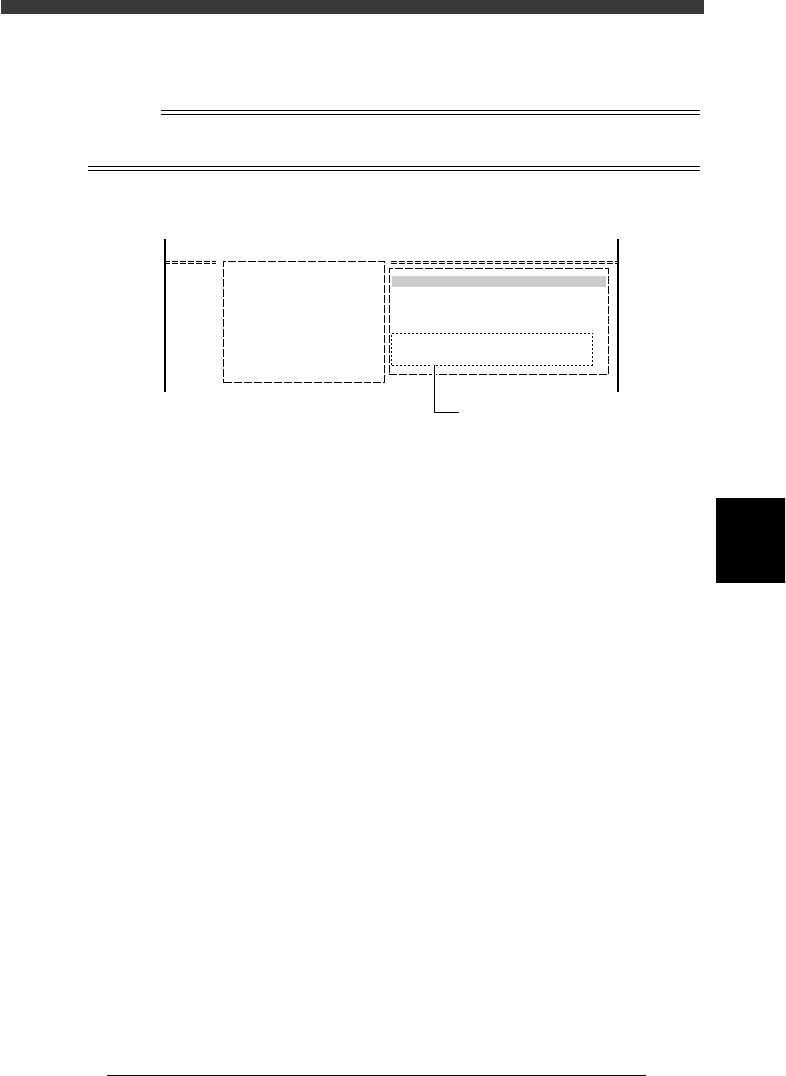
• EDIT FEEDER PLATE
Here you can specify the feeder plate which should be selected
preferentially with data optimization.
EDIT FEEDER PLATE box
27545-C0-00
EDIT FEEDER PLATE
machine
Front plate
Use the [Space] [INS] or [DEL]
to make setting.
5
-115
EPD8013110
Operation
Chapter 5
5
Creating the PCB data
3 Quit the settings.
Press the [ESC] key to close the DATA GENERATOR CONDITION box.
This completes the settings for the DATA GENERATOR.
Reference
The setting conditions for data optimization are displayed in the DATA GENERATOR
OBJECT box as shown below.
DATA GENERATOR OBJECT box
27546-C0-00
A/SETTING & RUN
A4 CONDITION SETTING
DATA GENERATOR OBJECT
BLK. CONV. 0 : NO
FDR. POS. 4 : ALL FEEDERS MOVE
Data generator conditions