YV180X_Ope_E.pdf - 第192页
5 -116 EPD8013110 Operation Chapter 5 5 Creating the PCB data 9.3 Optimizing the data When you hav e selected the PCB and setting conditions, perform the data optimization in the D A T A GENERA TOR mode. 1 Perform data o…
5
-115
EPD8013110
Operation
Chapter 5
5
Creating the PCB data
3 Quit the settings.
Press the [ESC] key to close the DATA GENERATOR CONDITION box.
This completes the settings for the DATA GENERATOR.
Reference
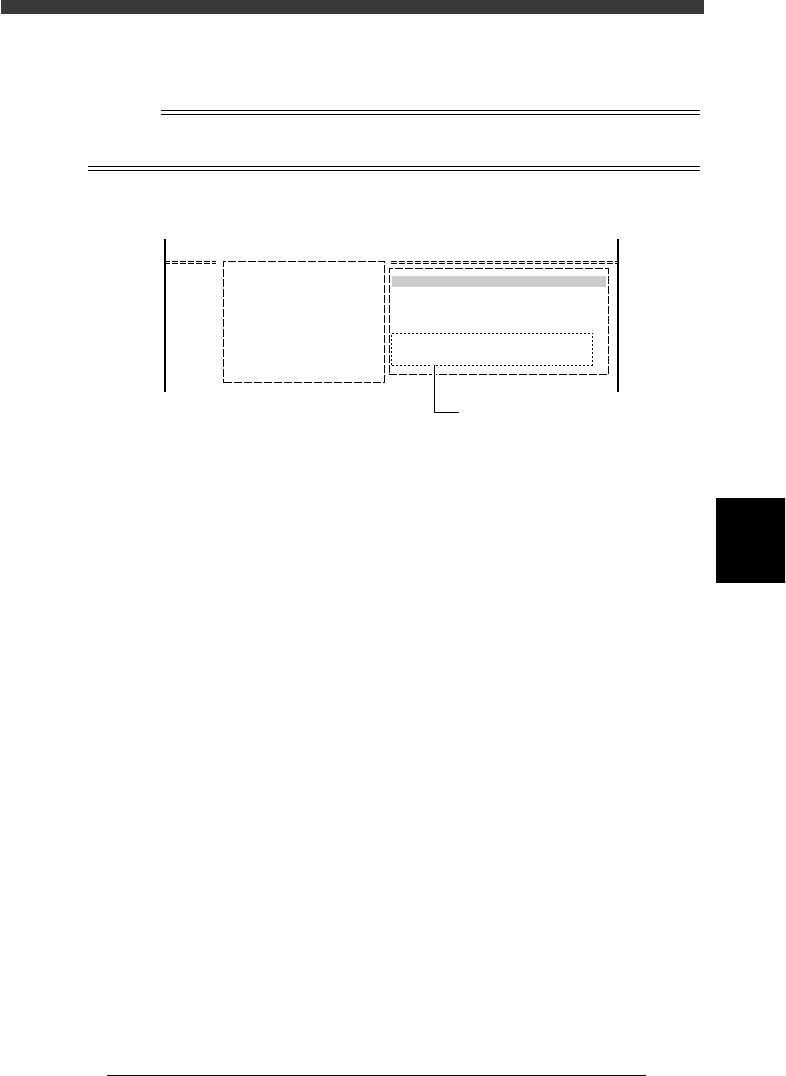
The setting conditions for data optimization are displayed in the DATA GENERATOR
OBJECT box as shown below.
DATA GENERATOR OBJECT box
27546-C0-00
A/SETTING & RUN
A4 CONDITION SETTING
DATA GENERATOR OBJECT
BLK. CONV. 0 : NO
FDR. POS. 4 : ALL FEEDERS MOVE
Data generator conditions
5
-116
EPD8013110
Operation
Chapter 5
5
Creating the PCB data
9.3 Optimizing the data
When you have selected the PCB and setting conditions, perform the data
optimization in the DATA GENERATOR mode.
1 Perform data optimization.
1. Select <2/2/A5 EXECUTE> and press the [ENTER] key.
The DATA GENERATOR SEQUENCE MONITOR box appears to start
the data optimization. When the optimization is complete, the
mounting data such as mounting cycle and number of mounting points
is displayed.
2. Press any key to return to the previous screen.
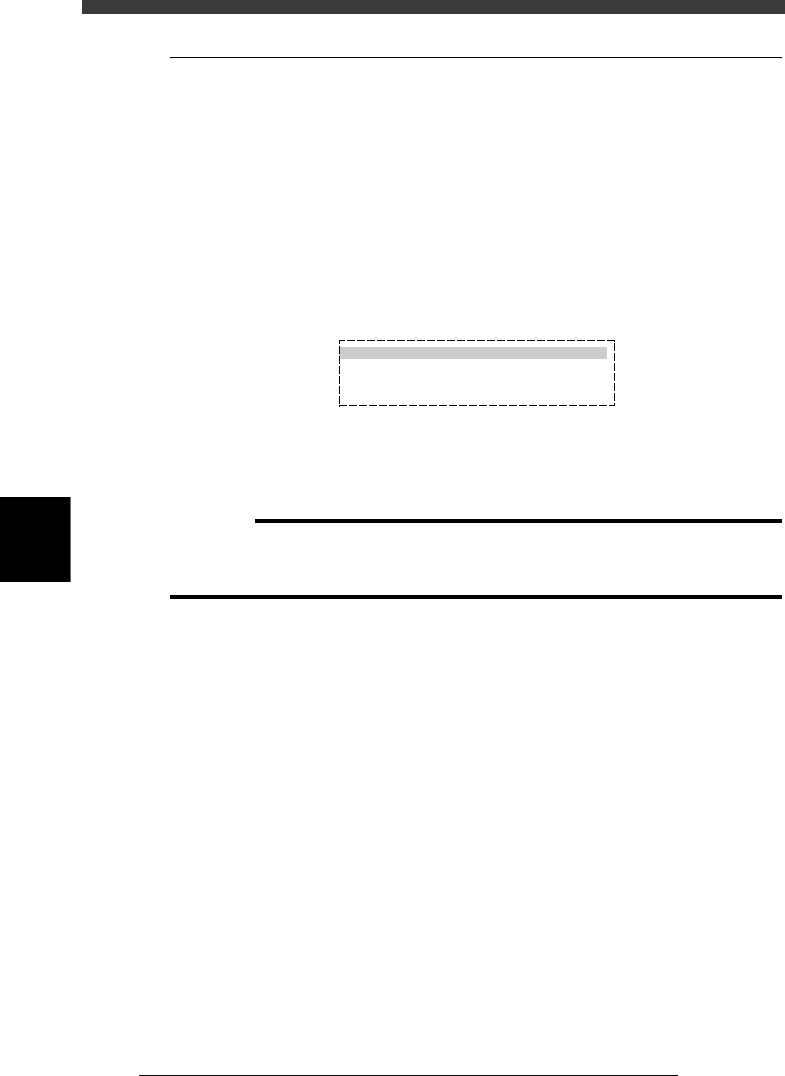
DATA GENERATOR monitor box and optimized results
27547-C0-00
DATA GENERATOR SEQUENCE MONITOR
PCB NAME PCB1 MACHINE
18. DISTRIBUTING MOUNT DATA
>>>>>>>>>>>>
2 Save the data.
Select <2/2/C5 RENAME & EXIT> and press the [ENTER] key. The opti-
mized data will be saved.
c
CAUTION
The original data will be overwritten when the optimized data is saved with the <2/2/C0
SAVE & EXIT> command. To keep the original data, rename and save the data with the
<2/2/C5 RENAME & EXIT> command.
5
-117
EPD8013110
Operation
Chapter 5
5
Creating the PCB data
10. Mounting test and data correction
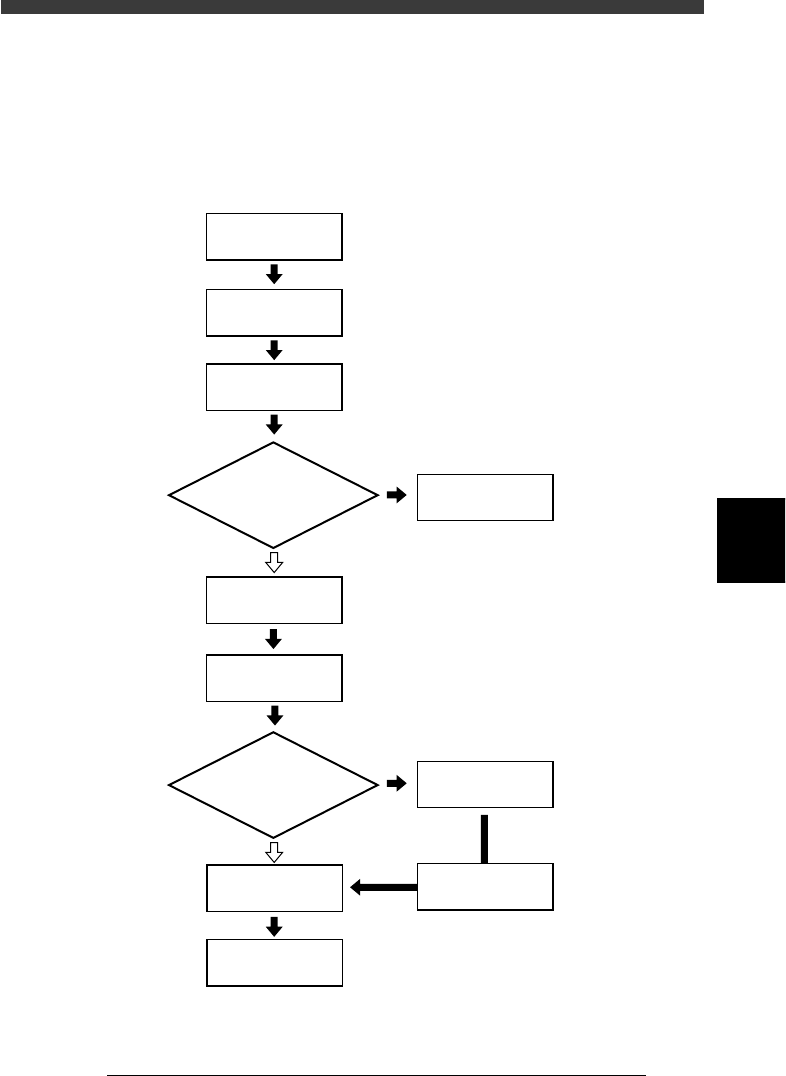
Component mounting test should be performed to confirm that the produc-
tion data is correct. Follow the flow chart below to perform the mounting
test and data correction.
Mounting test and data correction flow
23552-C0-00
Setup
Select
1/RUNNING
Start operation
Complete component
mounting
PCB data error?
Error ?
Correct PCB data
10.3
☞
10.3
☞
10.4
☞
Preparation for
mounting test
Select PCB name
Correct data
Execute 1/1/E4
Halfway continue
Check mounting
results and correct data
YES
YES
NO
NO