Q170226E01.pdf - 第17页
RH5 1.1 Use of This Manual SERVICE MANUAL 1.1−6 DA3SEC−81−010−B0 = MEMO =

1.1 Use of This Manual
SERVICE MANUAL
RH5
1.1−5
DA3SEC−81−010−B0
1.1.6 Operating Procedures
Operating procedures
1. Checkup items before production
N Checking safety
N Checking machine status
N Turning power ON
N Origin return
N When preparation for production changeover is required:
Setting PC board width
Checking transfer action
Setting components
Setting the number of components and component remain warning
N When preparation for data I/O is required:
Inputting data (LOAD)
Outputting data (UNLOAD)
Renaming data (RENAME)
Copying data (COPY)
Deleting data (DELETE)
Initializing FD (FORMAT)
N When program creation is required:
Inputting NC data
Inputting spare cassette data
2. Selecting programs
N Selecting NC data
N Selecting spare cassette data
3. Production
N To start continuous production:
Press <AUTO>, <CONT> and <START>.
N When checking is required:
To set PC boards, press <AUTO>, <1BLOCK>, and <START>.
To check for proper movement, press <SEMI>, <EOP> and <START>.
To perform insertion test, press <AUTO>, <EOP> and <START>.
To unload PC boards, press <1BLOCK>, <L.STOP> and <START>.
4. How to resume and recover when the machine has been stopped
N When production can be resumed:
Press <START> to perform recovery or <RECOV> and <START> to abandon recovery
operation.
N When production cannot be resumed:
Follow the procedures below.
Press <RESET>, <MANU> and <ORG.> to return the machine to its origin.
Press <AUTO>, <1BLOCK> and <START> to select the mode.
Press “F1” (BLOCK SETTING) and input the start pattern to set the start block.
Pressing <CONT> and <START> will resume production.

RH5
1.1 Use of This Manual
SERVICE MANUAL
1.1−6
DA3SEC−81−010−B0
= MEMO =
1.2 Safety Precautions
SERVICE MANUAL
RH5
1.2−1
DA3SEC−81−020−A0
1.2 Safety Precautions
DA3SEC−81−020−A0
Sentence No.
Safety Precautions
Observe the Instructions
It explains of important precautions that must be observed to help operators prevent possible accidents
during repair and ensure the safety of the product after servicing.
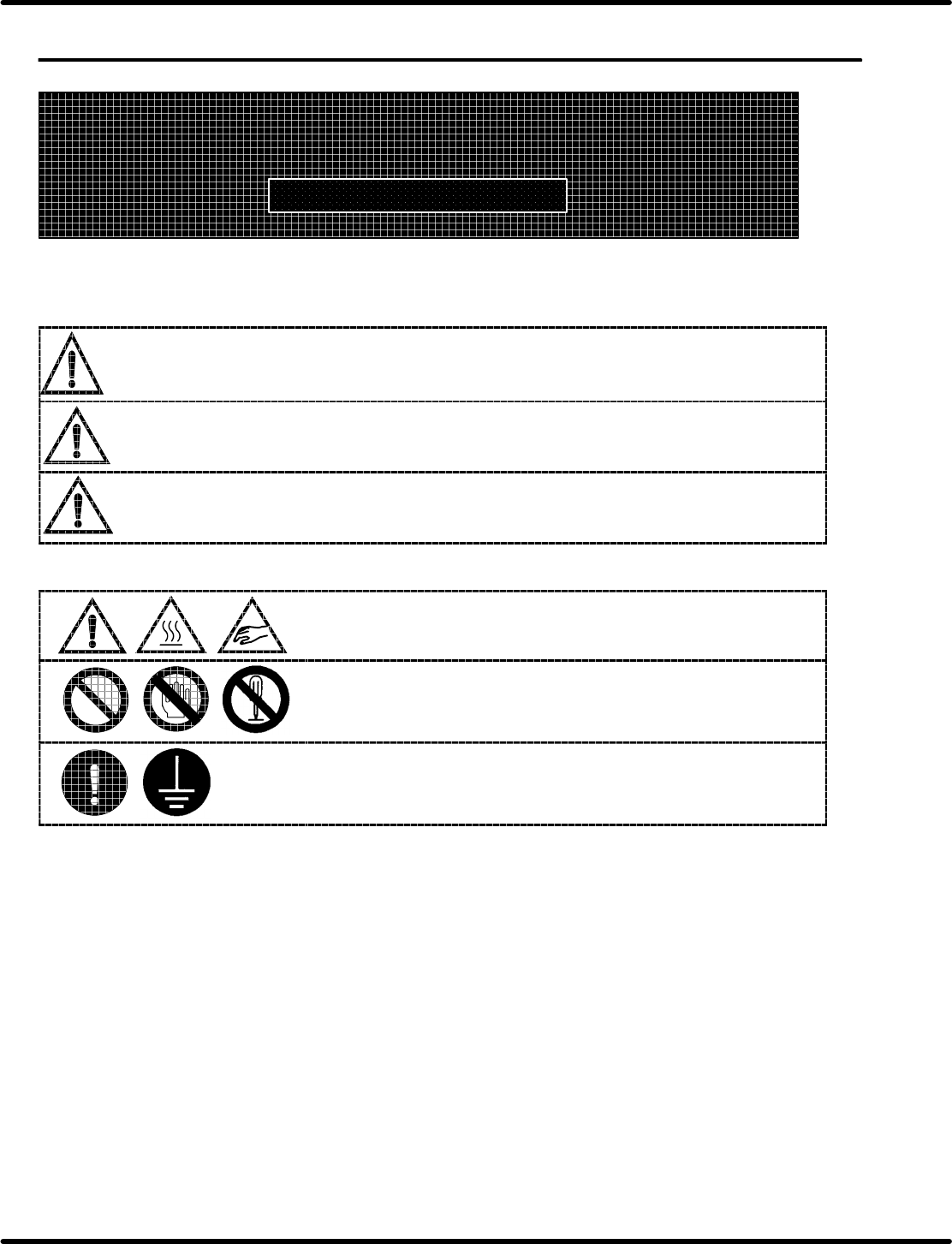
Signs are classified according to the relative seriousness of the hazardous situation.
DANGER
DANGER indicates an imminently hazardous situation which, if not
avoided, will result in death or serious injury.
WARNING
WARNING indicates an imminently hazardous situation which, if not
avoided, could result in serious injury.
CAUTION
CAUTION indicates a potentially hazardous situation which, if not
avoided, may result in minor or moderate injury or property damage
only accidents.
Symbols are classified according to the observed contents.
It indicates ATTENTION ALERT contents.
It indicates PROHIBITION contents.
It indicates COMPULSION contents.