Q170226E01.pdf - 第229页
RH5 5.37 U s i n g th e D igital Sequence Timer SERVICE MANUAL 5.37−4 DA3SEC−83−9V0−A0 Ex. 2: T o readout ON timing of 130 q and OFF timing of 345 q at CH 1. CH (F1) 1 SET (F2) SET (F2) SET (F2) SET (F2) (Displays ON tim…
5.37 Using the Digital Sequence Timer
SERVICE MANUAL
RH5
5.37−3
DA3SEC−83−9V0−A0
(5) Data readout
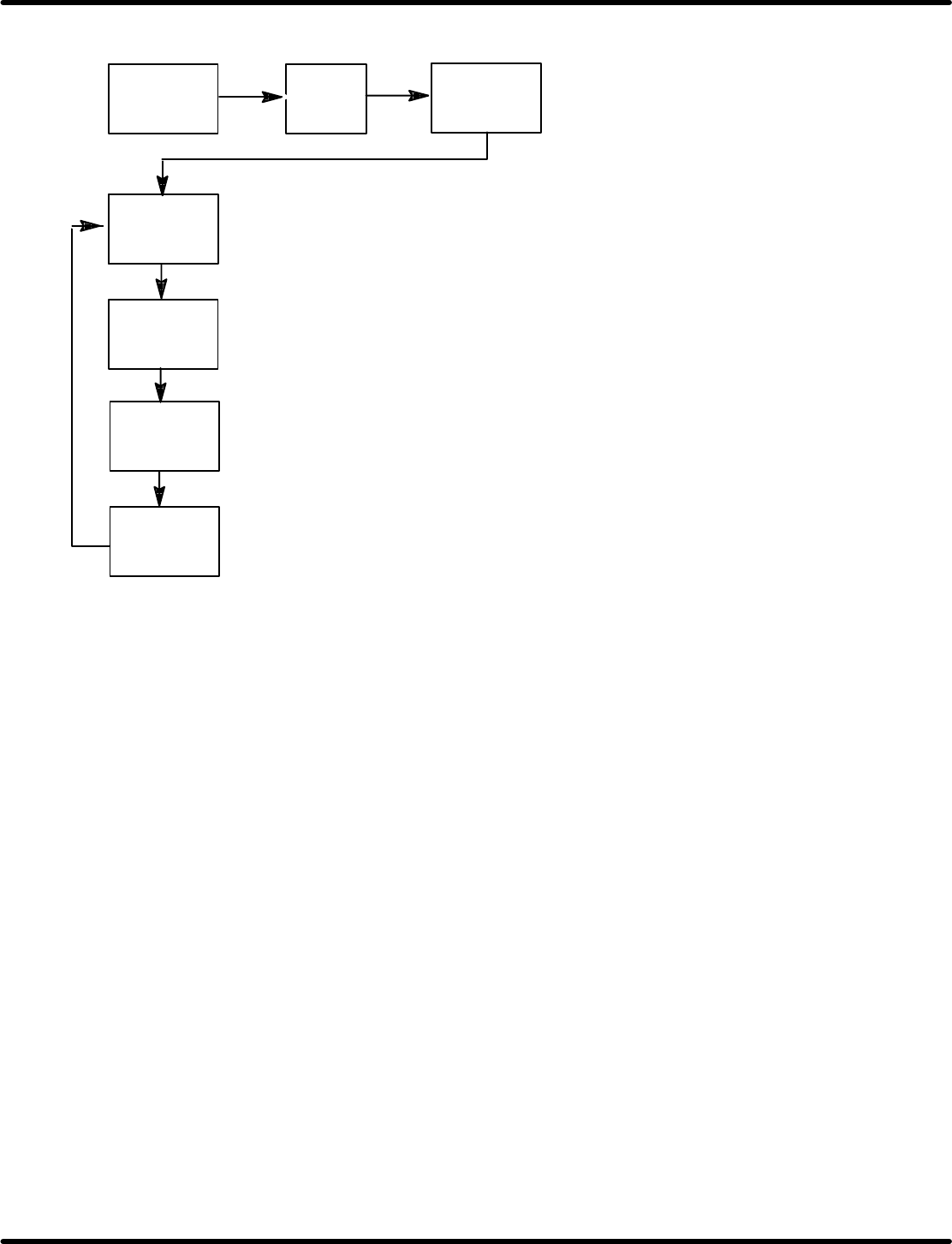
Ex. 1: To readout ON timing of 358q and OFF timing of 10q at CH 9.
CH
(F1)
9
SET
(F2)
SET
(F2)
SET
(F2)
SET
(F2)
SET
(F2)
(“000” appears if the basic origin is placed between the ON
timings as an example above.)
(Displays OFF timing of 10q.)
(Displays ON timing of 358q.)
(Displays the current stop angle.)
(Displays the current stop
angle.)
RH5
5.37 Using the Digital Sequence Timer
SERVICE MANUAL
5.37−4
DA3SEC−83−9V0−A0
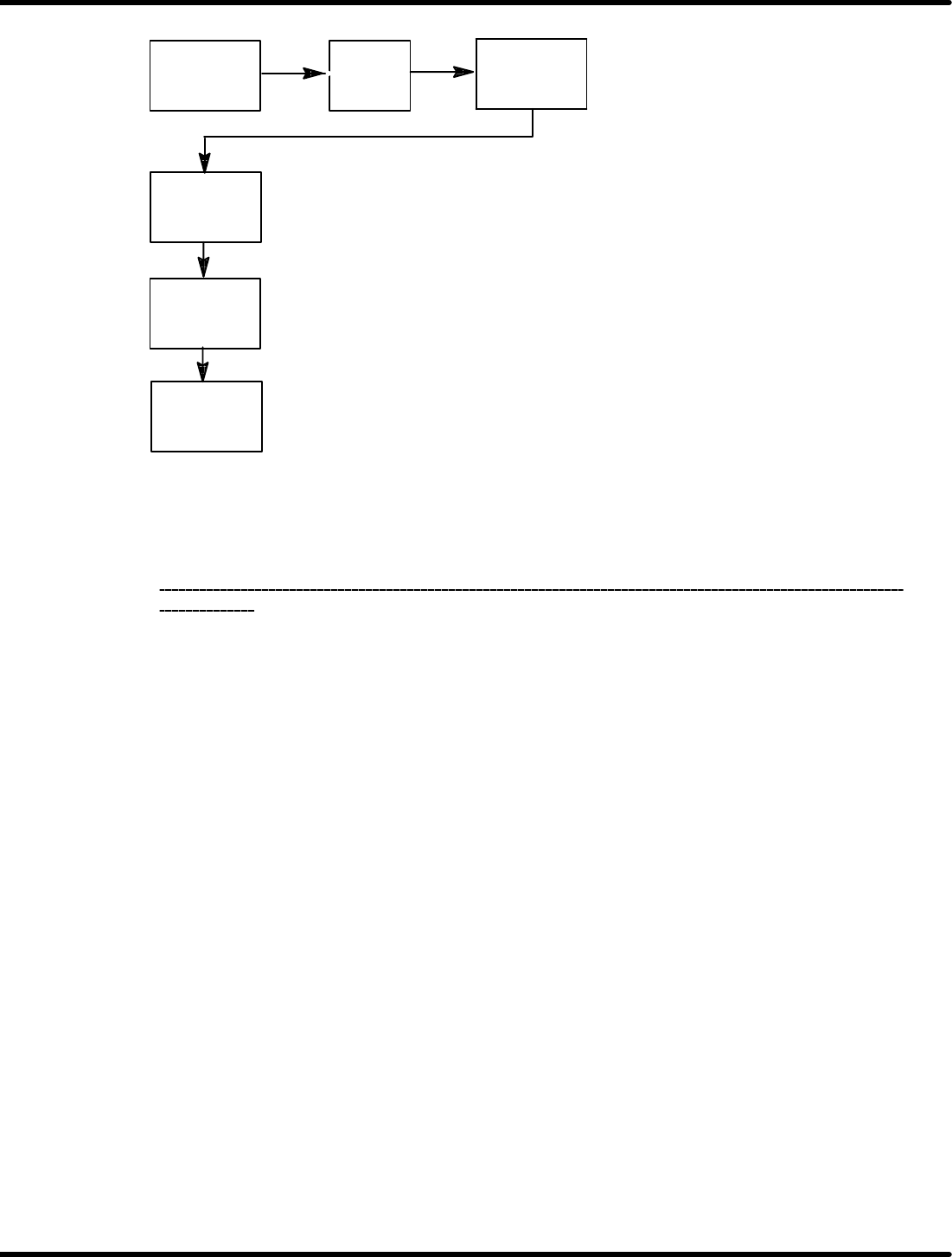
Ex. 2: To readout ON timing of 130q and OFF timing of 345q at CH 1.
CH
(F1)
1
SET
(F2)
SET
(F2)
SET
(F2)
SET
(F2)
(Displays ON timing: 130q)
(Displays OFF timing: 345q)
(Displays the current stop angle.)
(Displays the current stop
angle.)
=REFERENCE=
Pressing “SET” key after displaying the last ON (OFF) timing completes readout.
To exit data readout during the process, press “CLR”.
After reading out the data, be sure to finish the operation on the screen that the current stop
angle
is
displayed.
Front top cover
Lamp replacement lid
Main control panel
M3 flat head machine screw
Lamp replacement lid
5.38 Backlight Replacement on Main Control Panel
SERVICE MANUAL
RH5
5.38−1
DA3SEC−83−9W0−A0
5.38 Backlight Replacement on Main Control Panel
DA3SEC−83−9W0−A0
Sentence No.
x If the LCD backlight lamp has burnt out, use
the following procedure to replace the lamp.
x Lamps are fragile. So be careful when handling
them.
x Do not replace the lamp when it is hot. Contact
with heated parts can result in burns.
Replacing backlight
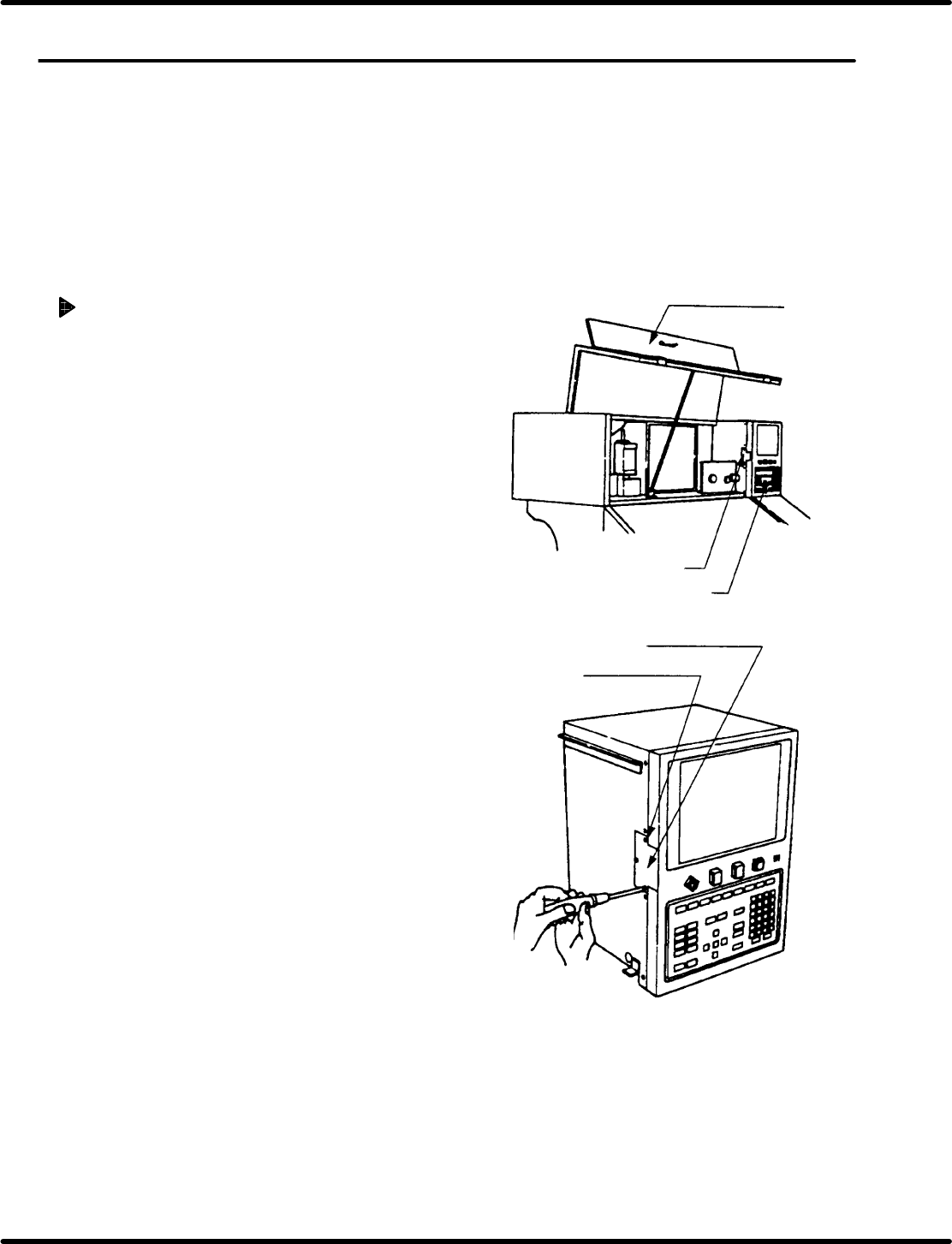
1. Open the front top cover of the equipment.
2. Remove the screws securing the lamp
replacement lid.
M3 flat head machine screw (x 3)